Gravestone 1.21.11
Many a Minecraft adventurer has experienced the gut-wrenching despair of a hard-earned inventory scattered across the landscape after an untimely demise. Whether it was an unexpected fall, a creeper ambush, or an ill-advised dive into a lava pool, the loss of precious items can be one of the most frustrating aspects of survival. This common predicament is precisely what the Gravestone mod for Minecraft 1.21.11 seeks to alleviate, offering a sophisticated and customizable alternative to the often-debated “keep inventory” game rule.
Introducing the Gravestone Mod for 1.21.11
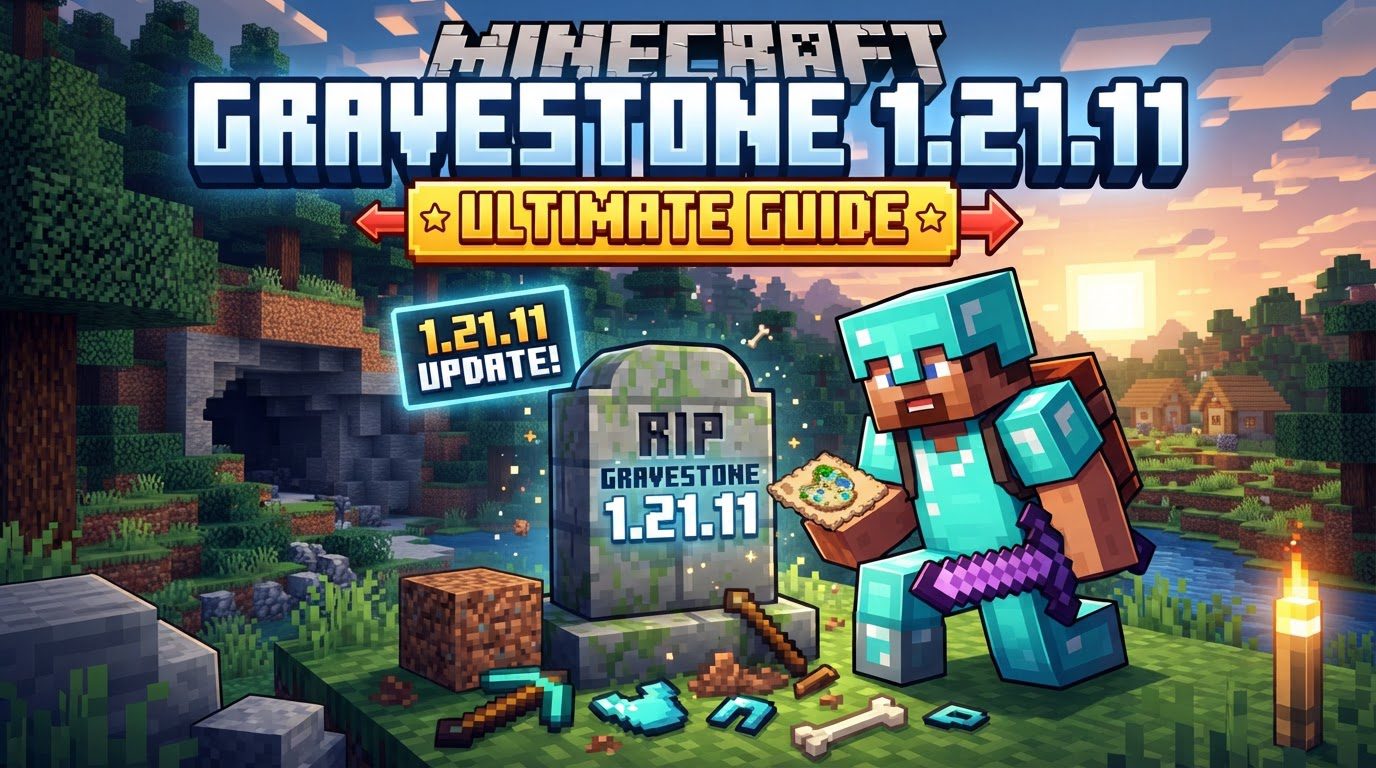
It’s crucial to understand from the outset that the “Gravestone” feature discussed here is not a native component of vanilla Minecraft 1.21.11. Instead, it’s a highly popular and well-regarded mod designed to enhance the death mechanic within the game. For players seeking a middle ground between the harsh penalty of losing all items and the complete removal of death’s consequences, the Gravestone mod provides an elegant solution. Upon a player’s death, this mod ensures that all their items are safely stored within a newly spawned gravestone at the exact location of their demise. This approach preserves a sense of challenge and the need to return to the death site, while simultaneously preventing the permanent loss of valuable gear to despawning or environmental hazards.
Safeguarding Your Inventory: How Gravestones Work
The core functionality of the Gravestone mod revolves around a set of intelligently designed mechanics that make item recovery both intuitive and secure. When a player perishes, a gravestone immediately materializes at their death coordinates. This isn’t just a decorative block; it’s a secure vault for your entire inventory.
- Comprehensive Item Storage: Every single item you had in your inventory, including armor, tools, and hotbar contents, is meticulously stored within the gravestone. What’s more, upon retrieval, the mod endeavors to return items to their original slots, minimizing the time spent reorganizing your inventory.
- Enhanced Visibility: Locating your gravestone, especially in complex terrain or underground, is made significantly easier by its unique glow. When you are within proximity, the gravestone emits a distinct white glow, cutting through darkness and making it stand out from its surroundings.
- Personalized Appearance: Each gravestone is a personalized monument. It proudly displays the player’s username and often renders their in-game head on its surface, making it clear whose lost treasures lie within.
- Invulnerability to Lava: One of the mod’s most critical features is its immunity to lava. Both the gravestone itself and all the items stored inside are completely protected from burning, solving one of Minecraft’s most common and frustrating causes of item loss.
- The Soulbound Enchantment: For those truly indispensable items, the mod can introduce a “soulbound” enchantment. Items enchanted with Soulbound will remain in the player’s inventory even after death, effectively granting them a “keep inventory” status for specific gear without enabling the game rule for everything.
- Detailed Obituary System: Every death is chronicled with an optional “obituary.” This detailed report provides essential information: the player’s name, the dimension of death, the precise date and time, the exact coordinates, an image depicting the player with their equipment at the moment of death, and a comprehensive list of all items carried. This feature, while informative, can be disabled through the mod’s configuration for players who prefer less detail.
- Extensive Customization Options: The Gravestone mod truly shines in its configurability. Players and server administrators can fine-tune numerous aspects, including the text color displayed on the grave, whether the skull rendering is enabled, if obituaries are generated, which blocks a gravestone can replace upon spawning, and even granular permissions for who can break or interact with a gravestone.
The Path Back: Recovering Your Lost Treasures
Retrieving your items from a gravestone is a straightforward process, designed to be as user-friendly as possible, even in stressful situations:
- The Inevitable Demise: Upon your untimely death, a gravestone will instantly appear at the exact location where you perished.
- Locate Your Memorial: Journey back to your death site. As you approach, the gravestone will begin to glow white, making it easy to spot amidst the terrain, even in challenging environments like dark caves or dense forests.
- Reclaim Your Gear: Once found, you have two primary methods to retrieve your items. You can simply break the gravestone as you would any other block, or, for a quicker and often safer interaction, crouch (sneak) and right-click on it.
- Inventory Restored: After successful interaction, all the items previously stored in the gravestone will be returned directly to your inventory. A particularly helpful feature is the mod’s attempt to place items back into their original slots, saving you the hassle of manual reorganization.
Mastering Grave Management: Tips and Commands
While the basic mechanics are simple, a few advanced strategies and mod-specific commands can significantly enhance your experience with the Gravestone mod.
- Conquering Lava Deaths: If you meet your end in a lava pool, the gravestone will protect your items. However, returning to retrieve them can still be perilous. Always prioritize safety: consume a fire resistance potion before re-entering lava to safely reach and break your gravestone without risking further deaths or losing items you might pick up on the way.
- Powerful Management Commands: The Gravestone mod includes a suite of commands, typically prefixed with
/yigd(referring to “You’ve Got Items, Dummy,” a common mod name variant).- Use
/yigd graveto view a list of all your existing gravestones, including their dimensions and precise coordinates. This command is invaluable if you’ve forgotten where you died or have multiple graves. - Other advanced commands, often configurable by server administrators, allow for actions like robbing other players’ graves (if permissions allow) or restoring a grave’s contents if something went wrong. Always check specific command syntax within your mod installation.
- Use
- The Player Blacklist: Server administrators or players in specific configurations can utilize the
/yigd whitlesscommand (note: the research notes state `whitless`, but it’s likely a typo for `blacklist` or similar in practice) to add players to a blacklist. If a blacklisted player dies, a gravestone will *not* spawn for them, and their items will drop normally, adhering to vanilla death mechanics. This can be useful for specific game modes or player roles.
Navigating the Afterlife: Common Issues and Solutions
Even with its robust design, understanding potential pitfalls can save you frustration when using the Gravestone mod.
- Lava Retrieval Without Precaution: While the gravestone protects its contents from lava, your *current* inventory is still vulnerable. If you jump into lava to retrieve your gravestone without fire resistance, any items you pick up from the gravestone (or already had) could still burn if they end up in your inventory and you’re still submerged in lava. Always secure yourself with a fire resistance potion first.
- Mod Compatibility Challenges: Like many Minecraft mods, Gravestone can occasionally encounter compatibility issues with other installed modifications. This is particularly true for mods that significantly alter player inventory, death mechanics, or item rendering (e.g., certain accessory mods). Such conflicts might lead to items not being stored correctly, unexpected behavior when interacting with graves, or even crashes. If you experience unusual behavior, test the Gravestone mod in isolation or consult its documentation for known compatibility issues.
- Overlooking Configuration Settings: The extensive customization options are a double-edged sword. Failing to adjust the mod’s configuration to your server or single-player preferences can lead to undesired interactions. For instance, if grave-breaking permissions are too lax, other players might easily steal your items. If obituaries are enabled but you find them intrusive, you’ll want to disable them. Always take the time to review the mod’s configuration file to tailor it to your ideal gameplay experience.
A Balanced Approach to Death in Minecraft
The Gravestone mod for Minecraft 1.21.11 offers a masterful blend of convenience and challenge. It acknowledges the inherent difficulty of Minecraft survival while mitigating the most punitive aspects of death. By ensuring your hard-earned items are never truly lost, it empowers players to take on greater risks, explore further, and engage with the world more confidently. Whether you’re a casual player tired of losing progress or a server administrator looking to refine the death experience, integrating the Gravestone mod provides a sensible and highly customizable solution that respects both player effort and gameplay balance.
Tags:
YOU MAY ALSO LIKE...