

Solving Villager Trade Lock Issues on Multiplayer Servers
The frustrating sight of a greyed-out villager trade, seemingly locked forever, is a common headache for many Minecraft players, especially on bustling multiplayer servers. This isn’t usually a bug, but rather a misunderstanding of how villager mechanics, particularly trade locking and restocking, truly function. Mastering these intricate systems is key to building efficient and reliable trading halls, turning your villager interactions from a source of frustration into a steady stream of valuable resources.
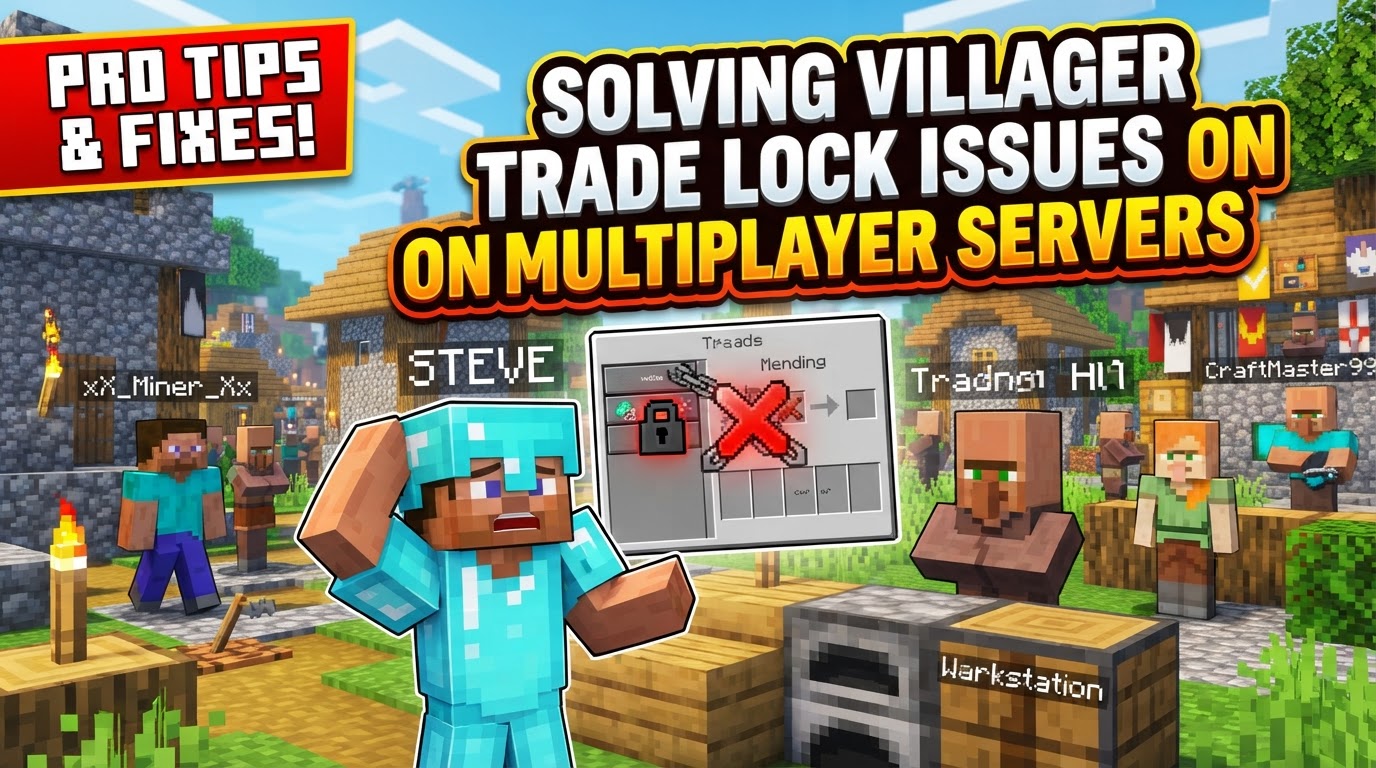
On a multiplayer server, these issues can be compounded by server lag, competing player interactions, or simply a lack of coordinated understanding among a community. This guide will demystify the process, offering a comprehensive look at how to secure your desired trades and ensure your villagers remain productive members of your blocky economy.
Understanding Villager Trade Mechanics
Before diving into solutions, it’s crucial to grasp the core mechanics governing villager trades. These principles dictate how villagers acquire professions, offer items, and refresh their stock.
- Trade Locking: The most fundamental concept is that performing a trade even once with a villager permanently locks that specific offer. This means the trade will not change, even if the villager’s job site block is broken or they level up. This is a critical mechanic for securing specific valuable trades.
- Restocking: Villagers aren’t an infinite well of goods. They must have access to their assigned job site block during specific daytime work hours to restock their trades after they run out of stock. A villager can restock a particular trade up to twice per Minecraft day, provided they can interact with their workstation.
- Profession & Job Site: A villager needs a specific job site block to gain a profession and unlock trades. For instance, a Librarian requires a Lectern, a Farmer needs a Composter, and a Weaponsmith needs a Grindstone. Without a job, an unemployed villager cannot offer trades. If their job block is removed, they become unemployed again, potentially allowing for profession changes (unless a trade has already been locked).
- Trade Limits: Each individual trade has a maximum number of uses. Once this limit is reached, the trade becomes temporarily disabled and will display a red “X” over its icon in the trading interface. This signifies that the villager needs to restock before that specific trade can be used again.
The Step-by-Step Solution: Securing Your Desired Trades
Achieving the perfect villager trade requires a methodical approach. Follow these steps to ensure you get the offers you want and keep them readily available:
- Assign a Profession: Begin by placing the correct job site block near an unemployed villager. This will assign them a profession (e.g., placing a Lectern turns an unemployed villager into a Librarian). Ensure no other villagers can claim this block.
- Reroll Trades (if needed): If the initial trades offered by your newly professional villager are not what you desire (e.g., you want Mending from a Librarian but only get enchanted books you don’t need), you can reroll their offers. To do this, repeatedly break and replace the villager’s job site block. Crucially, you must do this *before* performing any trade with them. Each time you replace the block, the villager will get a new set of possible trades for their first tier.
- Lock Desired Trade: Once the preferred trade appears (e.g., Mending for an emerald), execute that trade at least once. This action will permanently lock that specific trade, meaning it will never change again, regardless of how many times you break and replace their job block afterward.
- Ensure Restocking Access: After locking your desired trade, it’s paramount to confirm the villager can pathfind to and from their job site block. This means they need at least two blocks of space for movement around their workstation, and there should be no obstacles (like solid blocks, trapdoors, or even other entities) blocking their path. Villagers need to “work” at their block to restock.
- Wait for Work Hours: Villagers will only restock during specific daylight hours, typically between 2,000 and 9,000 in-game ticks (approximately 2 AM to 9 AM in Minecraft time). If trades are grayed out or marked with a red “X”, simply wait for them to work. Sleeping through the night in a bed can often help speed up the cycle and encourage villagers to restock promptly the next morning.
Proactive Measures & Troubleshooting Tips
Prevention is always better than cure. Implementing these strategies will minimize trade lock issues and maximize your villagers’ efficiency:
- Clear Pathfinding is King: Always ensure a direct and unobstructed path between the villager and its job site block. Avoid trapping them in minecarts or single-block spaces for extended periods, as this prevents the necessary pathfinding interaction required for restocking. While they can sit in a minecart, they must be able to dismount and path to their block.
- Proximity Matters: Keep the villager’s job block very close to them. The closer the block, the less pathfinding they need to do, reducing the chances of blockages or delays in restocking.
- Organized Trading Halls: Invest time in building dedicated trading halls where each villager has their own workstation in a clearly defined, isolated space. This prevents conflicts where multiple villagers might try to claim the same block or where one villager’s pathfinding interferes with another’s.
- Isolate Villagers During Setup: When you’re trying to set up new trades or reroll offers, isolate the villager you’re working with. This ensures they claim the intended job block and prevents other villagers from accidentally claiming it or from you locking unwanted trades by mistake with the wrong villager.
- Consider Server Performance: While not a direct “trade lock” issue, poor server performance on multiplayer servers can sometimes lead to unexpected villager behavior, delayed restocking, or glitches in their AI. If you suspect server lag, communicate with server administrators.
Common Mistakes Undermining Your Villager Trades
Many “trade lock” issues stem from simple, yet often overlooked, errors. Being aware of these pitfalls can save you significant frustration:
- No Job or Wrong Job Block: A villager without a profession (unemployed) cannot offer trades. Similarly, if a villager has a job block that doesn’t match its intended profession (e.g., a Weaponsmith trying to use a Lectern), they won’t offer the correct trades or may not offer any at all.
- Blocked Workstation: This is arguably the most common cause of restocking failures. Obstacles like doors, fences, trapdoors, carpets, or even being permanently stuck in a minecart or boat can prevent a villager from physically reaching and interacting with their job site block. Without this interaction, they cannot restock trades.
- Trading Before Desired Offers: The biggest mistake when rerolling trades is trading with a villager before a desired offer appears. As soon as you complete even one trade, that specific offer is locked, and you lose the chance to reroll for better initial trades. Always reroll *before* the first trade.
- Ignoring Work Hours: Expecting trades to restock outside of a villager’s designated work hours (daytime) will inevitably lead to “locked” (unavailable) trades. Patience is key; wait for the in-game day to progress.
- Relocating Job Blocks After Trading (pre-1.14 specific issue): In older versions of Minecraft (specifically pre-1.14 Village & Pillage update), some players reported villagers losing locked trades after their job site block was moved and the chunk reloaded. However, with current mechanics, once a trade is locked, it remains locked even if the job block is moved or broken, provided the villager re-establishes their profession.
- Hitting Villagers: While not a direct “trade lock” issue, attacking villagers can lead to negative gossip spreading throughout the village. This causes trade prices to increase significantly, making your locked trades less economical. Treat your villagers well!
By understanding these core mechanics, meticulously following the setup process, and avoiding common pitfalls, you can transform your villager trading experience on any Minecraft multiplayer server. Efficient trading halls are within your reach, providing a stable and lucrative source of resources for all your blocky endeavors.
Tags:
YOU MAY ALSO LIKE...


