How to Prevent Endermen Griefing Your Base Permanently
Many Minecraft players resign themselves to the occasional sight of a missing dirt block or an inexplicably altered landscape near their carefully constructed bases. This isn’t random world generation or a mischievous friend; it’s often the work of the towering, purple-eyed Enderman. These enigmatic creatures are notorious for their ability to pick up and move blocks, a behavior aptly termed “griefing,” which can be profoundly frustrating for any builder. Fortunately, understanding their mechanics and employing specific strategies can permanently safeguard your structures from their meddling.
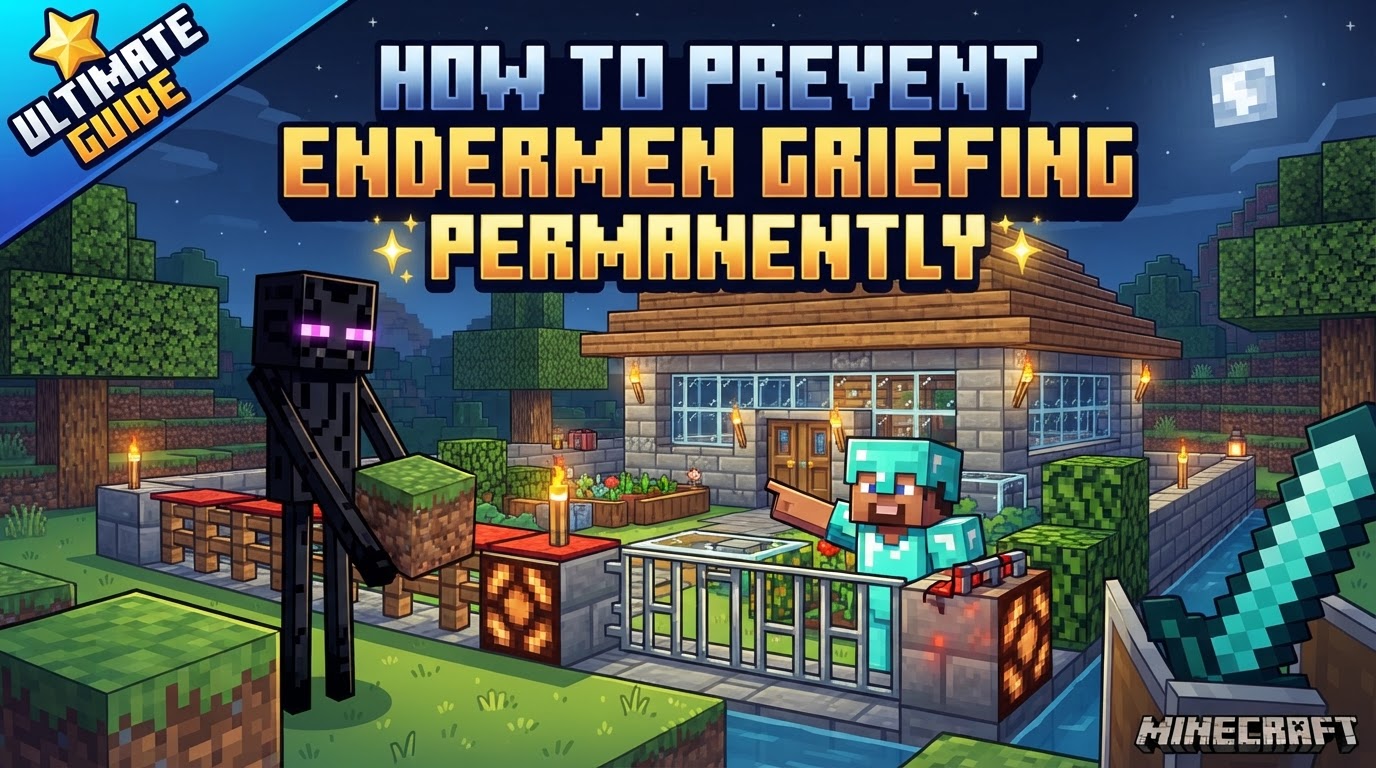
Preventing Enderman griefing doesn’t require constant vigilance or complex traps. Instead, it involves either altering game mechanics or designing your base with their unique behaviors in mind. This guide will walk you through comprehensive methods, from simple game rule changes to advanced architectural considerations, ensuring your creations remain untouched.
Understanding the Enderman Threat
Before diving into prevention, it’s crucial to understand what makes Endermen such a nuisance. Their block-moving capabilities are not limitless, but they target common, natural blocks that can drastically alter your surroundings.
- Block Manipulation: Endermen can pick up and place various blocks, primarily natural ones like dirt, grass, gravel, sand, and even some flowers. This means they can create holes, move decorative elements, or even break pathways.
- Height Advantage: Endermen are a distinctive three blocks tall. This seemingly simple fact is a critical design consideration, as it dictates where they can and cannot go.
- Water Aversion: Endermen are highly susceptible to water. Any contact with water damages them and causes them to immediately teleport away, often quite a distance.
- Teleportation Range: They possess the ability to teleport horizontally up to 32 blocks. This means simply placing a wall might not be enough; they can bypass short distances.
- Provocation: Looking directly at an Enderman’s head, even from a distance, will provoke it, making it hostile and causing it to attack you. While not directly related to griefing, it’s a key interaction to be aware of.
Global Prevention: Disabling Mob Griefing
The most straightforward and immediate way to stop Endermen (and indeed, all other mobs) from interacting with your environment is to disable mob griefing. This method is effective, but it comes with broader implications for your gameplay experience.
- Enable Cheats: To use this command, your world must have cheats enabled. If you’re creating a new world, simply toggle “Allow Cheats” to ON. For an existing world where cheats are off, you can temporarily enable them by opening your world to LAN (Local Area Network) and selecting “Allow Cheats: ON.”
- Access the Command Console: Press the ‘T’ key on your keyboard to open the chat window, which doubles as the command console.
- Execute the Command: In the console, type the following command precisely:
/gamerule mobGriefing false. Pay close attention to capitalization, as commands are case-sensitive. Press Enter.
Upon successful execution, a message will confirm the change. From this moment onward, Endermen will no longer pick up or place blocks. However, it’s vital to understand the trade-offs. This command also prevents other mobs from griefing. For instance, Creepers will no longer destroy blocks when they explode, Ghasts will not break blocks with their fireballs in the Nether, and perhaps most notably, Villagers will cease to harvest crops or pick up items, impacting automated farms. If you prefer to keep these other mob interactions, you’ll need a more targeted solution.
Targeted Prevention: The Command Block Solution
For players who want to stop Enderman griefing without affecting other mob behaviors, a command block offers a precise and elegant solution. This method essentially tricks Endermen into thinking they are always carrying a block, thus preventing them from picking up new ones.
- Obtain a Command Block: Command blocks are not craftable and must be obtained via commands. Open your chat console (‘T’) and type:
/give @a minecraft:command_block. Press Enter. You will receive one command block in your inventory. - Place and Configure the Command Block: Find a location in a loaded chunk (e.g., near your spawn point) where you can place the command block. This ensures it’s always active. Place the block, right-click it, and configure it as follows:
- Set “Block Type” to Repeat.
- Set “Condition” to Unconditional.
- Set “Redstone” to Always Active.
- Enter the Command: In the “Command Input” field, paste the following command:
/execute as @e[type=enderman] at @s run data merge entity @s {carriedBlockState:{Name:"minecraft:structure_void"},Tags:["a"]}. This command constantly checks for all Endermen in the world and modifies their data to make them “carry” an invisible `structure_void` block. Since they are perpetually carrying something, they cannot pick up any other blocks. - (Optional) Silence Chat Spam: Repeated commands from a command block can flood your chat. To disable these messages, open your chat console and type:
/gamerule commandBlockOutput false. This will keep your chat clean while the command block works silently in the background.
This method is highly effective and specific, making it a favorite for vanilla players who want fine-tuned control over game mechanics.
Advanced Control: Using Mods and Plugins
For server administrators or players who utilize mod loaders like Fabric or Forge, dedicated mods and plugins offer even more robust and user-friendly control over Enderman behavior. These solutions often provide configuration files that allow for precise adjustments without needing to delve into complex commands.
- Identify Compatible Mods/Plugins: Search for mods or plugins that specifically address Enderman griefing. Examples include “Prevent Enderman Block Pickup” for Fabric or “Enderman Grief Control” for Paper/Spigot servers. Ensure the mod is compatible with your game version and server software.
- Download and Install: Download the chosen mod/plugin file (.jar). For client-side mods, place it in your client’s `mods` folder. For server plugins, place it in your server’s `plugins` folder.
- Restart Game/Server: After placing the file, restart your Minecraft client or server for the changes to take effect.
Many of these mods include configuration options to allow Endermen to pick up only certain blocks, or none at all, offering a customizable experience that balances gameplay with base protection.
Proactive Defense: Base Design Principles
Beyond commands and mods, smart base design can naturally deter Endermen, making your structures inherently safe. These architectural solutions are reliable and don’t rely on game rule changes or command blocks.
- Low Ceilings: This is a fundamental design principle against Endermen. Since they are three blocks tall, building your base with ceilings that are only two blocks high will physically prevent them from entering or teleporting into enclosed spaces. Consider using top-half slabs for ceilings or even floors to maintain this height restriction while preserving aesthetics.
- Water Barriers: Endermen despise water. A wide moat filled with water around your base can be an impenetrable barrier. The moat should be at least 65 blocks wide to account for their teleportation range, or deeper than one block to ensure full contact. Any Enderman attempting to approach will either teleport away or take damage, effectively keeping them at bay.
- Non-Griefable Blocks: Build the walls and exposed surfaces of your base using materials that Endermen cannot pick up. This includes a vast array of blocks such as bricks, stone bricks, planks, cobblestone, wool, glass, obsidian, bedrock, and various ores. By using these materials, even if an Enderman gets close, they won’t be able to alter your structure.
- Strategic Lighting: Endermen, like most hostile mobs, cannot spawn in well-lit areas. Ensure that all areas inside and immediately surrounding your base are sufficiently illuminated (light level 7 or higher). This prevents them from spawning directly within your perimeter, reducing their presence and potential for griefing.
- Non-Solid Blocks for Surfaces: Endermen generally avoid teleporting onto non-solid blocks. Incorporating materials like glass, glowstone, slabs (especially top-half slabs), stairs, or carpets as floor surfaces can make an area less appealing for their spontaneous arrivals.
Pitfalls to Avoid: Common Mistakes
Even with the best intentions, certain oversights can undermine your efforts to protect your base from Endermen.
- Underestimating Global MobGriefing Trade-offs: While easy, disabling
mobGriefingglobally has significant consequences. If you enjoy automated farms that rely on villagers harvesting crops, or if you want Creepers to remain a destructive force (for collecting specific drops, for example), this global setting might remove desired gameplay elements. Always weigh the pros and cons before implementing this. - Inadequate Lighting: A common oversight is failing to sufficiently light up all corners and crevices, both inside and outside the base. A single dark spot can become an Enderman spawn point, allowing them to appear much closer to your vulnerable structures than anticipated. Ensure uniform lighting across your entire protected area.
- Using Vulnerable Materials in Exposed Areas: Building decorative pathways, gardens, or even sections of walls with blocks like dirt, gravel, or sand in unprotected outdoor areas is an open invitation for Endermen to redecorate. Always assume that any accessible natural block is a target unless protected by other means or built with non-griefable materials.
- Ignoring Enderman Height: Building a grand entrance or a spacious room with high ceilings without considering Enderman height is a classic mistake. A three-block-tall Enderman can easily walk into any space three blocks high or more, or teleport into such areas if not sufficiently lit or protected by water.
By combining these preventative measures, whether through game mechanics or thoughtful design, you can effectively and permanently eliminate the headache of Enderman griefing, allowing you to build and explore with peace of mind in your Minecraft world.
Tags:
YOU MAY ALSO LIKE...