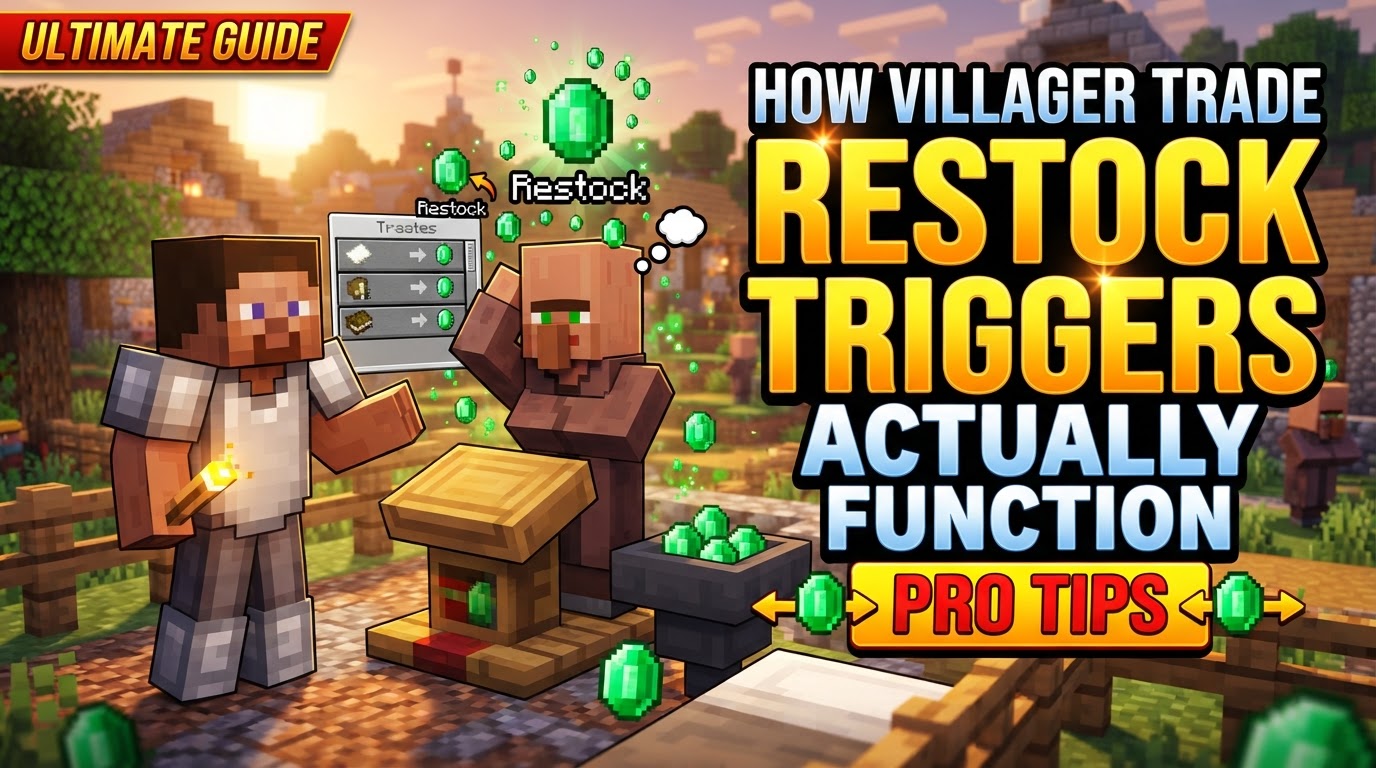
How Villager Trade Restock Triggers Actually Function
The seemingly simple act of a villager restocking its trades in Minecraft is, in fact, governed by a precise set of conditions and timings. Understanding these underlying mechanics is crucial for building efficient trading halls and ensuring your emerald income never dries up. From workstation access to specific restock cooldowns, every detail plays a role in whether your villagers will refresh their goods.
The Intricate Dance of Villager Restock Mechanics
Villagers are complex entities with daily routines that dictate their ability to restock. Several core mechanics intertwine to determine when and how they refresh their available trades:
- Unobstructed Workstation Access: Villagers must have direct, unobstructed access to their linked job site block. They need to physically “work” at it.
- Daily Restock Frequency: A villager can restock trades up to twice per in-game day, during working hours.
- Bedrock Edition’s Unique Bed Requirement: In Bedrock Edition, villagers also require a linked bed to restock, even if they don’t sleep. It needs to be nearby.
- The Trading Condition: A villager will only attempt to restock trades that have been completely emptied. They must also have made at least one trade since their last restock.
- Restock Check Interval: During working hours, a villager checks every 300 ticks (15 seconds) if within 1.73 blocks of its workstation. If so, a restock check is performed.
- The Restock Cooldown: A villager cannot restock if it has already restocked twice that day, or if it has restocked within the last 2400 ticks (2 minutes).
- Audible Cue: When a villager successfully restocks, an audible sound is often made, indicating new stock is available.
Ensuring Consistent Restocks: A Step-by-Step Process
To keep your trading operations running smoothly, follow these practical steps to guarantee your villagers are always ready to trade:
- Verify Workstation Linkage: Confirm each villager is correctly linked to its intended workstation. If moving villagers, they might link incorrectly. Breaking and replacing the workstation can help re-establish the correct link.
- Ensure Workstation Accessibility: Double-check that no blocks, like trapdoors, obstruct the villager’s path or interaction point with their workstation. They must be able to “touch base” with it.
- Bed Requirement (Bedrock Edition Only): For Bedrock players, place a bed within range of each villager. They don’t need to sleep in it; just having it linked is sufficient.
- Allow Villager “Work Time”: Villagers restock during their designated work hours. Ensure daylight cycles are enabled.
- Trade Regularly: Villagers need their trades to be exhausted for a restock to occur. Consistent trading helps trigger these restocks.
Optimizing Your Trading Hall: Expert Tips for Efficiency
Beyond the basics, these tips can help you create a highly efficient and reliable trading system:
- Dedicated Workstations: Provide each villager with its own workstation that only they can access, preventing conflicting links.
- Optimize Layout for Access: Design your trading hall for easy, unobstructed access to workstations, avoiding interference.
- Break Villager AI for Precise Linking (Advanced): For precise control, temporarily block a villager’s pathfinding with blocks like dirt. This forces them to claim the only accessible workstation.
- One Trade Per Day for Price Stability: Trading with a villager once a day can help avoid immediate price increases from multiple rapid restocks.
Troubleshooting Common Restocking Issues
Even with careful planning, issues can arise. Here are the most frequent reasons why your villagers might not be restocking as expected:
- Blocked Workstations: The most frequent issue. A villager unable to reach or interact with its job block will not restock.
- Incorrect Workstation Linkage: Villagers can link to unintended workstations, especially in crowded trading halls.
- No Bed (Bedrock Edition Specific): Forgetting to provide a linked bed in Bedrock Edition will prevent restocking.
- Exhausting All Trades Too Quickly: Some players report issues if trades are depleted too rapidly without sufficient work time for the villager.
- Game Bugs or Mod Interference: Occasionally, unforeseen game bugs or incompatible mods can interfere with villager mechanics.
- Insufficient Available Trades: Villagers will only restock if the player has traded with them since the last restock.
Mastering villager trade restocking transforms your Minecraft experience, turning a chaotic collection of NPCs into a reliable, emerald-generating machine. By understanding their needs-proper workstation access, daily routines, and specific edition requirements-you can ensure a steady flow of resources and trades.
Tags:
YOU MAY ALSO LIKE...