

The Science of Block Collision Detection Precision
Twenty times every second, Minecraft’s world recalculates the precise physical interactions between every player, mob, item, and block. This relentless, internal clock, ticking at 20 times per second, governs the very fabric of movement and interaction in the game, dictating how objects collide, where they can stand, and whether they can pass through an opening. Understanding this fundamental rhythm and the underlying mechanics of collision detection is key to truly mastering the game’s physics.
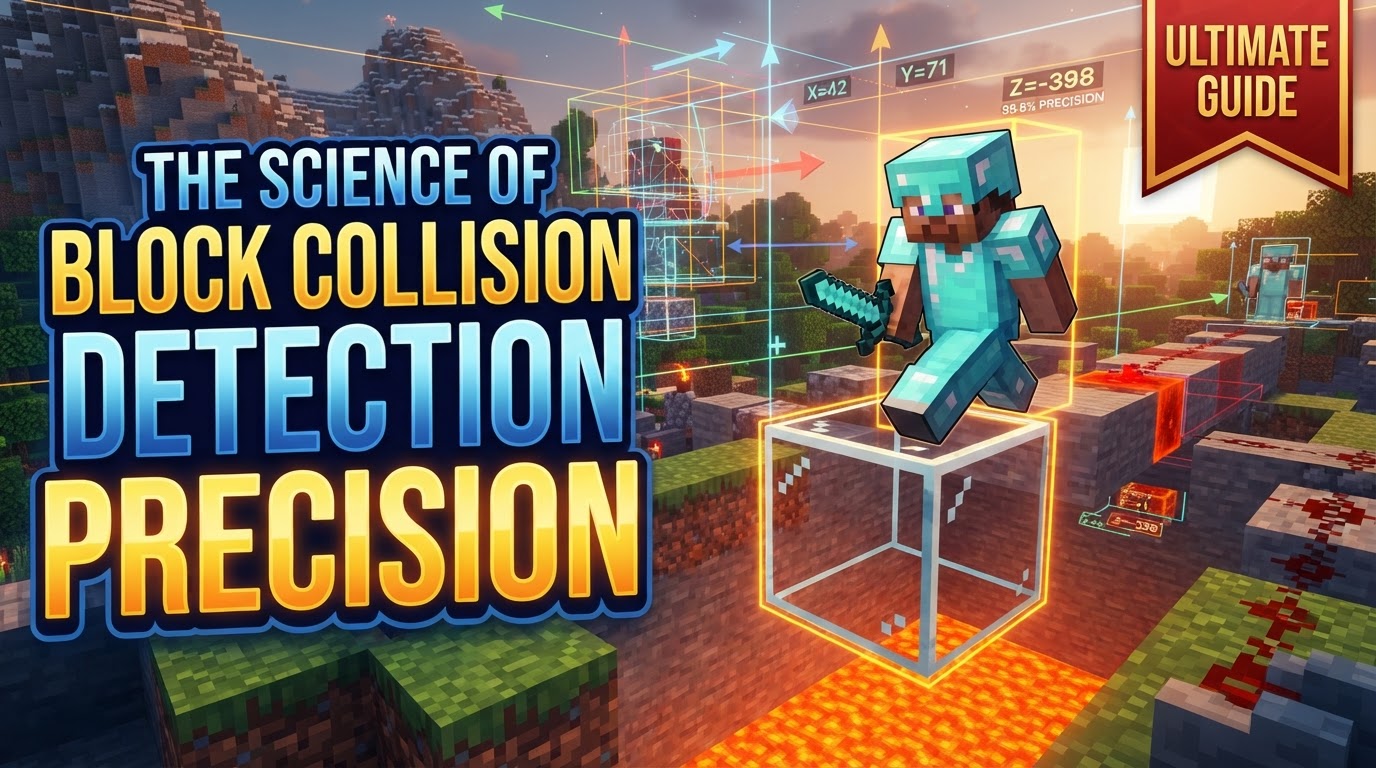
The Invisible Framework: Bounding Boxes
At the heart of Minecraft’s physical world lies a sophisticated yet often unseen system of collision boxes, also known as bounding boxes. These are invisible, typically cuboid shapes that define the physical space an object occupies and interacts within. They are the game’s way of understanding “where things are” and “what they can touch.”
- Collision Boxes (Bounding Boxes): Every entity – be it a player, a wandering mob, or a dropped item – along with many blocks, possesses one or more of these invisible boxes. Their primary function is to prevent objects from occupying the same space, thus facilitating physical interactions like pushing, standing, and blocking movement.
- Grid-Based System: Minecraft’s environment is inherently grid-based. This means that blocks, by default, act as solid, impassable barriers, snapping to a strict 1x1x1 block grid. This foundational principle simplifies many collision calculations, though exceptions exist for more complex block shapes.
- Entity vs. Block Collisions: The majority of collision checks in Minecraft occur between an entity and a block. While entities can push each other, and blocks can interact with other blocks (e.g., pistons pushing), the primary physical interaction that governs movement is an entity’s bounding box hitting a block’s bounding box.
Deconstructing the Player’s Physical Form
The player character, arguably the most important entity, has a distinct collision profile:
- Player Collision Box: The player entity uses a single bounding box with dimensions typically 0.6 blocks wide, 1.8 blocks high, and 0.6 blocks deep. Crucially, the player’s reported position (visible via the F3 debug screen) is located at the bottom center of this collision box. This means that when your F3 coordinates show you are at Y=64.0, the very bottom of your collision box is at that level.
- Block Collision Boxes: While many simple, full blocks (like dirt or stone) possess a straightforward 1x1x1 collision box, a vast array of blocks feature more intricate or non-standard collision shapes. Examples include stairs, slabs, fences, and even chests. These specific hitboxes are hardcoded into the game. However, for custom blocks, creators have the flexibility to define collision box properties, including their origin, size, and even use arrays of collision boxes to represent multi-part shapes.
- Collision Box vs. Hitbox: It’s vital to differentiate between a “collision box” and a “hitbox.” A collision box dictates physical interaction – what you can walk into or stand on. A hitbox, conversely, defines the area a player can interact with, such as clicking to attack an entity or activating a button. These two boxes may or may not perfectly overlap. For instance, a mob’s collision box might be smaller than its visual model, while its hitbox for attacks might encompass a larger or slightly different area.
- Capsule Shape for Movement: Although the player’s primary collision box is cuboid, for movement calculations, the game effectively treats the player as if they have a capsule-shaped collision. This subtle distinction helps in navigating corners more smoothly. However, it also explains why attached items, such as a lantern held in hand, might visually clip through walls if they extend beyond this theoretical capsule’s boundaries.
The Rhythmic Heartbeat: 20 Ticks Per Second
The precision of collision detection is intrinsically tied to Minecraft’s physics engine, which operates on a fixed tick rate:
- Physics Tick Rate: All game physics, including movement, gravity, and collision checks, update exactly 20 times per second. This consistent rate ensures predictable game behavior across different systems, though it can also introduce certain quirks.
- Sequential Axis Processing: After an entity’s velocity is calculated for a given tick, the game doesn’t process all collisions simultaneously. Instead, it follows a strict, sequential order along each spatial axis:
- Y-axis (Vertical) Movement: The entity is first moved along the Y-axis. If a downward collision is detected, the entity is deemed “on ground,” and its vertical speed (velocity.y) is reset to zero. This priority ensures that gravity and vertical stability are handled first.
- X-axis (Horizontal) Movement: Next, the entity attempts to move along the X-axis.
- Z-axis (Horizontal) Movement: Finally, any remaining movement along the Z-axis is processed.
This sequential processing is fundamental to many advanced movement techniques.
- Stepping Mechanic: A player or mob that is “on ground” and encounters a wall that is less than 0.6 blocks tall (e.g., a single slab, or a block that is slightly lower than the player’s feet due to specific block properties) can automatically “step” over it without requiring a jump. This mechanic is a direct consequence of the collision box dimensions and movement logic.
Mastering Movement: Leveraging Axis Priority
Understanding these underlying mechanisms isn’t just academic; it offers practical advantages for players and map creators alike:
- Visualize Hitboxes: For direct insight, pressing F3 + B in-game toggles the visibility of entity hitboxes, showing their precise location and occupied space. Resource packs can also be employed to visualize block hitboxes, providing a clearer picture of their exact physical boundaries.
- Understand Axis Order for Movement: The sequential processing of axes (Y before X and Z) is critical for advanced movement techniques in parkour. Concepts like “Blips” (momentary collisions that change trajectory) and “Jump-Cancels” (resetting vertical momentum) often leverage this axis priority. It also explains the precise timings required for “headhitter” jumps, where a player barely clears a block above them.
- Raycasting for Precision: For highly precise collision detection in custom commands, datapacks, or for projectile mechanics, advanced raycasting systems can be implemented. These systems define hitboxes for most blocks and calculate exact surface touches, offering a level of precision beyond the standard entity movement checks.
Unseen Hurdles: Common Collision Anomalies
Despite its robustness, Minecraft’s collision system isn’t without its quirks and challenges:
- Perceived Early Collision: Players often feel they’ve hit a wall or obstacle before visually making contact, especially during rapid X/Z movements. This sensation stems from the game’s collision detection logic, which might register a collision slightly before the visual models perfectly align, due to the discrete nature of tick updates.
- Tunneling: A more significant issue, “tunneling” occurs when fast-moving objects (like high-velocity projectiles or rapidly teleporting entities) can sometimes pass clean through blocks without triggering a collision detection. This happens if the object’s movement between two physics ticks is so large that its collision box completely skips over the block’s collision box, moving from one side to the other without ever overlapping.
- Performance Overhead: Implementing custom, highly precise entity collision detection (e.g., looping through all entities in an area to check for interactions) can introduce significant performance drops, especially on servers. This is because such operations are computationally intensive.
- Redundant Checks: The game’s engine can sometimes perform redundant collision checks, particularly when multiple entities are stacked or moving rapidly within a confined space. These unnecessary calculations contribute to performance issues and can lead to server lag, impacting the overall smoothness of gameplay.
In essence, Minecraft’s block collision detection is a marvel of engineering that balances computational efficiency with gameplay fidelity. While it generally provides a seamless experience, understanding its underlying principles, from bounding boxes to the sequential processing of movement, unveils a deeper layer of the game’s mechanics, offering insights into both its strengths and its occasional eccentricities.
Tags:
YOU MAY ALSO LIKE...


