

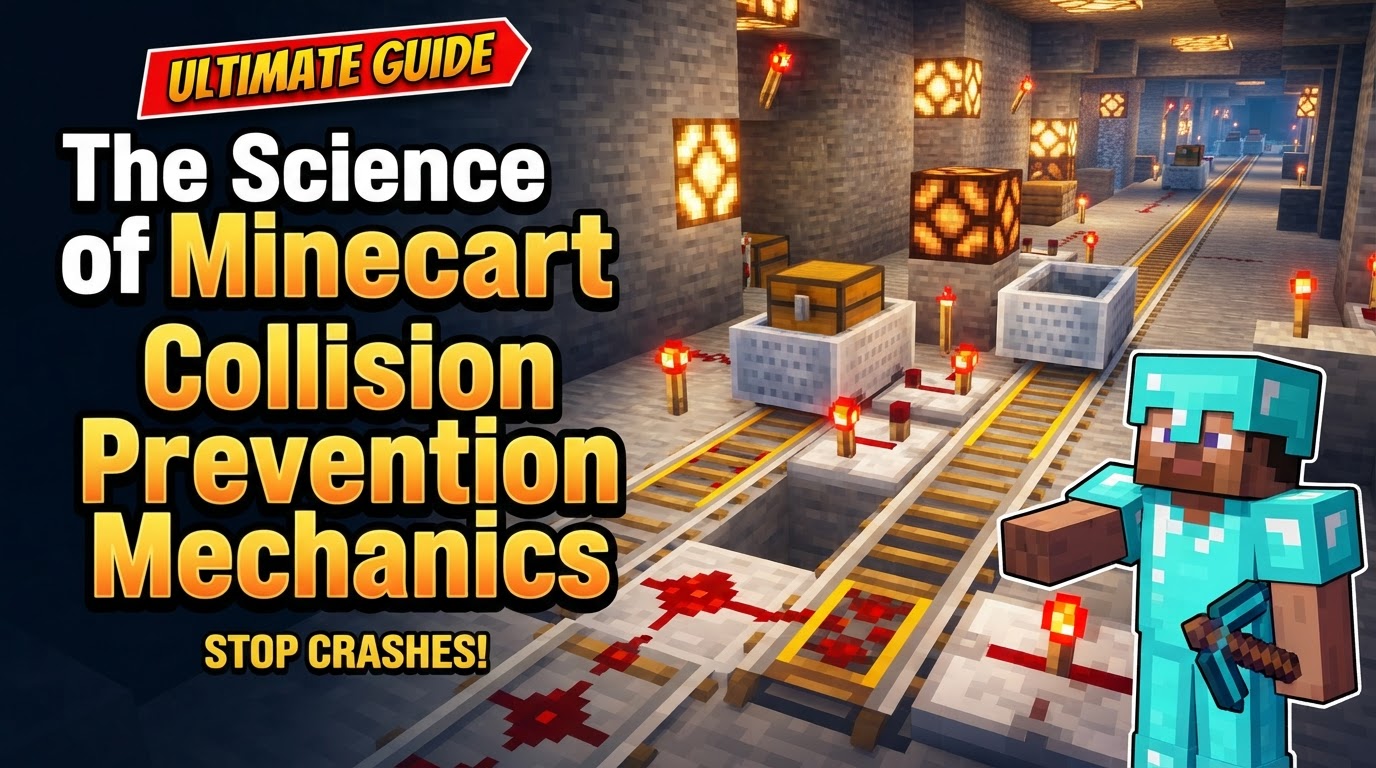
The Science of Minecart Collision Prevention Mechanics
A single misplaced or unpowered rail can bring an entire, complex minecart transport system to a grinding halt, or worse, cause a disastrous pile-up. In the intricate world of Minecraft engineering, understanding the nuanced mechanics of minecart collision prevention is not just about efficiency; it’s about building robust, reliable transportation networks that stand the test of time and player interaction.
Understanding the Fundamentals: Rail Types and Physics
Effective collision prevention begins with a deep understanding of the components and physical laws governing minecart behavior. Minecraft’s rail system is built upon four primary types, each playing a critical role in managing traffic flow and preventing mishaps.
- Regular Rails: These are the most basic and cheapest rails, forming the backbone of any track. They can curve, allowing for directional changes, but offer no inherent speed control.
- Powered Rails: The workhorses of minecart acceleration and deceleration. When active (powered by a Redstone signal), they boost minecarts up to their maximum speed. Crucially, when inactive, they act as brakes, slowing or completely stopping an approaching cart. This dual function is fundamental to collision management.
- Detector Rails: These are the “eyes” and “ears” of an automated minecart system. They emit a Redstone signal whenever a minecart passes over them, making them indispensable for triggering mechanisms, signaling track occupancy, and controlling powered rails.
- Activator Rails: While not directly used for speed or stopping, activator rails serve a unique purpose in collision scenarios by interacting directly with the cart above them. When powered, they can set off TNT minecarts, deactivate hopper carts (preventing item transfer), or eject players and mobs, providing specific utility in certain automated setups.
Momentum, Speed, and Friction
Minecarts adhere to a specific set of physics principles. They have a default speed limit of 8 meters per second (m/s) on flat ground when sufficiently boosted by powered rails. This limit can be temporarily exceeded when traveling down slopes or under continuous powered rail acceleration. Powered rails are the primary means of adding momentum, pushing carts to their maximum velocity. Conversely, several factors contribute to a minecart’s deceleration or complete stop due to friction:
- Inactive Powered Rails: As mentioned, these act as brakes.
- Blocks: Colliding with any solid block will bring a minecart to a halt.
- Other Minecarts: Head-on or rear-end collisions with other carts will stop both.
- Water: Submerging in water significantly slows down or stops minecarts.
- General Friction: Even on regular rails, minecarts gradually lose momentum over distance without additional boosts. Empty minecarts exhibit a faster deceleration rate compared to occupied ones, a subtle but important detail for timing automated systems.
Collision Behavior
The most direct form of collision prevention is understanding how carts react to impact. Minecarts will universally stop upon colliding with other minecarts, mobs, or blocks. An interesting interaction occurs when a cart collides with an object while on a powered rail: the impact can reverse the cart’s direction, which can be either a useful feature for automated turnarounds or an unexpected problem if not accounted for. In some versions, particularly Minecraft Bedrock Edition, minecart collision boxes can exhibit unusual behavior, sometimes clipping into blocks or continuously pushing other carts, leading to unpredictable outcomes that require careful design to mitigate. The game’s entity processing order, which dictates the sequence in which entities are updated each tick, can also contribute to unexpected collisions, especially in high-speed, densely packed systems.
Redstone Integration: The Brains of the Operation
Detector rails are the cornerstone of any automated minecart system designed for collision prevention. Their ability to emit a Redstone signal when activated allows for the creation of sophisticated logic gates. This signal can then be used to power or depower subsequent powered rails, open or close gates, or activate other Redstone components, effectively creating intelligent traffic control for your railway network.
Implementing Collision Prevention: Step-by-Step
Building a reliable, collision-free minecart system involves strategic placement of components and thoughtful Redstone logic.
- Detection: The first step in any collision prevention strategy is knowing where your carts are. Place a detector rail immediately before any section of track where you anticipate a need for speed control, stopping, or signaling. This acts as an early warning system.
- Activation/Deactivation: Connect the detector rail’s Redstone output to a powered rail, or a series of them.
- To Boost: If the section ahead is clear, the detector rail can activate a powered rail to accelerate a waiting cart into the next segment.
- To Stop: If the section ahead is occupied or requires a halt, the detector rail can be wired to deactivate a powered rail, bringing an approaching cart to a controlled stop.
- One-Way Systems: For tracks with potential bidirectional traffic, establish clear one-way segments. A detector rail placed before a powered rail can ensure carts traveling in the correct direction activate the powered rail and receive a boost. Carts approaching from the wrong direction will find the powered rail inactive, causing them to stop, thus preventing head-on collisions.
- Station Stops: Create designated stopping points using a solid block as a backstop. For automated stations, a powered rail can be placed directly before this block. A button connected to this powered rail allows players to restart the cart on demand, ensuring carts only depart when a player is ready, or when triggered by a Redstone signal indicating a clear track.
Advanced Techniques and Best Practices
Moving beyond the basics, these tips refine your minecart systems for optimal performance and safety.
- Powered Rail Spacing: Efficiency is key. On flat ground, space powered rails approximately every third block for optimal acceleration and maintenance of maximum speed. On inclines, where gravity works against the cart, more frequent powered rails are necessary; often every other block is required to prevent carts from stopping or rolling backward.
- Continuous Power: For sections of track where powered rails should always be active, simply place a Redstone torch directly adjacent to them. This provides a constant power source without complex Redstone wiring.
- Safe Exiting: Instruct users to press Left Shift to exit a minecart. This prevents accidental breaking of rails or the player getting stuck in blocks, maintaining track integrity.
- Tunnel Dimensions: When transporting mobs or horses, ensure your tunnels are at least 3 blocks wide and 2 blocks high. This prevents the entities from suffocating in the walls or ceiling, which can lead to unexpected blockages or loss of transported goods.
- Curves and Speed: Minecarts can derail if they enter a curve at high speed. Implement mechanisms to reduce speed before curves. This can involve placing an inactive powered rail, or using a detector rail connected to a powered rail that only activates when a cart needs a boost *after* the curve. Alternatively, design curves that span over more blocks to make them less abrupt.
- Fail-Safe Release: Design systems where an arriving cart activates a powered rail to boost a resting cart away from the station or holding area. This ensures that a new cart doesn’t immediately collide with a stationary one, creating a smooth, sequential departure system.
- Multi-Cart Systems: For complex networks with multiple carts on a single track, implement “zones.” Use detector rails to identify when a section of track is clear or occupied. Incoming carts are then held at a preceding station or siding (using inactive powered rails) until the next zone is clear, preventing collisions and bottlenecks.
Troubleshooting Common Issues
Even with careful planning, problems can arise. Here are common pitfalls and their solutions:
- Insufficient Powered Rails: The most frequent cause of minecarts stopping. If carts frequently halt, especially on slopes, add more powered rails.
- Improper Spacing: Carts might not reach full speed, or slow down too much between boosts. Review your powered rail placement against the guidelines for flat and inclined tracks.
- Unattended Carts: Leaving carts on active tracks can block the path for automated systems or lead to unexpected collisions. Implement storage sidings or automated return-to-depot systems.
- Derailing on Curves: If carts consistently jump off the track at bends, reduce their speed before the curve, or make the curve less sharp by extending it over more blocks.
- Redstone Logic Failure: If mechanisms aren’t triggering, check detector rails for proper power connection, ensure Redstone signals aren’t losing strength over distance (use repeaters), and verify all wiring is correct.
- Minecarts Stopping Prematurely: This can happen if powered rails are deactivated too quickly after a detector rail, or if the cart doesn’t have enough momentum to clear an incline. Adjust Redstone timing or add more powered rails.
- Collision Box Issues (Bedrock): In Minecraft Bedrock Edition, where collision boxes can be buggy, consider wider spacing between carts in holding areas or design systems where carts never come into direct contact in a queue.
Mastering minecart collision prevention transforms a chaotic collection of tracks into a seamless, efficient transportation network. By understanding the properties of each rail type, the physics of momentum, and the power of Redstone, you can build systems that not only move items and players but do so with reliability and grace, avoiding the frustration of constant traffic jams and broken carts.
Tags:
YOU MAY ALSO LIKE...


