The Real Reason Your Automatic Farm Throughput Bottlenecks
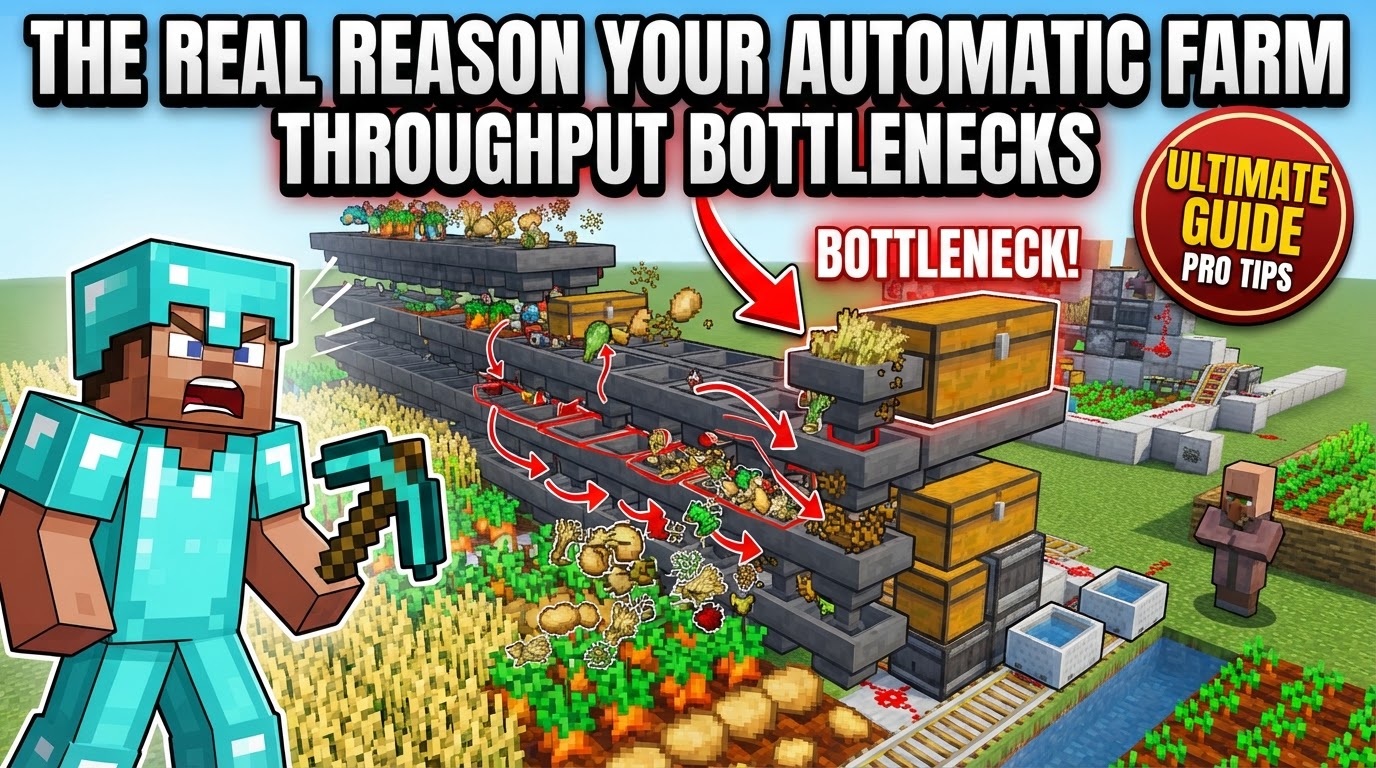
Your automatic Minecraft farm isn’t underperforming because it’s poorly built, but often because of unseen limitations rooted deep within the game’s mechanics. Many players dedicate hours to intricate designs, only to discover their magnificent contraptions yield far less than expected, or worse, introduce significant lag. The real reason for these bottlenecks lies in a series of interconnected systems that govern everything from mob spawning to item transfer, and understanding them is the first step towards true optimization.
Understanding the Core Bottlenecks
Minecraft’s engine constantly juggles numerous processes, and each component of your farm contributes to this computational load. When these loads exceed certain thresholds, or when systems interact inefficiently, throughput suffers.
- Mob Cap and Spawn Limits: One of the most significant factors affecting mob farms is the mob cap. Minecraft limits the total number of mobs in a loaded area. If this cap is reached by other mobs existing nearby, even outside your farm, your farm’s spawn rates will dramatically decrease. While the limit increases with more loaded chunks and players, a single player can still hit a local density cap. Farms located in spawn chunks are always loaded, but all entities within them run permanently, which can contribute to server load.
- Item Entity Overload: Every dropped item, whether it’s loot from a mob or an item dropped by a player, is an entity. Similarly, XP orbs are also entities. A large number of these on the ground simultaneously can cause severe lag, often referred to as TPS (ticks per second) drain, as the server constantly processes their physics, movement, and existence.
- Hopper Mechanics: Hoppers are incredibly useful but are also computationally expensive. Each individual hopper performs an inventory check every single game tick (20 times per second) for items above it. It then attempts to transfer items if available. This constant checking, especially in large arrays, consumes significant server resources. Furthermore, their transfer rate is limited to a mere 2.5 items per second, making them a major bottleneck for high-throughput collection.
- Redstone Efficiency: Complex or poorly designed Redstone circuits can be a silent killer of server performance. If circuits involve many components that update rapidly or are unnecessarily elaborate, they can contribute to noticeable lag, especially on busy servers.
- Crop Growth Mechanics: For agricultural farms, crop growth isn’t just about planting seeds. It’s influenced by a complex interplay of factors including the presence of water, adequate light levels, adjacent crops, the activity of bees, and random tick updates. Failing to optimize these conditions will directly limit your yield.
- Simulation Distance: A fundamental limitation is that farms only function when they are within a player’s simulation distance. Lowering this distance can reduce the server load, but it also means your farms will produce less when players are not in close proximity to them.
Identifying and Addressing Bottlenecks
Effective optimization begins with accurate diagnosis. Without understanding where the problem lies, you might be fixing the wrong issues.
- Identify the Bottleneck: The first crucial step is to monitor your farm’s output and, if on a server, its performance. Tools like `/spark tps` and `/spark profiler` can help pinpoint where the server is struggling, indicating a potential bottleneck in your farm. Observe where items pile up, where mobs accumulate, or where Redstone seems to be constantly active.
- Optimize Mob Elimination: For mob farms, ensuring mobs are killed immediately after spawning is paramount. This prevents accumulation, reduces the entity count, and frees up the mob cap for new spawns.
- Streamline Item Collection: Dropped items are temporary and laggy. Implement systems to collect them as quickly as possible, preventing large quantities from building up on the ground.
- Refine Item Transportation: Once collected, items need to be moved. Choose transportation methods that are efficient for the farm’s scale and distance, prioritizing less resource-intensive options where possible.
- Simplify Redstone: Review your Redstone circuits. Look for opportunities to reduce the number of components, simplify logic, or decrease the frequency of updates without compromising functionality.
Advanced Optimization Strategies
With a clear understanding of the bottlenecks, you can implement targeted design improvements.
- Quick Mob Killing: Design mob farms to funnel mobs into a killing chamber for immediate elimination. Methods like fall damage, magma blocks, or campfires are effective as they minimize the lifespan of the mob entity, quickly removing them from the game world.
- Immediate Item Collection: Utilize water streams to guide items directly into collection hoppers. For even faster collection, consider hopper minecarts, which can collect items through solid blocks. Placing kill chambers directly over hoppers ensures items are collected the same tick they drop, minimizing their time as loose entities.
- Limit XP Orbs: XP orbs are also entities and contribute to lag. Design farms to collect XP quickly when you are present, or prevent its generation (e.g., by using magma blocks for killing) when you are not actively farming for experience.
- Efficient Hopper Usage: Minimize the total number of hoppers in your farm. For long-distance item transport, water streams, especially those flowing over ice blocks, are significantly more efficient and less laggy than long lines of hoppers. A clever trick: placing a solid block (like a dropper, furnace, or composter) on top of a hopper can prevent it from performing unnecessary inventory checks, subtly reducing lag.
- Redstone Efficiency: Ensure your Redstone power flow is clean, uninterrupted, and that all components are correctly placed and oriented. For clock circuits, test simple repeater chains before integrating them into complex systems to ensure stability and efficiency.
- Strategic Farm Placement: For mob farms, building them high in the sky or under oceans can significantly increase spawn rates by limiting alternative spawn locations for hostile mobs. While spawn chunks offer continuous loading, be mindful that this also means permanent entity processing, which can add to server load.
- Crop Rotation and Hydration: For crop farms, implement crop rotation (though less critical in Bedrock Edition) to maintain soil fertility (a factor more relevant to certain mods or older versions, but good practice for ensuring optimal growth conditions). Always ensure adequate water sources are within range of your crops for faster growth.
- Bone Meal and Bees: Use bone meal to instantly speed up crop growth. Additionally, incorporating bees with flowers near your farm can provide a substantial boost to crop growth rates through pollination.
- Server Settings (PaperMC): On servers running optimized software like PaperMC, enabling `per-player-mob-spawns` can be a game-changer. This setting replaces the global mob limit with a per-player limit, dramatically improving mob farm rates when multiple players are online, as each player essentially gets their own mob cap.
Common Pitfalls to Avoid
Even with the best intentions, certain design flaws or oversights can undermine your farm’s performance.
- Unwanted Mob Spawns: For mob farms, hostile mobs spawning outside the designated farm area will consume the mob cap, directly reducing the efficiency of your farm. Ensure adequate lighting (or lack thereof, depending on the mob) around the entire farm perimeter to control where mobs can and cannot spawn.
- Incorrect Redstone Wiring: Simple mistakes in Redstone circuitry, such as incorrect repeater delays, unpowered components, or misaligned dust, can prevent farms from functioning correctly or consistently. Thorough testing is crucial.
- Farm Design Flaws: Poorly designed farms can lead to mobs accumulating in unintended areas, items getting stuck in corners or on blocks, or processes running inefficiently, all contributing to reduced throughput and potential lag.
- Entity Cramming: While entity cramming can automatically kill excess mobs (e.g., chickens in a breeder), cramming too many mobs (24 or more) into a single block space causes excessive collision calculations, which can consume a significant amount of TPS and generate lag.
- Exceeding Mob Caps: Building a mob farm without considering the global or local mob cap is a common mistake. This often results in very low spawn rates, leading players to believe their farm is broken when it’s simply limited by the game’s mechanics.
- Inefficient Item Collection: Water channels that are sloped incorrectly, too long without sufficient flow, or hoppers facing the wrong direction can lead to items not being collected or accumulating, causing lag.
- Villager Issues in Iron Farms: Iron farms are notoriously sensitive to villager mechanics. Incorrect linking of villagers to beds and workstations, or an insufficient number of villagers, can cause iron golems to stop spawning entirely.
- Unlit Caverns: For underground mob farms, any unlit caves, ravines, or mineshafts in the vicinity provide alternative spawn locations for hostile mobs. These diversions consume the mob cap that would otherwise be available to your farm, severely impacting its efficiency.
By meticulously addressing these core mechanics and common pitfalls, you can transform an underperforming farm into a highly efficient, lag-friendly production powerhouse, extracting the maximum potential from your Minecraft world.
Tags:
YOU MAY ALSO LIKE...