A Deep Dive Into Mob Aggro Priority System
Many players believe that once a hostile mob locks onto them in Minecraft, it’s a permanent, unchangeable pursuit until one of them falls. This common misconception overlooks the intricate and dynamic system governing mob aggression, a complex dance of proximity, damage, and even accidental friendly fire that dictates who or what a mob decides to attack. Understanding this underlying logic is crucial for survival, strategy, and even advanced mob manipulation in your blocky adventures.
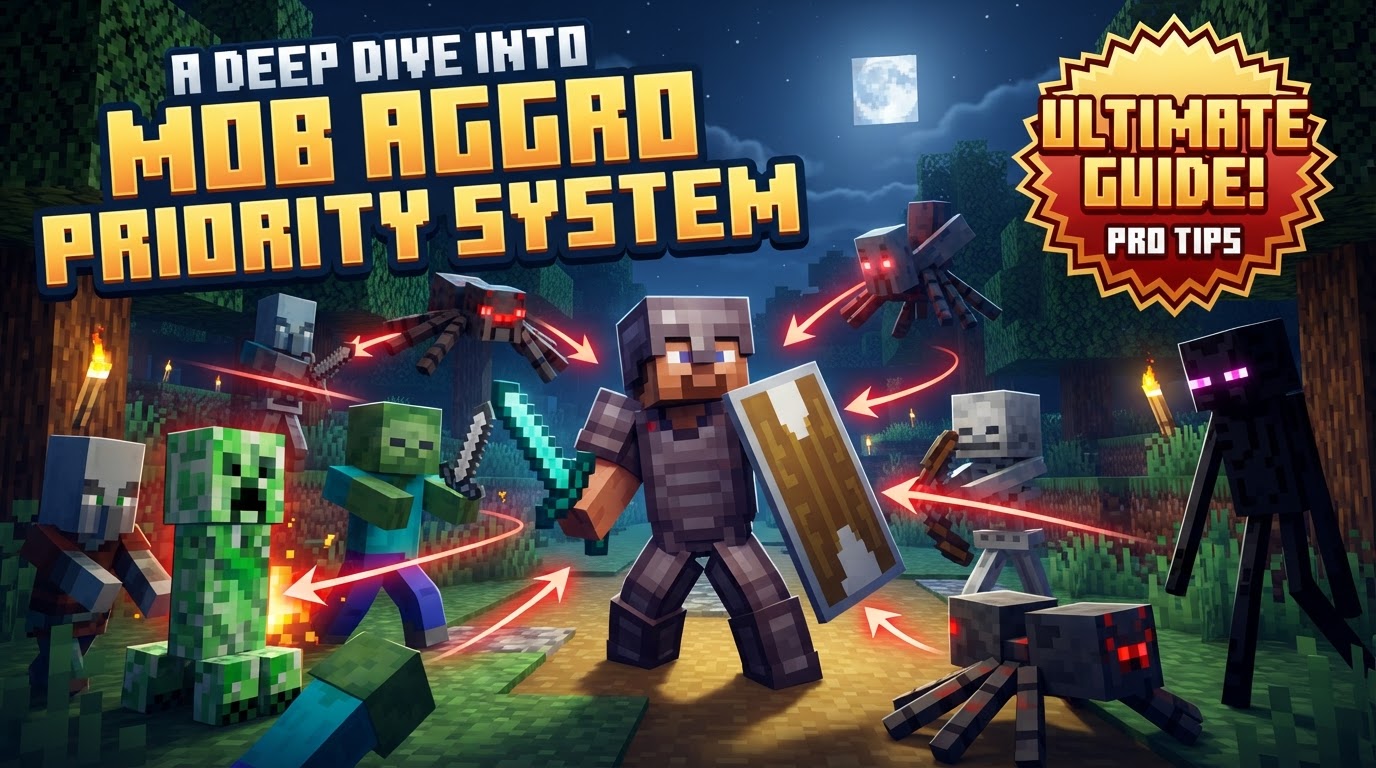
Understanding Initial Aggression
The journey into a mob’s aggro (aggression) begins with its initial detection of a potential target. This phase is primarily governed by a few fundamental mechanics:
- Detection Radius: Most hostile mobs operate within a specific detection range. Typically, this means they will aggro onto a player or another mob if that entity comes within a 16-block radius. This radius serves as the primary trigger for a mob to become aware of your presence and consider you a threat.
- Line of Sight: Beyond mere proximity, many hostile mobs require a direct line of sight to their target. This means that even if you are within their detection radius, being hidden behind a wall, a thick cluster of trees, or even dense fog can prevent them from initiating an attack. This mechanic is a fundamental element of stealth in Minecraft.
- Persistence: Once a hostile mob has successfully detected and targeted an entity, it exhibits remarkable persistence. It will generally pursue and attack relentlessly until either it or its target is defeated. This unwavering focus means that once you’re locked on, retreating usually just prolongs the chase; the mob will not simply give up and return to its patrol unless its target moves completely out of range or pathfinding becomes impossible.
While these principles apply broadly, the initial targeting can also vary based on the mob’s nature:
- First Encounter Priority: For many hostile mobs, the very first entity-be it a player or another mob-that either enters their detection range or directly attacks them will become their primary target. This “first come, first served” rule often dictates the opening moments of an encounter.
- Neutral Mob Provocation: Neutral mobs, such as wolves or zombie piglins, only turn hostile if they are provoked. This provocation usually involves being attacked by a player. However, some have unique triggers: Polar Bears will aggro if you approach them with a cub nearby, and Pandas become hostile if another Panda is attacked. Endermen are particularly sensitive, becoming aggressive if attacked or if a player looks them directly in the eye.
- Mob-on-Mob Aggro: It’s not just players that hostile mobs target. Zombies are well-known for attacking villagers, for example. Furthermore, accidental hits, such as a Skeleton’s arrow striking another mob, can inadvertently cause a chain reaction, leading to infighting among different hostile creatures.
Beyond the First Encounter: Dynamic Target Switching
While initial aggro sets the stage, a mob’s target is far from static. Minecraft’s system allows for dynamic switching, often in the heat of battle. This intricate process can be broken down into several key scenarios:
- Initial Aggro Confirmation: The process begins with the mob identifying its first target, as described above, based on proximity, line of sight, or direct attack.
- Damage-Based Switching: In situations where multiple entities are attacking a single mob, the mob’s aggro can switch. This often occurs when a different entity deals the most damage, or more recently, to the mob. If you’re fighting a zombie alongside a golem, and the golem deals a significant blow, the zombie might redirect its focus to the golem. This mechanism ensures mobs prioritize the most immediate and effective threats.
- Friendly Fire Incidents: One of the most common and exploitable ways aggro switches is through friendly fire. If a mob accidentally hits another mob-for instance, a Skeleton’s arrow missing you and striking a Zombie-the hit mob may immediately aggro onto the mob that caused the damage. This often results in chaotic infighting, diverting the mobs’ attention from the player.
- Situational Proximity Overrides: While damage is a strong determinant, proximity can still play a role in aggro switching, especially in specific scenarios. If a mob is pursuing a distant target but a different, un-hit entity suddenly becomes much closer, the mob’s AI might re-evaluate its target, particularly if pathfinding to the original target is challenging. Mobs can also give up on a target if a different target is significantly closer, or if they encounter severe pathfinding difficulties to their current target, potentially causing them to seek an easier, closer target.
Strategic Applications and Advanced Tactics
Understanding the nuances of mob aggro isn’t just academic; it’s a powerful tool for survival and creative problem-solving:
- Exploiting Friendly Fire: This is perhaps the most famous aggro exploit. If you find yourself pursued by multiple hostile mobs, strategically position other mobs (like zombies) between yourself and a skeleton. The skeleton’s arrows, aimed at you, may accidentally strike the intervening mobs. This will cause the hit mobs to aggro onto the skeleton, turning them against each other and effectively redirecting their focus from you. This tactic can thin out pursuing crowds and create advantageous diversions.
- Mob Sorting Systems: For technical players and redstone enthusiasts, the precise AI of mobs, including their aggro patterns, can be leveraged to build sophisticated mob sorting systems. These contraptions can differentiate between various mob types, such as separating creepers from other hostile mobs, allowing for automated farms or specialized traps. Such systems often rely on how mobs react to players or other entities, or how their pathfinding is influenced.
- Command Control (for creative/servers): In creative mode or on server environments, powerful commands exist to directly manipulate mob aggro. The
/aggrocommand (or similar commands depending on the Minecraft version or server plugins) can be used to manually force a specific mob to target a player or another mob. This is an invaluable tool for mapmakers, content creators, and server administrators looking to design custom challenges, cinematic scenes, or unique gameplay scenarios.
Dispelling Common Aggro Misconceptions
Despite its consistency, the mob aggro system is often misunderstood, leading to common errors in player strategy:
- Aggro is purely proximity-based: While proximity is the initial trigger, it’s not the sole determinant. As we’ve seen, damage dealt, friendly fire incidents, and unique mob-specific triggers can all override or change a mob’s target. Relying solely on distance to avoid aggro can be a fatal mistake if other factors are in play.
- Mobs always stick to their first target: This is a prevalent myth. Mobs absolutely can and will switch targets. Factors like who dealt the most recent damage, accidental friendly fire, or even severe pathfinding issues can cause a mob to abandon its initial pursuit and focus on a new threat.
- All mobs behave identically: Each mob type has unique AI quirks. Endermen, for example, have distinct aggro triggers (direct eye contact or being attacked) that differ from a standard zombie’s proximity-based aggression. Polar Bears protect their cubs, and Pandas react to attacks on their kin. Assuming universal behavior can lead to unexpected and dangerous encounters.
- Mods don’t affect aggro: The existence of numerous mods that specifically alter or enhance the aggro system proves that the default mechanics are not immutable. Many mods introduce features like “aggro ranges for specific items,” “priority targeting for players with low health,” or “mobs prioritizing the entity that dealt the most damage,” demonstrating the community’s interest in expanding and tweaking this core game system.
Understanding Minecraft’s mob aggro priority system is not just about survival; it’s about mastering the environment. By recognizing the dynamic interplay of detection, damage, and situational factors, players can turn seemingly chaotic mob encounters into predictable, even exploitable, situations, paving the way for more strategic gameplay and impressive builds.
Tags:
YOU MAY ALSO LIKE...