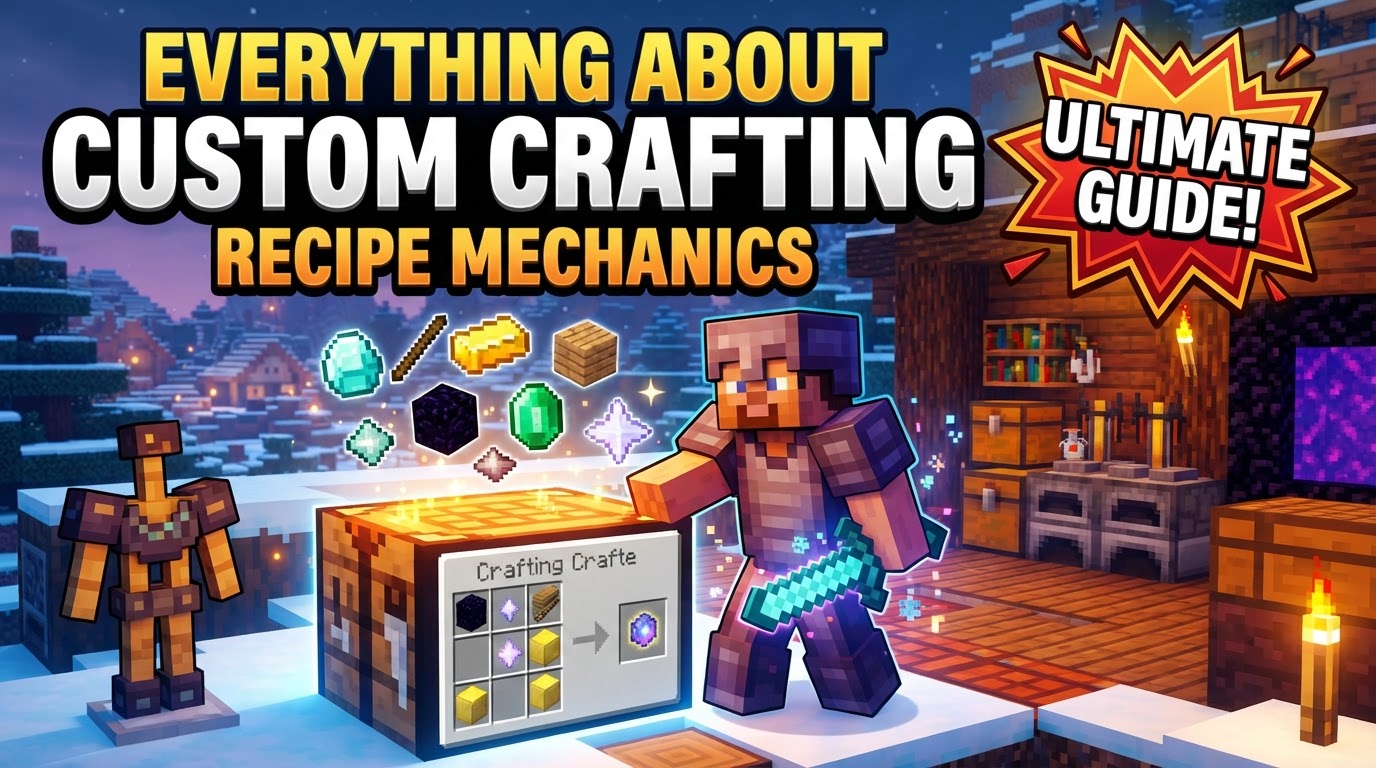
Everything About Custom Crafting Recipe Mechanics
A single misplaced comma in a JSON file can render an entire custom crafting recipe unusable, transforming hours of creative effort into a frustrating error message. This seemingly minor detail underscores the precision required when diving into Minecraft’s custom crafting recipe mechanics – a powerful, data-driven system that unlocks unprecedented control over in-game item creation, primarily within the Java Edition.
The Power of Data-Driven Crafting
At its core, Minecraft’s custom recipe system is a testament to its flexibility. Instead of being hardcoded, recipes are defined using simple text files, specifically JSON files, housed within data packs. This innovative approach allows players and creators alike to introduce entirely new crafting possibilities or even modify existing vanilla recipes, breathing fresh life into their worlds or servers. From crafting a magical sword with unique components to smelting custom ores into ingots, the possibilities are virtually limitless, all managed through a structured, accessible framework.
Decoding Recipe Types: Your Crafting Arsenal
Minecraft supports a diverse array of recipe types, each designed for a specific crafting station and purpose. Understanding these distinct types is the first step towards mastering custom crafting:
- Shaped Crafting: This is the classic 3×3 grid crafting. Recipes require ingredients to be arranged in a precise pattern, mirroring how you’d craft a pickaxe or chest. The JSON defines a
patternusing characters and akeyto map those characters to specific items or item tags. - Shapeless Crafting: For recipes where ingredient order doesn’t matter, shapeless crafting is ideal. Think of crafting a block of coal from nine coal, or a fire charge. Ingredients can be placed anywhere on the crafting grid, as long as all required components are present. The JSON simply lists the
ingredientsas an array. - Smelting: Utilized in a regular Furnace, smelting recipes transform one item into another, often with a cooking time and experience reward. This is perfect for custom ores, food, or unique material processing.
- Blasting: The Blast Furnace specializes in processing ores, raw metals, and tools at twice the speed of a regular furnace. Its custom recipes follow a similar structure to smelting but are specifically for this faster, high-temperature station.
- Smoking: Designed for the Smoker, these recipes are exclusively for cooking food items faster than a conventional furnace. Custom food items can be integrated into the game using this recipe type.
- Stonecutting: The Stonecutter allows for the efficient crafting of various stone-related blocks from a single base material. Custom stonecutting recipes can expand the decorative block options available from new block types.
- Smithing Transform: Introduced with the Smithing Table, these recipes involve combining a
template, abaseitem, and anadditionto create a new item. This is primarily used for upgrading gear or applying unique modifications, such as netherite upgrades or custom enchantments.
Beyond the Basics: Advanced Recipe Concepts
The power of custom recipes extends beyond simple item transformations, incorporating features that enhance flexibility and integration:
- Tags for Flexibility: One of the most powerful features is the use of item tags (e.g.,
#minecraft:planks) instead of strict item IDs (e.g.,minecraft:oak_planks). This means any item belonging to that tag can be used in the recipe, making your creations compatible with other data packs or resource packs that might introduce new variants of existing items. It vastly improves recipe versatility. - Recipe Overriding: Want to change how a vanilla item is crafted? Custom recipes can override existing vanilla recipes. By creating a new JSON file with the exact same filename and path within your data pack as the vanilla recipe, your version will take precedence, allowing for complete control over the game’s crafting economy.
- Recipe Unlocking: Recipes aren’t always available from the start. You can specify unlock criteria, such as discovering a specific item in your inventory or achieving an in-world condition. This allows for progressive gameplay, where new crafting options become available as players advance or explore.
Forging Your Own Recipes: A Practical Workflow
Implementing custom recipes in Minecraft Java Edition follows a clear, step-by-step process centered around data packs:
- Create a Data Pack: Begin by setting up the basic folder structure. Inside your world’s
datapacksfolder, create a new folder for your data pack (e.g.,my_custom_recipes). Inside that, create adatafolder, then a namespace folder (often your mod ID, e.g.,custom_stuff), and finally arecipesfolder within your namespace. So the path would look like:datapacks/my_custom_recipes/data/custom_stuff/recipes/. - Define the Recipe (JSON File): For each unique recipe, create a separate
.jsonfile inside yourrecipesfolder.- Every JSON file must specify its
"type"(e.g.,"minecraft:crafting_shaped","minecraft:smelting"). - For shaped recipes, define a
"pattern"(an array of strings representing rows in the grid) and a"key"that maps characters used in the pattern to specific item IDs or tags. The"result"specifies the output item and its quantity. - For shapeless recipes, list the
"ingredients"as an array of item IDs or tags, followed by the"result". - For furnace-based recipes (smelting, blasting, smoking), specify the
"ingredient"(input),"result"(output),"experience"(amount gained), and"cookingtime"(in ticks, 20 ticks = 1 second). - For stonecutting recipes, define the
"ingredient"and the"result". - For smithing transform recipes, specify the
"template","base", and"addition"ingredients, and the resulting"result".
- Every JSON file must specify its
- Save the JSON File: Name your JSON file descriptively, often after the item it produces. For example,
custom_pickaxe.jsonoriron_pickaxe_from_smelting.json. - Load the Data Pack: Place the completed data pack folder into the
datapacksfolder of your Minecraft world. If the world is already running, use the command/reloadin-game to apply the changes. Otherwise, restart Minecraft, and the data pack should load automatically.
Refining Your Craft: Tips for Success
To streamline your custom recipe creation and avoid common headaches, consider these expert tips:
- Utilize Visual Editors/Generators: Manually writing JSON can be error-prone. Online recipe generators are invaluable tools that can help you construct valid JSON structures with ease, minimizing syntax errors.
- Embrace Descriptive Naming: Give your recipe JSON files clear, concise names. This makes it easier to locate, modify, and troubleshoot specific recipes later on. Consider including the output item and recipe type in the filename.
- Employ Item Tags Extensively: Reiterate the use of
#namespace:tag_name. This practice makes your recipes significantly more robust and compatible, as they won’t break if an item’s specific ID changes or if you want to accept multiple variants of an item. - Categorize Recipes: You can define a
"category"for your recipes within the JSON, which helps organize them neatly within the in-game recipe book, improving player experience. - Consider Modding Tools: For more complex setups or when managing many recipes, tools like CraftTweaker (a popular mod) can offer advanced debugging capabilities, recipe removal functionalities, and a more programmatic way to manage your crafting system.
Avoiding the Misfire: Common Recipe Blunders
Even seasoned creators can stumble. Being aware of these common pitfalls can save you significant time and frustration:
- Incorrect File Location: The most frequent mistake. Recipes MUST reside in
data/your_namespace/recipes/within your data pack. Any typo in folder names (e.g.,recipeinstead ofrecipes) will prevent them from loading. - JSON Syntax Errors: JSON is strict. Missing commas, unclosed brackets, incorrect quotes, or misspelled keys/values will cause the entire file to fail parsing. Use a JSON validator if you’re unsure.
- Incorrect Item IDs or Tags: Ensure all item IDs (e.g.,
minecraft:stick) and tags (e.g.,#minecraft:coals) are spelled perfectly and actually exist in the game. A single character difference will make the recipe uncraftable. - Conflicting Recipes (Bedrock Edition vs. Java Edition): While Java Edition generally handles recipe priorities well, in Bedrock Edition, if two recipes have identical patterns and ingredients, one might permanently override the other, making the intended item impossible to craft. Be mindful of potential overlaps, especially when porting concepts.
- Forgetting to Reload: After making any changes to your data pack files, you must either restart Minecraft or use the
/reloadcommand in-game for your modifications to take effect. The game doesn’t automatically detect file changes.
Mastering custom crafting recipe mechanics in Minecraft is a rewarding endeavor. By understanding the different recipe types, adhering to the data pack structure, and meticulously crafting your JSON files, you gain the power to profoundly alter and enhance the gameplay experience, turning your unique visions into in-game reality.
Tags:
YOU MAY ALSO LIKE...