The Real Reason Certain Biome Features Overlap
Many players mistake a visual setting for a fundamental world generation mechanic when they observe peculiar overlaps in Minecraft’s landscapes. The sight of a desert cactus inexplicably growing a few blocks into a snowy taiga, or a jungle tree sprouting amidst a plains village, often leads to questions about “glitches” or “errors.” However, these seemingly incongruous juxtapositions are not bugs, but rather a direct and expected consequence of Minecraft’s sophisticated, multi-layered world generation system.
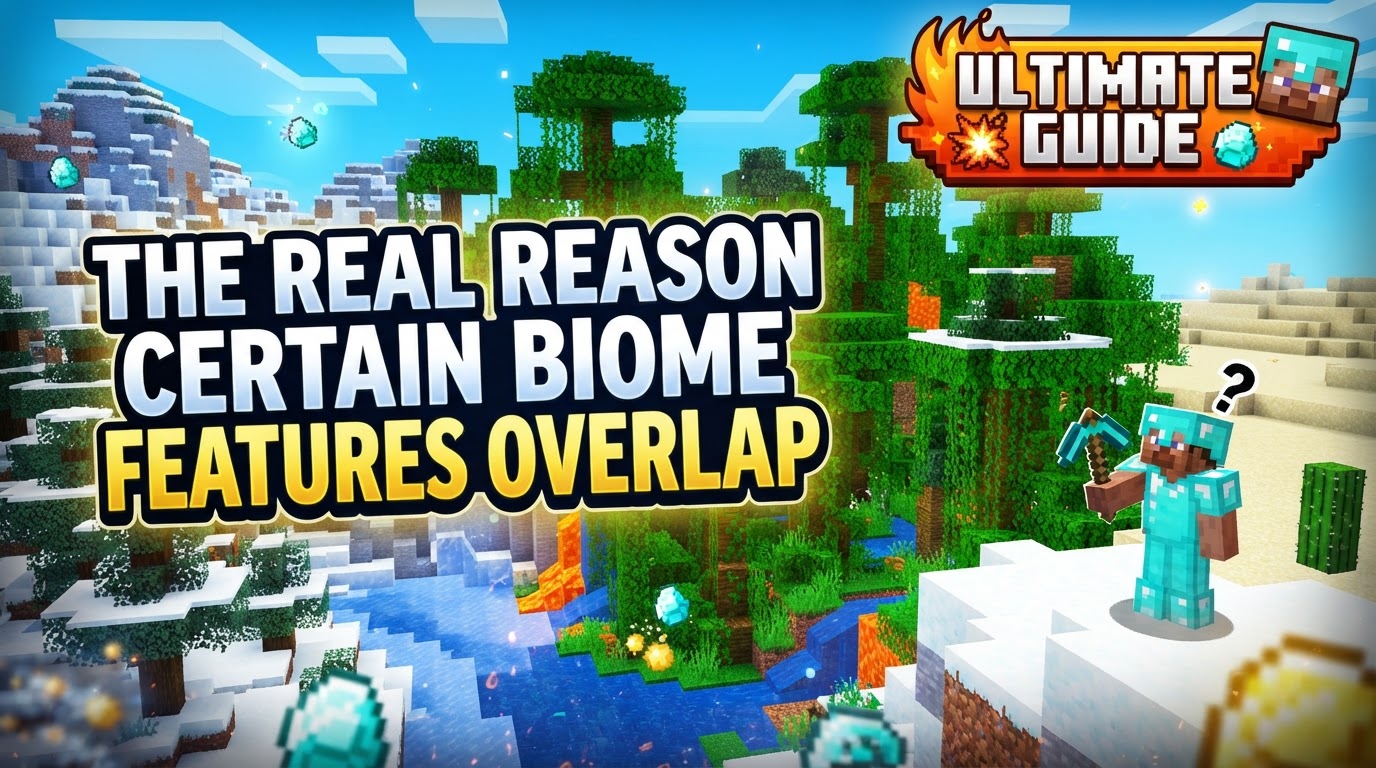
The real reason certain biome features overlap lies in the sequential, multi-pass nature of world creation. Instead of a single, perfectly coordinated generation step, Minecraft’s world is built up in distinct stages. Each stage lays down a different aspect of the world, from the foundational terrain to the smallest flower, often without explicit knowledge of what other features might be placed nearby in subsequent passes or even within the same pass by different algorithms. This guide will delve into the mechanics behind these overlaps, debunk common misconceptions, and offer a deeper understanding of how the blocky world around you comes to be.
The Foundational Pillars: Understanding Multi-Pass Generation
Minecraft’s world generation is a marvel of procedural design, meaning content is created on the fly using algorithms based on a random “seed.” This process isn’t monolithic; it occurs in several discrete passes, each building upon the last. Understanding these layers is key to grasping why overlaps occur.
- First Pass (Terrain Generation): This initial stage establishes the fundamental shape of the world. Using complex noise generators, it sculpts the base landscape, determining where valleys will form, plains will stretch, and mountains will soar. At this point, the world is largely composed of basic blocks like stone, forming the raw canvas.
- Biome Pass: Once the basic terrain is shaped, the Biome Pass steps in. It assigns specific ecosystems to different regions of the generated terrain. This assignment is based on various noise parameters such as temperature, humidity, and continentalness. Crucially, this pass also begins to introduce biome-specific blocks to the surface, transforming stone into dirt, grass, sand, or snow, depending on the assigned biome. While biomes generally transition smoothly, avoiding stark contrasts between vastly different types, transition zones are inevitable.
- Feature Pass: This is where the majority of visible overlaps originate. After the terrain and biomes are established, the Feature Pass places natural elements into the world. This includes everything from individual trees and flowers to lakes, ponds, and mineral ores. Each feature has its own set of rules defining where and how it can be placed.
- Structure Pass: Distinct from individual features, the Structure Pass is responsible for generating larger, more complex pre-defined elements. This includes player-made constructions like villages, temples, strongholds, and shipwrecks. These structures also follow specific placement rules, but their generation is typically handled in a separate layer from the smaller, more ubiquitous features.
The Step-by-Step Path to Overlap
The sequential nature of these passes, combined with the independent logic governing feature placement, directly leads to the overlaps we observe:
- Base Terrain Generation: The world begins as a raw, blocky canvas, primarily stone, with its overall shape determined.
- Biome Assignment: Regions are then designated as specific biomes (e.g., forest, desert, ocean), and the surface blocks are converted accordingly. While the system aims for natural transitions, the boundaries are still conceptual at this stage, defining areas where certain conditions apply.
- Feature Placement: With the terrain and biomes in place, individual features are introduced. Each feature, whether it’s a specific tree type, a patch of flowers, or a small pool of water, operates with its own set of instructions. These instructions include parameters like “spawn frequency,” “starting Y level,” and crucial “biome conditions” (e.g., “only spawn in forests,” “only spawn on grass blocks”).
- Independent Placement Logic: This is a critical factor. Features from different biomes, or even different types of features within the same biome, often operate with their own, isolated placement logic. A desert well, for example, might check if it’s on sand in a desert biome. A oak tree might check if it’s on dirt or grass in a forest biome. Neither of these features inherently “knows” or checks for the presence of other, unrelated features that might be generated in the same area. They simply execute their own placement conditions.
- Lack of Universal Conflict Resolution: Unless explicitly programmed to prevent overlap with specific other features, the system generally allows features to generate if their individual placement conditions are met. There isn’t a universal “traffic controller” for all features that says, “Stop! Something else is already planned for this block.” The order of feature placement within a single pass is often not guaranteed, further contributing to situations where one feature might overwrite or intersect with another without a specific conflict resolution mechanism. This leads to scenarios where the designated areas for two different features might simply coincide.
Demystifying Key Mechanics and Misconceptions
Several concepts are often misunderstood when discussing world generation, particularly concerning overlaps:
Feature Rules and Placement Modifiers
Features are not simply dropped randomly. They are defined by “Configured Features” (what the feature is, e.g., an oak tree) and “Placement Features” (how it’s laid out, e.g., how many, where, conditions). “Feature rules” attach these to specific biomes and include conditions for their placement, such as an acceptable height range (Y-level) and required block types (e.g., must be placed on dirt). Despite these rules, the independent nature of these checks among various features is what allows for their co-existence in the same space.
Biome Blending: A Visual Illusion
One of the most common misconceptions is that “Biome Blending” causes physical feature overlap. This is incorrect. Biome Blending is purely a graphical setting. It smooths the visual transition of grass and water colors between adjacent biomes by adding a gradient effect. It creates a softer, more natural-looking border for the player’s eye, but it does not alter the physical placement of blocks or features. The underlying block data and feature generation remain unchanged regardless of this setting.
Strict Biome Borders are a Myth
While Minecraft strives for natural transitions between biomes, the idea of perfectly distinct borders where no feature “bleeds” into an adjacent biome is often not achieved. The procedural, multi-pass nature of generation means that a tree designed for a forest biome might find a valid placement spot a few blocks into a plains biome’s visual space simply because the ground type (dirt/grass) and other conditions are met, and no conflicting feature from the plains biome was prioritized to prevent it.
Generation Order Guarantees are Limited
Within a specific generation pass, particularly the Feature Pass, the order in which individual features are placed is generally not strictly guaranteed or universally prioritized. This means that Feature A isn’t necessarily given precedence over Feature B unless explicitly coded. This contributes to the potential for features to intersect or partially overwrite one another if their placement conditions allow it.
Feature Overlap is Not a World Generation Error
It’s important to distinguish between feature overlap and actual “world generation errors.” True errors typically refer to severe issues like missing chunks, corrupted saves, or abrupt, unnatural terrain cuts (e.g., flat cliffs that stop mid-air), often linked to game updates, mod conflicts, or data corruption. Feature overlap, on the other hand, is a natural, intended (or at least accepted) byproduct of the complex, layered algorithms designed to create diverse and infinite worlds.
Practical Insights and Control
Understanding these mechanisms can change how you perceive Minecraft’s world:
- Grasping Generation Stages: Knowing that features are placed after terrain and biomes helps explain why a tree from one biome might appear slightly into an adjacent biome’s visual space. The ground was already set, and the tree found a valid spot, even if the biome’s “core” is elsewhere.
- Adjusting the Biome Blend Setting: While it won’t prevent physical overlaps, adjusting the “Biome Blend” setting in your video options can alter the visual smoothness of biome transitions, making the visual effect of overlapping features less jarring, or conversely, more noticeable if you prefer sharper distinctions.
- Modding for Finer Control: For those seeking a more pristine, overlap-free world, especially on custom servers or with extensive mod packs, community-developed modifications can offer solutions. Mods like “StructureOverlapless” are designed to implement a “first-come-first-served” system during generation, skipping the placement of a feature or structure if a conflict is detected in its intended location. This provides a level of conflict resolution not natively present in the vanilla game’s multi-pass system.
In conclusion, the overlapping features encountered in Minecraft are not flaws but rather a testament to the game’s intricate procedural generation. They emerge from a system that builds worlds layer by layer, where individual features, guided by their own rules, are placed without a universal arbiter to prevent every possible intersection. This design choice, while occasionally leading to quirky visual combinations, is fundamental to the infinite variety and organic feel of Minecraft’s blocky landscapes, making each generated world unique and full of unexpected discoveries.
Tags:
YOU MAY ALSO LIKE...