

Solving Problems With Structure Generation Seeding
Many players unknowingly undermine their Minecraft adventures before they even begin, struggling with elusive structures or unexpected terrain. The secret to consistent, predictable world generation, and thus reliable structure placement, lies within a seemingly simple concept: the world seed. Understanding how this alphanumeric key dictates every block and feature is paramount to solving common issues and mastering your blocky domain.
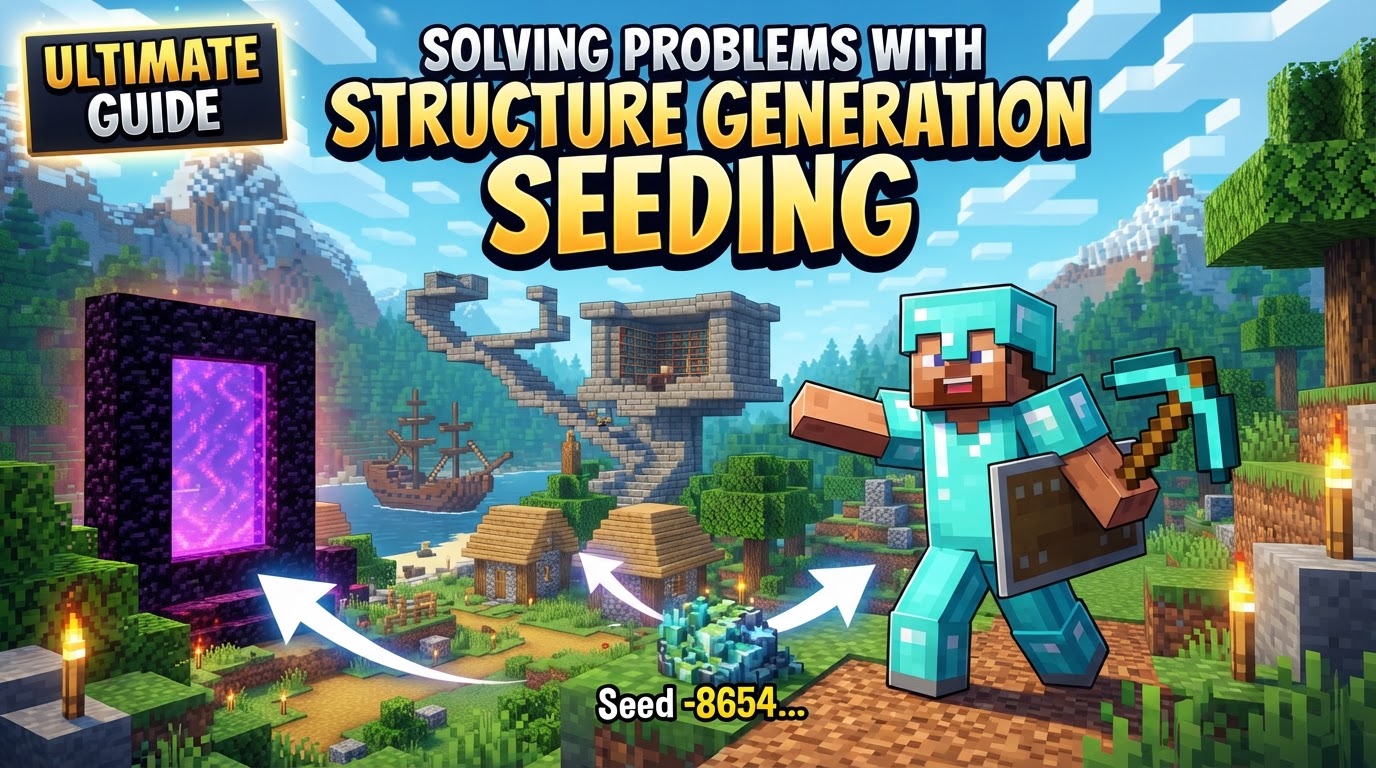
The Immutable Blueprint: Understanding Seeds
At its core, every Minecraft world is a product of its seed. This numeric or text string serves as the initial input for the game’s pseudo-random number generator (PRNG). This means that given the same seed, game version, and edition (Java or Bedrock), an identical world will deterministically generate, encompassing terrain, biomes, and, crucially, structure placement. The world, including its myriad structures, isn’t pre-built; it’s calculated and generated in chunks dynamically as players explore them.
However, this determinism comes with caveats. Minecraft’s two primary editions, Java and Bedrock, despite sharing some fundamental terrain generation similarities, diverge significantly in their structure placement rules. These differences stem from varying “salts” (additional random inputs), spacing values between structures, and specific biome checks. Consequently, a seed that yields a sprawling village near spawn in Java Edition might produce only an empty ocean in Bedrock Edition, or vice versa.
Furthermore, game updates frequently modify world generation algorithms. A seed that generated a perfect stronghold layout in an older version of Minecraft may not produce the same results in a newer one. This version dependency is critical, particularly for long-term worlds or when sharing seeds with others. Beyond these overarching rules, individual structures possess their own specific generation criteria, dictating where and how they can appear, including strict biome requirements and minimum distances from other features.
Precision Navigation: Locating Structures with Tools
When you’re searching for a specific structure or planning a grand project, relying solely on in-game exploration can be incredibly inefficient. This is where external tools become indispensable. The process for pinpointing structures with certainty is straightforward:
- Identify Your World Seed: The first step is always to know the seed of your current world. In Java Edition, a quick type of
/seedin the chat will reveal it. For Bedrock Edition players, the seed is conveniently displayed within the in-game Settings, typically under the Game options. If you never manually entered a seed when creating the world, Minecraft defaults to using your system’s current time as the seed. - Utilize Online Seed Maps/Finders: With your seed in hand, navigate to a reputable online tool such as MC Seed Map or Chunkbase. These websites are specifically designed to visualize your world’s layout.
- Specify Game Details: Within the chosen tool, accurately input your world seed, and critically, select your specific game edition (Java or Bedrock) and the exact game version you are playing on. This ensures the tool’s calculations align with your game’s generation rules.
- Select Specific Structures: Most seed tools offer a togglable list of structures. Activate the display for the specific structure types you’re interested in locating, such as villages, strongholds, temples, or the elusive ancient cities.
- Explore the Interactive Map: The tool will then render an interactive map based on your input. You can pan, zoom, and explore to visualize biome layouts and the predicted locations of your selected structures.
- Obtain Coordinates: Once you spot a structure of interest on the map, simply click on its icon. The tool will provide its exact X, Y, Z coordinates. Many tools even offer a ready-to-use
/tpcommand, simplifying in-game teleportation. - Verify In-Game: Load your Minecraft world. If cheats are enabled, use the provided
/tpcommand to instantly travel to the specified coordinates. This final step confirms the structure’s presence and condition, allowing you to begin your build or exploration.
Maximizing Your Seed’s Potential
A well-understood seed is a powerful planning tool, not just a troubleshooting aid. Here’s how to leverage it:
- Pre-Plan Large Projects: Before committing to an ambitious build or choosing a long-term survival world, always explore your chosen seed using a seed viewer. This allows you to confirm desirable spawn locations, assess biome diversity, and ensure critical structures are within a reasonable proximity.
- Seek “Good” Seeds: An ideal seed offers a strategic advantage. Look for spawn points near vital resources and useful structures like villages (for trading and early resources), strongholds (for end-game access), or temples (for loot), ideally within 1000-1500 blocks. Accessible diverse biomes are also a significant plus, providing a variety of resources and aesthetics for building.
- Seed Maps as Planning Aids: Remember that seed maps provide calculated overviews of potential structure locations. While highly accurate for placement, they don’t guarantee every minute detail or the specific loot you’ll find within chests. They are best used for macro-planning.
- Utilize In-Game Commands: Beyond seed viewers, the
/locatecommand in Minecraft is an invaluable in-game tool for finding specific structures directly in your world without external websites. It provides the coordinates of the nearest instance of a specified structure. - The Importance of Regular Backups: This cannot be stressed enough. Always back up your world, especially before major game updates or when introducing mods. This safeguards against potential data loss, terrain overwrites, or unforeseen generation bugs that could corrupt or erase your progress and structures.
Pitfalls and How to Dodge Them
Even with the best tools, structure generation can present challenges. Awareness of common mistakes is key to avoiding frustration:
- Edition and Version Mismatches: This is perhaps the most frequent cause of structure generation disappointment. Using a seed intended for Java Edition in Bedrock Edition (or vice-versa), or using a seed with a different game version than it was generated for, will almost certainly result in different or entirely non-existent structures. Always double-check your game version and edition against the seed’s origin.
- Ignoring Seed Tools: While tempting to explore organically, manually searching for specific structures across the vast number of possible seeds is incredibly inefficient. Seed finder tools are not just helpful; they are essential for targeted structure discovery.
- Bedrock Specific: Chunk Overwrites: A particular issue for Bedrock players is updating an older world to a newer game version. New terrain generation algorithms can cause new chunks to generate over previously built or explored areas, potentially erasing your structures or builds. Regular backups are your best defense here.
- Mod/Addon Conflicts: For players using modified clients, incompatible mods or addons, especially those that alter world generation, can lead to structures failing to generate, crashing the game, or generating incorrectly. Always verify mod compatibility and test new mod configurations on a separate, disposable world.
- Modding: Incorrect Engine Version: In modded Bedrock environments, failing to set the
min_engine_versioncorrectly in your addon’smanifest.jsoncan prevent structures from appearing as intended, as the game won’t recognize the addon’s generation rules. - Accidental Disabling: In some modded environments or server configurations, specific settings can unintentionally disable all or certain types of structure generation. Always check configuration files if structures are inexplicably absent.
- Structural Integrity Issues: In rare cases, particularly after extensive block modifications or world edits, structures might experience integrity bugs where blocks appear to fall or disappear. Running a “recalculate stability” command in debug mode might help, but having a recent backup is always the safer bet.
- The
generate_featuresSetting: For server owners or those delving into world settings, ensure that thegenerate_featuressetting in your world’slevel.datfile is correctly set to1(true). If this is set to0, no structures will generate, regardless of the seed.
Mastering structure generation seeding is less about luck and more about understanding the underlying mechanics and leveraging the powerful tools available. By recognizing the determinism of seeds, utilizing online viewers, and being aware of common pitfalls, you transform the seemingly random into a predictable and manageable aspect of your Minecraft experience, ensuring your adventures are always rich with the structures you seek.
Tags:
YOU MAY ALSO LIKE...


