

Why Certain Biome Features Generate Reversed
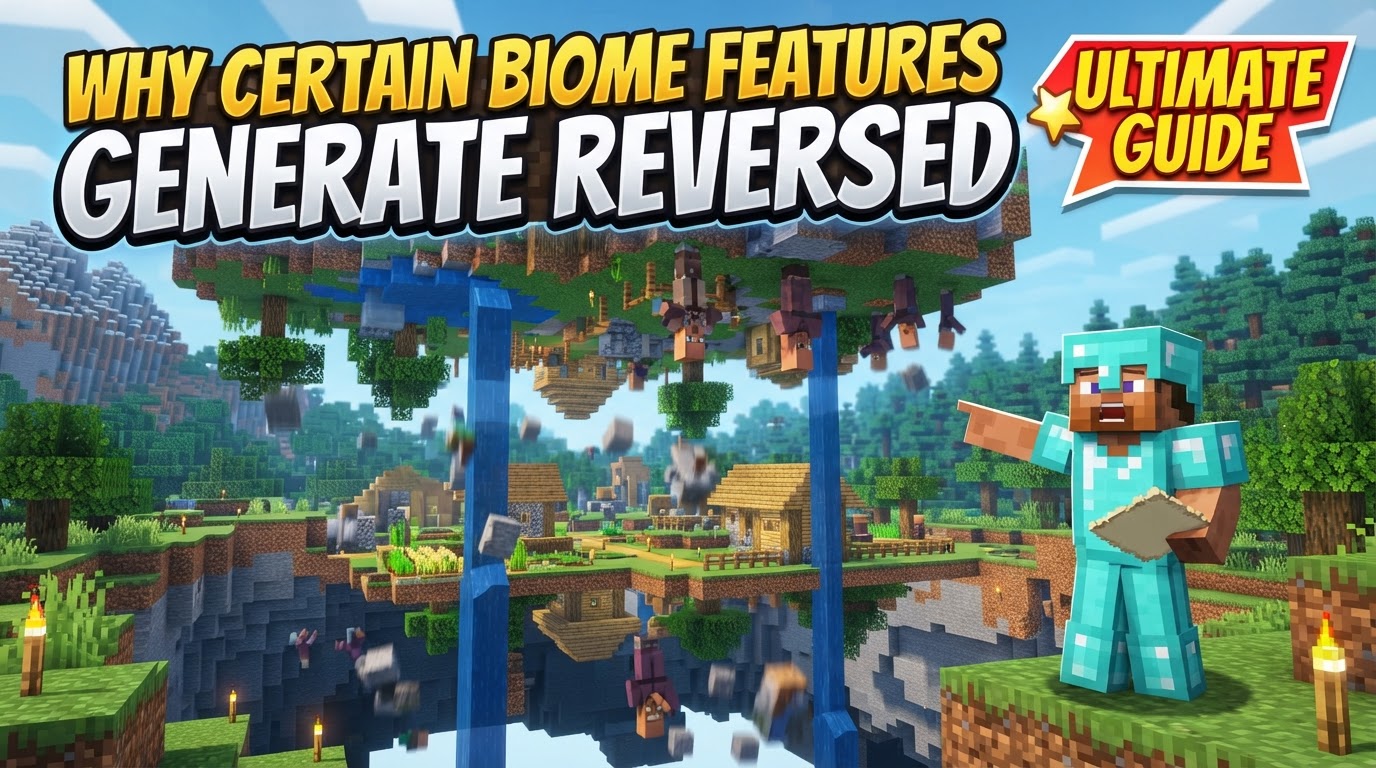
Many players, observing the peculiar twists and turns of Minecraft’s rivers or the odd placement of a tree, might conclude that some biome features generate ‘reversed’ or upside-down. This perception, while understandable given the sometimes-unconventional results of world creation, doesn’t stem from an intentional game mechanic designed to flip terrain. Instead, what appears as “reversed” is almost exclusively a byproduct of the game’s intricate procedural generation algorithms, occasional visual glitches, or specific conventions within its coordinate system. Understanding these underlying mechanisms is key to deciphering these seemingly anomalous formations.
The Bedrock of Creation: Procedural Generation
At its core, Minecraft crafts boundless worlds through procedural generation. This sophisticated system begins with a “seed”-a numerical value that blueprints an entire world. From this seed, complex algorithms, including gradient noise generators and multiple 3D noise maps, sculpt the landscape. This multi-stage process unfolds in several “passes.” The initial pass establishes basic landforms like valleys, plains, and mountains using noise functions. Subsequent passes then build upon this foundation, defining biomes, populating features like trees and ores, and placing structures. The layered nature of this process means that while it aims for natural-looking variety, it can occasionally produce outcomes that defy real-world logic.
Defining Ecosystems: Biome Assignment and Evolution
Biomes are the lifeblood of Minecraft’s diverse environments. Their generation is nuanced, defined by parameters like temperature, humidity, continentalness, erosion, and “weirdness,” which dictate their specific characteristics. Prior to the “Caves & Cliffs Part 2” update, biome generation was primarily 2D, defining surface areas. However, with the update, biomes are now generated using all three axes, allowing for distinct ecological zones to exist simultaneously on the surface and deep underground. This 3D approach adds depth and complexity, but also introduces new possibilities for unexpected transitions.
The Curious Case of Rivers: Biome-Based Anomalies
Perhaps the most frequent source of observations leading to the term “reversed” generation comes from Minecraft’s rivers. Crucially, rivers are often treated as their own biomes within the game’s generation system, rather than as structures that cut through existing terrain. This fundamental design choice is a primary reason for their often-criticized and hydrologically illogical paths. Because their generation is heavily influenced by surrounding terrain and biome parameters, rivers frequently exhibit peculiar behaviors:
- Abruptly Cut Off: Rivers commonly flow into higher land, vanishing without a trace.
- Disappearing and Reappearing: A river might seemingly end, only to reappear further downstream, suggesting an illogical path.
- Overflowing: Instead of carving a channel, rivers might spread out over flat land, creating shallow pools rather than defined waterways.
- Seemingly “Backwards” Flow: The visual path can appear to run uphill or against the natural gradient, giving the strong impression of “reversed” or unnatural flow.
These inconsistencies arise because the biome-based river generation prioritizes defining a river area over ensuring it adheres to realistic hydrological principles. The system struggles to properly cut through pre-existing terrain, leading to these visually jarring and often “broken” paths.
Beyond Rivers: Other Perceived “Reversals”
While rivers are the main culprits, other phenomena can contribute to the perception of “reversed” features:
- Rare Generation Glitches: On exceedingly rare occasions, true generation bugs can manifest as unusual formations, such as “upside-down trees” where the trunk extends downwards into open space. These are genuine, uncommon glitches, not intended features.
- Chunk-Based Generation: The world generates in 16×16 block “chunks.” While algorithms attempt blending, independent chunk generation can, especially in older versions or with mods, lead to visible seams or abrupt transitions that might appear “reversed” in context.
- The Z-Axis Convention: Minecraft’s Z-axis decreases when moving north. For many, this feels “reversed” compared to standard Cartesian coordinates where positive Z usually points north. This is simply a convention, not an anomaly in world generation.
Distinguishing Glitches from Design: Common Misconceptions
It’s crucial to differentiate between actual world generation quirks and common misunderstandings or visual display issues:
- The “Upside-Down Mode” Myth: The idea of an intentional “upside-down mode” for terrain is a persistent misconception. This originated from a developer’s joke (Dinnerbone). While naming a mob “Dinnerbone” flips it visually, this effect does not extend to terrain or biomes.
- Client-Side Display Issues: Sometimes, what appears “reversed” is a purely visual glitch on the player’s screen, unrelated to world generation. If your screen or textures appear inverted, the cause is usually client-side. This could be due to extreme Field of View (FOV) settings, old “super secret settings,” or certain Optifine texture randomization options. These are display problems, not world generation errors.
- Expecting Realistic Hydrology: A common mistake is to expect vanilla Minecraft’s rivers to adhere to perfect hydrological principles. The game’s procedural generation prioritizes varied terrain over strict adherence to natural laws for features like rivers, leading to their “broken” appearance. This is a known limitation rather than “reversed” generation.
Navigating the Unpredictable: Tips and Understanding
For players encountering these seemingly “reversed” features, understanding their origins can enhance the Minecraft experience:
- Acknowledge River Limitations: Accept that Minecraft’s biome-based river generation will often produce hydrologically unrealistic flows. It’s a common characteristic.
- Consider Modding for Realism: If realistic rivers are a priority, explore community-made modifications. Mods like “Streams Reflowing” specifically overhaul river generation for more natural starting points and logical flows.
- Be Mindful of Updates: Significant changes in terrain generation can cause abrupt transitions or unexpected biome shifts when old worlds are loaded into new game versions or when world-generation mods are added/removed.
Ultimately, what players perceive as “reversed” biome features in Minecraft is rarely an intentional design choice for inversion. Instead, it’s a fascinating glimpse into the intricate, sometimes imperfect, yet endlessly creative world of procedural generation, where algorithms occasionally produce beautiful anomalies that spark curiosity and discussion.
Tags:
YOU MAY ALSO LIKE...


