

The Real Reason Certain Structures Never Complete
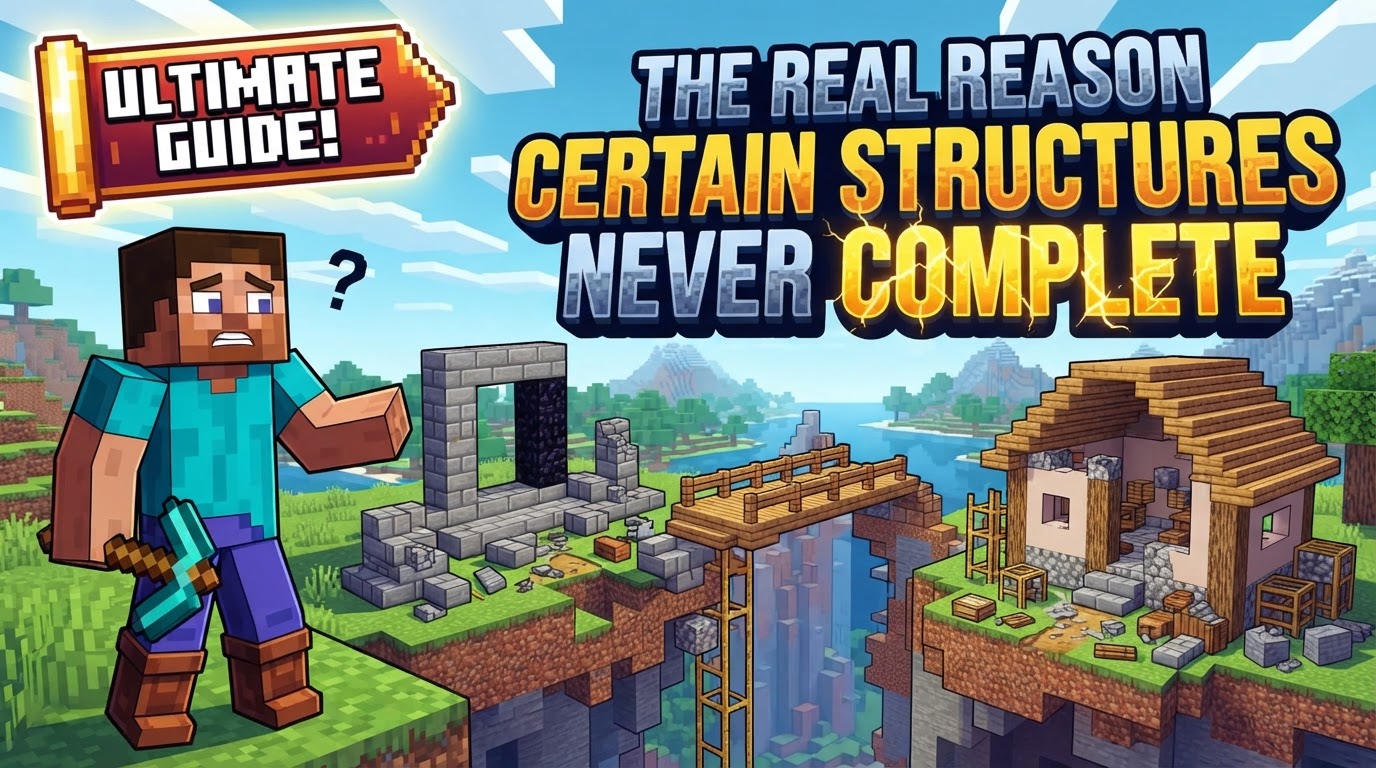
Many a seasoned Minecraft player has stumbled upon a seemingly impossible sight: a village cut in half, a desert temple missing its treasure room, or an ocean monument with an exposed interior. These aren’t random glitches, but rather symptoms of a complex interplay of game mechanics and external factors that can prevent structures from generating completely. Understanding these underlying causes is key to both troubleshooting existing issues and preventing future disappointments in your blocky adventures.
Unpacking the Generation Glitches: Key Mechanics at Play
The intricate process of world generation in Minecraft is a marvel, yet it’s susceptible to several critical points of failure. These aren’t always obvious, but they dictate whether a structure materializes as intended or remains an elusive, incomplete phantom.
- Chunk Loading Anomalies: A primary culprit, particularly prevalent in Minecraft Bedrock Edition, revolves around how the game loads and unloads chunks. Chunks are 16×16 block segments of the world, and structures often span multiple chunks. If a chunk fails to load correctly, is unloaded prematurely, or encounters a bug during the structure generation process, it can result in entire sections of a structure being absent, or the structure appearing corrupted. This isn’t just cosmetic; it can mean missing loot, incomplete challenges, or even broken functionality within the structure itself.
- Terrain Overwrites and Game Updates: Imagine returning to a familiar spot in your old world after a major game update, only to find a newly generated mountain range where your carefully constructed farm once stood. This is the harsh reality of terrain overwrites. When older worlds are updated, unexplored chunks, upon first loading, can generate new terrain based on the updated world generation algorithms. If these new chunks overlap with existing, player-built structures in previously explored areas, the game prioritizes the new generation, effectively erasing or burying parts of your hard work. Major game updates themselves can also introduce new bugs or alter generation rules, exacerbating these issues or causing corruption in existing world data.
- Mod and Addon Incompatibilities: The vibrant modding community enriches Minecraft immensely, but custom content also introduces variables. Modpacks, individual mods, and Bedrock Edition addons can introduce incompatibilities that directly interfere with structure generation. This might stem from version mismatches between the mod and the game, or direct conflicts between multiple modifications attempting to alter the same world generation parameters. The result can be anything from crashes during world loading to structures generating with gaping holes or failing to appear at all.
- Flaws in Custom Structure Design: For creators delving into custom structures via datapacks or addons, the devil is often in the details. Errors within JSON files, template pools, or incorrect configurations of Jigsaw blocks can lead to partial or incorrect generation. These files dictate how a structure is assembled from its component parts, and any mistake – a wrong path, a missing block, or an improper connection – can cause the structure to “give up” mid-generation.
- The Critical
generate_featuresSetting: This often-overlooked setting within your world’slevel.datfile is a fundamental gatekeeper for structure generation. Ifgenerate_featuresis set to 0 (disabled), no naturally occurring structures will generate in your world, regardless of other factors. It’s a simple binary switch, but its impact is absolute. - Dimension-Specific Quirks: Different dimensions in Minecraft present unique generation challenges. In the Nether, structures can sometimes generate improperly, such as fortresses or bastions clipping through the bedrock roof. Similarly, in the End, End Cities might be cut off at the bottom of the world, leading to missing lower sections or even the invaluable treasure room. These are often limitations of the generation algorithm trying to adapt to extreme environments.
- Player-Built Structural Integrity: While not a “generated” structure in the game’s sense, player-constructed mega-builds can also appear “incomplete” or collapse unexpectedly. This is due to the game’s internal structural stability mechanics. If foundational blocks are removed or replaced in a large, complex build, the game may sometimes fail to recalculate its stability correctly, leading to unexpected collapses or sections breaking away.
Safeguarding Your World: Troubleshooting and Best Practices
Preventing and fixing incomplete structures requires a combination of vigilance and targeted troubleshooting. Here’s how to approach common scenarios:
- The Golden Rule: Regular Backups: This cannot be stressed enough. Always create backups of your world before applying major game updates, installing new mods, or making extensive modifications. Backups are your safety net against irreversible data loss from generation issues, corruption, or accidental overwrites.
- Verifying
generate_features: If you suspect no structures are generating at all, the first step is to confirm that thegenerate_featuressetting in your world’slevel.datfile is enabled (set to 1). This usually requires an NBT editor or checking server properties if applicable. - Addressing Mod and Addon Complications: For modded worlds, ensure you have sufficient RAM allocated to Minecraft, that you’re using the correct Java version for your modpack, and critically, verify mod compatibility. For Bedrock addons, check the
manifest.jsonfile; ensuring themin_engine_versionis set to a compatible version (e.g.,1.20.30for recent updates) is often vital for proper structure generation. Test mods individually if possible to pinpoint conflicts. - Validating Custom Structure Configurations: If you’re building custom structures, meticulously check your folder structure and JSON configurations for errors. Even a misplaced comma or incorrect path can halt generation. Utilize the
/place templatecommand or structure blocks in-game to test your custom structures individually. Remember that for new custom structures to properly load, you may need to exit and rejoin the world, not just use/reload. - Protecting Player Builds from Overwrites: To safeguard large player-made structures from terrain overwrites in updated worlds, consider building them over oceans or placing a layer of glass or other non-generatable blocks beneath them. This can sometimes prevent new terrain from generating directly underneath.
- Maintaining Player-Built Stability: For complex player-built structures, especially those that rely on the game’s stability mechanics, if you make significant alterations to the foundation, consider entering debug mode and using the “recalculate stability” command to force the game to re-evaluate the structure’s integrity.
- Navigating World Corruption and Updates: If structure generation problems arise immediately after a major game update, or if you suspect world corruption, back up your world immediately. Then, try regenerating a new world with the same seed. You can then selectively migrate essential files (like
server.properties,whitelist.json,ops.json, and specific mod configurations) from your backup to the new world, potentially resolving the generation issues while preserving key data.
The Usual Suspects: Common Mistakes to Avoid
Many generation woes can be traced back to a handful of common errors that players and developers frequently make:
- Neglecting Backups: This is the most catastrophic mistake. Without regular backups, a corrupted world or a generation bug can lead to irreversible loss of hours, days, or even months of progress.
- Incorrect
min_engine_version: For Bedrock addon developers, an improperly set or outdatedmin_engine_versionin themanifest.jsonfile is a frequent and frustrating cause of structure generation failure. Always ensure it matches the target game version. - Mod Incompatibility: Blindly installing multiple mods without verifying their compatibility is a recipe for unforeseen world generation bugs, crashes, and incomplete structures. Always check mod documentation and community reports.
- Ignoring Structural Integrity: For player-built creations, removing foundational blocks without understanding the game’s stability mechanics can lead to unexpected and disheartening collapses, making parts of your build appear “incomplete” or destroyed.
- Errors in Datapack/JSON Configuration: For those creating custom content, syntax errors, incorrect paths, or logical flaws in JSON files that define custom structures are guaranteed to prevent them from generating correctly or at all. Meticulous review and testing are essential.
The incomplete generation of structures in Minecraft, while frustrating, is rarely a random act. It’s often a direct consequence of specific, identifiable mechanics, settings, or external factors. By understanding these reasons and employing proactive troubleshooting and best practices, you can significantly reduce the likelihood of encountering these blocky disappointments and ensure your Minecraft worlds generate as rich and complete as they’re meant to be.
Tags:
YOU MAY ALSO LIKE...


