

Understanding Villager Behavior Change Triggers
Many players mistakenly believe that villagers will always claim the closest workstation or bed available. While proximity plays a role, the intricate mechanics governing villager behavior are far more nuanced, often leading to frustration for those building elaborate trading halls or automated farms. Understanding these underlying triggers is the key to mastering villager management in Minecraft.
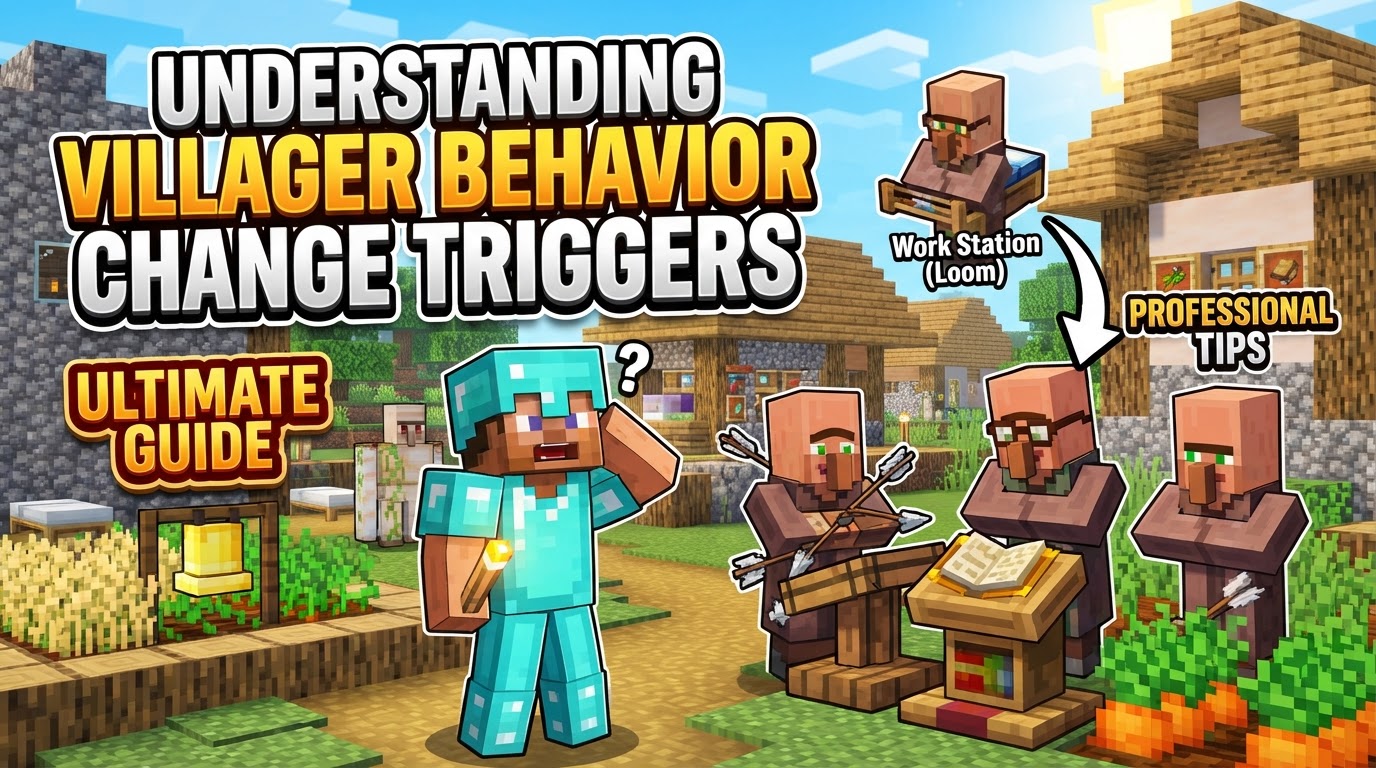
Villagers are complex entities within your blocky world, driven by a set of predictable yet interconnected systems. From their daily routines to their reactions to players and threats, every action is a response to specific in-game conditions. Mastering these conditions allows you to efficiently guide their professions, optimize trades, and maintain a thriving, peaceful village.
The Core Pillars of Villager Life
To effectively manage your villager population, it’s crucial to grasp the fundamental mechanics that dictate their every move and decision. These pillars form the bedrock of their artificial intelligence.
- Profession and Job Site Blocks: The Heart of Their Identity
Every villager, excluding the perpetually idle nitwits and young babies, yearns for a purpose. This purpose is defined by their profession, which is, in turn, dictated by a specific job site block. A Lectern makes a Librarian, a Composter makes a Farmer, and so on. Unemployed villagers actively search for an unclaimed job site block to link with. In Java Edition, this search extends within a generous 48-block spherical radius, requiring the villager to approach within two blocks of the workstation to fully claim it, a moment marked by distinctive green particles. Bedrock Edition operates differently, with villagers searching within a 16-block radius and a 4-block height, claiming the first available site from a shared village list, even while they are sleeping. Crucially, once you conduct even a single trade with a villager, their chosen profession becomes permanently locked, preventing any further changes.
- The Comfort of a Linked Bed: A Village’s Foundation
Beyond a job, villagers also require a sense of belonging, which in Minecraft terms means being linked to a bed within a recognized village. A villager cannot claim a job site block unless they are part of a village with at least one linked bed. Villagers instinctively attempt to sleep at night; if they cannot claim a bed, they will seek shelter indoors near one. It’s a common misconception that villagers will always choose the closest bed. Instead, beds are added to a village-wide list and then assigned, meaning proximity isn’t always the deciding factor.
- Your Standing: The Reputation System
Your interactions with villagers are not forgotten. Players maintain a hidden reputation stat with each villager, starting at a neutral zero. Performing good deeds, such as engaging in trades or, more significantly, curing a zombie villager, will positively impact your reputation. Conversely, actions like attacking or killing villagers will drastically decrease it. This reputation directly influences trade prices (negative standing leads to inflated costs) and can even provoke Iron Golems to become hostile towards you if it drops too low.
- The Economy of Trades and Levels: Growth and Progress
Trading is the primary mode of interaction and progression for both player and villager. Each trade not only benefits you but also increases the villager’s “willingness,” which affects how often they appear in trading menus (capped at three). More importantly, trading contributes experience towards their profession level, allowing them to progress from Novice all the way to Master, unlocking increasingly valuable trades along the way. Be aware that trade prices are dynamic, fluctuating based on the principles of supply and demand within the village, as well as your personal reputation.
- Fight or Flight: Scared Behavior
Villagers are not fearless. When they detect immediate threats such as hostile mobs (zombies, pillagers), explosions, or even certain player-induced block interactions (like breaking a block near them), they enter a temporary state of panic. During this period, they will drop everything – work, trading, socializing – and attempt to flee to a perceived safe zone, often their linked bed or the nearest shelter. They will not engage in any productive activities until the threat has passed and they feel secure again.
- A Day in the Life: The Daily Schedule
Villagers adhere to a surprisingly consistent daily routine. Their day typically involves working at their designated job site block, wandering and exploring within the village boundaries, socializing and interacting with their fellow villagers, and finally, attempting to return to their linked bed to sleep through the night. Disruptions to this schedule, such as being trapped or having their job site removed, can affect their productivity and behavior.
Guiding a Villager’s Career Path: Changing Professions
One of the most powerful aspects of villager management is the ability to change their profession. This is particularly useful for rerolling trades until you find desirable enchantments or items. Here’s a step-by-step guide:
- Break the Current Workstation: The first action is to remove the job site block the villager is currently linked to. In Java Edition, this typically results in an immediate profession reset, making the villager unemployed. In Bedrock Edition, the change might not be instantaneous; they may retain their job until the next trade reset cycle, or if you remove any items they might be holding.
- Place the New Workstation: Once unemployed, position the desired new job site block (e.g., a Grindstone for a Weaponsmith) within the villager’s detection range and accessible path.
- Villager Claims New Job: Observe the villager. They will pathfind their way to the newly placed block and claim it. This successful linking is visually confirmed by the appearance of green particles around both the villager and the job site block.
- Verify the Change: Open the villager’s trade interface. This will confirm their new profession and display the new set of available trades. While the linking often happens quickly, it can sometimes take up to one full in-game day for the villager to fully equip their new profession and offer trades.
Advanced Villager Management Techniques
Beyond the basics, several strategies can help you fine-tune villager behavior for maximum efficiency.
- Precision Profession Assignment: To ensure a specific unemployed villager claims a particular job site, isolate them or place the desired job site as the only unclaimed block within their detection range (48 blocks in Java, 16 blocks in Bedrock). This prevents them from linking to an unwanted profession.
- Securing a Profession: Once you’ve successfully guided a villager to the profession you desire and they offer the trades you want, make at least one trade with them. This single trade will permanently lock their profession, preventing them from changing it even if their job site block is later broken.
- Reputation Engineering: Need a quick boost to your standing? Curing a zombie villager provides a significant positive reputation surge, often enough to override any prior negative reputation you might have accrued. For gradually increasing willingness and leveling up villagers, consistent small trades are generally more effective than infrequent, large transactions.
- Bedrock Linking Quirks: Bedrock Edition can sometimes be finicky with villager linking. If a villager isn’t linking to a workstation, try breaking the workstation, waiting approximately 10 minutes (real-time), and then replacing it. Occasionally, gently hitting the villager to make them move around before replacing the workstation can also help establish the link. For more permanent links in Bedrock, naming a villager with a name tag and then attaching a sign with their name to a specific workstation can help reinforce that connection.
Common Blunders in Villager Interaction
Even seasoned players can fall victim to common mistakes when dealing with villagers. Avoiding these pitfalls will save you time and resources.
- Premature Profession Locking: A cardinal sin of villager management is trading with a villager *before* they have adopted the specific profession and trades you desire. This instantly locks them into their current (potentially unwanted) job, forcing you to find a new villager or accept suboptimal trades.
- Provoking the Locals: Attacking or otherwise harming villagers is detrimental. It severely impacts your reputation, leading to significantly higher trade prices and potentially turning any Iron Golems in the vicinity hostile towards you.
- Misconceptions about Proximity: As mentioned, villagers do not always prioritize the closest available bed or workstation. These are often assigned from a village-wide list, which can lead to unexpected links if you’re not careful about placement and other available blocks.
- Pathfinding Obstacles: Villagers require an unobstructed path to both their job site blocks and their linked beds. Placing blocks that prevent them from reaching these destinations can cause them to unlink from their profession or bed, leading to unemployment or restlessness.
- Confusing Appearance with Profession: A villager might retain the visual “skin” of a previous profession even after they’ve become unemployed. Always verify their current profession by attempting to open their trade interface, or by observing the green particles that appear when they successfully link to a new job site block. Their visual appearance can be misleading.
By understanding these intricate triggers and behavioral patterns, you transform from a mere observer into a master orchestrator of your village. With careful planning and attention to detail, you can create highly efficient trading halls, automated farms, and thriving communities, making your Minecraft world richer and more productive.
Tags:
YOU MAY ALSO LIKE...


