

Why Your Mob Spawner Sometimes Produces Variants
Many Minecraft players assume that a naturally generated mob spawner can, on occasion, produce different types of creatures or variations of its designated mob. This is a common misconception. The truth is far more precise and, for those seeking true diversity, involves a deeper dive into the game’s mechanics and command structures.
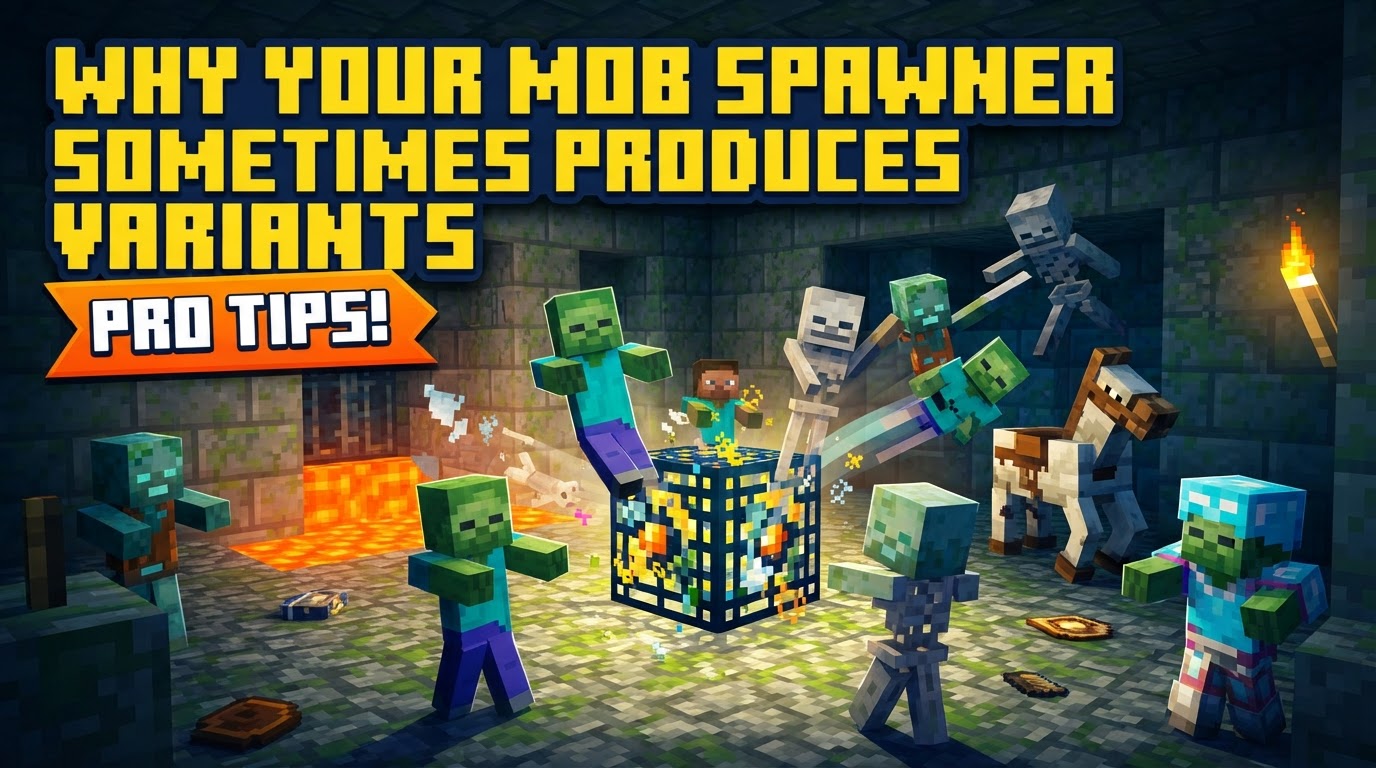
The Unyielding Nature of Natural Spawners
When you stumble upon a spawner in a dungeon, a stronghold, or a nether fortress, it is hardcoded to produce one, and only one, specific type of mob. A zombie spawner will always spawn zombies. A skeleton spawner, skeletons. A blaze spawner, blazes. There is no natural variation in the mob type that emerges from these blocks.
- Fixed Mob Identity: Each naturally occurring spawner has a permanent, unchangeable mob assignment. This is fundamental to its operation.
- Activation Radius: A spawner only becomes active and attempts to generate mobs when a player is within a 16-block spherical radius. Step too far away, and it ceases its efforts.
- Spawning Volume: Mobs are precisely placed within a specific volume around the spawner, typically an 8x3x8 or 9x3x9 area. Their feet will appear at, one block above, or one block below the spawner’s level. This ensures predictable placement for farm designs.
- Environmental Conditions: Even with a spawner, general mob spawning rules apply. Hostile Overworld mobs, for instance, demand a light level of 0 to spawn. Blazes are less picky, requiring light level 11 or below. Failing to meet these conditions will prevent any mob from appearing.
- Internal Mob Cap: Spawners possess an internal cap. If six or more mobs of the spawner’s type are already present within a 9×9 or 17x9x17 area (depending on the game edition), the spawner will pause its spawning cycle until the count decreases. This prevents overwhelming numbers in small areas.
- Spawning Delay: Spawners operate on a timer, attempting to spawn mobs every 10 to 40 seconds. This inherent delay means you won’t see an instant flood of creatures.
So, if natural spawners are so rigid, why does the idea of “variants” persist? This usually stems from two main possibilities: misinterpretation of game mechanics, or, more likely, an encounter with a spawner that has been intentionally modified.
The Illusion of Natural Variation
While a zombie spawner will always produce zombies, it’s possible to observe what might be perceived as variants. For example, zombies can naturally spawn with different armor pieces, or even holding items. Skeletons might spawn with different enchantments on their bows. These are not “variants” of the spawner’s mob type, but rather natural permutations of the base mob itself, adhering to the game’s standard mob equipment rules. The spawner simply initiates the creation of the base mob, and the game then applies these possible attributes. Similarly, if you are seeing different mob types, it’s almost certainly not the spawner’s doing unless it’s a custom creation. Perhaps another mob wandered into your farm, or a different spawner is nearby.
Unlocking True Potential: Custom Spawners and NBT Data
The real secret to making a spawner produce “variants” – whether different types of mobs, mobs with specific attributes, or even multiple mob types – lies in the realm of commands and NBT (Named Binary Tag) data. This is where the game’s underlying structure allows for incredible creativity, but it requires Creative mode or administrative privileges.
Minecraft’s command system empowers players to define the precise characteristics of a spawner. The key elements are the SpawnData and SpawnPotentials tags:
SpawnData: This tag specifies the default mob that the spawner will produce, along with any specific properties that mob should have. This includes everything from its equipment and enchantments to its health and custom name.SpawnPotentials: This is where true variation comes into play. You can set up a list of different mob types or variants, each with an associated weight. The spawner will then randomly choose from this list based on those weights, allowing for a diverse output.
Consider the humble frog. Depending on the biome, frogs naturally appear as temperate, cold, or warm variants. While a natural spawner cannot produce these biome-specific variants outside their biomes, a custom spawner can. By specifying a variant NBT tag for the frog, you can force a spawner to produce a specific type of frog regardless of its surroundings. The same applies to rabbits and other mobs with distinct visual types.
Building Your Bespoke Spawner: A Practical Guide
Creating a spawner that produces variants involves a few straightforward steps using game commands:
1. Obtain a Spawner Block
In Creative mode, you can simply access it from your inventory. Alternatively, use the command: /give @p spawner
2. Place and Modify the Spawner
Place the spawner block where you want it. Then, use the /setblock or /data modify command to inject the desired NBT data into it. Here are some examples:
- For a single mob with custom attributes:
Imagine you want a spawner that always produces zombies wearing a diamond helmet. You would use a command like this:
/setblock ~ ~1 ~ spawner{SpawnData:{entity:{id:"minecraft:zombie",ArmorItems:[{},{},{},{id:"minecraft:diamond_helmet",Count:1b}]}}}This command targets the block one above your current position (
~ ~1 ~) and sets it as a spawner. TheSpawnDatathen defines a zombie (`id:”minecraft:zombie”`) with a diamond helmet in its head armor slot. - For multiple mob types or weighted variants:
To create a spawner that randomly produces both zombies and skeletons, with skeletons appearing twice as often, you’d utilize
SpawnPotentials:/setblock ~ ~1 ~ spawner{SpawnPotentials:[{weight:1,data:{entity:{id:"minecraft:zombie"}}},{weight:2,data:{entity:{id:"minecraft:skeleton"}}}]}Here, the
SpawnPotentialslist contains two entries. The zombie has aweight:1, and the skeleton has aweight:2. This means for every one zombie, the spawner is likely to produce two skeletons. - For biome-specific variants (e.g., frogs):
To have a spawner produce only warm frogs, regardless of the biome:
/setblock ~ ~1 ~ spawner{SpawnData:{entity:{id:"minecraft:frog",variant:"warm"}}}This demonstrates how specific NBT tags like
variantcan be used to control distinct mob appearances.
Maximizing Efficiency: Tips for Spawner Farms
Regardless of whether your spawner is natural or custom, optimizing its output is crucial for any farm. Careful design ensures a steady supply of mobs, experience, or drops.
- Rapid Mob Evacuation: Design your collection system to quickly move spawned mobs out of the spawner’s immediate detection range (the 9×9 or 17x9x17 area). This prevents hitting the mob cap and ensures continuous spawning. Water streams, pistons, or even simple drops are effective.
- Precise Light Management: Control the ambient light levels in the spawning area. For most hostile mobs, this means absolute darkness (light level 0). For blazes, light level 11 or below is sufficient. Torches or glowstone can be used to prevent other unwanted mobs from spawning, but ensure the spawner’s intended area remains dark enough.
- Experience Harvesting: While spawners are indestructible in Survival mode, breaking them with a pickaxe in Creative mode or by using commands will yield 15-43 experience points, making them a valuable source for XP.
Common Pitfalls and How to Avoid Them
Even seasoned players can fall into traps when dealing with mob spawners:
- Expecting Natural Spawner Variation: The most common mistake is believing a single, naturally found spawner can produce different types of mobs. They cannot. Period.
- Ignoring the Mob Cap: Forgetting about the internal mob cap is a common reason for farms grinding to a halt. If mobs aren’t quickly cleared, the spawner will simply stop.
- Incorrect Lighting: Many a mob farm has failed because the light level in the spawning chamber was just one block too bright, preventing any hostile mobs from appearing. Double-check your light sources.
- Attempting to Move Spawners: Spawners are immovable blocks in Survival mode. They cannot be picked up with Silk Touch pickaxes, nor can they be pushed by pistons. Once placed (or naturally generated), they are fixed in their location.
In conclusion, while naturally occurring mob spawners are steadfast in their output, the true power to generate “variants” – be it different mob types, specialized equipment, or unique visual attributes – rests firmly in the hands of players who harness Minecraft’s robust command system. Understanding this distinction is key to both efficient farming and advanced world customization.
Tags:
YOU MAY ALSO LIKE...


