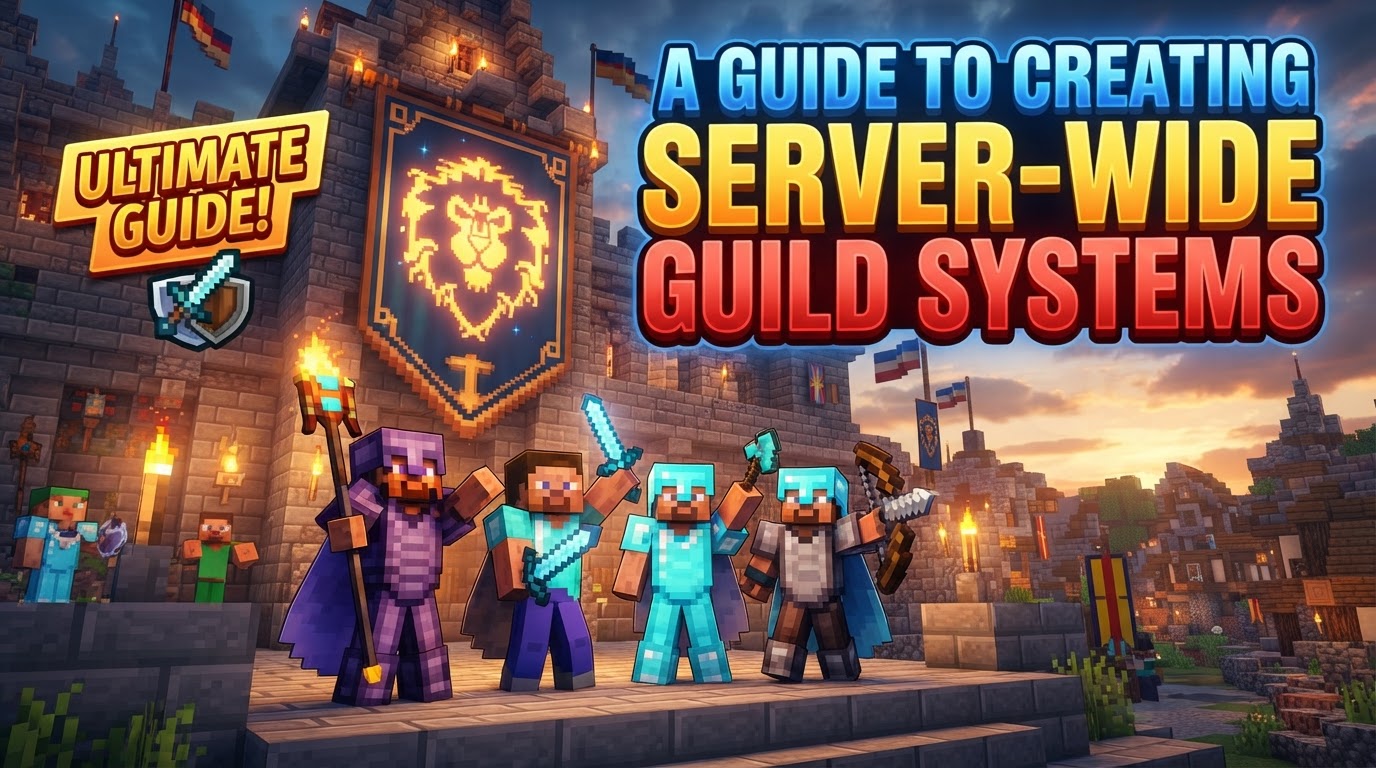
A Guide to Creating Server-Wide Guild Systems
Many server owners struggle to cultivate a lasting community, often finding players drift away after a few weeks. One of the most effective ways to foster player retention and build a vibrant, engaged community in Minecraft is through a well-implemented server-wide guild system. Such a system transforms individual players into cohesive units, encouraging teamwork, competition, and sustained interaction, making your server a more compelling and sticky environment for all.
A guild system is more than just a chat channel; it allows players to form persistent social groups, complete with their own hierarchies, shared resources, and territorial claims. Implementing this typically involves leveraging robust server plugins and careful, strategic configuration. This guide will delve into the essential mechanics, a step-by-step implementation process, and crucial tips to help you establish a thriving guild ecosystem on your Minecraft server.
Understanding the Core Components of a Guild System
At the heart of any successful guild system are several key mechanics that define how players interact and progress within their groups. These features are designed to enhance social dynamics and provide meaningful gameplay loops.
- Guild Creation and Management: The foundational element allows players to initiate their own guilds, giving them unique names and identifiable tags. Beyond creation, leaders are empowered with tools to manage their roster, including inviting new members, kicking inactive or problematic ones, and promoting or demoting members within the guild hierarchy. Many modern guild plugins offer intuitive Graphical User Interfaces (GUIs), simplifying these administrative tasks for guild leaders.
- Role-Based Permissions: To maintain order and distribute responsibilities, guild systems typically incorporate hierarchical roles. Common examples include Leader, Officer, and Member. Each role can be assigned customizable permissions, dictating what actions members holding that role are allowed to perform. This granular control can extend to editing claimed territories, breaking specific blocks like spawners, or even accessing shared guild funds, ensuring that sensitive operations are restricted to trusted individuals.
- Shared Resources and Economy: Guilds often function as economic units. A central feature is the guild bank or deposit system, enabling members to contribute and share money. Access to these shared funds is typically governed by the aforementioned role-based permissions. Beyond currency, some advanced systems facilitate the sharing of claimed territories and other valuable in-game resources, promoting collective wealth and strategic resource management.
- Guild Power and Progression: To provide a sense of long-term goals and reward activity, guilds can accumulate “guild power.” This power is earned through a wide array of in-game activities, encouraging diverse gameplay. Whether it’s the quiet grind of fishing, the industrious effort of mining blocks, the sustained work of farming crops, or the competitive thrill of killing mobs and achieving unique PvP kills, every action can contribute to a guild’s overall strength. Accumulated power often translates into guild leveling, which in turn can unlock significant upgrades, increase the maximum number of members a guild can hold, or expand their claim limits.
- Territory Control: A critical aspect of many guild systems is the ability to claim chunks of land. These claims serve as protected zones, safeguarding guild builds, valuable resources, and member homes from unauthorized access or griefing by non-guild members or rival factions. The number of claims a guild can establish is frequently tied to its guild power or current level, providing a direct incentive for progression.
- Communication and Diplomacy: Effective internal communication is vital for any group. Dedicated guild chat channels allow members to coordinate activities, plan strategies, and simply socialize without server-wide clutter. Furthermore, robust systems include features for managing inter-guild relationships. Guilds can form official alliances, declare enemies, or establish neutral, truce, or war statuses with other guilds, adding a layer of political intrigue and dynamic interaction to the server.
- Guild Homes/Warps: For convenience and cohesion, guilds are typically able to set a central location or warp point. This designated “guild home” allows all members to quickly teleport to a common base of operations, facilitating meet-ups, resource sharing, and joint ventures.
Implementing Your Guild System: A Step-by-Step Approach
Bringing a guild system to life on your server involves a methodical process, from choosing your infrastructure to fine-tuning in-game settings.
- Choose Hosting and Server Software: Your journey begins with selecting the right foundation. Decide whether you’ll manage your server yourself through self-hosting, opt for the convenience of a managed hosting provider, or utilize a Virtual Private Server (VPS) or dedicated server for maximum control. Concurrently, select your server software. Platforms like Spigot or Paper are highly recommended as they are optimized for performance and provide robust plugin support, which is essential for a guild system.
- Select and Install a Guild Plugin: This is the core of your guild system. Thoroughly research available guild plugins, such as “Simple Guilds,” “GuildWars,” “Guild Plugin,” “Clans,” or “Super Guilds.” Look for one that aligns with your desired features (roles, claims, economy integration, GUIs). Once chosen, download the plugin’s JAR file and place it directly into your server’s
pluginsfolder. - Initial Server Start and Configuration: After placing the plugin, start your Minecraft server. This initial boot-up will prompt the plugin to generate its default configuration files, typically found within a new folder named after the plugin inside the
pluginsdirectory. Once generated, stop your server and navigate to these configuration files. This is where you’ll customize critical guild settings, such as the cost for players to create a new guild, the initial claim limits, and the various in-game messages players will see. - Restart Server: To apply all the configuration changes you’ve made, a full server restart is necessary. This ensures the plugin loads with your tailored settings, rather than its default parameters.
- In-Game Guild Creation: Once the server is back online and the plugin is configured, players or administrators can typically create guilds using a specific command. The most common syntax is
/guild create [name], allowing players to officially establish their group within the server’s system. - Invite and Manage Members: With a guild created, the next step is populating it. Leaders can invite players using commands such as
/guild invite [username]. Crucially, guild leaders and administrators should then configure the roles and permissions for each member. This step is vital for defining each player’s capabilities and responsibilities within their guild, ensuring a structured and secure environment.
Optimizing and Maintaining Your Guild Server
Beyond initial setup, ensuring a smooth and enjoyable experience for your guild members requires ongoing attention to performance and community engagement.
- Plugin Selection: The quality of your guild system heavily relies on the plugin you choose. Prioritize comprehensive guild plugins that natively offer a wide array of features like role management, territory claims, economy integration, and intuitive GUIs. A single, well-developed plugin is often superior to multiple smaller, potentially conflicting ones.
- Server Optimization: Performance is paramount, especially for servers with many players and active guilds claiming land. Proactively pre-generate chunks across your server’s world to reduce load times and lag spikes as players explore. Additionally, consider using performance-optimizing mods or server forks (like PaperMC) which include various backend improvements to handle heavier loads more efficiently.
- Regular Maintenance: Implement a consistent schedule for server maintenance. This includes routine backups, clearing temporary files, and, most importantly, keeping all your plugins and server software updated. Regular updates ensure compatibility, patch security vulnerabilities, and often introduce performance enhancements or new features.
- Community Engagement: A successful guild server isn’t just about the code; it’s about the people. Clearly plan your server’s vision and niche to attract the right player base. Actively solicit player feedback through polls, forums, or in-game suggestions. Ensure your staff team is present, approachable, and responsive to address issues promptly, fostering a positive and welcoming community atmosphere.
Avoiding Common Pitfalls
Even with the best intentions, server administrators can fall victim to common mistakes that hinder the success and longevity of their Minecraft servers.
- Plugin Overload: One of the most frequent errors is installing too many plugins, or choosing plugins that are poorly coded or incompatible with each other. This can lead to a cascade of problems including persistent compatibility issues, memory leaks that degrade performance over time, slow server load times, and general server instability and lag. Quality over quantity is key.
- Inadequate Hardware: Attempting to run a busy Minecraft server, especially one with complex guild systems and many players, on insufficient hardware resources is a recipe for disaster. This will inevitably result in severe lag, frequent server crashes, and a consistently poor player experience that drives users away. Invest in appropriate CPU, RAM, and storage.
- Neglecting Backups: Failing to regularly back up your server data is an unforgivable oversight. Hardware failures, corrupted files, or even accidental administrative errors can lead to the irreversible loss of months or years of player progress, builds, and server configurations. Automated, frequent backups are essential.
- Poor Moderation and Rules: A lack of clear, concise rules or inconsistent enforcement of those rules will quickly erode your server’s community. This can lead to rampant griefing, toxic player behavior, and a significant decline in player retention as good players seek more orderly environments. Strong, fair moderation is crucial.
- Lack of Planning: Launching a server without a clear vision, a defined niche, or specific goals often results in disorganization. Without a direction, it becomes difficult to attract and retain players, as the server lacks a unique identity or compelling reason for players to stay.
- Ignoring Feedback: Failing to listen to or act on player feedback is a sure way to alienate your community. Players want to feel heard and valued. Ignoring their suggestions or concerns can make them feel disengaged and lead them to believe their input doesn’t matter, ultimately causing them to leave.
- Mismanaged Economy: Implementing an unbalanced or overly generous in-game economy can have detrimental effects. If currency is too easy to acquire or items are too cheap, it can devalue legitimate in-game activities, reduce the perceived worth of items, and remove the challenge and sense of achievement for players.
By carefully planning, selecting the right tools, and committing to ongoing maintenance and community engagement, you can successfully implement a robust server-wide guild system that transforms your Minecraft server into a vibrant, competitive, and long-lasting community hub.
Tags:
YOU MAY ALSO LIKE...