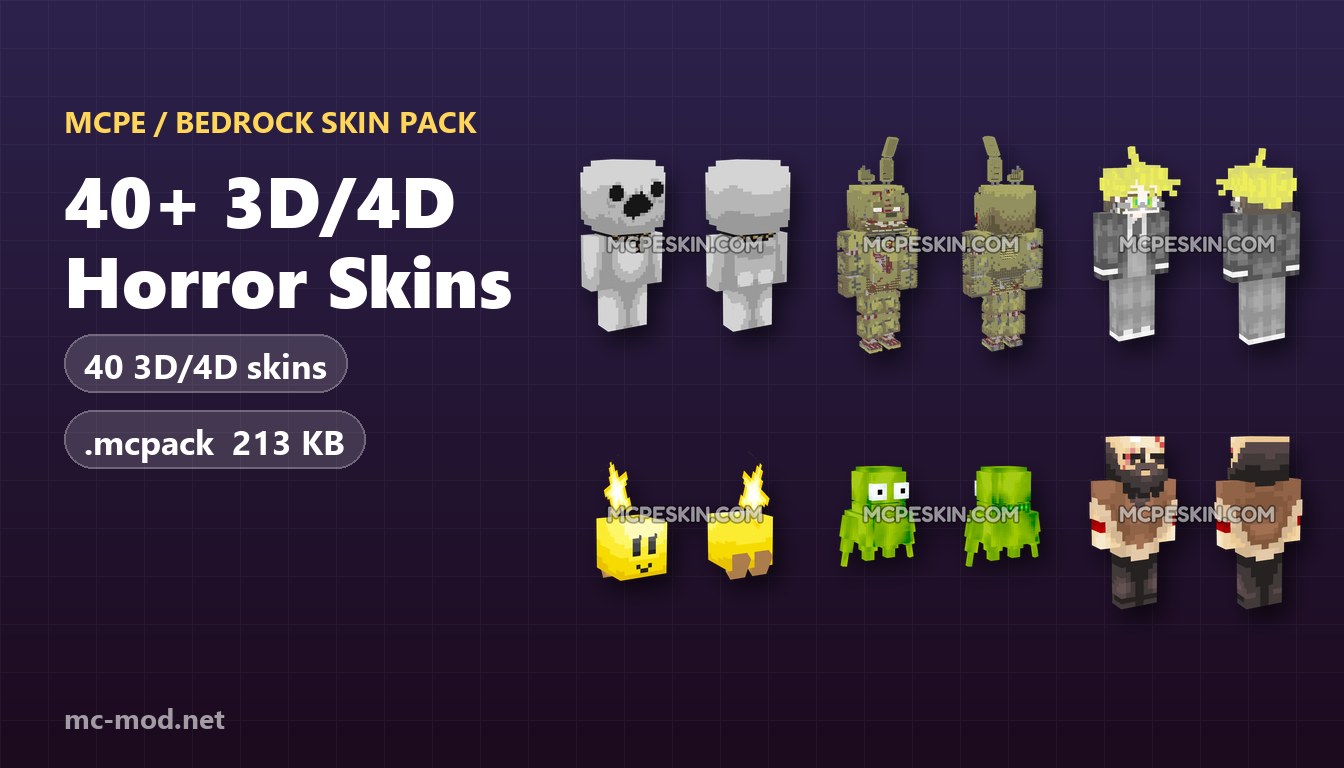
40+ 3D/4D Bonnie Skins Pack (1.26, 1.21) – MCPE/Bedrock
Bonnie 4D skins on mcpeskin.com – Five Nights at Freddy's characters as real 3D custom models, not a flat texture – bundled into one free .mcpack for Minecraft PE and Bedrock.
40+ 3D/4D Bonnie Skins Pack bundles 40 3D/4D skins into one .mcpack (174 KB). Open the file and Minecraft imports every skin at once, so there is nothing to copy by hand and no skin files to unzip – the whole set shows up in the Dressing Room.
Features:
- 40 skins (custom 3D/4D models), in a single pack.
- One .mcpack file (174 KB) that installs itself.
- Works with Minecraft PE / Bedrock 1.14 to latest.
- Free – no account and no sign-up.
Screenshots:
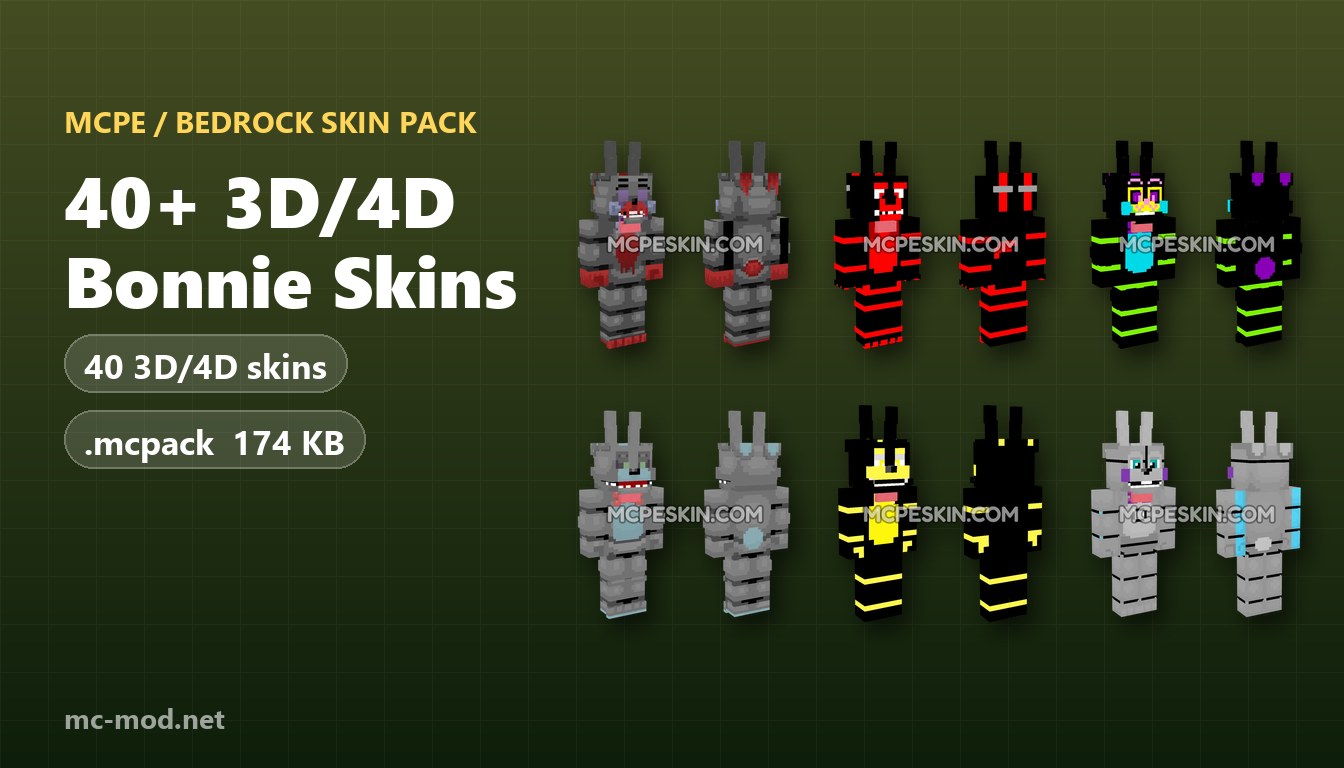
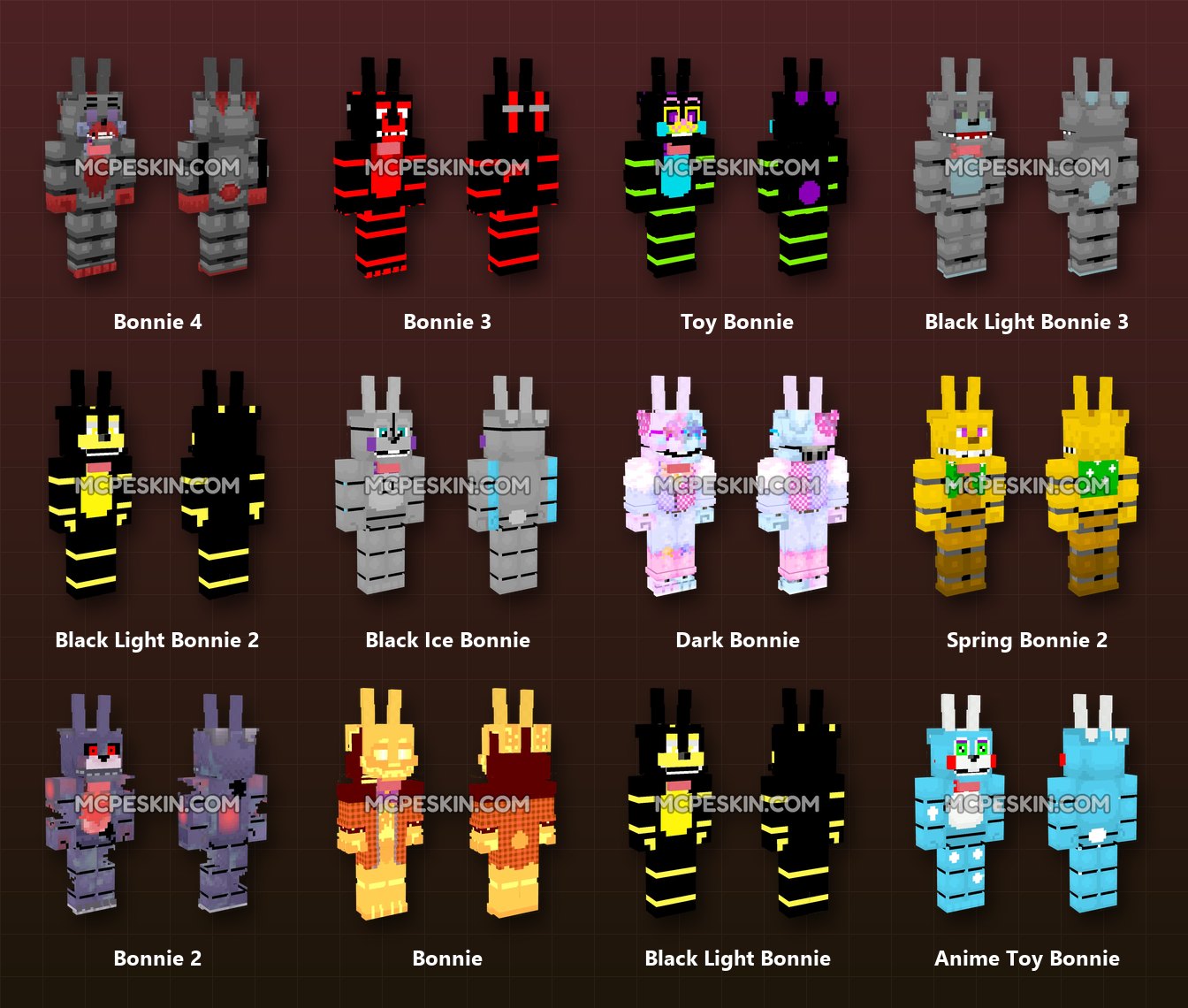
Skins in this pack:
Bonnie 25, Bonnie 24, Bonnie 23, Bonnie 22, Bonnie 21, Bonnie 20, Bonnie 19, Bonnie 18, Bonnie 17, Bonnie 16, Bonnie 15, Bonnie 14, Bonnie 13, Bonnie 12, Bonnie 11, Bonnie 10, Bonnie 9, Bonnie 8, Bonnie 7, Bonnie 6, Bonnie Red, Bonnie 5, Bonnie Fnaf, Nightmare Shadow Bonnie, Bonnie 4, Bonnie 3, Toy Bonnie, Black Light Bonnie 3, Black Light Bonnie 2, Black Ice Bonnie, Dark Bonnie, Spring Bonnie 2, Bonnie 2, Bonnie, Black Light Bonnie, Anime Toy Bonnie, Withered Bonnie, Glamrock Bonnie, Spring Bonnie, Withered Spring Bonnie.
How to install:
- Download the .mcpack file below.
- Open the downloaded file – Minecraft launches and imports the pack by itself.
- In Minecraft, open the Dressing Room (Edit Character).
- The pack is in your skin picker – tap any skin to wear it.
40+ 3D/4D Bonnie Skins Pack Download Links
For Minecraft PE/Bedrock 1.26, 1.21
40+ 3D/4D Bonnie Skins Pack (.mcpack): Download from mcpeskin.com
Tags:
YOU MAY ALSO LIKE...