

Apollon Client (1.26+, 26.66+) – Mod Menu APK for MCPE/Bedrock, 32 & 64-bit
Apollon Client is a mod menu client for Minecraft PE (Bedrock) on Android. It ships as a standalone APK built on a recent Minecraft PE release, with builds for both 32-bit and 64-bit devices. It is made for players who want combat, movement and visual helpers in a single in-game menu without patching the game themselves.
It works with Minecraft PE/Bedrock from 1.21 up to the newest releases, and the current build joins up-to-date multiplayer servers without an update prompt.
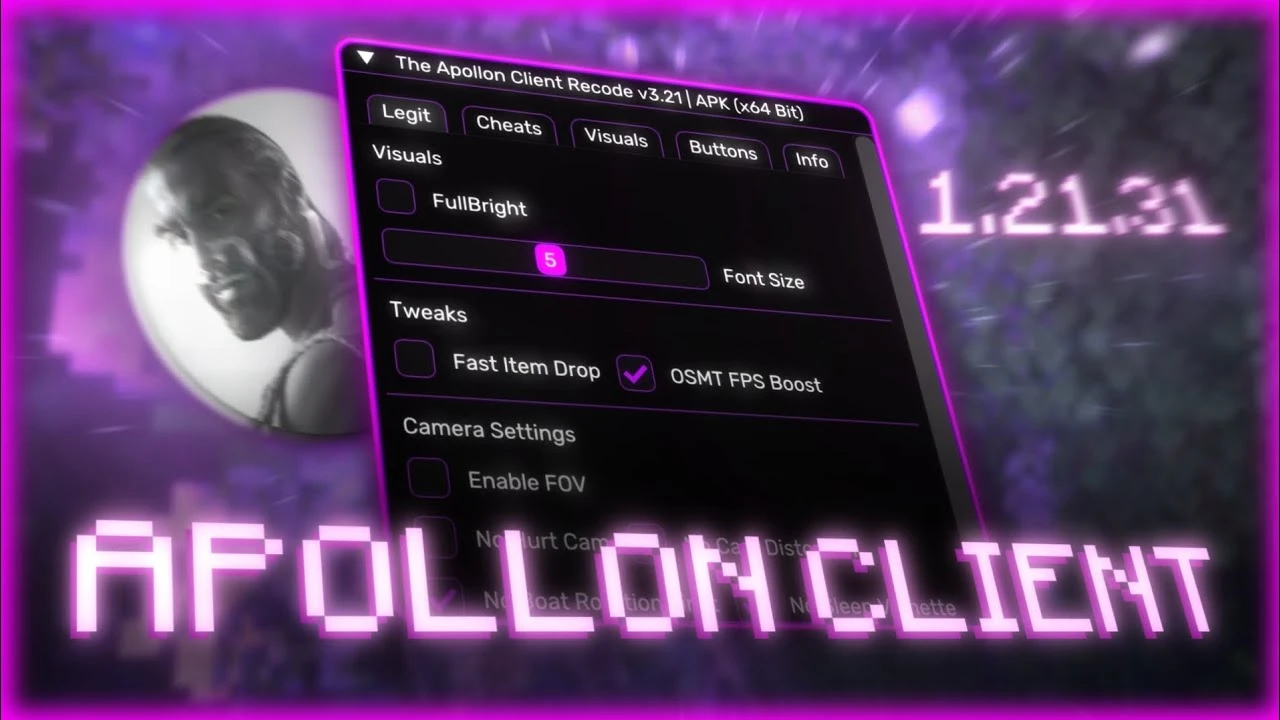
Features
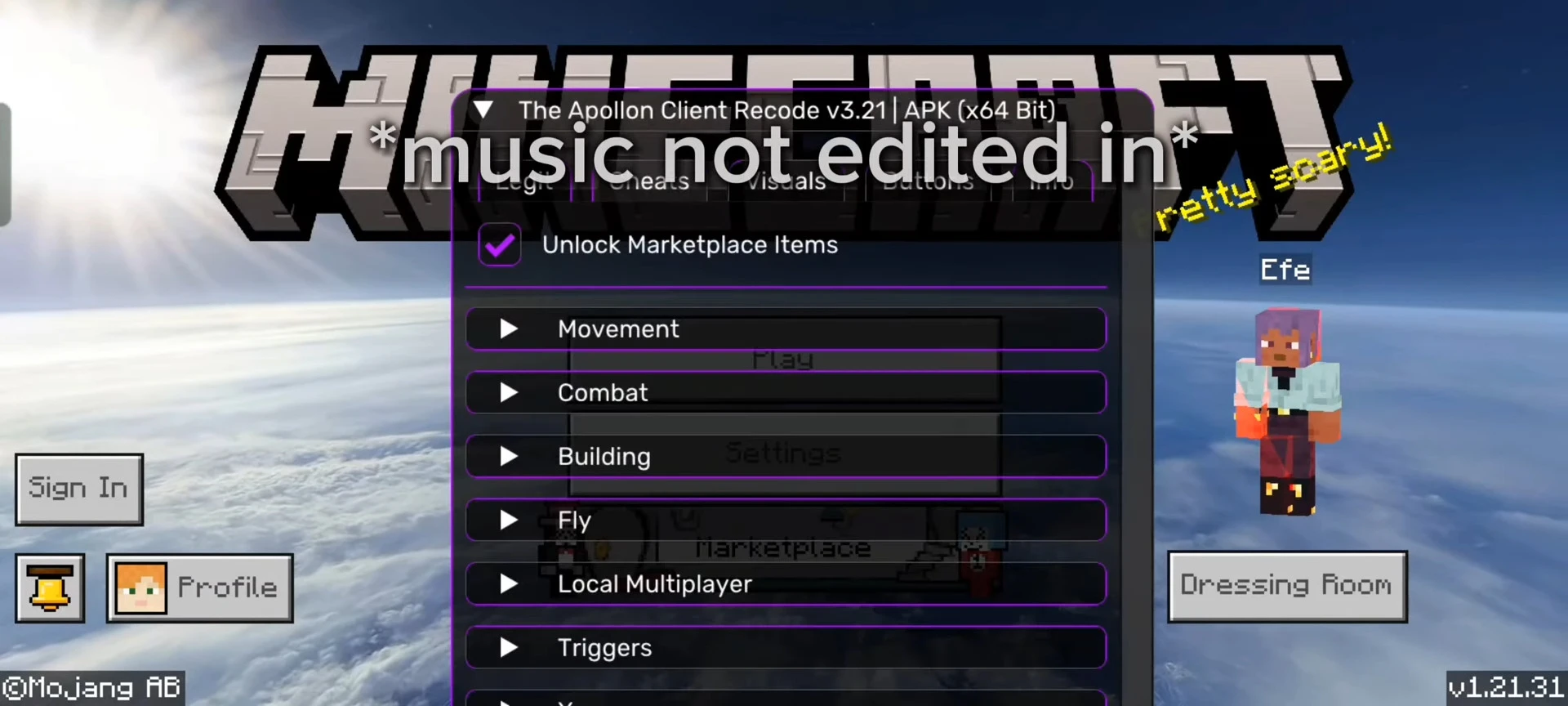
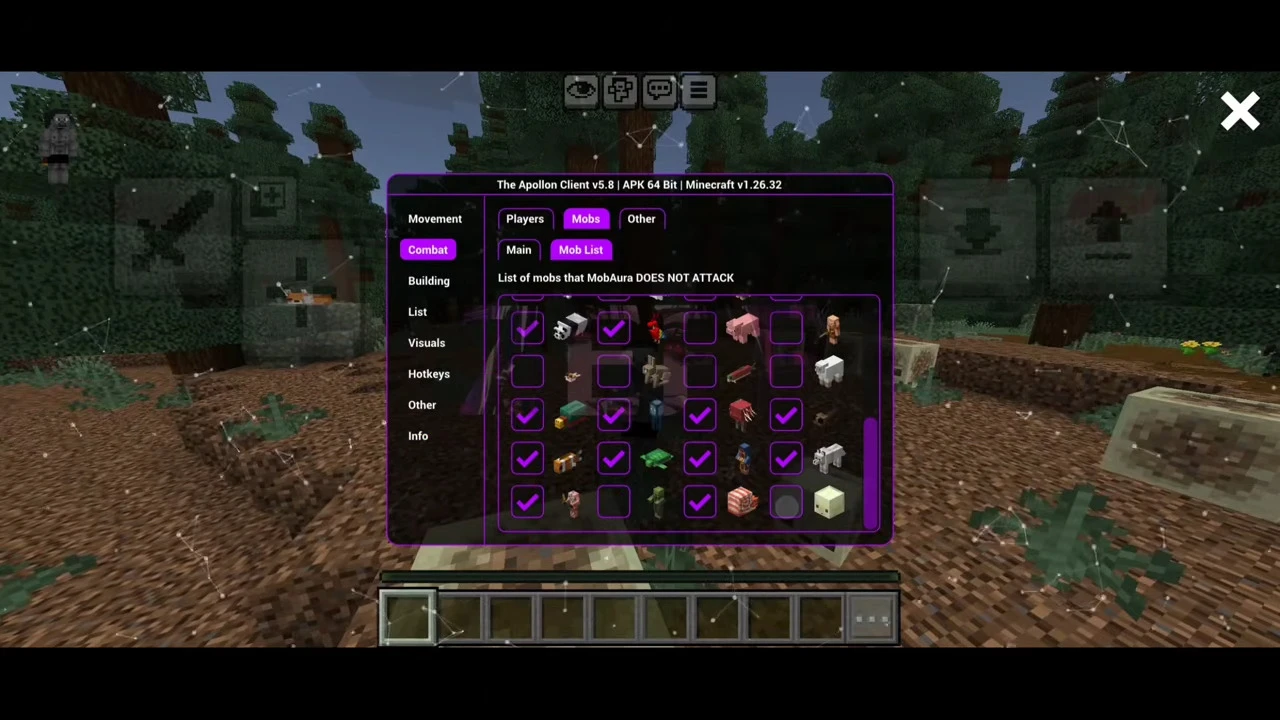
- Combat: KillAura, MobAura and Rotations, with adjustable minimum and maximum CPS for the auto clicker.
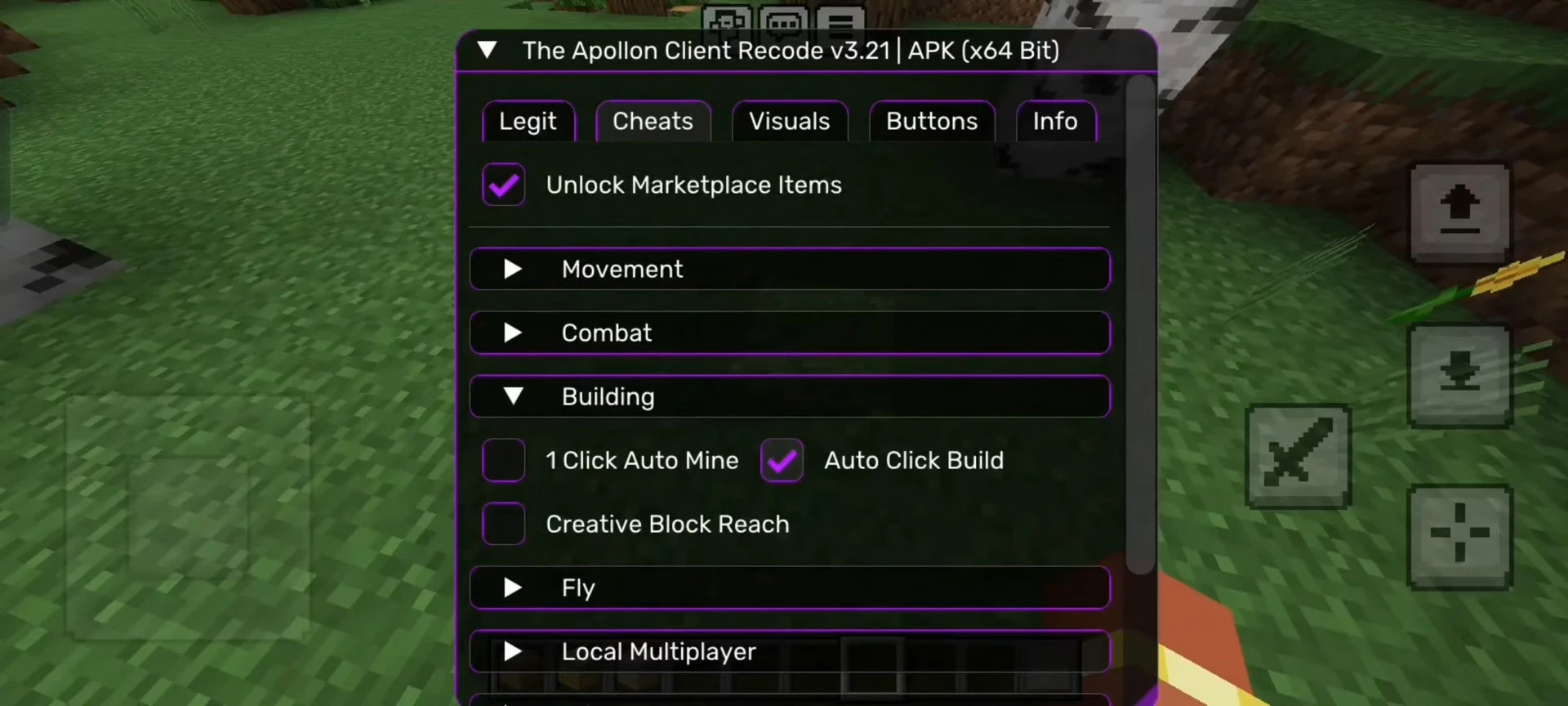
- Movement: Fly, Ladder Fly and Scaffold, which detects solid blocks reliably.
- Visuals: ESP (including player health and hunger) and X-ray.
- Free Camera: look around away from your character, with support for servers that use prediction.
- Utility: Auto Fish, Auto Tool, Instant Respawn, and Show Position and Death Position.
- Network: Blink and Server Blink (a lag tool for Bedrock Dedicated Server servers), plus a Hotspot Multiplayer Fix.
- Performance: an FPS Booster for weaker phones.
- Background play: Stay Online In Background keeps you connected while the game is minimized.
How to install
- Back up your worlds first. Uninstalling Minecraft can delete them. In the game use Edit World, then Export World, or copy the folder Android/data/com.mojang.minecraftpe/files/games/com.mojang to your PC.
- Uninstall the official Minecraft. Apollon Client uses the same package name (com.mojang.minecraftpe) but is signed differently, so it cannot be installed over the Google Play version.
- Download the APK from the list on this page.
- Open the file and allow installation from unknown sources if Android asks.
- Install it and launch the game. The mod menu is available in the game.
If you see “App not installed” or “package appears to be invalid”, remove the installed Minecraft completely and run the APK again. The same error appears when the installed Minecraft is newer than the Apollon APK, or is a Preview/Beta build.
Good to know
- Hack modules such as KillAura, Fly and Scaffold are usually against server rules. Using them online can get your account banned, so be careful on public servers and Realms.
- The client runs on both 32-bit and 64-bit Android devices.
- Keep your world backups, since switching between the official app and the client means reinstalling.
- The app shows a notice when a newer build is published.
Apollon Client Download Links
Current release: Apollon Client (1.26+, 26.66+)
For MCPE/Bedrock (26.62.1, 26.66.1)
V6.71 for 26.60.4 works on 26.62, 26.66 servers
Note: ZEFF skipped a separate 26.66 build because APK V6.71 (based on 26.60.4) still connects to 26.66 servers without asking to update.
For MCPE/Bedrock (26.60.4)
APK V6.71 (64bit): Download from server 1 – Download from server 2
APK V6.71 (32bit): Download from server 1 – Download from server 2
For MCPE/Bedrock (26.52.3)
APK V6.7 (64bit): Download from server 1 – Download from server 2
APK V6.7 (32bit): Download from server 1 – Download from server 2
For MCPE/Bedrock (26.51.01)
APK V6.62 (64bit): Download from server 1 – Download from server 2
APK V6.62 (32bit): Download from server 1 – Download from server 2
Older versions:
Show More
For MCPE/Bedrock (26.45.1)
APK 26.45 (64bit): Download from server 1 – Download from server 2
APK 26.45 (32bit): Download from server 1 – Download from server 2
Apollon Classic (skinpack): Download from server 1 – Download from server 2
For MCPE/Bedrock (26.44.3)
APK 26.44 (64bit): Download from server 1 – Download from server 2
APK 26.44 (32bit): Download from server 1 – Download from server 2
Apollon Classic (skinpack): Download from server 1 – Download from server 2
For MCPE/Bedrock (26.40.5)
APK 26.40 (64bit): Download from server 1 – Download from server 2
APK 26.40 (32bit): Download from server 1 – Download from server 2
Apollon Classic (skinpack): Download from server 1 – Download from server 2
For MCPE/Bedrock 1.26.33
apk 26.33 (64bit): Download from server 1 – Download from server 2
apk 26.33 (32bit): Download from server 1 – Download from server 2
Apollon Classic (skinpack): Download from server 1 – Download from server 2
For MCPE/Bedrock 1.26+
apk 26.32 (64bit): Download from server 1
apk 26.32 (32bit): Download from server 1
apk 26.23 (64bit): Download from server 1 – Download from server 2
Source code: Download from server 1 – Download from server 2
Tags:
YOU MAY ALSO LIKE...
