The Infinite Adventure Mod 1.7.10
The Infinite Adventure Mod 1.7.10 adds more generated structures, mobs, weapons, blocks, and much more! This mod also adds in a new dungeon guarded by Herobrine!
Screenshots:
Blocks:
Show Spoiler
All blocks currently in the mod:
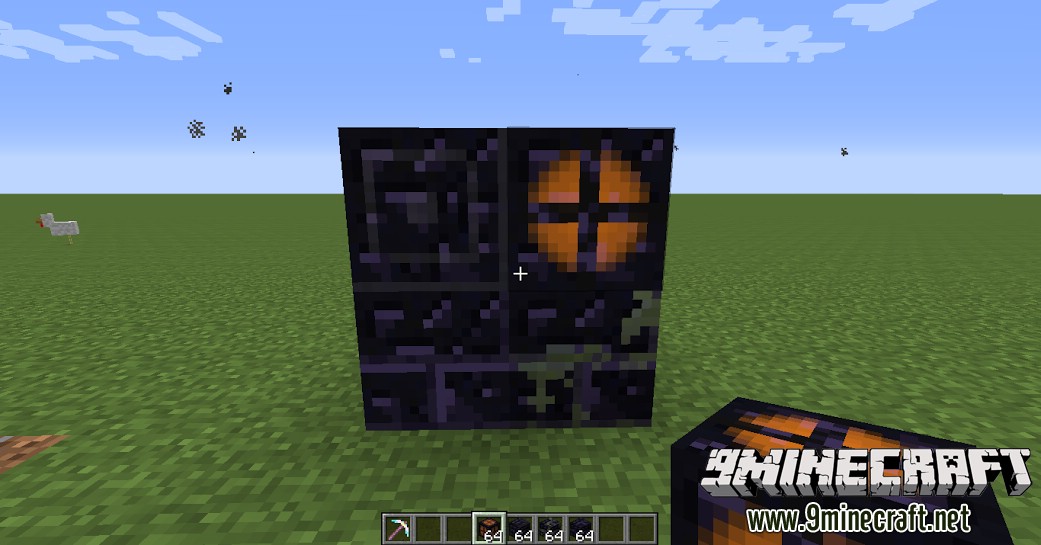
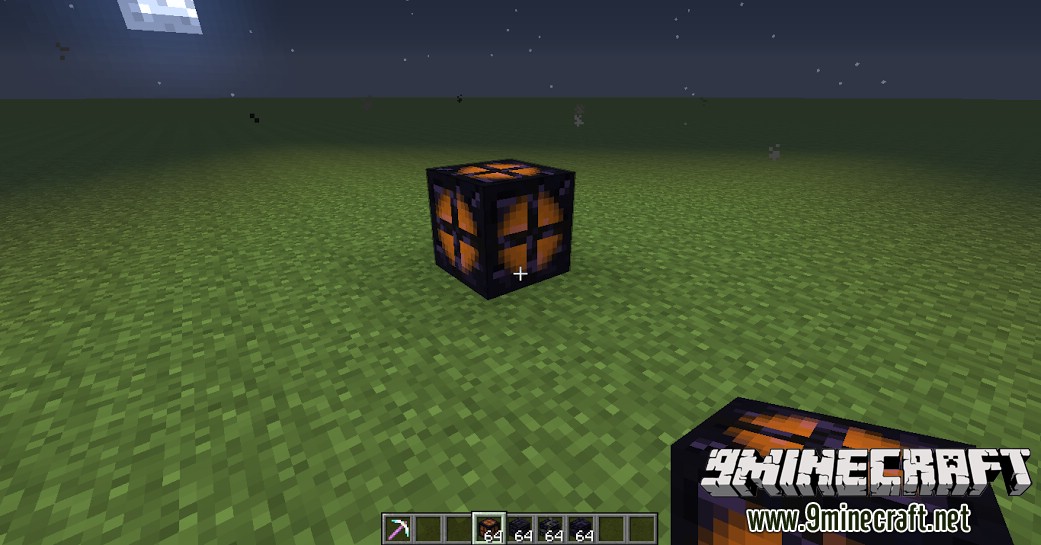
The Obsidian Lantern serves as a great light source, provided you have enough obsidian:
Mobs:
Show Spoiler
Although currently unused, Notch can be obtained in creative mode and can stage an epic battle against the Herobrine mob:
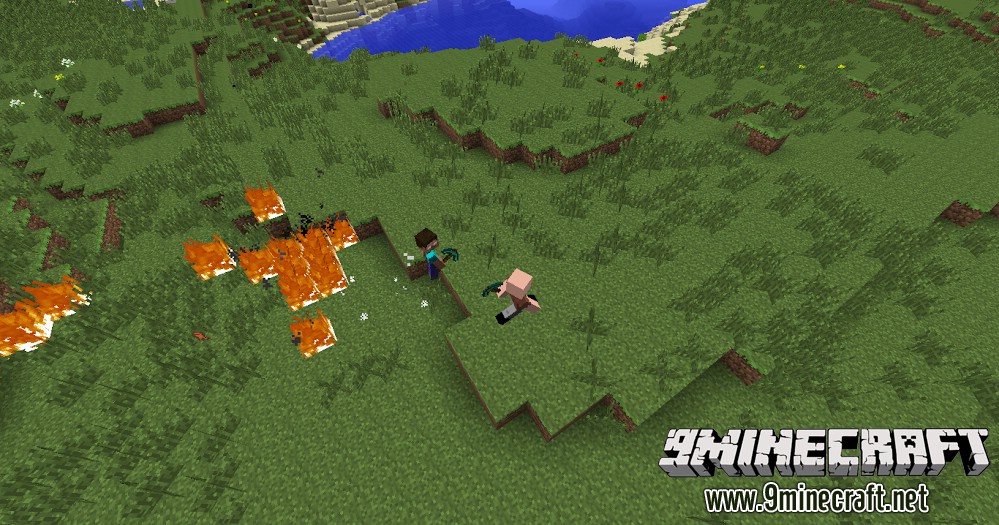
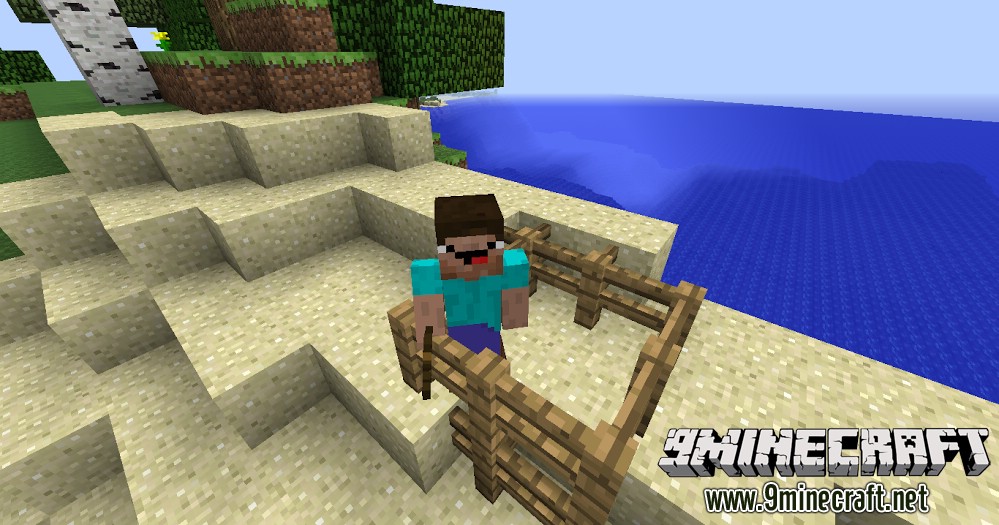
The Noob entity spawns when Notch attacks:
Equipment:
Show Spoiler
The Heavy Armor gives a variety of effects:
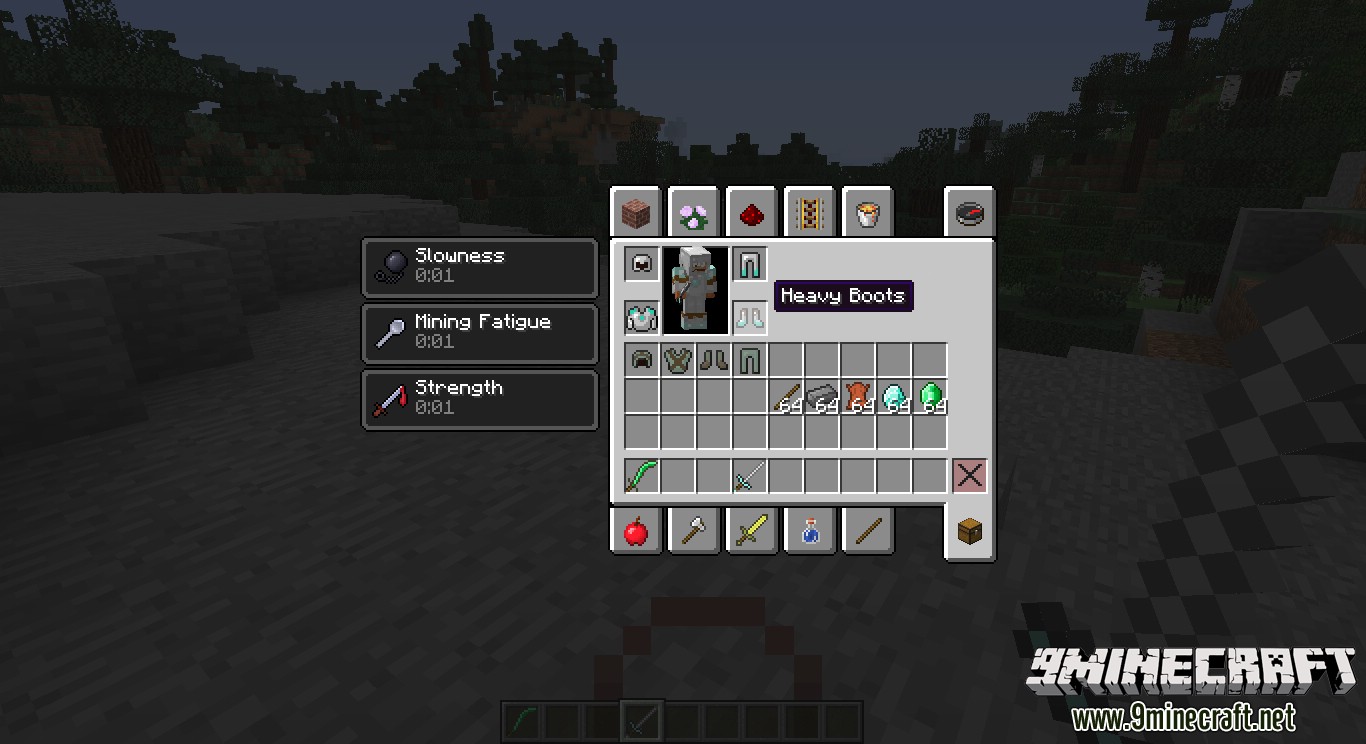
Its protection is as good as diamond:
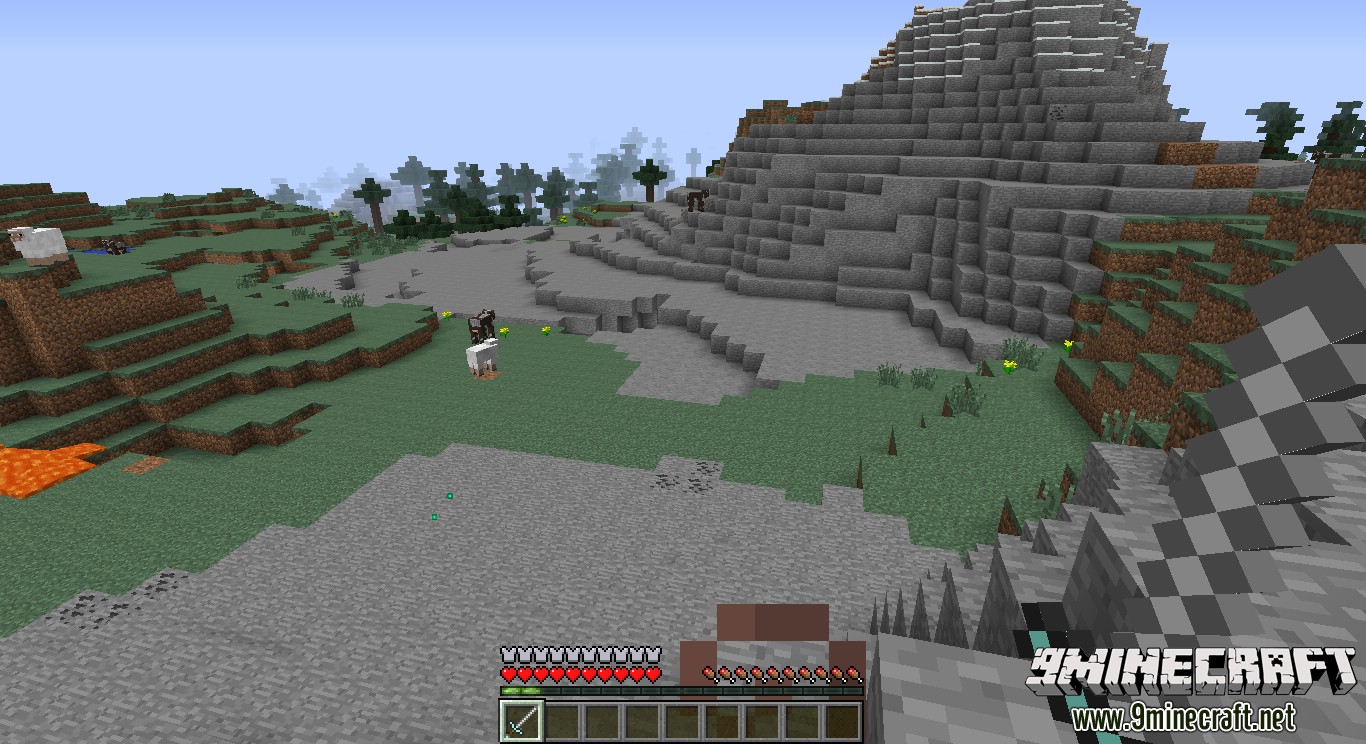
What it looks like in-game:
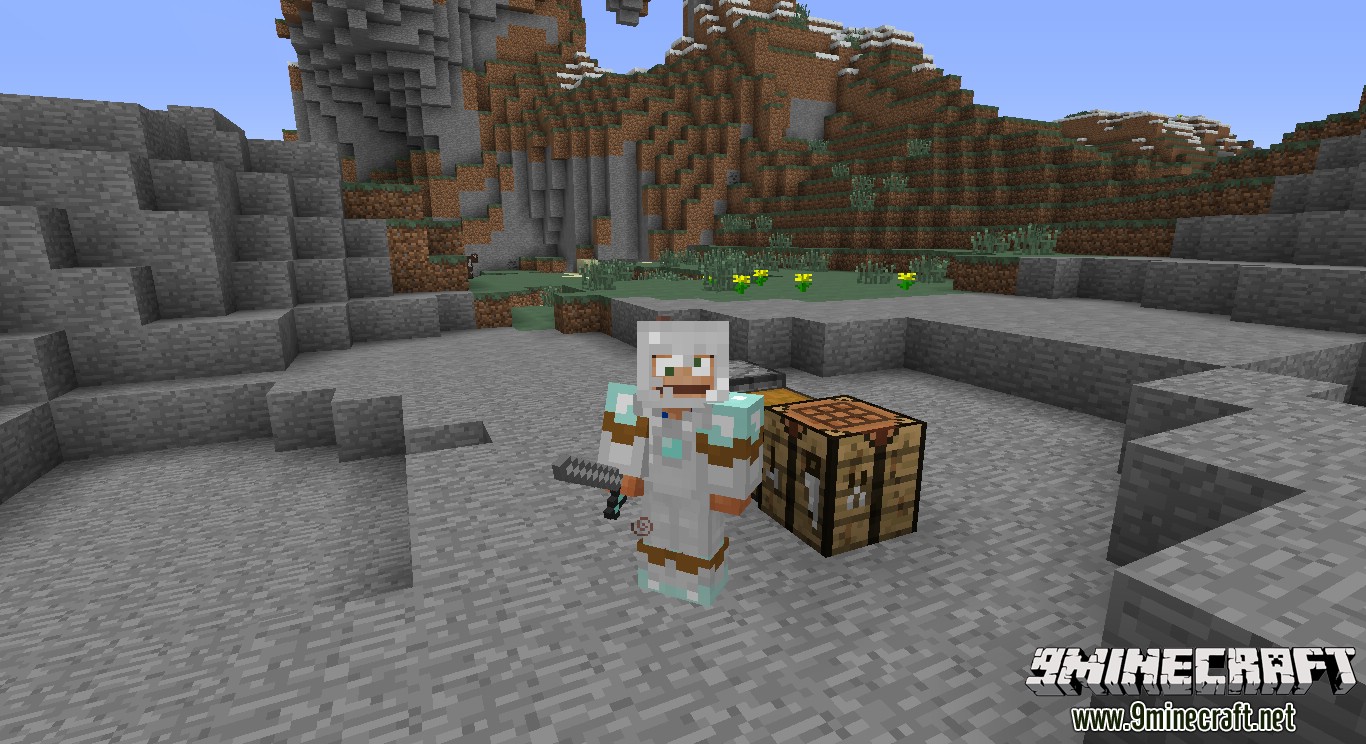
The Ranger Armor provides a variety of effects, most of which are opposites of the effects of the Heavy Armor:
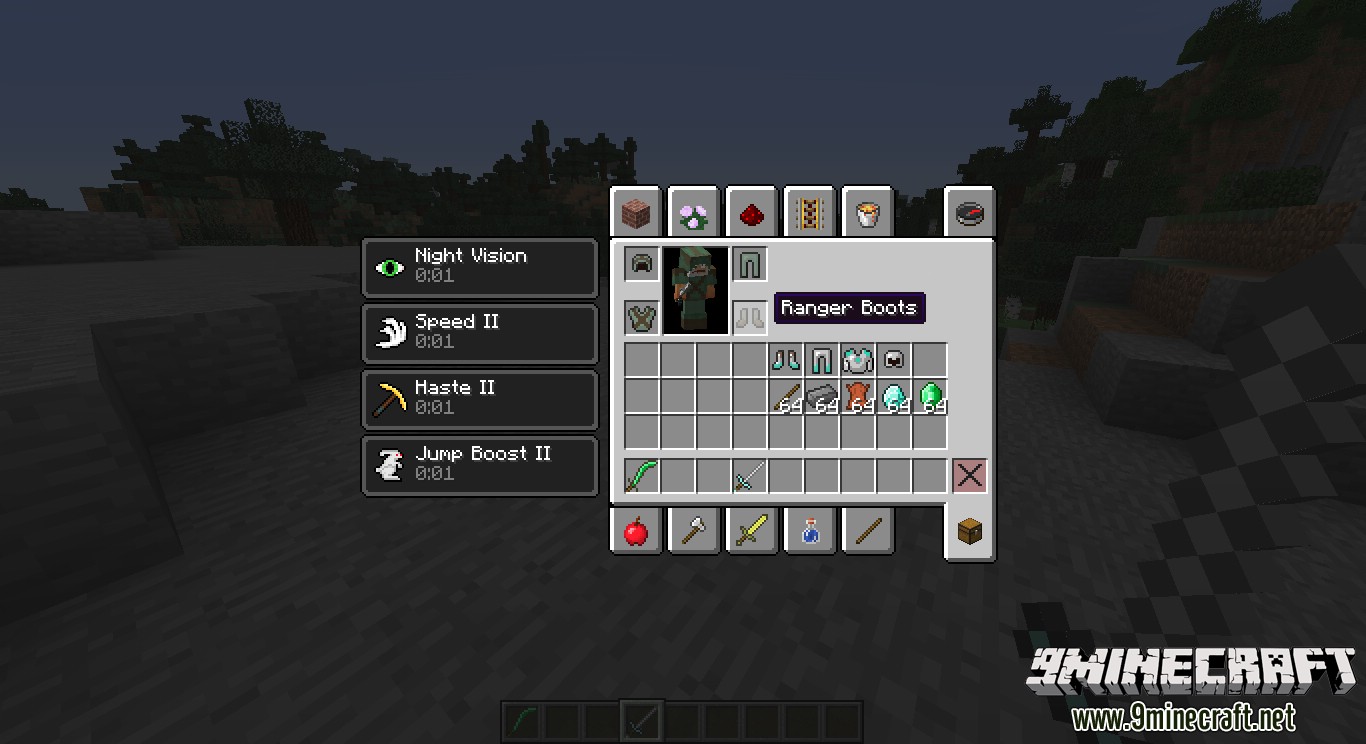
The protection is not the best, but the armor’s effects make up for it:
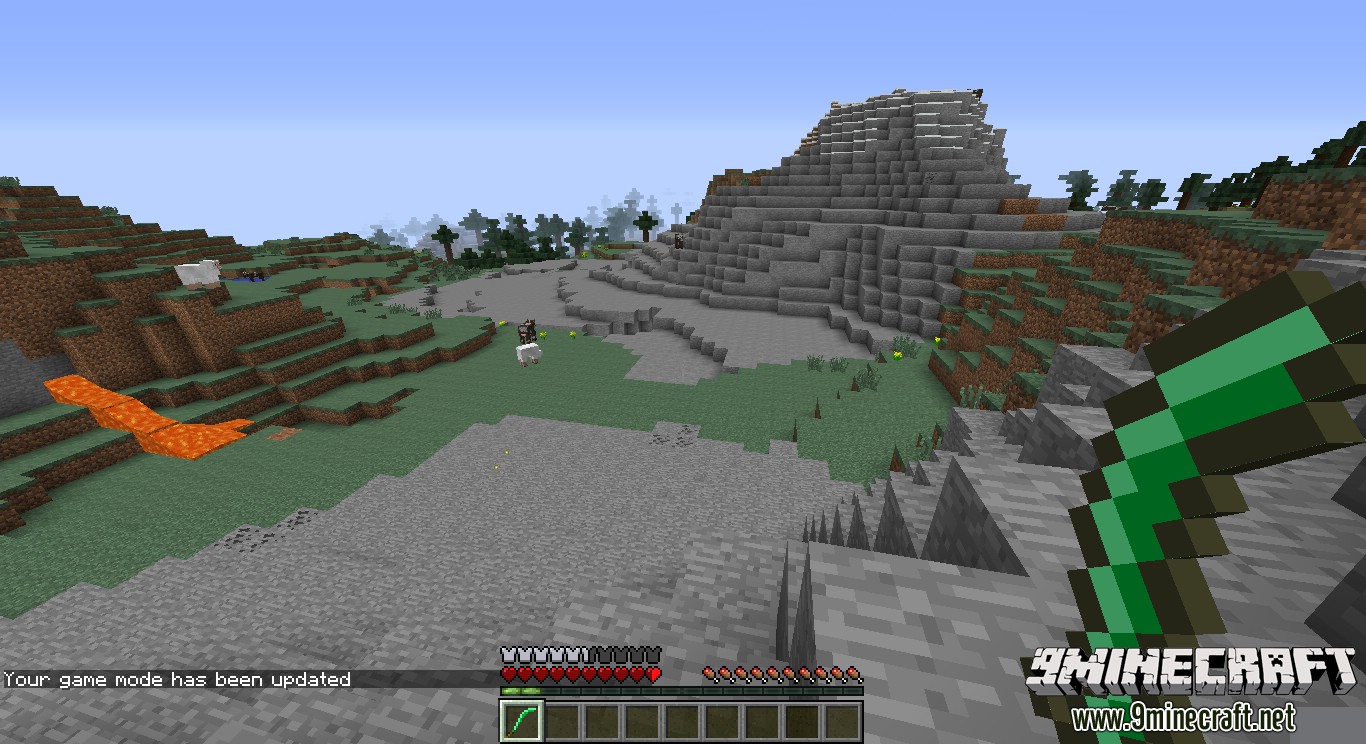
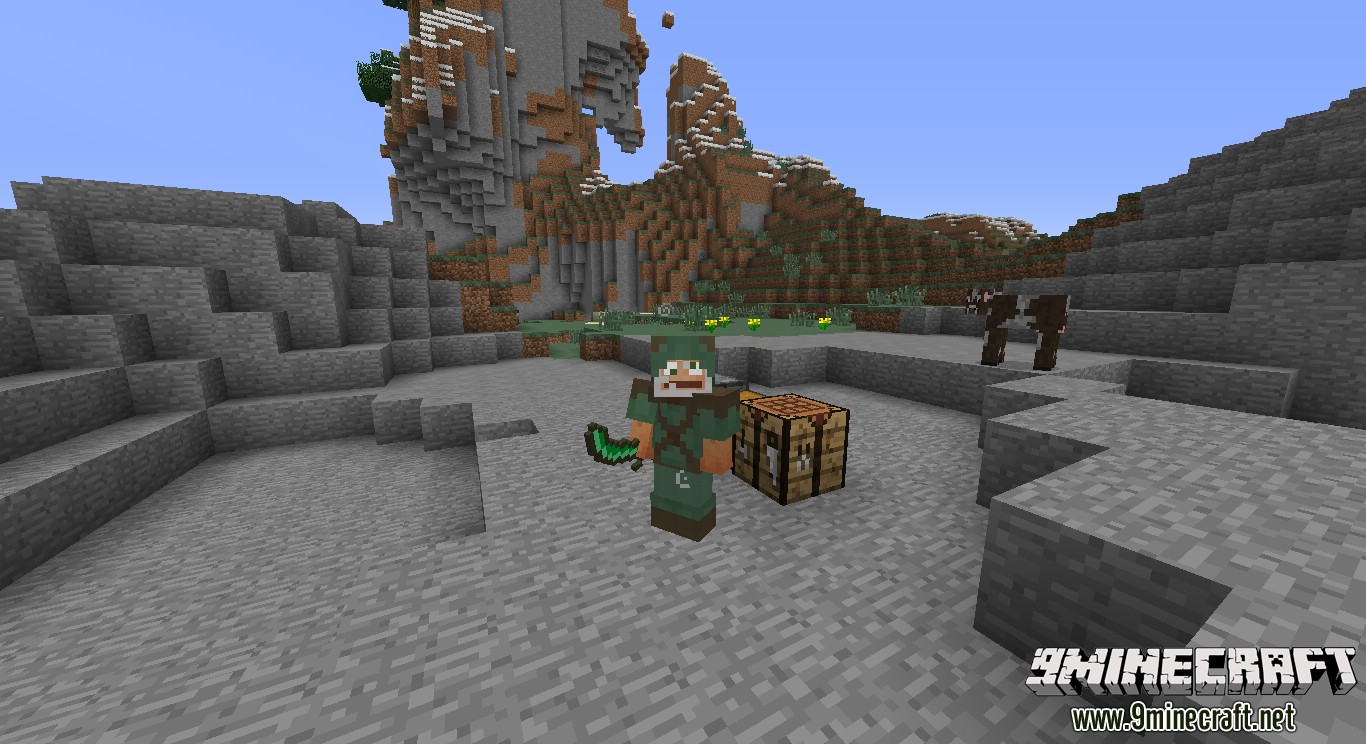
In-game, it looks like this:
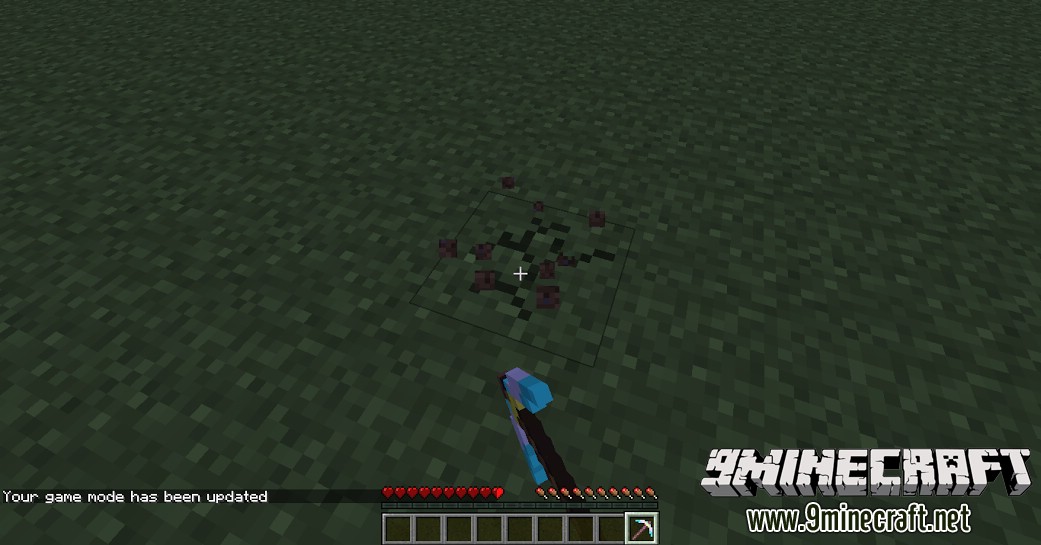
The Mega Pickaxe:
Structures:
Show Spoiler
Main view from inside:
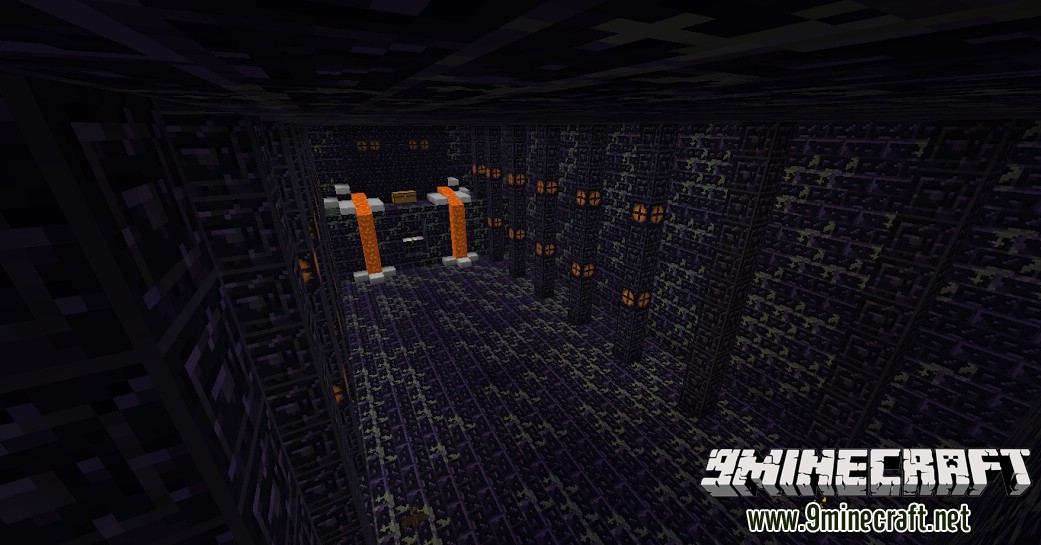
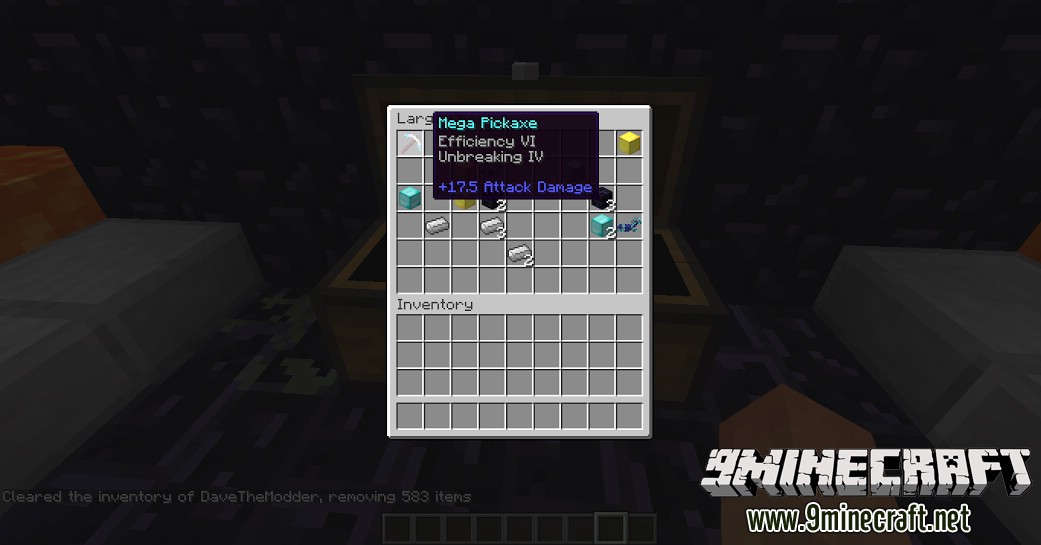
The contents of the chest are randomly generated, (except for the pickaxe, that’s always there) but here’s an example:
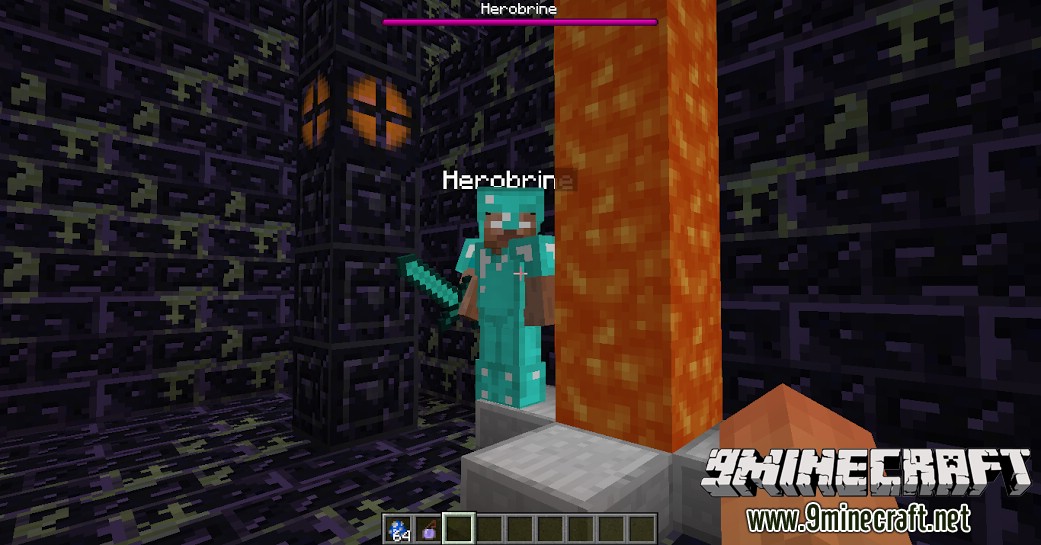
Inside the dungeon, prepare to battle Herobrine!
Another structure is a medieval tower:
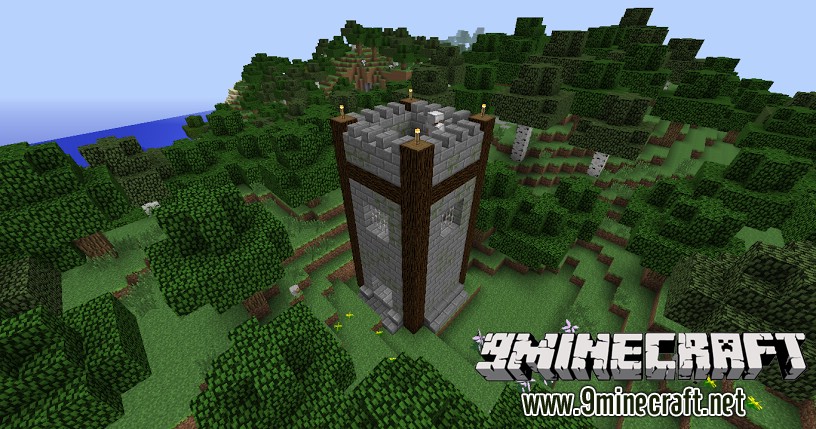
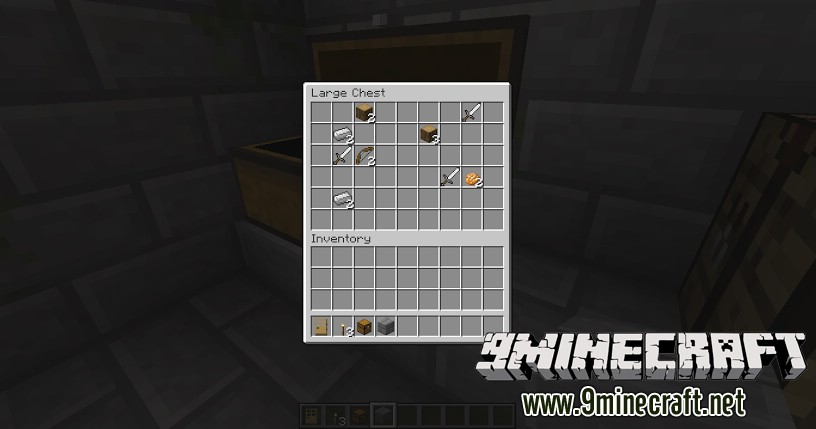
Inside the chests inside, there is a selection of randomly chosen items, including diamonds, tools, food, and more:
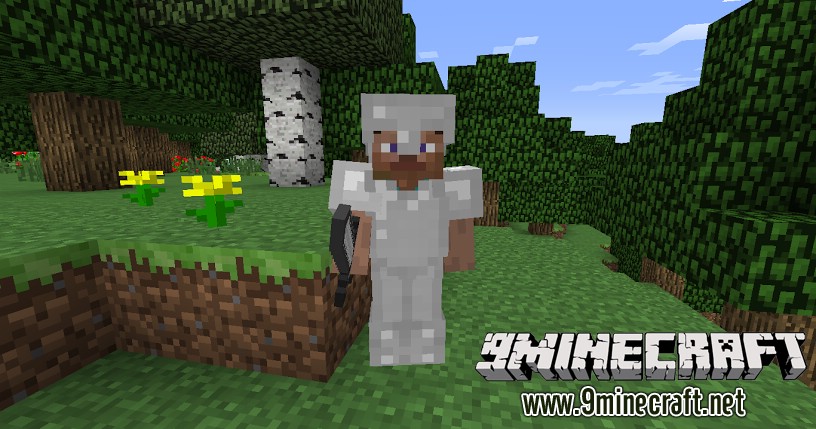
On top of the tower, a knight spawns:
Mod Showcases:
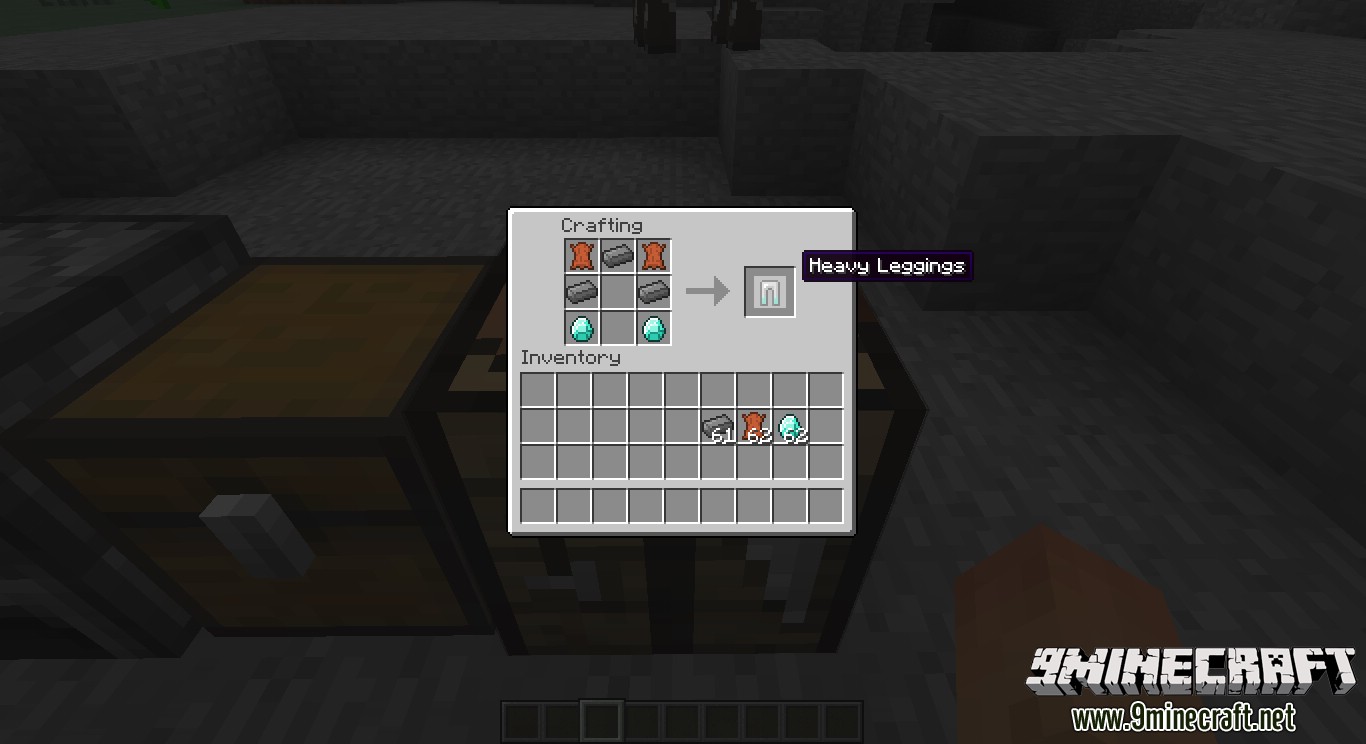
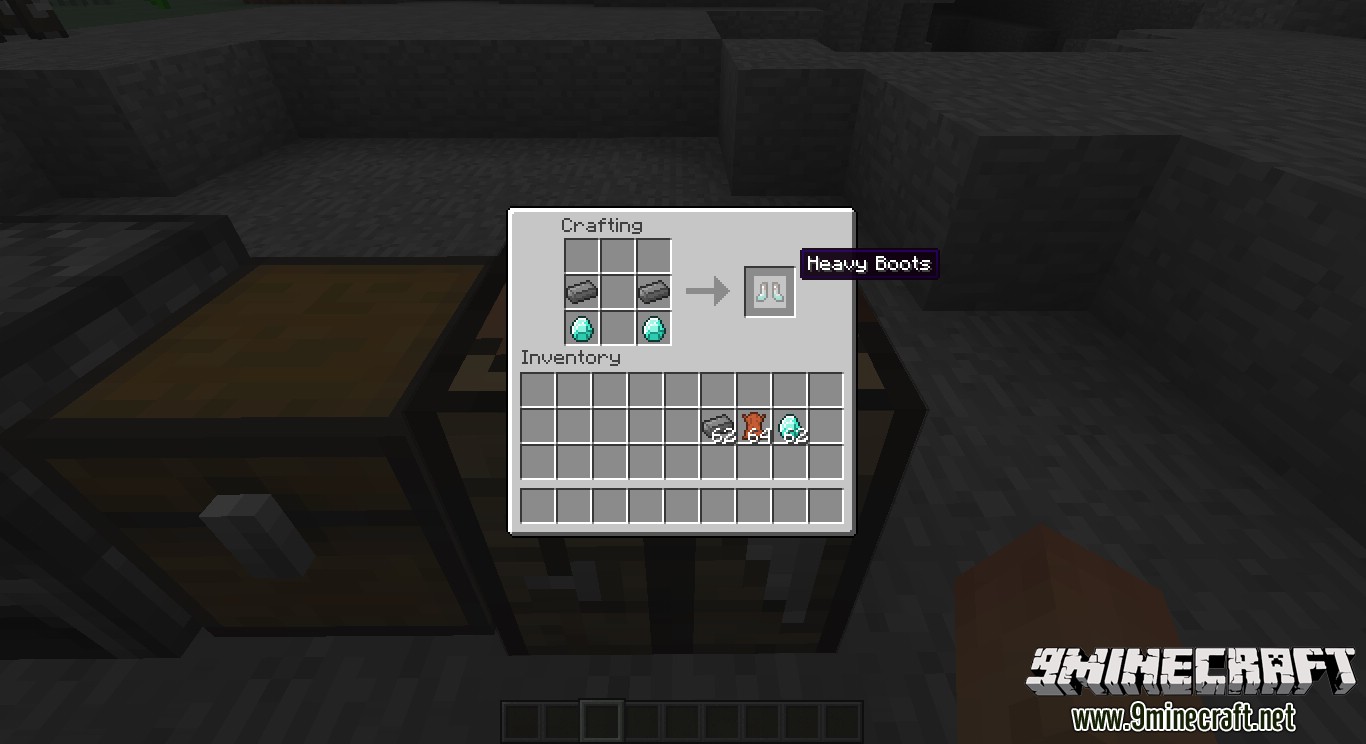
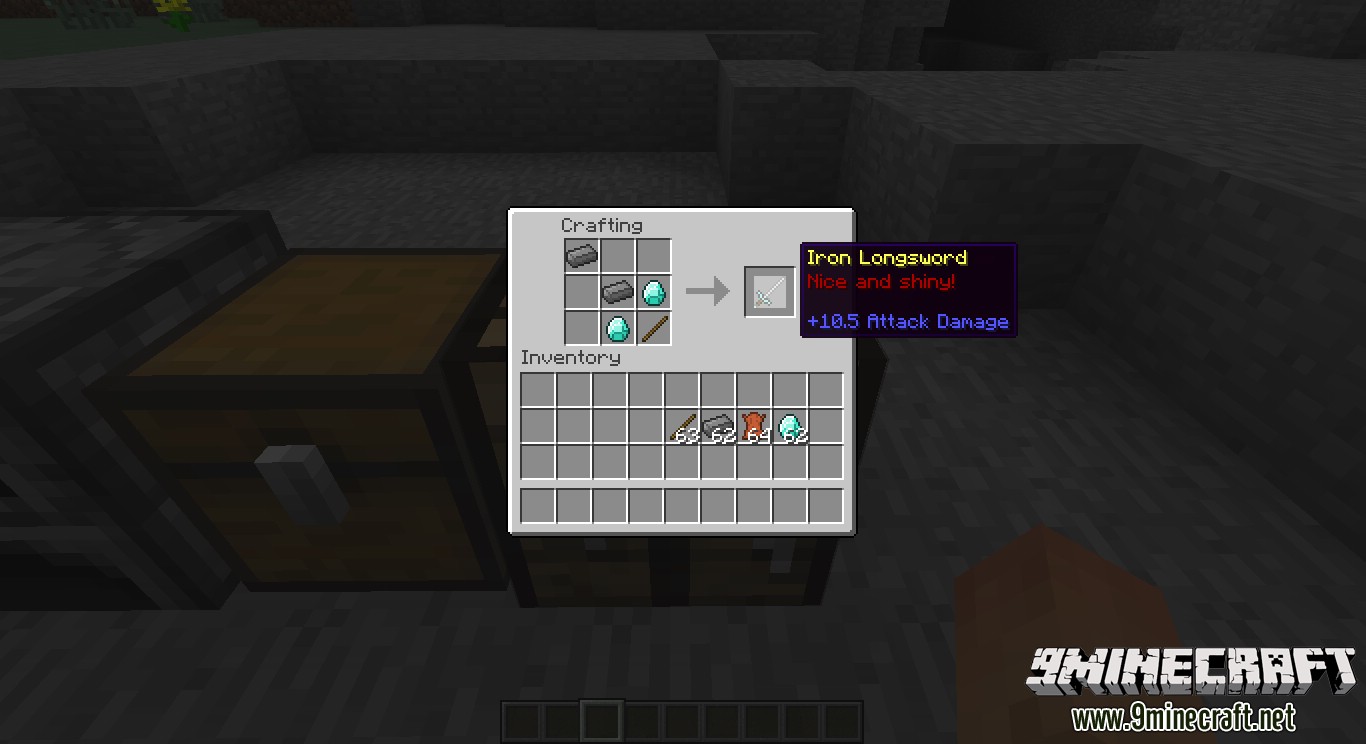
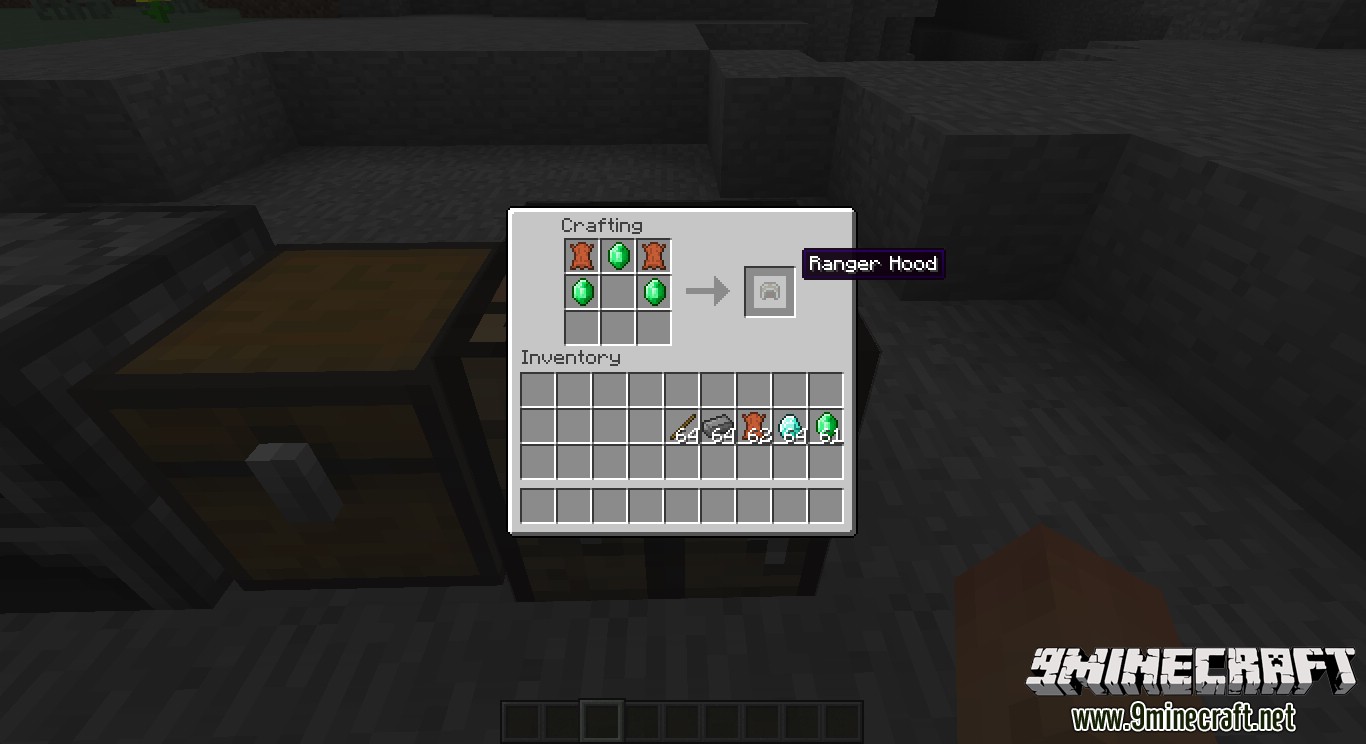
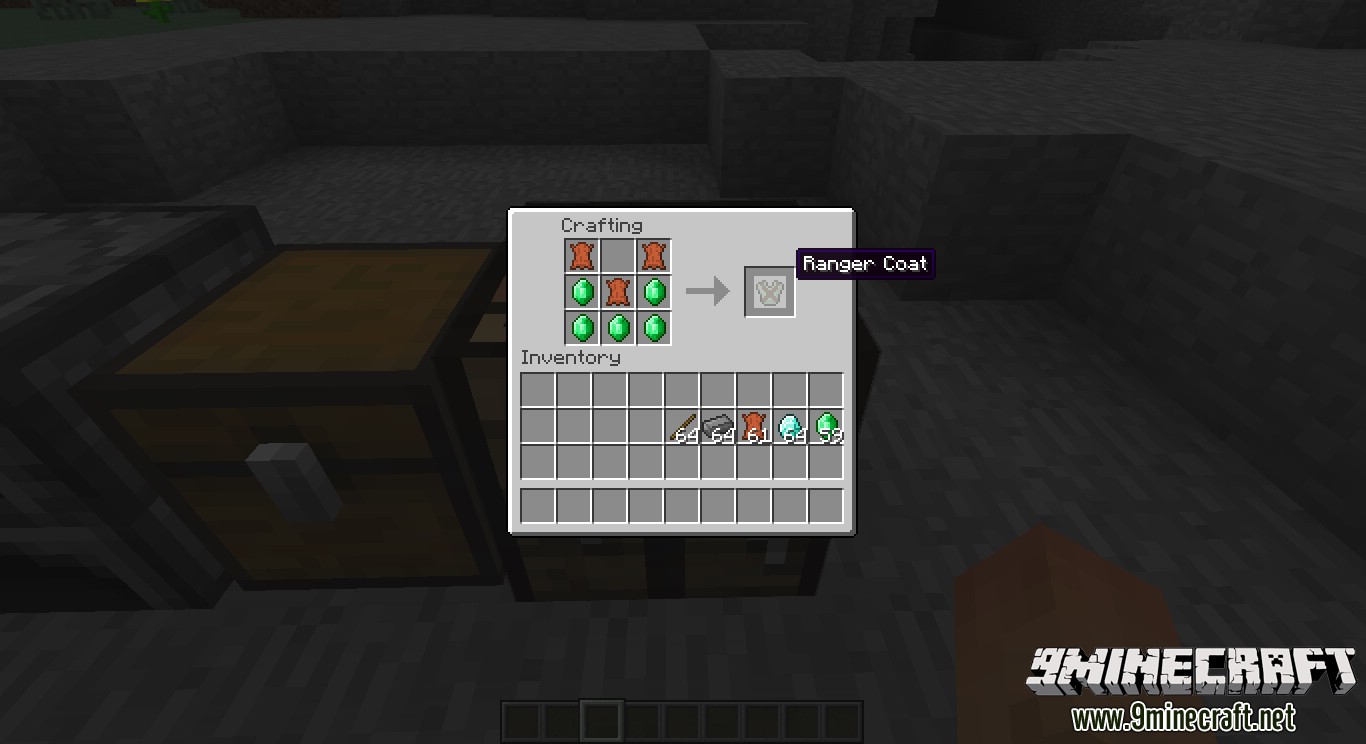
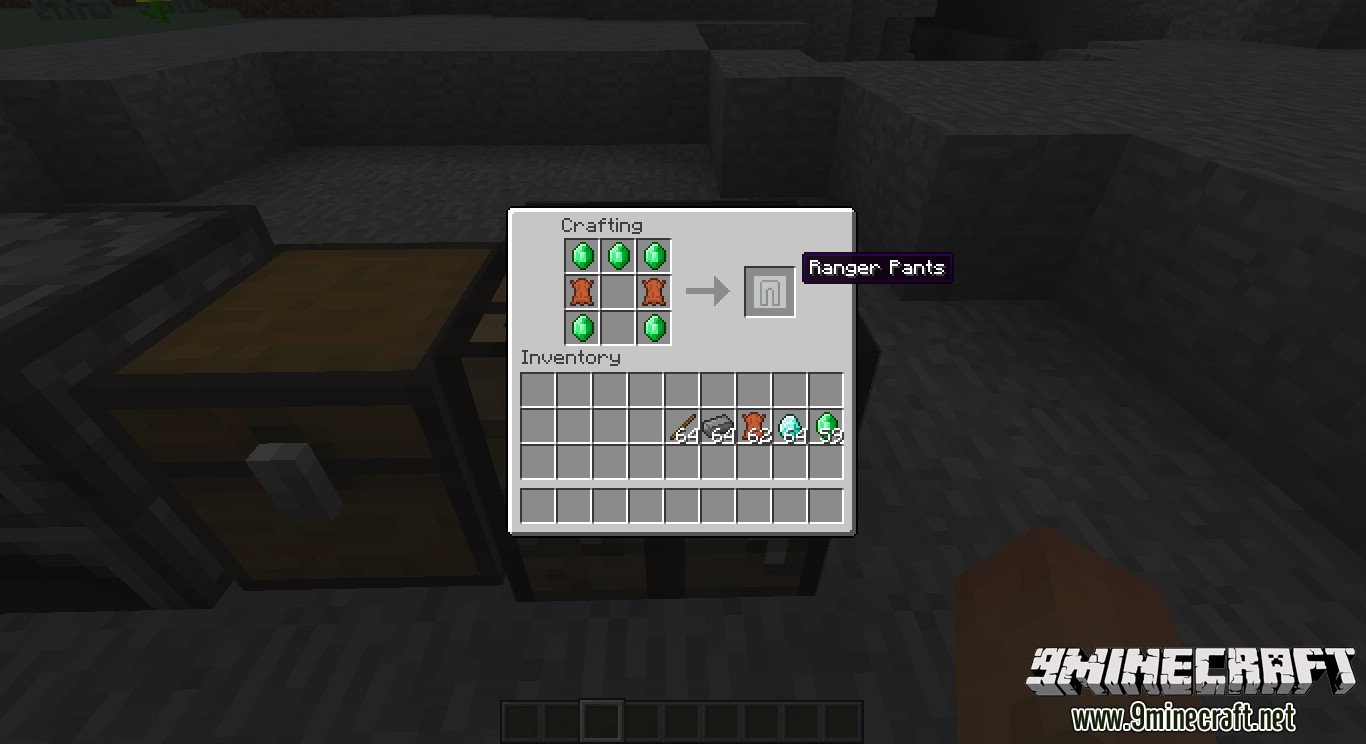
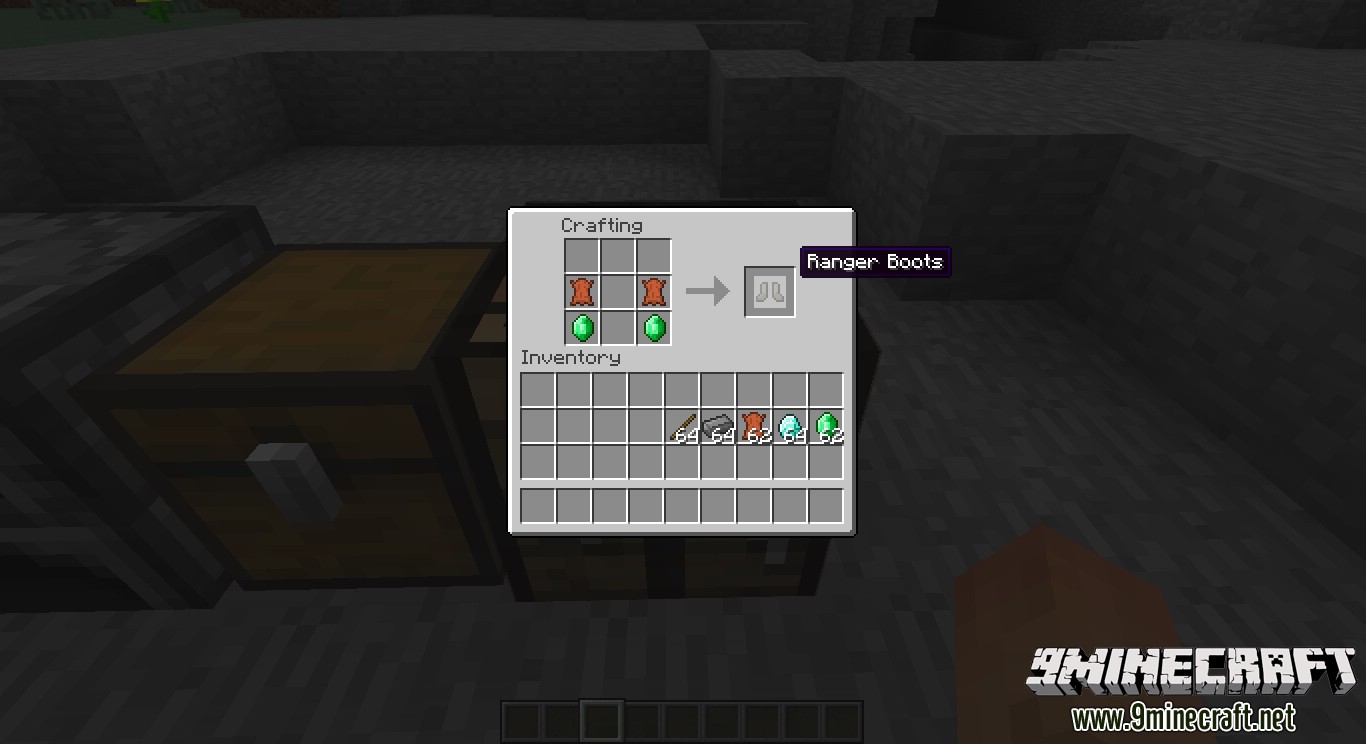
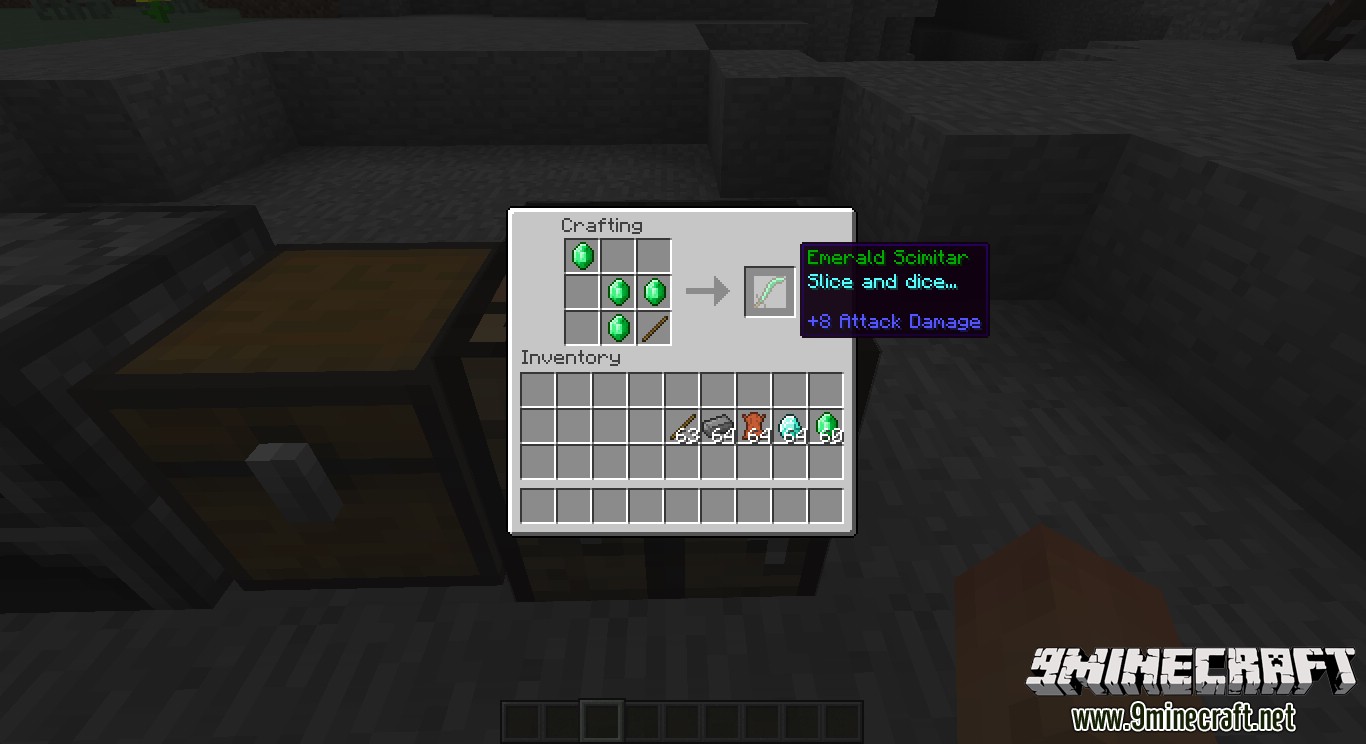
Crafting Recipes:
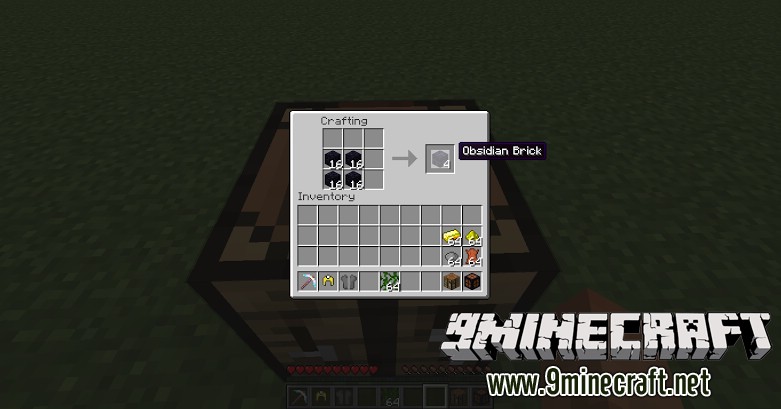
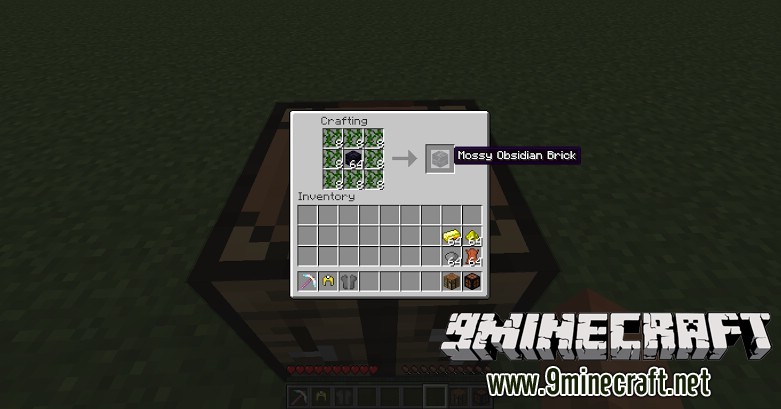
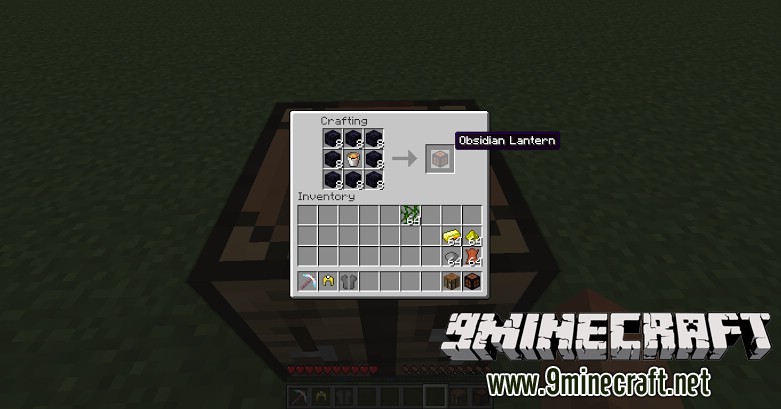
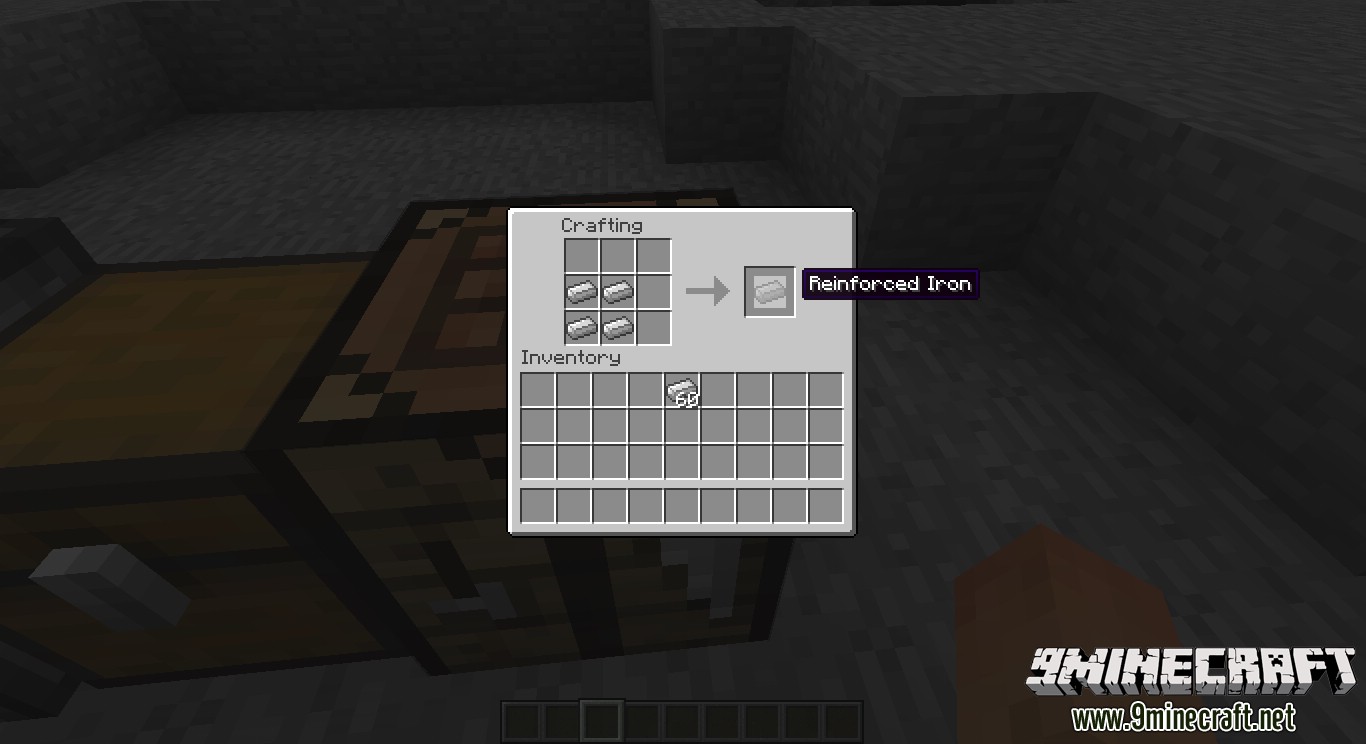
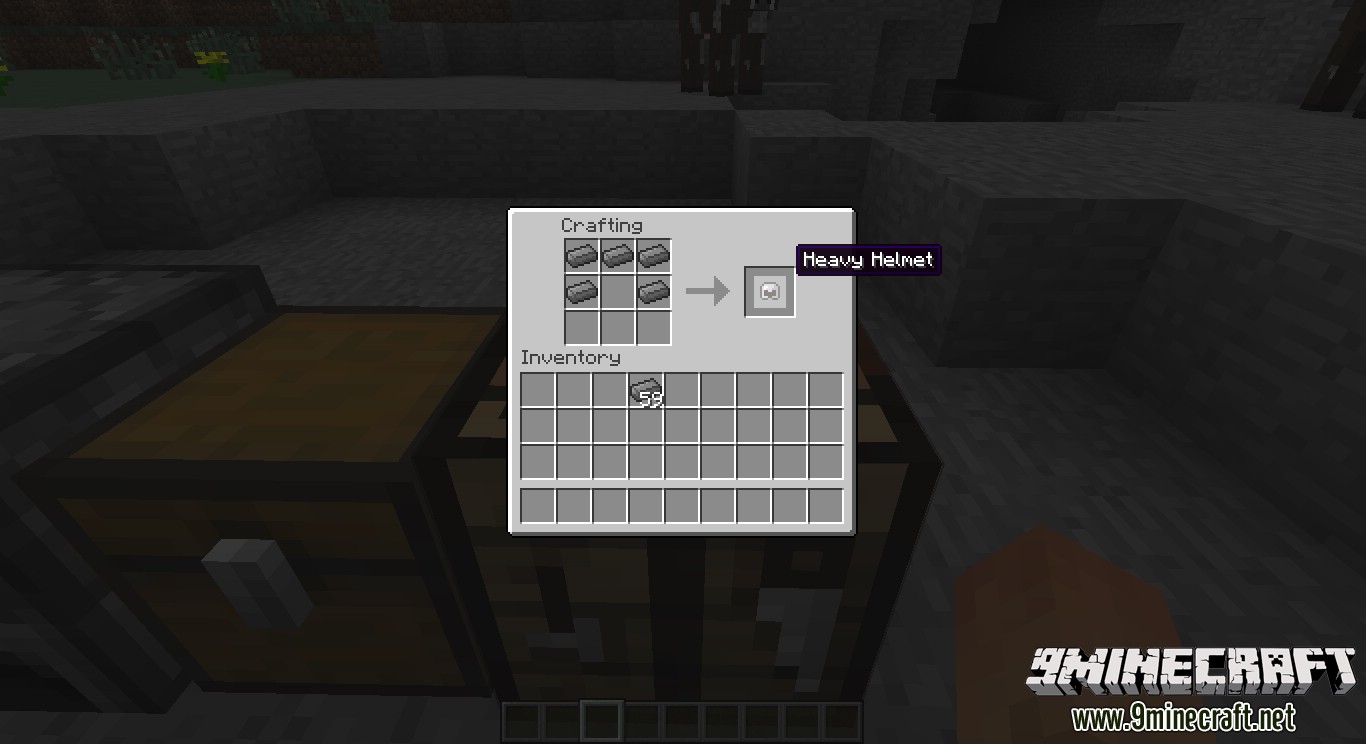
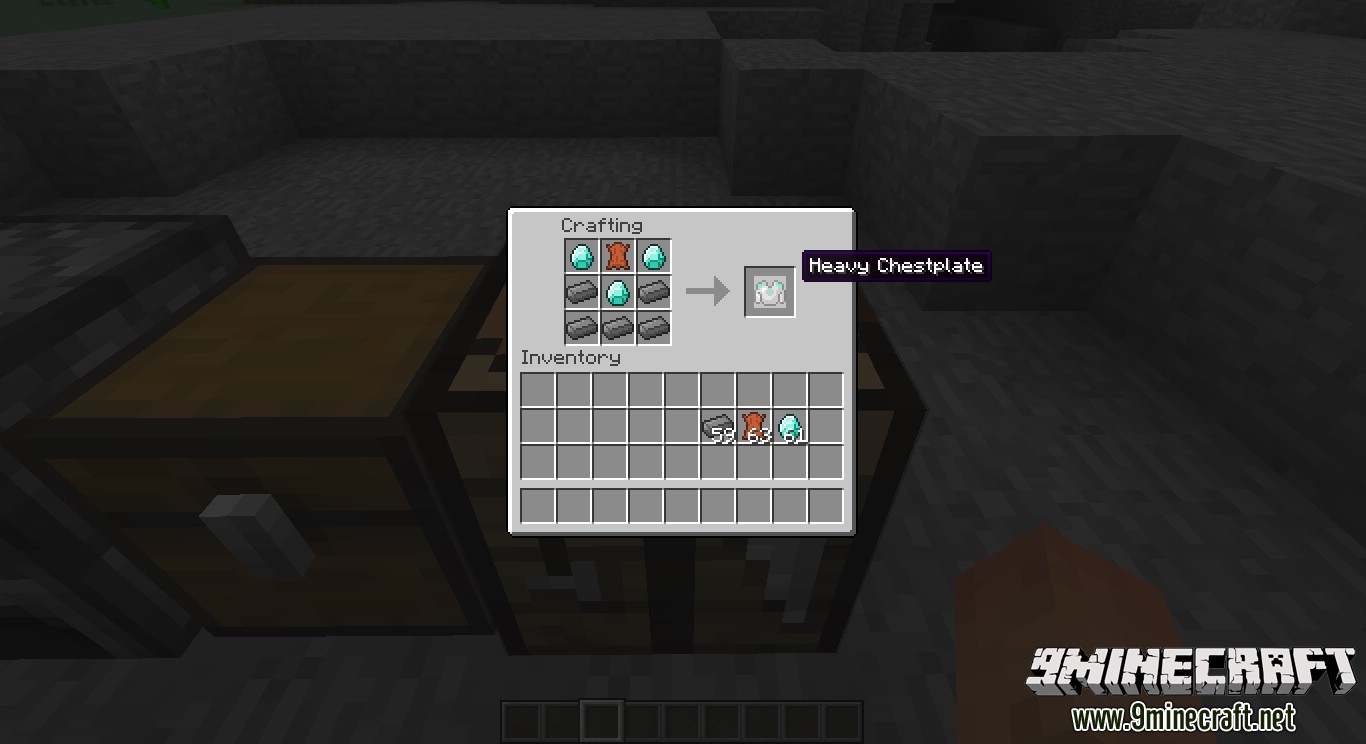
Recommend that you should install Just Enough Items (for mods using Forge) or Roughly Enough Items (for mods using Fabric) to view the full recipes included in this mod
Show Spoiler
How to install The Infinite Adventure Mod 1.7.10
- Download and install Minecraft Forge.
- Download the mod.
- Go to .minecraft/mods folder.
- If the “mods” folder does not exist you can create one.
- Drag and drop the downloaded jar (zip) file into it.
- Enjoy the mod.
Download Links for The Infinite Adventure Mod 1.7.10
For Minecraft 1.7.10
Tags:
YOU MAY ALSO LIKE...