Boy
Minecraft skins drawn for a male character — the widest group here, running from plain everyday outfits to armour, suits and full costumes.
-
 10 views ❘ 2 weeks ago
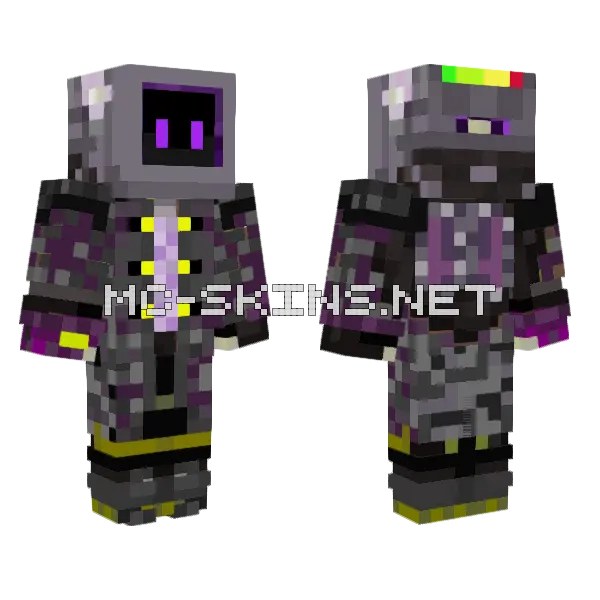
Fantasy boy in dark grey and black. A 64×64 Java skin for the classic (Steve) player model.
-
12 views ❘ 2 weeks ago
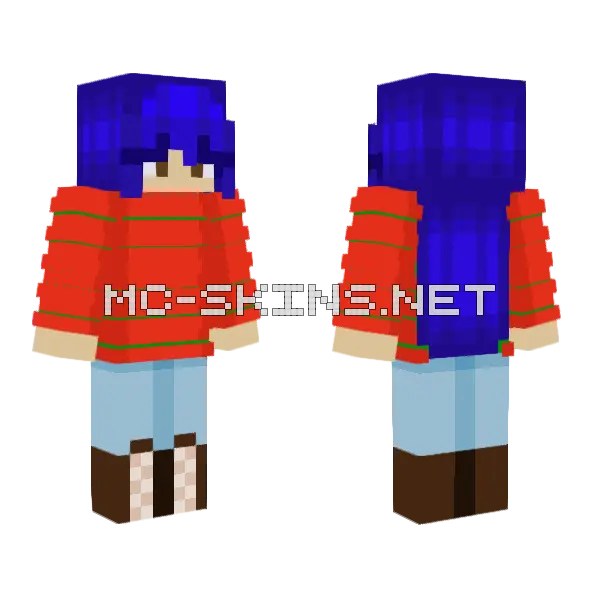
E-girl style boy in blue and red. Fits the slim model in Minecraft Java – download the PNG and...
-
9 views ❘ 2 weeks ago
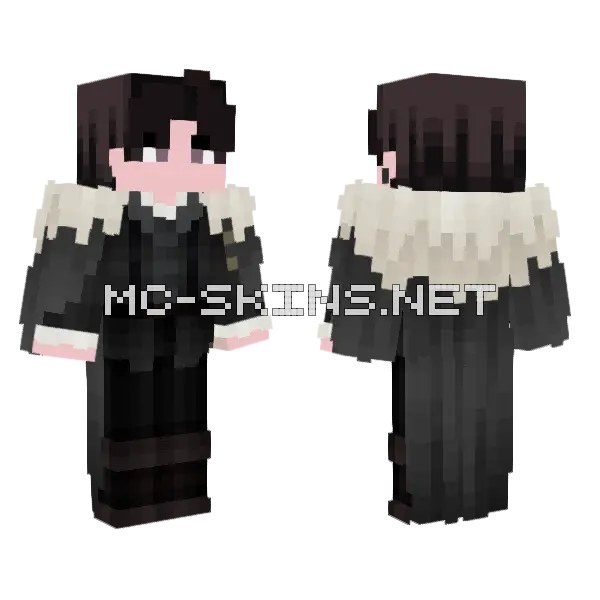
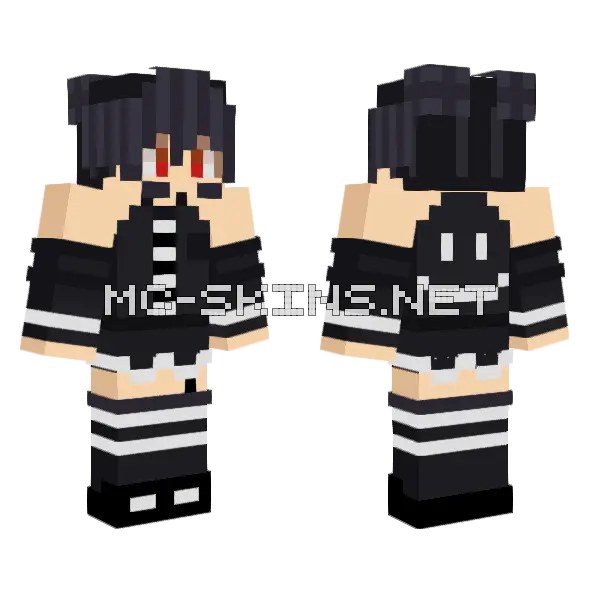
Emo boy in dark grey and black. A 64×64 Java skin for the classic (Steve) player model.
-
17 views ❘ 2 weeks ago
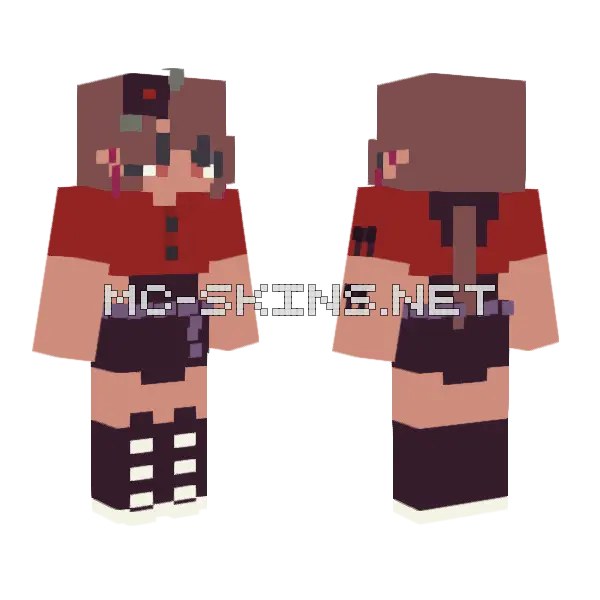
E-girl style boy in red and pink. Made for the slim model on Java (Alex arms), standard 64×64.
-
14 views ❘ 2 weeks ago
Emo boy in black and orange. Classic model, 64×64, ready for any Java launcher.
-
16 views ❘ 2 weeks ago
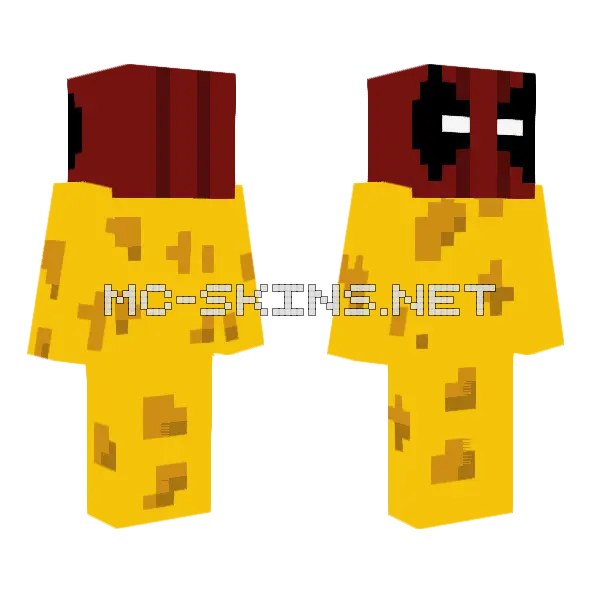
Spooky boy in yellow and red, based on Deadpool. Slim model, 64×64, ready for any Java launcher.
-
19 views ❘ 2 weeks ago
Boy look in black and orange. Fits the classic model in Minecraft Java – download the PNG and set...
-
21 views ❘ 2 weeks ago
Fantasy boy in orange and red. Fits the classic model in Minecraft Java – download the PNG and...
-
10 views ❘ 2 weeks ago
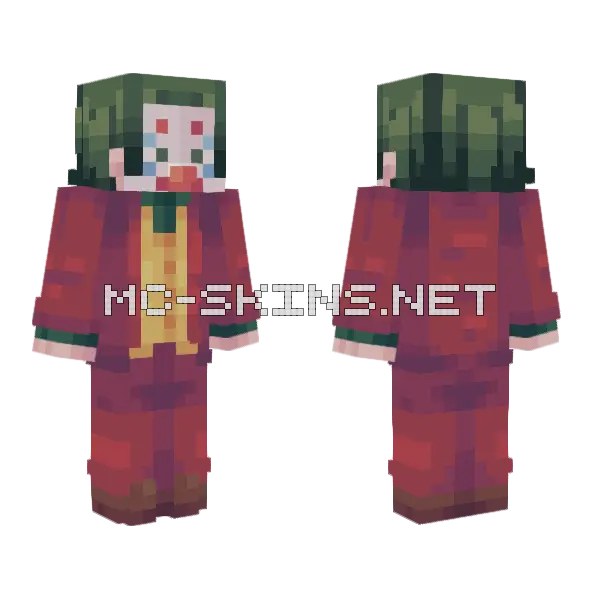
Fantasy boy in red and green, based on Joker. Made for the slim model on Java (Alex arms), standard 64×64.
-
22 views ❘ 2 weeks ago
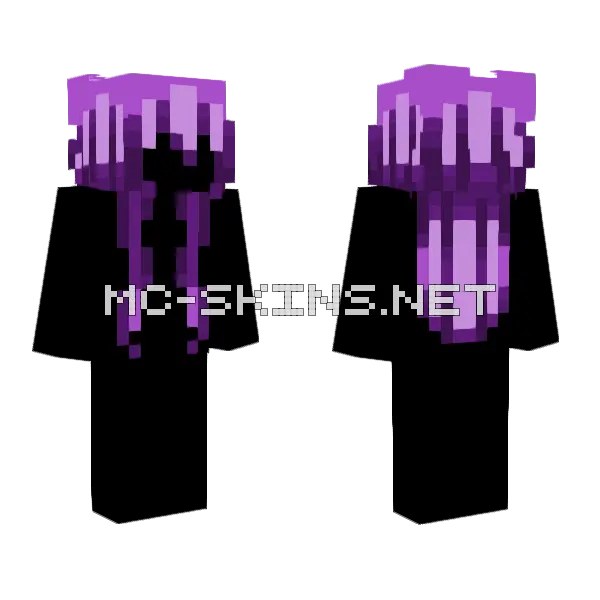
Boy look in purple. A 64×64 Java skin for the slim (Alex) player model.
-
17 views ❘ 2 weeks ago
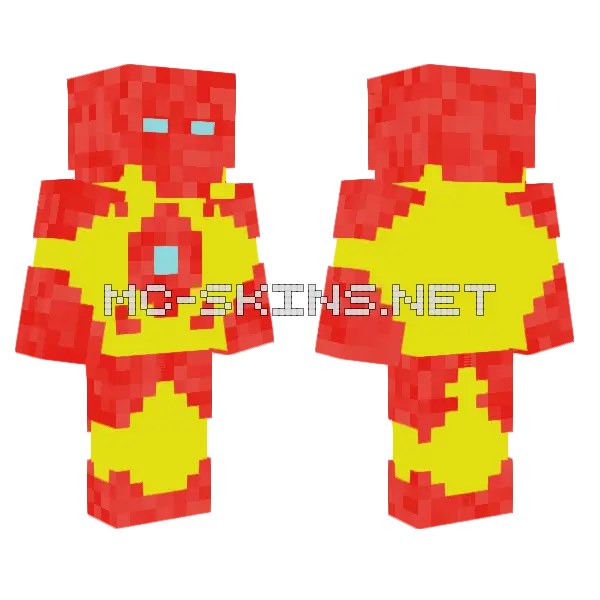
Futuristic boy in yellow and red, based on Iron Man. A 64×64 Java skin for the classic (Steve) player...
-
22 views ❘ 2 weeks ago
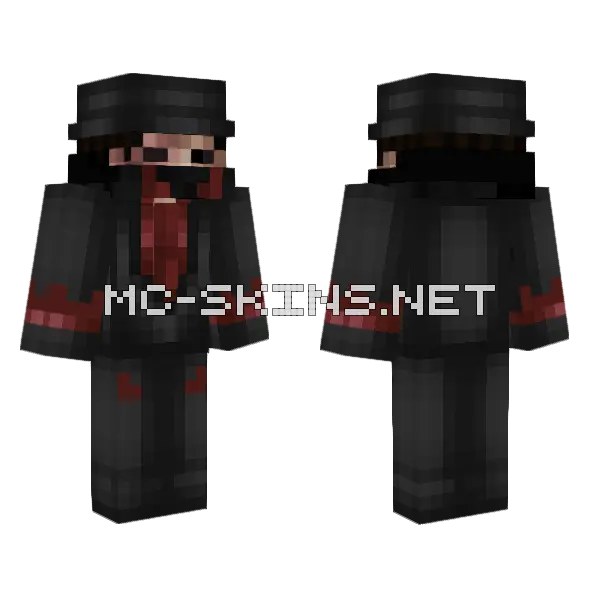
Boy look in black and dark grey. A 64×64 Java skin for the classic (Steve) player model.
-
14 views ❘ 2 weeks ago
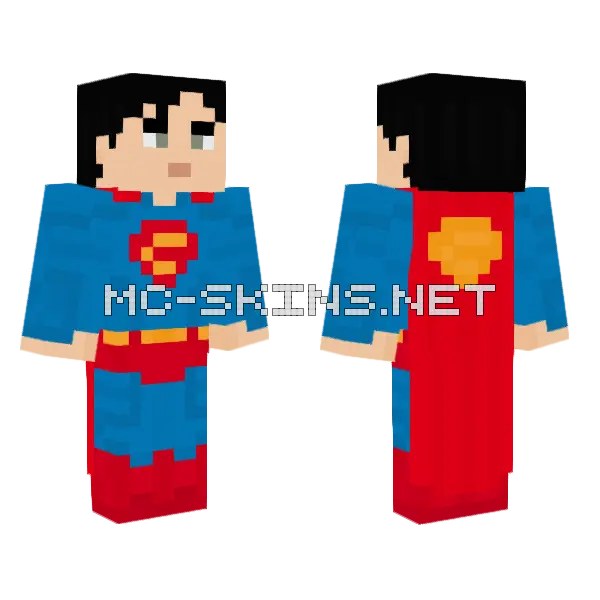
Boy look in blue and red, based on Superman. Made for the classic model on Java (Steve arms), standard...
-
17 views ❘ 2 weeks ago
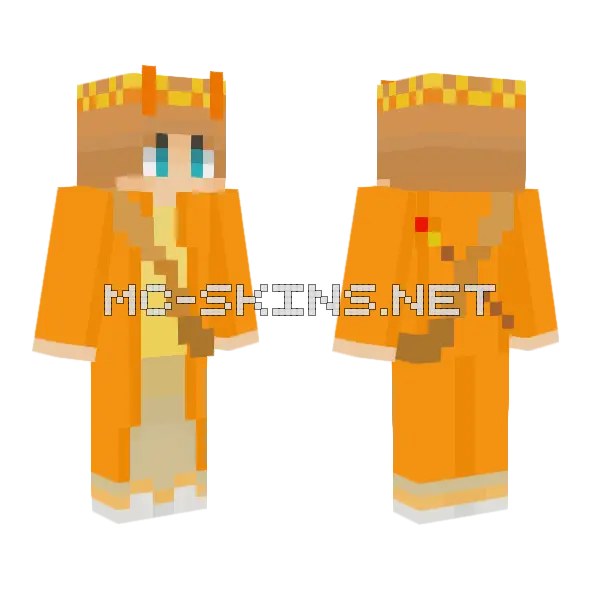
Orange and yellow fantasy boy skin. Slim model, 64×64, ready for any Java launcher.
-
16 views ❘ 2 weeks ago
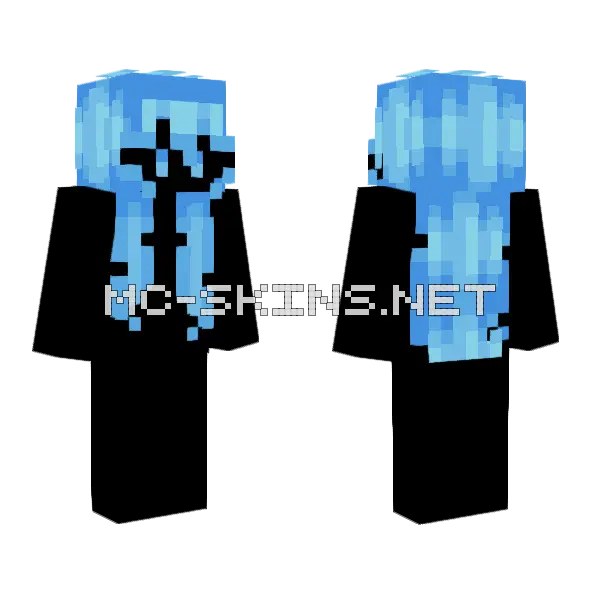
Blue and cyan boy skin. Fits the slim model in Minecraft Java – download the PNG and set it in...