Flying Through Blocks in Spectator Mode — A Quick Guide
Minecraft’s Spectator mode offers a unique perspective on the game world, granting players unparalleled freedom to explore and observe without interaction. One of its most powerful and utilized features is the ability to seamlessly fly through solid blocks, providing X-ray vision and an unhindered view of the game’s intricate structures and hidden depths. This comprehensive guide will walk you through the mechanics, controls, and essential tips for effectively navigating through blocks in Spectator mode, ensuring you can fully leverage its capabilities.
Understanding Spectator Mode Mechanics
Spectator mode is fundamentally designed for observation, transforming the player into an intangible entity that does not interact with or collide with the game world. This transformation is key to its block-traversal capabilities.
- No-Clip Mechanic: Players in Spectator mode are invisible and intangible, allowing them to pass through all solid blocks, fluids, and entities without collision. This “no-clip” ability is automatic and always active, making walls, floors, and ceilings non-existent barriers.
- Constant Flight: Players are always flying in Spectator mode and cannot “land.” This perpetual flight ensures smooth, unhindered movement through any environment, as gravity does not affect you.
- Intangibility and Immunity: As an intangible observer, you cannot take damage from most sources, including suffocation, lava, fire, or mob attacks. Crucially, you also cannot interact with the game world; this means no breaking blocks, opening chests, or picking up items. Your role is purely observational.
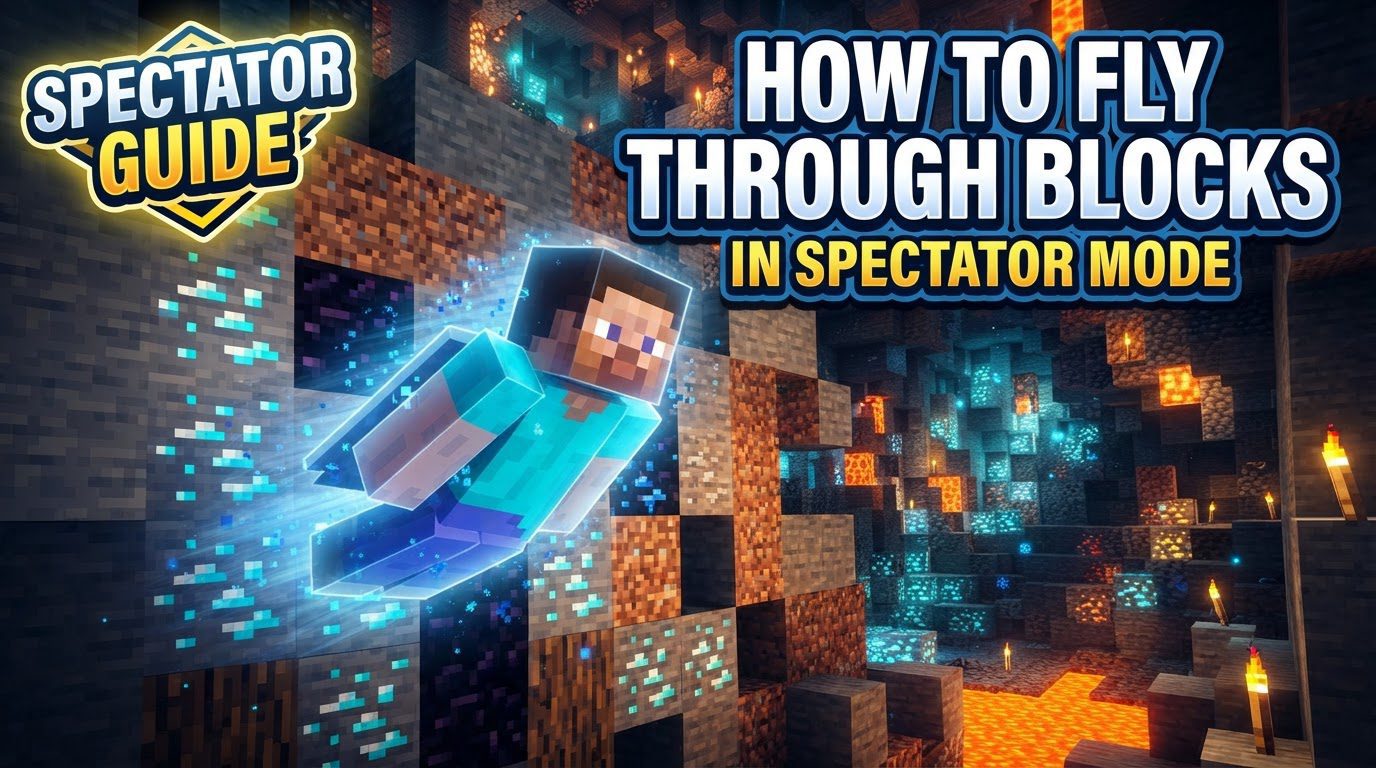
- X-ray Vision: When your player’s head is inside a block, you automatically gain X-ray vision, allowing you to see through all surrounding blocks. This reveals hidden structures, caves, and internal mechanisms.
- Enhanced Environmental Vision: Spectators can see clearly through lava and powder snow, and have maximum underwater vision, removing typical visual obstructions in these environments.
Step-by-Step Guide to Entering Spectator Mode
Activating Spectator mode is the first step to flying through blocks. The process differs slightly between Minecraft’s Java and Bedrock Editions.
Java Edition
In Java Edition, you have several methods to switch into Spectator mode:
- Chat Command: Open chat (`T`) and type
/gamemode spectator. Press `Enter`. This requires cheats to be enabled. - Toggle with `F3 + N`: Use `F3 + N` to quickly switch between your current gamemode and Spectator mode. This hotkey toggles between the last two active gamemodes.
- Gamemode Selector (`F3 + F4`): Hold `F3`, then press `F4` to open a radial menu. Cycle to “Spectator” and release `F4` to select it.
- After Hardcore Death: If you die in Hardcore mode, you will be given an option to “Spectate World,” which places you into Spectator mode.
Bedrock Edition
Bedrock Edition requires a specific prerequisite and offers direct methods:
- Enable Cheats: Crucially, “Cheats” must be enabled in your world settings before you can enter Spectator mode. This can be done when creating a new world or by editing an existing world’s settings.
- Chat Command: With cheats enabled, open chat and type
/gamemode spectator. Press `Enter`. - Personal Game Mode Setting: Alternatively, go to game settings, find “Personal Game Mode,” and change it to “Spectator.”
Mastering Flight and Block Clipping
Once in Spectator mode, flying through blocks is automatic. Effective navigation, however, relies on mastering movement and speed controls.
- Basic Movement Controls: Use `W/A/S/D` for horizontal movement. Press `Spacebar` to ascend and `Shift` to descend. These controls enable full three-dimensional movement through any space, with the camera automatically passing through blocks.
- Adjusting Flight Speed: Dynamic speed adjustment is vital for both rapid travel and precise observation.
- Mouse Scroll Wheel: Scroll up to increase your flying speed and scroll down to decrease it. This offers fine-grained control, essential for navigating tight spaces or examining details.
- Sprint Key: Pressing the sprint key (typically `Ctrl` or double-tapping `W`) provides a significant speed boost, overriding your current scroll wheel setting. This is ideal for quickly covering large distances.
- Leveraging X-ray Vision: To activate X-ray vision, simply fly your camera into any solid block. Surrounding blocks will become transparent, revealing hidden features like caves, ore veins, or internal structures. Move your camera slightly in and out of blocks to toggle this effect as needed.
Advanced Spectator Techniques
Java Edition offers a unique observational tool for interacting with entities.
- Spectating Entities (Java Edition Only): In Java Edition, you can left-click on any entity (players, mobs, minecarts) to view the world from its perspective. This is excellent for observing behavior or tracking other players. Press `Shift` to exit this entity view and return to your free-flying camera.
Important Considerations and Tips
To optimize your Spectator mode experience, keep these practical points in mind:
- Complete Invisibility: You are entirely invisible to all other players and mobs. This means you can observe without detection or influencing gameplay, making it perfect for covert monitoring or recording.
- Strategic Speed Adjustment: Master the scroll wheel for speed control. Use high speeds for traversing large areas and low speeds for detailed inspection or navigating confined spaces to avoid overshooting your target.
Common Mistakes to Avoid
Awareness of these common pitfalls will help you avoid frustration in Spectator mode:
- Attempting World Interaction: Do not try to interact with the world (e.g., break blocks, open chests, use items). You are intangible, and such actions are not possible in Spectator mode.
- Forgetting Cheats in Bedrock Edition: A critical error in Bedrock. Without cheats enabled in world settings, the `/gamemode spectator` command will fail, preventing access to the mode.
- Assuming Feature Parity: Not all Spectator features are identical between Java and Bedrock Editions. For instance, entity spectating via clicking is primarily a Java Edition feature. Always verify specific functionalities for your game version.
- Falling into the Void: While immune to most damage, falling into the void for an extended period will eventually teleport you back to world spawn. This can interrupt exploration, so be mindful of your vertical position when deep underground.
Spectator mode is an invaluable tool for exploration, administration, and content creation in Minecraft. By understanding its core mechanics, mastering the flight controls, and being mindful of its limitations, you can effortlessly fly through any block, uncover hidden secrets, and gain a profound new perspective on your Minecraft worlds.
Tags:
YOU MAY ALSO LIKE...