

Using the /tag Command to Group Entities for Scripting (Step by Step)
The /tag command in Minecraft stands as a pivotal tool for advanced entity management and scripting, enabling creators to build intricate systems and automate various in-game functionalities. It provides a flexible mechanism to group entities, allowing for precise control and dynamic interactions within the game world.
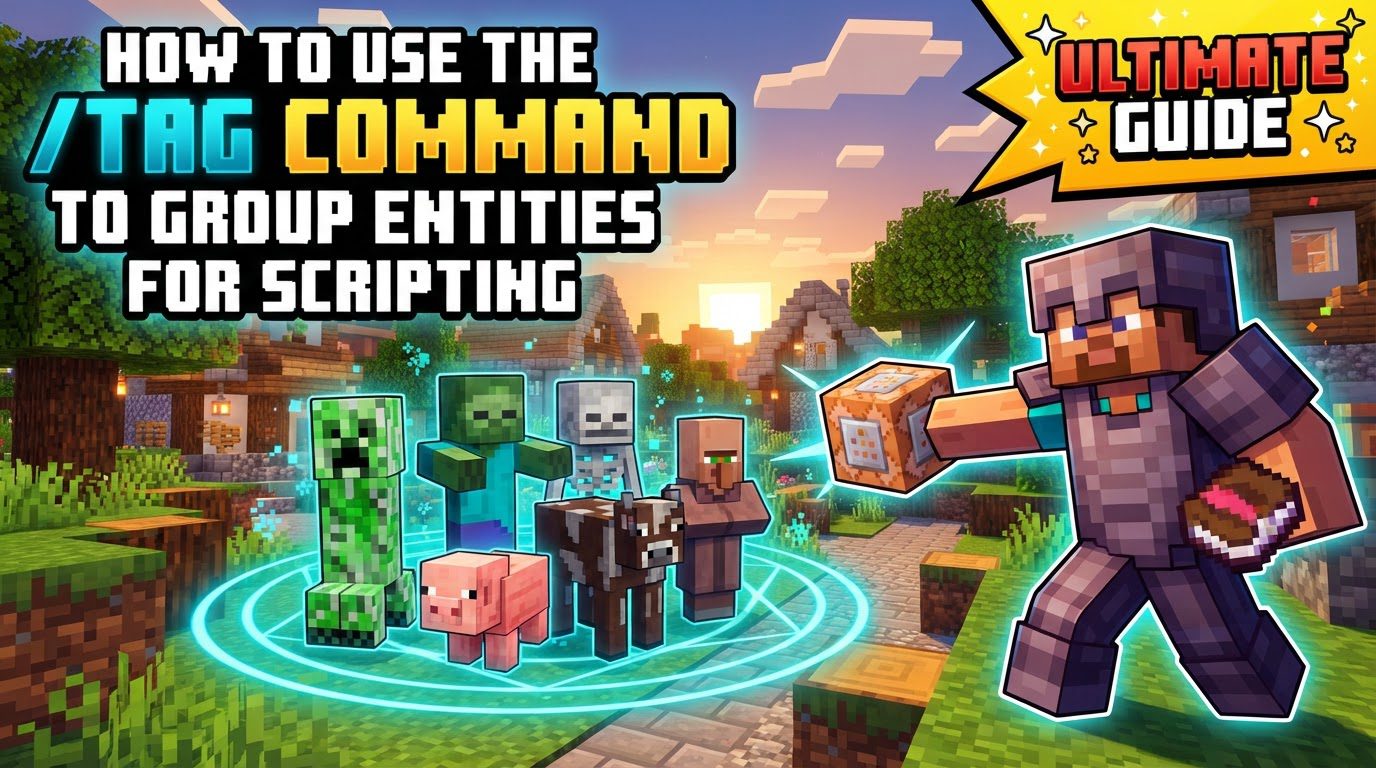
Key Mechanics of the /tag Command
At its core, the /tag command allows users to attach custom string labels, referred to simply as “tags,” to any entity present in the game. This includes a wide array of game elements such as players, various types of mobs, and even items. These tags are entirely user-defined arbitrary strings; they possess no inherent meaning or function within Minecraft itself. Their significance is solely derived from how they are subsequently utilized in commands and scripts.
A notable feature of tags is their persistence and versatility. Entities are not limited to a single tag; they can hold multiple tags simultaneously, with a generous capacity of up to 1024 tags per entity. Once assigned, these tags become an integral part of the entity’s NBT (Named Binary Tag) data, ensuring they persist until they are either explicitly removed via a command or the entity despawns from the world. The primary utility of tags lies in their integration with target selectors. By using arguments such as @e[tag=myTag], creators can precisely target specific entities or groups of entities that possess a particular tag. This capability is fundamental for implementing precise control in command block scripting and data packs. Furthermore, the command offers flexibility by allowing targeting of entities that do not possess a specific tag, achieved through the tag=!myTag argument within a selector.
Step-by-Step Process for Using /tag
Understanding the fundamental operations of the /tag command is essential for effective scripting. Here’s a breakdown of the core functionalities:
- Adding a Tag: To assign a new tag to an entity, the command syntax is straightforward:
/tag <target> add <tagName>. The<target>placeholder can be any valid target selector (e.g.,@p,@a,@e,@s, or a player’s name). The<tagName>is the custom string you wish to assign. For instance, executing/tag @p add myQuestwill successfully attach the tag “myQuest” to the nearest player. - Removing a Tag: When a tag is no longer needed, it can be easily removed. The command to do this is
/tag <target> remove <tagName>. For example, if the command sender needs to have the “myQuest” tag removed, the command would be/tag @s remove myQuest. - Listing Tags: To inspect which tags are currently applied to a specific entity, you can use the command
/tag <target> list. This provides a convenient way to verify tag assignments and troubleshoot scripting logic. - Targeting with Tags: Once entities have been assigned tags, these tags become powerful filters for other commands. Entities can be targeted using the
tag=<tagName>argument within a selector. This allows for highly specific actions. An illustrative example is/execute as @e[tag=enemy] run say Attack!. This command would instruct all entities currently possessing the “enemy” tag to execute thesay Attack!command, effectively making them announce “Attack!”. - Spawning Entities with Tags: For non-player entities, tags can be assigned immediately upon their creation. This is achieved by embedding the tag information directly into the entity’s NBT data during the summoning process. For example,
/summon minecraft:bee ~ ~ ~ {Tags:["group_one"]}will spawn a bee at the command’s location, and it will already be marked with the “group_one” tag. This method is incredibly useful for setting up predefined groups or states for spawned mobs. Tags can also be embedded in custom spawn eggs, simplifying the creation of pre-tagged entities.
Important Tips for Effective Tag Usage
To maximize the utility of the /tag command and maintain organized, efficient scripts, consider the following best practices:
- Descriptive Tag Names: Always opt for clear, descriptive tag names. This significantly enhances readability and makes complex scripts easier to understand and manage. Conventions like using lowercase with underscores (e.g.,
boss_fight_active) or camelCase (e.g., `bossFightActive`) are highly recommended for consistency and clarity. - Combine Selectors: Tags are most powerful when combined with other selector arguments. This allows for highly specific and nuanced targeting. For instance,
@e[type=zombie,tag=boss,distance=..10]targets only zombie entities that have the “boss” tag and are within a 10-block radius. This level of precision is invaluable for complex game mechanics. - Conditional Logic: Integrate tags seamlessly with the
/executecommand to construct sophisticated conditional logic. This enables specific actions to trigger only for entities that either possess a certain tag or explicitly lack one. This capability is fundamental for creating dynamic events, managing quest progression systems, and implementing intricate minigame mechanics, where actions depend on an entity’s current state or role. - Temporary vs. Permanent: Understand the distinction between temporary and permanent tag usage. Tags can be employed for short-term grouping within a single command chain, where they are added and then quickly removed. Alternatively, they can serve as permanent markers that persist across multiple game sessions, indicating a long-term state or characteristic of an entity.
Common Mistakes to Avoid
While the /tag command is powerful, certain pitfalls can lead to unexpected behavior or command failures. Being aware of these common mistakes can save significant debugging time:
- Spaces in Tag Names: A frequent error is attempting to include spaces within tag names. Tag names cannot contain spaces. Always use underscores (e.g.,
my_tag) or camelCase (e.g.,myTag) to separate words and maintain a single, valid tag string. - Case Sensitivity: Tags are case-sensitive. “MyTag” is treated as a completely different tag from “mytag.” Consistency in capitalization is crucial to ensure commands correctly identify and interact with tagged entities.
- Incorrect Target Selector Syntax: Pay close attention to the syntax of target selectors. Ensure that all selector arguments, including
tag=, are correctly enclosed within square brackets[]. Additionally, avoid unintended spaces within the selector itself, such as@e[tag= myTag]; the correct format is@e[tag=myTag]. - Forgetting to Remove Tags: Tags persist in an entity’s NBT data until explicitly removed. Failing to remove temporary tags, especially after their purpose has been fulfilled, can lead to unintended side effects or incorrect behavior in subsequent commands or game events. It’s good practice to have a cleanup mechanism for temporary tags.
- Unbalanced NBT Brackets: When assigning tags via NBT data, particularly with commands like
/summonor/give, it’s critical to ensure that all curly braces{}and square brackets[]are correctly balanced. An imbalance will result in syntax errors and command failure. Online JSON formatters can be invaluable tools for verifying the correct structure of NBT data. - Permissions: For any command, including
/tag, to function correctly, cheats must be enabled in the Minecraft world. Alternatively, the player attempting to execute the command must possess appropriate operator permissions to use server commands. Without these prerequisites, commands will not execute.
Tags:
YOU MAY ALSO LIKE...


