Does Vulkan or OpenGL Perform Better in Minecraft Chaos Cubed?
For most players, especially those utilizing AMD or Intel graphics processing units, Vulkan offers a significant performance advantage in Minecraft Chaos Cubed, often delivering substantially higher frame rates and smoother gameplay compared to the long-standing OpenGL API.
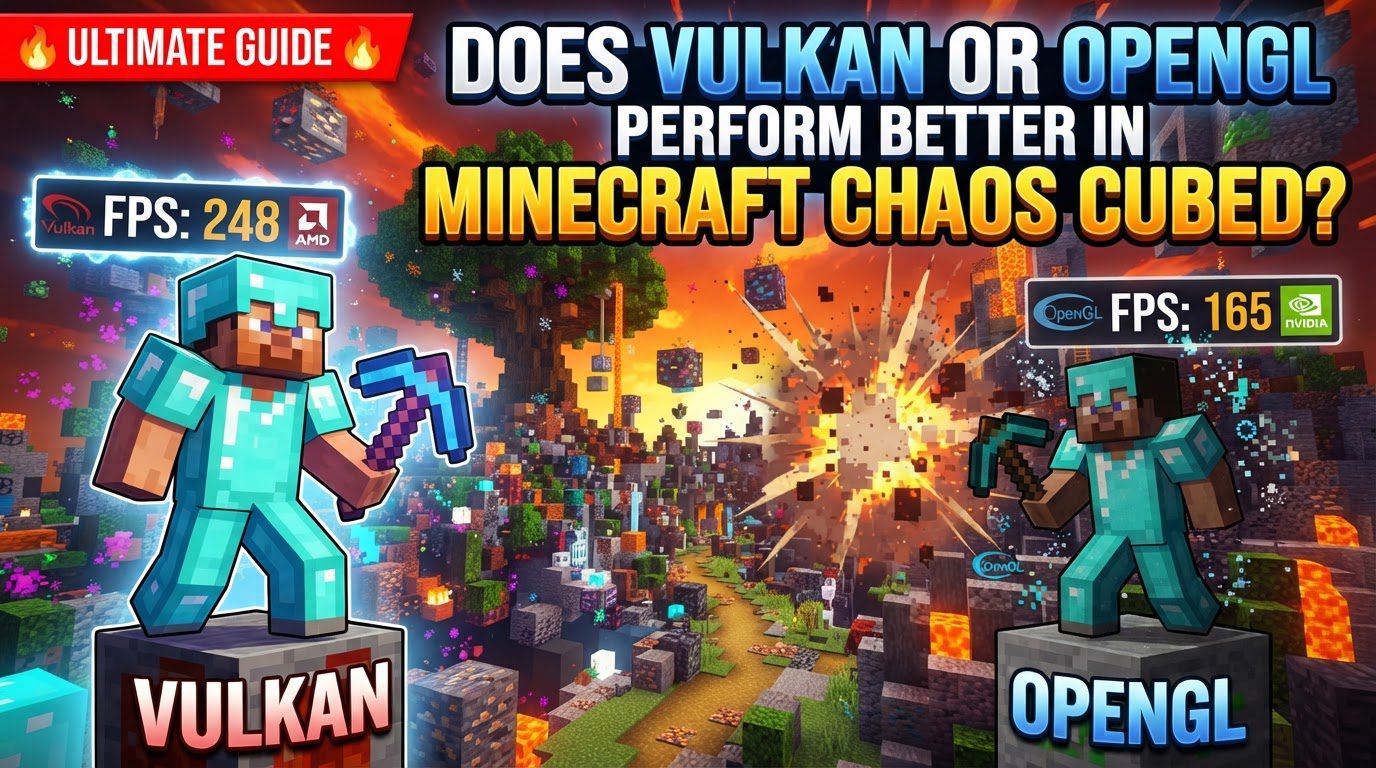
Minecraft, a game renowned for its extensive modding community, has undergone a significant architectural shift with the introduction of experimental Vulkan API support, starting with snapshots for version 26.2. This includes the popular Chaos Cubed update, which is often pre-configured to leverage the benefits of this modern graphics API. While OpenGL has been the bedrock of Minecraft’s rendering since its inception, the landscape is changing, and understanding these differences is crucial for optimizing your blocky adventures.
Understanding the Graphics APIs: Vulkan vs. OpenGL
At its core, a graphics API (Application Programming Interface) is how a game communicates with your graphics card. Think of it as the language your game speaks to your hardware. The two primary languages in question for Minecraft Chaos Cubed are Vulkan and OpenGL.
- OpenGL: The Legacy Workhorse: OpenGL has been the standard graphics API for Minecraft for over a decade. It’s a high-level API, meaning it handles many tasks automatically, simplifying development but potentially limiting direct hardware control. However, OpenGL stopped receiving major updates nine years ago and is increasingly becoming deprecated, particularly on macOS, making it more challenging for Mojang to maintain and optimize for modern hardware.
- Vulkan: The Modern Contender: Vulkan is a newer, more modern graphics API designed for today’s multi-core processors and powerful GPUs. It offers much lower-level hardware abstraction, giving developers more direct control over the graphics pipeline. This design inherently supports multi-threading, which can lead to superior CPU and GPU utilization. Mojang’s official experimental support for Vulkan in recent versions is a testament to its potential, and modpacks like Chaos Cubed are often designed to capitalize on these advancements, frequently incorporating optimization mods like Sodium that natively support Vulkan in newer Minecraft iterations.
It’s also important to note that a significant rendering engine overhaul is underway in Minecraft. This benefits both Vulkan and OpenGL, meaning that even if you stick with OpenGL, you might still see performance improvements in newer game versions due to underlying code enhancements.
Performance Showdown: Vulkan’s Dominance
When it comes to raw performance, Vulkan generally outshines OpenGL in Minecraft Chaos Cubed, though the extent of the improvement can depend on your specific hardware and setup.
Higher Frame Rates and Smoother Gameplay
The most immediately noticeable benefit of Vulkan is often a substantial increase in frame rates. Some benchmarks show an extra 100 FPS over OpenGL in vanilla Minecraft at similar settings, and these gains can be even more pronounced in heavily modded environments like Chaos Cubed, which push system resources further. Beyond just raw FPS numbers, Vulkan also excels at:
- Reduced Stuttering: It helps eliminate frustrating micro-stutters that can break immersion.
- Improved Frame Pacing: This ensures a more consistent delivery of frames, leading to a smoother visual experience.
- Lower Input Latency: A more responsive game, especially crucial during fast-paced exploration or combat.
- Efficient Chunk Loading: Vulkan can significantly reduce performance dips when new chunks are generated and loaded into the game world.
Hardware-Specific Advantages
The performance uplift from Vulkan isn’t uniform across all hardware:
- AMD & Intel GPUs: Systems equipped with AMD and Intel graphics cards often see the most substantial performance gains. This is largely due to historically poorer OpenGL driver efficiency from these manufacturers, coupled with highly optimized Vulkan drivers that can truly leverage their hardware.
- NVIDIA GPUs: While NVIDIA has historically provided very mature and optimized OpenGL drivers, Vulkan still offers significant improvements in frame pacing and reduced input latency. The raw maximum FPS jump might be less extreme compared to AMD or Intel systems, but early tests suggest NVIDIA GPUs can also experience substantial FPS increases with Vulkan, particularly in demanding scenarios.
Stability and Mod Compatibility Considerations
Despite Vulkan’s performance advantages, it’s not without its caveats:
- Stability: OpenGL is currently considered a more stable API for Minecraft. Mojang has spent years perfecting its Java codebase to work seamlessly with OpenGL, resulting in fewer graphical glitches. Vulkan, being newer and still in active development for Minecraft, can occasionally experience stutters or visual anomalies.
- Mod Compatibility: While Vulkan aims for better performance, older modpacks and specific mods might not be fully compatible with the native Vulkan engine. For instance, popular shader solutions like Iris Shaders will not function when Minecraft is running on the native Vulkan API, requiring players to switch back to OpenGL to use them. Many existing mods that rely on OpenGL will need updates to fully support Vulkan.
Optimizing Your Chaos Cubed Experience with Vulkan
Harnessing Vulkan’s power in Minecraft Chaos Cubed involves a few straightforward steps:
- Check Your Minecraft Version: Ensure you are running Minecraft 26.2 or above. This is the version range where native Vulkan support was first introduced.
- Launch Chaos Cubed: The modpack is frequently pre-configured to automatically use Vulkan upon launch in newer versions, especially those built around optimization.
- Verify Graphics API Setting: Navigate to Minecraft’s video settings. Look for the “Graphics API” option. Ideally, it should be set to “Prefer Vulkan” or “Default” if Vulkan is the system’s default choice.
- Monitor Performance: Utilize in-game FPS counters (like the one accessed by F3) or external monitoring tools to track your frame rates and identify any micro-stutters or performance issues.
- Troubleshoot Issues: If you encounter persistent graphical glitches, crashes, or instability, don’t hesitate to switch the Graphics API back to “Prefer OpenGL” in the video settings.
- Update Your Graphics Drivers: This is critical. Always keep your graphics drivers up-to-date, especially for AMD and Intel GPUs, to ensure you’re getting the best possible Vulkan performance and stability.
Essential Tips for Peak Performance
Beyond the fundamental setup, a few additional tips can further enhance your Chaos Cubed experience:
- Prioritize Vulkan for FPS: If your primary goal is raw frame rate gains and the smoothest possible gameplay, particularly on AMD and Intel systems, make Vulkan your preferred API.
- Fall Back to OpenGL for Stability or Features: Should you encounter graphical glitches, frequent crashes, or if you wish to use specific mods like Iris Shaders that are OpenGL-dependent, switching back to OpenGL is a perfectly valid and often necessary solution.
- Combine with Optimization Mods: While Vulkan significantly improves performance, pairing it with dedicated optimization mods like Sodium (which is often already integrated into modpacks like Chaos Cubed for newer versions) can yield even better results by refining rendering logic.
- Allocate Sufficient RAM: Modded Minecraft, especially a pack as extensive as Chaos Cubed, is memory-intensive. Ensure you allocate enough RAM to Minecraft (typically 4-8 GB for heavily modded setups) to prevent bottlenecks.
- Ensure Dedicated GPU Usage: On laptops or systems with integrated graphics, always double-check that Minecraft is utilizing your powerful dedicated graphics card rather than the less capable integrated one.
Common Pitfalls to Avoid
Even experienced players can make mistakes when navigating the new Vulkan landscape in Minecraft:
- Expecting Immediate Shader Compatibility: Many popular shader packs are designed specifically for OpenGL. Do not expect them to work with native Vulkan without significant updates from their developers.
- Ignoring Graphical Issues: While Vulkan often performs better, it’s still considered experimental in Minecraft. Don’t force its use if it leads to an unstable or visually buggy experience; the goal is enjoyable gameplay, not just high numbers.
- Neglecting Driver Updates: Outdated graphics drivers are a common culprit for poor performance or instability, especially with a modern API like Vulkan. Always keep them current.
- Confusing Vulkan with Optimization Mods: Understand that Vulkan is a graphics API, and optimization mods like Sodium are separate tools that improve rendering efficiency. While they both boost performance, they do so in different ways and are often best used in conjunction.
Ultimately, the choice between Vulkan and OpenGL in Minecraft Chaos Cubed boils down to a balance between cutting-edge performance and stability, often dictated by your hardware and specific mod choices. For most, Vulkan represents the future of Minecraft rendering, offering a faster and smoother experience. However, OpenGL remains a reliable fallback, ensuring compatibility and stability when needed.
Tags:
YOU MAY ALSO LIKE...