

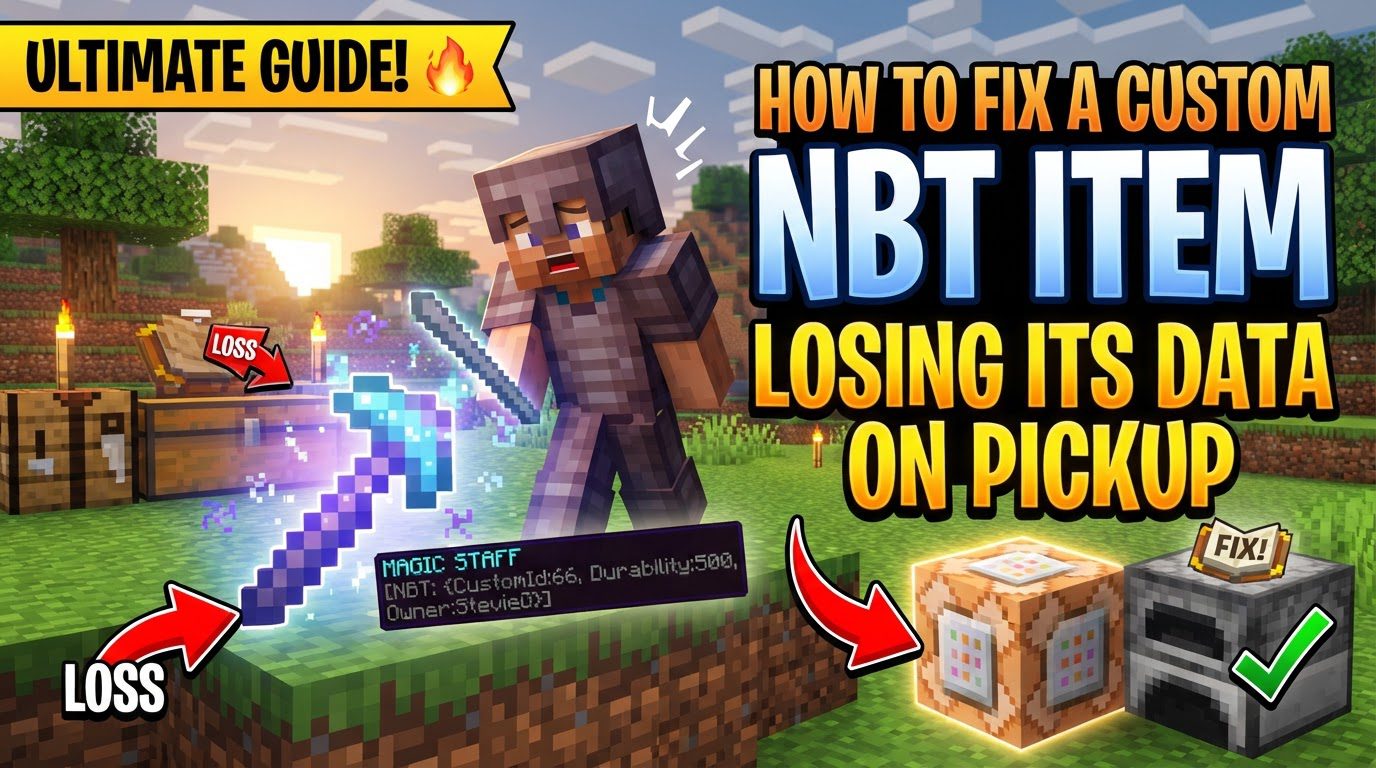
How to Fix a Custom NBT Item Losing Its Data on Pickup
Many Minecraft developers, even seasoned ones, often hit a wall when their carefully crafted custom NBT (Named Binary Tag) data vanishes into thin air the moment an item is picked up or shuffled within an inventory. This frustrating phenomenon is not a bug in your code, but rather a fundamental challenge rooted in Minecraft’s intricate item serialization and the critical dance between client and server in the game’s architecture.
For those building custom experiences, whether through Spigot/Bukkit plugins or Forge/Fabric mods, understanding and mitigating this data loss is paramount. Without it, custom enchantments, unique item properties, or linked block data simply cease to exist, breaking core functionalities. This comprehensive guide will illuminate the underlying mechanics, highlight common pitfalls, and provide robust, developer-centric strategies to ensure your custom NBT data persists through every item interaction.
Understanding the NBT Lifecycle
To effectively combat data loss, one must first grasp how Minecraft handles NBT data. NBT is the backbone of Minecraft’s data storage, a hierarchical, tag-based system used for virtually everything from player statistics to block configurations and, crucially, item properties. Custom NBT tags allow developers to extend this system, attaching unique identifiers and values to items that go beyond vanilla specifications.
- Serialization and Deserialization: Every time an item is moved – dropped, picked up, crafted, or exchanged between inventories – its data undergoes a process of serialization and deserialization. Serialization converts the item’s complex data (including its NBT) into a compact, storable format. Deserialization then reconstructs the item from this format. If your custom NBT isn’t explicitly included or correctly handled during these transitions, it’s easily stripped away.
- Client-Server Synchronization: In multiplayer environments, the client (your game instance) and the server must maintain a consistent view of the game world. For items, this means their NBT data must be synchronized. A major source of data loss, particularly in creative mode, arises when the client sends an incomplete or simplified version of an item’s NBT to the server. The server, in turn, might interpret this as the definitive state, overriding or simply ignoring any custom data it wasn’t explicitly told to preserve.
- Item Stacking Logic: Minecraft considers items with even slightly different NBT data as distinct. This includes items with custom NBT tags and even those with an empty NBT tag (
{}). If your custom item isn’t stacking with others you expect it to, it’s a strong indicator that differing NBT data is present, even if it’s just an empty tag on one of the items.
Effective Debugging and Verification Techniques
Before diving into complex code, verifying whether your NBT is actually being lost, and at what stage, is crucial. Minecraft provides built-in tools and modding utilities that can be invaluable for this diagnostic process.
- Advanced Tooltips (F3 + H): This vanilla Minecraft feature is an absolute must-know. Pressing
F3 + Hin-game enables advanced tooltips. When you then hover over an item in your inventory, you’ll see not just its ID and durability, but also its full NBT data. This allows for immediate, in-game verification of whether your custom tags are present or have been stripped. - NBT Tooltip Mods: For heavily modded Minecraft instances, client-side mods like “NBT Tooltip” can offer an even more detailed and user-friendly display of NBT data directly within the game interface, making complex NBT structures easier to parse.
- Control-Click for NBT Pickup: In vanilla Minecraft, pressing
Left Control + Middle Click(the “pick block” key) will pick up a block into your inventory, critically, with its NBT data preserved. While primarily for command block creations, this demonstrates Minecraft’s capability to transfer NBT and can be useful for testing specific block-to-item transitions. - Monitor Item Stacking: As mentioned, if items that should be identical are refusing to stack, it’s a direct symptom of differing NBT data. Use advanced tooltips to compare the NBT of the unstackable items and pinpoint the discrepancies.
Common Pitfalls and How to Avoid Them
Many NBT persistence issues stem from common misconceptions or oversight in development practices. Recognizing these can save hours of debugging.
- Assuming Automatic Persistence: This is perhaps the most frequent mistake. Developers often assume that once NBT is attached to an item, Minecraft will handle its persistence across all events. This is rarely the case; custom NBT requires explicit handling during serialization and deserialization events.
- Client Overwriting Server Data: Creative mode is a notorious culprit here. When a player picks up an item in creative, the client often sends a simplified version of that item back to the server. If your server-side logic doesn’t explicitly intercept and reapply the custom NBT, the server will accept the client’s (incomplete) version, effectively stripping your data.
- Incorrect
ItemStackObject Handling: Developers might retrieve anItemStack, apply NBT to it, but then fail to ensure that the modifiedItemStackis the one actually used or returned. Always ensure you are working with and returning the specificItemStackinstance that contains your custom NBT data. - Empty NBT Tags Causing Stacking Issues: An item with an NBT tag like
{}(an empty compound tag) will not stack with an otherwise identical item that has no NBT tag at all. While seemingly innocuous, this can lead to inventory clutter and performance issues. Tools or server-side logic can be implemented to prune these extraneous empty tags. - Excessive NBT Data: While NBT is flexible, storing excessively large amounts of data on a single item can lead to performance degradation, increased network lag, and even client disconnections due to packet size limits. Design your NBT structures efficiently.
- Client-Side Only NBT Changes: Any NBT modification intended to be persistent or synchronized across players must ultimately be processed and managed by the server. Client-side-only changes will not persist in multiplayer and are unreliable even in single-player contexts if not properly synced.
Developer Strategies for NBT Persistence
Implementing robust NBT persistence requires specific approaches depending on your development environment.
For Spigot/Bukkit Plugins:
- Proper NBT Retrieval with NBT API: Libraries like the NBT API are indispensable. When you need to modify an
ItemStackthat should retain custom NBT, always retrieve it using methods likeNBTItem#getItem(). This ensures you are working with theItemStackthat already contains or is capable of storing the custom NBT, rather than a “clean” instance. Directly manipulating anItemStackwithout this step can lead to data loss. - Order of Operations: When applying both vanilla item meta (like display names, lore, enchantments) and custom NBT, be mindful of the order. Generally, it’s safest to apply all vanilla item meta modifications *before* setting your custom NBT tags. Alternatively, if you need to modify meta after NBT, ensure your NBT library correctly merges or reapplies the NBT after meta changes.
For Minecraft Forge/Modding:
- Creative Mode Handling: This is a critical area. For older Minecraft versions, you might intercept
CPacketCreativeInventoryAction. For newer versions, the principle remains: you must implement custom logic on the server to prevent the client from overriding your item’s NBT. Overriding methods likeItem#getShareTag()can allow you to control precisely what NBT data is sent to the client, ensuring necessary custom tags are included. - Block NBT Persistence: If your item represents a block with complex NBT (e.g., a custom computer block with internal state), ensure that when the block is broken, its Tile Entity’s NBT data is correctly saved to the dropped item. Subsequently, when that item is placed, its NBT must be correctly loaded back into the new Tile Entity. This often involves overriding
Block#getPickBlockand handling NBT in the item’sonBlockPlacedmethods. - Server-Side Data Management: For any NBT data that represents persistent state or player-specific properties, ensure that all modifications are initiated, processed, and stored on the server. Client-side requests should always be validated and re-applied by the server to prevent desynchronization and data loss.
General Implementation Strategies:
- Robust Data Handling: Instead of scattering NBT tags, consider encapsulating complex custom data within a structured format (e.g., a custom data class that can be serialized to and deserialized from a single NBT compound tag). This makes your NBT easier to manage, validate, and debug.
- Alternative Storage (Workaround for Extreme Cases): In scenarios where NBT stripping is relentlessly aggressive, especially with older APIs or highly restrictive environments, a workaround involves encoding your custom NBT data into an item’s lore (e.g., using Base64 encoding). Then, use a protocol library (like ProtocolLib for Bukkit) to intercept and hide this lore from the client, converting it back to proper NBT on the server side when the item is used or interacted with. This is a last resort due to its complexity and potential for performance overhead, but it can be effective.
Mastering NBT persistence is a cornerstone of advanced Minecraft development. By understanding the core mechanics of serialization, client-server interaction, and common pitfalls, and by applying the specific strategies outlined above, you can ensure that your custom items retain their unique data, bringing your most ambitious Minecraft creations to life without the frustration of disappearing properties.
Tags:
YOU MAY ALSO LIKE...


