

Minecraft Seed Map Bedrock
A Minecraft world isn’t a pre-existing file waiting to be downloaded; instead, it’s a dynamic creation, brought into existence block by block as you explore. This intricate process is governed by a fundamental element known as a seed, a specific code that acts as the algorithmic fingerprint for every generated world. For players of Minecraft Bedrock Edition, understanding seeds is crucial for tailoring their adventures, from finding ideal starting locations to uncovering rare biomes and structures.
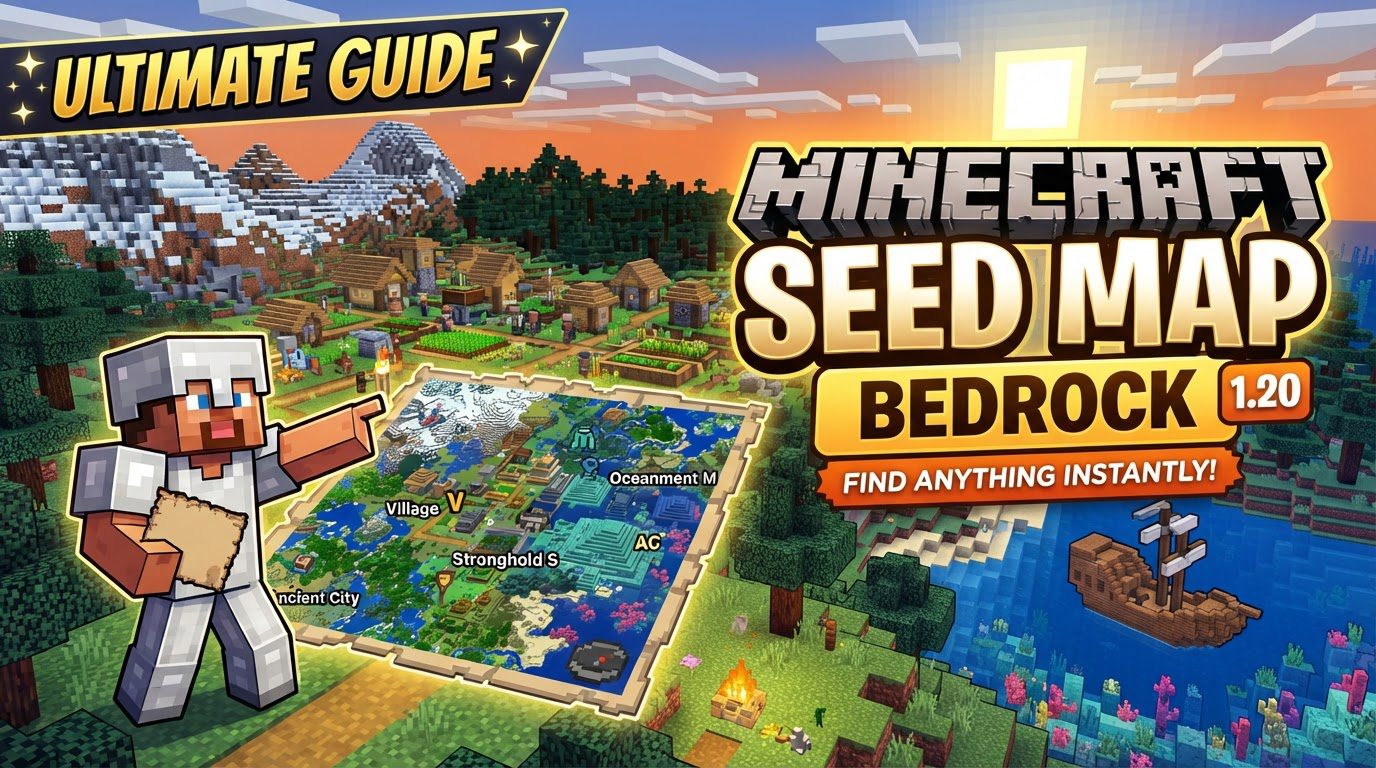
The Algorithmic Heart of Your World: Understanding Bedrock’s Generation Logic
At its core, a Minecraft seed is a numerical or text code that serves as the starting point for the game’s world generator. This seed deterministically influences nearly all aspects of a world’s creation. This means that for a given seed, the generated world will always be the same, allowing players to share and revisit specific world layouts. The seed dictates critical features such as terrain height and formations, the types and placement of biomes across the map, the exact locations of structures like villages, temples, and strongholds, the intricate layouts of underground cave systems, and even the distribution of valuable ores beneath the surface.
It’s important to grasp that the world itself is not pre-stored. Instead, it is generated on-the-fly in chunks as players explore. The seed feeds sophisticated algorithms that, in turn, create the unique landscape and features of each chunk as it loads. Bedrock Edition employs a proprietary pseudo-random number generator (PRNG) and custom native code, specifically optimized for the diverse range of platforms it supports. This approach significantly differs from Java Edition’s Linear Congruential Generator, leading to distinct generation patterns between the two editions.
While recent updates, particularly since version 1.18, have introduced a degree of partial seed parity between Bedrock and Java Editions for terrain and biome generation, crucial differences persist. Structures, such as villages, strongholds, and ocean monuments, are still generated using different logic and spacing rules in Bedrock. This means a seed that yields a sprawling village near spawn in Java might produce no village at all, or one in a completely different location, in Bedrock. Furthermore, Bedrock Edition typically uses 32-bit integers for its seeds. Any seed value entered outside the range of -2,147,483,648 to 2,147,483,647 will be automatically converted by the game to fit within this specific range, which can sometimes lead to unexpected world generations if players are not aware of this conversion.
Generating Your World: A Step-by-Step Guide
Creating a new world using a specific seed in Minecraft Bedrock Edition is a straightforward process. By following these steps, you can ensure your next adventure begins exactly where you intend it to:
- Step 1: Launch Minecraft and Select “Play”
Open the Minecraft application on your preferred device and navigate to the main menu. Select the “Play” option to begin. - Step 2: Initiate New World Creation
From the “Play” screen, choose “Create New” and then proceed to “Create New World.” This will take you to the world creation settings. - Step 3: Locate the Seed Field
On the world creation screen, you’ll find various settings for your new world. Scroll down through these options until you locate the “Seed” field. Depending on your specific platform or game version, this field might be directly visible or nested under an “Advanced” tab. - Step 4: Enter Your Desired Seed Value
Carefully type or paste the numerical or text seed value you wish to use into the provided box. Double-check for any typos, as even a single incorrect character will generate an entirely different world. - Step 5: Create Your World
Once the seed is entered, adjust any other desired world settings (such as game mode, difficulty, or world type). Finally, tap or click “Create” to generate your brand-new world with the specified seed.
Unearthing the Perfect Spawn: Tips for Finding Exceptional Seeds
The pursuit of the “perfect” seed is a common quest for many Minecraft players. A truly good seed often features a combination of immediate resources, ensuring a smooth start to survival. This might include nearby trees, easily accessible iron, or even a village for early trading opportunities. Beyond immediate utility, exceptional seeds frequently boast diverse biomes clustered near the spawn point, including rare biomes like Mushroom Fields, Mesa, or Ice Spikes, offering varied exploration opportunities without extensive travel. Stunning vistas, such as dramatic mountain ranges, floating islands, or picturesque coastal areas, also contribute to a seed’s appeal. Additionally, seeds that offer challenging dungeons, ancient cities, or other desirable structures close to spawn are highly sought after for their adventure potential.
To find such gems, players often turn to community platforms. Reddit, with subreddits like r/Minecraft and r/minecraftseeds, is a treasure trove of shared seeds, often accompanied by screenshots and coordinates. YouTube channels frequently feature “Top 5 Seeds” videos, showcasing visually impressive and resource-rich worlds. Dedicated seed websites also compile extensive databases, allowing users to filter by features, biomes, or structures. When utilizing a seed from any online source, it is absolutely critical to ensure two things: first, that the seed is explicitly specified for Bedrock Edition, and second, that it is compatible with your current game version. Minecraft updates can significantly alter world generation rules, meaning a seed that was fantastic in version 1.17 might generate a completely different, or less desirable, world in 1.20.
Navigating Common Seed Misconceptions and Pitfalls
Despite their power, seeds are often misunderstood, leading to common frustrations among players. One of the most frequent mistakes is assuming that a Java Edition seed will generate an identical world in Bedrock Edition. As previously discussed, due to differences in their underlying pseudo-random number generators and structure generation logic, a Java seed will almost certainly produce a different world in Bedrock, especially concerning structure placement and specific biome arrangements. This disparity is even more pronounced when dealing with larger seed numbers, which Bedrock converts to fit its 32-bit integer range.
Another common pitfall involves using seeds across different Minecraft versions without verifying compatibility. Game updates frequently introduce new biomes, change terrain generation algorithms, or alter structure spawn rates and locations. A seed that was perfect in an older version might yield a completely different, and potentially disappointing, result in a newer one. Always check the specified game version when acquiring a seed online.
Finally, it’s crucial to understand that a seed does not control everything within your world. While it dictates the foundational elements of terrain, biomes, and structures, certain dynamic aspects are beyond its influence. The player’s initial spawn point, for instance, is often determined by a specific algorithm within the generated world, not directly by the seed itself in a way that guarantees a specific block coordinate. Similarly, mob spawning after initial generation, which is influenced by light levels, player proximity, and other factors, is not determined by the seed. Even weather patterns, which are time-based and somewhat random, are not a function of the seed. Seeds provide the canvas; your gameplay and the game’s dynamic systems paint the rest of the picture.
By understanding how seeds function, how to use them effectively, and what their limitations are, Bedrock Edition players can unlock a new layer of control over their Minecraft experience, ensuring every new world is precisely the adventure they envision.
Tags:
YOU MAY ALSO LIKE...


