Black Sandstone Biomes O Plenty
Many a seasoned Minecraft explorer, especially those delving into the expansive world of Biomes O’ Plenty, might initially overlook the subtle yet potent decorative potential of Black Sandstone. This unique block, and its foundational material, Black Sand, offers an unparalleled aesthetic for builds that demand a touch of the stark, the volcanic, or the simply dramatic. Understanding where to find it, how to utilize it, and the nuances of its generation in modern Minecraft versions is key to harnessing its full creative power.
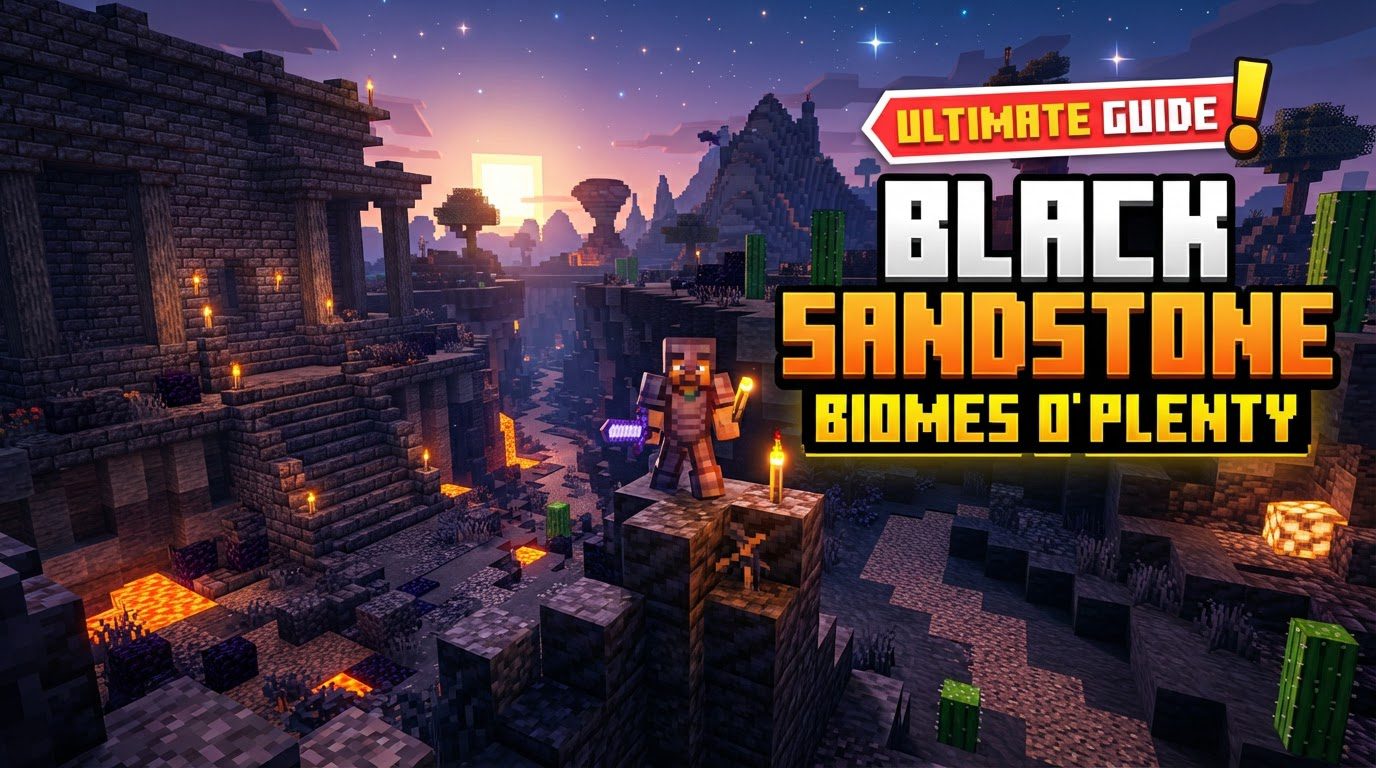
The Bedrock of Darkness: Understanding Black Sand
At the heart of Black Sandstone lies Black Sand, a distinctive sand-type block introduced to Minecraft with the Biomes O’ Plenty mod in version 1.16.1. Much like its vanilla counterpart, regular sand, Black Sand is subject to the immutable laws of gravity within the game world. This means that if you mine a block supporting a column of Black Sand, the entire column will tumble down until it rests upon a solid surface or another block of falling sand. This gravitational property is crucial for both mining and building, as it can be used for controlled collapses or must be accounted for in structural designs.
Harvesting Black Sand is a straightforward process. Any tool can be used to break it, but for maximum efficiency and speed, a shovel is undoubtedly your best friend. Equipping a shovel, especially one enchanted with Efficiency, will allow you to quickly gather large quantities of Black Sand, preparing you for extensive building projects or crafting sessions.
Crafting the Aesthetic: Black Sandstone and its Variants
Once you’ve amassed a sufficient supply of Black Sand, the true decorative potential begins to unfold. Black Sand can be smelted or crafted into all the standard sandstone variants that players are familiar with from vanilla Minecraft, but with a striking dark hue. This includes:
- Regular Black Sandstone: The foundational block, crafted from four Black Sand blocks in a 2×2 grid.
- Smooth Black Sandstone: Achieved by smelting regular Black Sandstone in a furnace, resulting in a cleaner, more uniform texture.
- Chiseled Black Sandstone: Created by placing two Black Sandstone Slabs vertically in a crafting grid, offering intricate designs perfect for detailing.
- Cut Black Sandstone: Crafted by placing four regular Black Sandstone blocks in a square pattern in a crafting grid, providing a finely textured block with distinct lines.
Beyond these primary blocks, each variant of Black Sandstone can further be crafted into a full suite of architectural elements. This includes slabs, offering half-block height for intricate floorings, ceilings, or steps; stairs, essential for vertical navigation and roof designs; and walls, perfect for creating defensive structures, decorative borders, or detailed facades. This comprehensive range of blocks ensures that Black Sandstone can be integrated seamlessly into almost any build, providing a consistent dark theme throughout your creations.
Journey to the Dark Sands: Locating Black Sand Biomes
Finding Black Sand requires venturing into specific biomes generated by the Biomes O’ Plenty mod. It doesn’t appear in vanilla biomes, so knowing where to look is half the battle. Black Sand naturally generates in three distinct Biomes O’ Plenty environments:
- Volcanic Plains: This biome is the undisputed champion for Black Sand abundance. As its name suggests, Volcanic Plains are characterized by vast expanses of Black Sand, often interspersed with basalt, magma blocks, and dangerous surface lava pools. If you’re on a dedicated quest for Black Sand, this biome should be your primary target. Its stark, fiery landscape is unmistakable.
- Burnt Forest: While less abundant than Volcanic Plains, the Burnt Forest biome also features Black Sand. This biome typically depicts the aftermath of a devastating fire, with charred trees and a desolate ground cover that includes Black Sand.
- Ominous Woods: True to its name, Ominous Woods is a dark and foreboding biome. Here, Black Sand can be found amidst the shadowy foliage and eerie atmosphere, though usually in smaller quantities compared to the Volcanic Plains.
When exploring your world, keep an eye out for these unique Biomes O’ Plenty landscapes. The Volcanic Plains, with its distinctive dark terrain and glowing lava, is usually the easiest to spot from a distance and offers the most efficient gathering experience.
Building with the Shadows: Uses and Aesthetic Appeal
The primary allure of Black Sandstone and its variants lies in their unique aesthetic. They are predominantly used for decorative building, offering a dark, distinct, and often dramatic look that stands apart from other common building materials. This makes them ideal for:
- Volcanic-themed structures: Naturally, given its origin in volcanic biomes, Black Sandstone is perfect for constructing fortresses, towers, or bases that evoke the power and danger of a volcano.
- Darker-themed builds: For players aiming for a gothic, mysterious, or even sinister aesthetic, Black Sandstone provides a rich, deep color palette that can be combined with obsidian, deepslate, or blackstone for truly imposing structures.
- Contrasting elements: Its dark tone can also be used effectively to create stark contrasts against lighter blocks, drawing attention to specific architectural features or creating visual depth.
Beyond pure architecture, the base Black Sand block shares some functional similarities with regular sand. You can plant certain vegetation directly onto Black Sand, including hardy desert flora like dead bushes and cacti. Additionally, Biomes O’ Plenty’s own Dune Grass can thrive on Black Sand, adding a subtle touch of life to otherwise barren dark landscapes.
Navigating the Modern World: Biome Generation and Configuration
A crucial consideration for any player seeking out Biomes O’ Plenty content, including Black Sand, is understanding how the mod integrates with Minecraft’s world generation, especially in recent versions. For Minecraft versions post-1.18, Biomes O’ Plenty biomes are designed to integrate seamlessly into the vanilla biome generation pool. This means that instead of selecting a dedicated “Biomes O’ Plenty” world type (which was often necessary in older versions for maximum biome diversity), the mod’s biomes will now appear alongside vanilla biomes in a standard world generation.
While this integration offers a more cohesive world experience, it can also lead to a different distribution of Biomes O’ Plenty content. Players might encounter a more mixed landscape, with BoP biomes appearing less frequently or with less variety than they might remember from older versions where the entire world was dedicated to Biomes O’ Plenty generation. It’s possible to find yourself in a world dominated by vanilla biomes, with only a few scattered Biomes O’ Plenty regions.
To maximize your chances of encountering the unique biomes like Volcanic Plains and other Biomes O’ Plenty content, it is paramount to ensure proper mod installation and world generation settings. Always double-check your mod loader (Forge or Fabric) setup and any world creation options that Biomes O’ Plenty might expose. Incorrect configuration, or simply sticking to default settings without understanding the implications, could result in a less diverse world experience, where certain Biomes O’ Plenty biomes are scarce, or vanilla biomes are overly prevalent. Consulting the mod’s official documentation or community resources for the specific Minecraft version you are playing is always a wise step to ensure your world is generated to your preferences.
Tags:
YOU MAY ALSO LIKE...