

Hybrid Aquatic Mod Bedrock
One of the most common misconceptions among Minecraft players seeking to enhance their aquatic adventures is the search for specific mods across different game editions. While the title of this guide refers to “Hybrid Aquatic Mod Bedrock,” it’s crucial to clarify from the outset: the Hybrid Aquatic Mod is a transformative experience exclusively designed for Minecraft Java Edition, compatible with Fabric, Forge, and NeoForge loaders for versions 1.19.2 through 1.20.4. This guide will delve into everything this mod offers, from its teeming new ecosystems to essential installation steps, ensuring Java Edition players can fully immerse themselves in its vibrant underwater world.
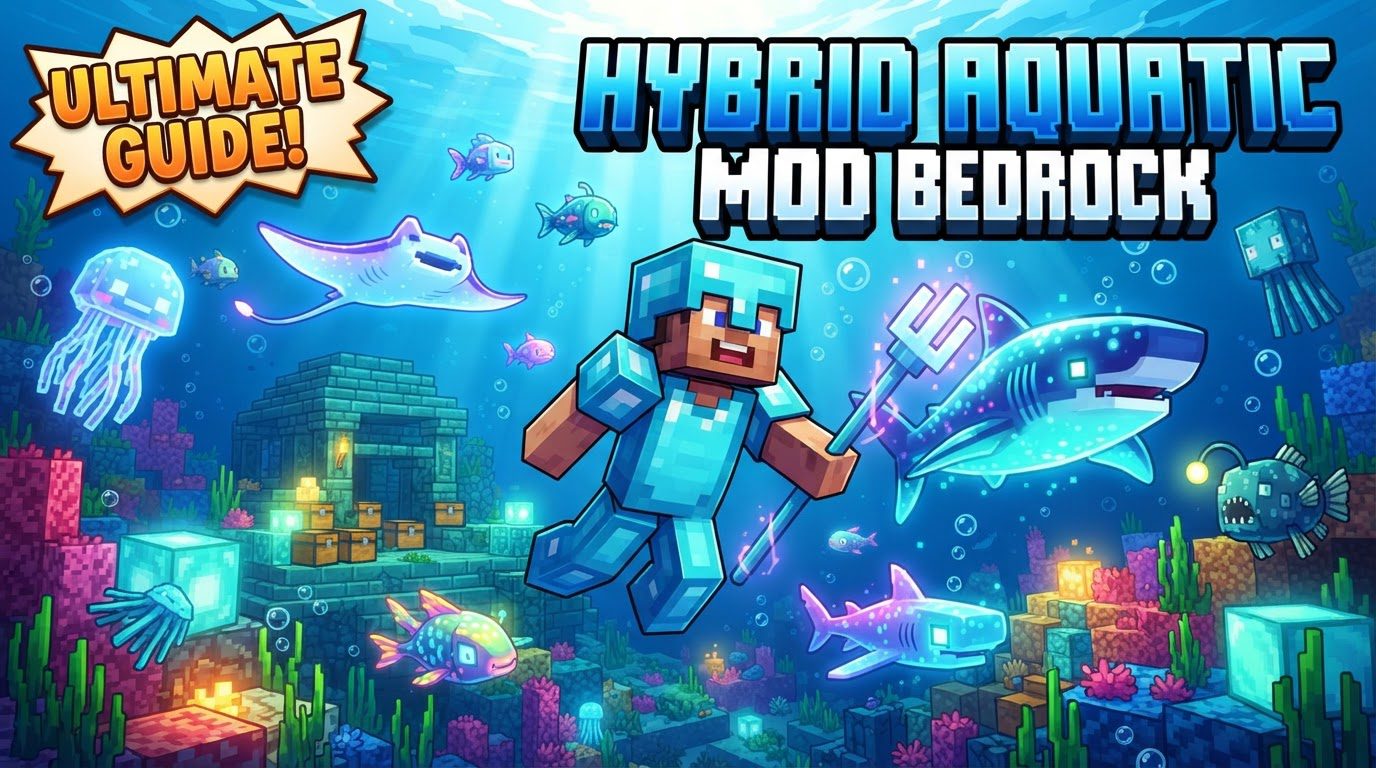
Diving Deep: Unveiling Hybrid Aquatic’s Features
The Hybrid Aquatic Mod completely redefines Minecraft’s oceans, turning them from often-barren expanses into bustling, biodiverse realms. It introduces a staggering array of new life and mechanics, fundamentally changing how players interact with the aquatic environment.
A World Teeming with New Life
Prepare to encounter an ocean far richer than vanilla Minecraft. Hybrid Aquatic boasts approximately 100 to 103 new aquatic species. This includes a diverse roster of over 30 new fish, ranging from colorful reef dwellers to deeper-sea enigmas. The mod also introduces 8 distinct shark species, each bringing a new level of danger and excitement to ocean exploration. Beyond fish, players will discover 6 types of cephalopods, including various squid and octopus species, and an impressive 11 new crustaceans, such as crabs, lobsters, shrimp, crayfish, and even giant isopods. Each creature is meticulously designed, adding visual variety and new gameplay interactions.
Enhanced Fishing Mechanics
Fishing is no longer a simple click-and-wait affair. Hybrid Aquatic introduces specialized fishing hooks that dramatically alter the angling experience:
- Barbed Hook: Increases your catch rate during daylight hours.
- Glowing Hook: Boosts your success when fishing under the cloak of night.
- Magnetic Hook: Significantly raises your chances of reeling in valuable treasure items.
Additionally, players can craft and deploy fishing nets, providing a practical way to capture and transport various sea creatures for aquariums or resource gathering.
Navigating Dangerous Waters: Hazards and Threats
The new biodiversity comes with new challenges. Many of Hybrid Aquatic’s creatures pose a threat to unwary adventurers:
- Sharks: These apex predators are often hostile and can inflict a debilitating “bleeding” effect, slowly draining your health over time.
- Poisonous Creatures: Beware of jellyfish, lionfish, stonefish, and sea urchins. Contact with these creatures can result in poison, nausea, or direct damage.
- Piranhas: Found in jungle waters, piranhas are particularly aggressive. They cause bleeding, and critically, the presence of blood in the water can attract even more piranhas, turning a minor skirmish into a deadly feeding frenzy.
The Karkinos: A Colossal Crab Boss
For players seeking a true challenge, Hybrid Aquatic introduces a formidable boss: Karkinos. This powerful crab boss can be summoned and fought by crafting and using an Ominous Hook. To create this special hook, you’ll need to undertake a grand quest, collecting claws from nine different crab species found throughout the oceans. Defeating Karkinos promises unique rewards and a memorable encounter.
Essential Diving Equipment
To aid in deep-sea exploration and survival, the mod provides dedicated diving equipment. A crucial item is the diving suit, which helps players navigate the underwater world more effectively, allowing for longer excursions and safer encounters with its inhabitants. This gear is particularly useful when searching for smaller, more elusive creatures like certain crustaceans hidden in coral reefs or kelp forests.
New Resources and Culinary Delights
The bounty of the ocean isn’t just for show. Players can obtain numerous new seafood items by fishing or defeating aquatic creatures. These can be cooked to provide enhanced hunger restoration and saturation, making ocean foraging a viable food source. Beyond food, the mod introduces thermal vents on the ocean floor, rich deposits that yield valuable copper, iron, and gold nuggets, offering a new way to gather essential minerals.
Ocean-Themed Decorative Blocks
For the builders and interior decorators, Hybrid Aquatic adds a variety of new decorative blocks. These allow players to create stunning ocean-themed builds, elaborate aquariums, and immersive underwater bases, further personalizing their Minecraft experience with the mod’s aesthetic.
Navigating the Waters: Installation Guide
Installing Hybrid Aquatic requires careful attention to versions and dependencies. The following steps outline the process for client-side installation via CurseForge, the most common method, and an alternative for GDLauncher users.
Client Installation via CurseForge
- Download Core Files: Begin by visiting the official Hybrid Aquatic page on CurseForge. Download the mod file corresponding to your desired Minecraft version (e.g., 1.20.1).
- Secure Dependencies: Hybrid Aquatic relies on several other mods to function. You must download and save the required dependencies: Fabric API, Language Kotlin, and GeckoLib. Crucially, ensure that the versions of all these dependencies match your chosen Minecraft version precisely. Version mismatches are a leading cause of mod-related issues.
- Install Fabric Loader: Since Hybrid Aquatic is primarily a Fabric mod, you need to have the Fabric loader installed for your Minecraft client. If you haven’t already, download and run the Fabric installer for your Minecraft version.
- Locate Your Mods Folder: Open the Minecraft launcher. Select your Fabric-modded profile. Click the small folder icon next to the “Play” button to open your Minecraft game directory.
- Place Mod Files: Inside your Minecraft game directory, locate the
modsfolder. If this folder doesn’t exist, simply create it. Move all the downloaded files – the Hybrid Aquatic mod itself, Fabric API, Language Kotlin, and GeckoLib – into thismodsfolder. - Launch the Game: Return to the Minecraft launcher, ensure your Fabric-modded profile is selected, and click “Play.” The game should now load with Hybrid Aquatic active.
Alternative Installation with GDLauncher
For users of GDLauncher, the process is streamlined:
- Create a new instance within GDLauncher.
- Select your desired loader (Fabric, Forge, or NeoForge, depending on the Hybrid Aquatic version you want to use).
- Navigate to the Addons tab and paste the Quick Install ID:
#hybrid-aquatic. GDLauncher is designed to automatically handle the download and installation of the mod and its necessary dependencies.
Expert Tips for Ocean Exploration
- Explore Diverse Biomes: Don’t limit yourself to a single ocean type. Different species of fish and sea creatures have specific biomes and depth preferences. Explore various ocean biomes-warm, cold, deep, and shallow-to discover the full range of Hybrid Aquatic’s biodiversity.
- Utilize Diving Gear: A diving suit isn’t just for aesthetics. It significantly enhances your underwater exploration capabilities, allowing you to stay submerged longer and navigate challenging environments, which is especially helpful when searching for smaller, camouflaged creatures like certain crustaceans.
- Cook Your Catch: Raw fish meat and other raw seafood items can be cooked in a furnace or on a campfire. Cooked seafood provides substantially more hunger restoration and saturation, making it a highly efficient food source.
- Respect the Hazards: Always be mindful of the dangers lurking beneath the waves. Avoid swimming directly through jellyfish swarms or near the distinctive shapes of lionfish, stonefish, and sea urchins. Sharks are formidable predators; approach with caution or avoid them altogether until you are well-equipped.
Avoiding Troubled Waters: Common Pitfalls and Troubleshooting
Even seasoned mod users can encounter issues. Being aware of common problems can save you hours of troubleshooting.
- Version Mismatches: This is by far the most frequent cause of mod crashes. Ensure that your Minecraft version, your chosen mod loader (Fabric, Forge, NeoForge), the Hybrid Aquatic mod file, and all its dependencies (Fabric API, Language Kotlin, GeckoLib) are perfectly aligned in their versions. A mismatch of even a minor patch number can prevent the game from launching.
- Missing Dependencies: Forgetting to install one or more of the required dependencies (Fabric API, Language Kotlin, GeckoLib) will inevitably lead to errors. Double-check that all are present in your
modsfolder. - Server Setup: If you’re playing on a multiplayer server, both the client and the server must have the same mod loader installed (e.g., Fabric) and the exact same versions of the Hybrid Aquatic mod and its dependencies in their respective
modsfolders. - Known Bugs and Incompatibilities: While the mod is generally stable, some issues have been reported. Historically, these included fishing hooks malfunctioning or creatures struggling with pathfinding. More recent open issues on GitHub mention incompatibilities with other large mods like Terralith + Biome Replacer, or schooling fish + Valkyrien. Additionally, players might encounter missing translation keys or texture variants for some new content. Always check the mod’s CurseForge page or GitHub for the latest information on known bugs and compatibility notes.
The Hybrid Aquatic Mod offers an incredible transformation for Minecraft’s Java Edition, turning its oceans into dynamic, dangerous, and utterly captivating realms. By understanding its features, carefully following installation instructions, and heeding expert tips, players can unlock a whole new dimension of exploration and adventure beneath the waves.
Tags:
YOU MAY ALSO LIKE...


