Energy Infuser Draconic Evolution
A single block in Draconic Evolution can hold enough energy to power countless devices for extended periods, boasting an internal buffer of up to 10,000,000 Redstone Flux. This powerful utility, known as the Energy Infuser, is an indispensable tool for any player venturing deep into the Draconic Evolution mod, serving as the primary hub for charging a wide array of RF-compatible items.
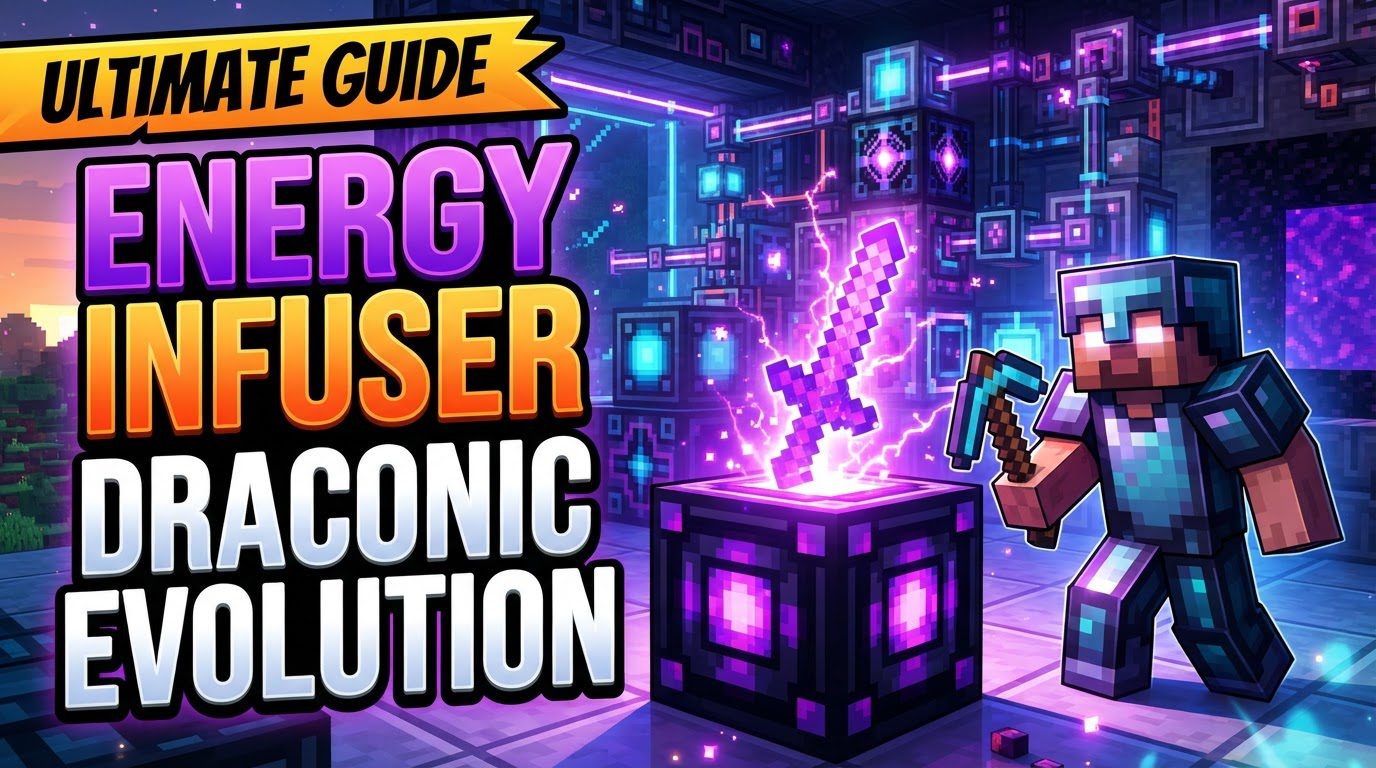
The Heart of RF Management: What the Energy Infuser Does
The Energy Infuser stands as a cornerstone block within the Draconic Evolution mod, specifically designed to address the ever-present need for power in advanced Minecraft setups. Its singular and crucial purpose is to charge items that utilize Redstone Flux (RF) energy. This capability extends beyond Draconic Evolution’s own high-tier tools and armor, encompassing virtually any RF-compatible item from other integrated mods. Whether you’re powering up a Draconic Staff of Power, an advanced jetpack from another mod, or an RF-driven tool, the Energy Infuser provides a centralized and efficient solution.
Unpacking the Infuser’s Core Mechanics
Understanding how the Energy Infuser operates is key to integrating it effectively into your power infrastructure. Its design incorporates several critical features that define its utility and limitations.
- Primary Function: At its core, the Energy Infuser is a dedicated charging station. When an item capable of storing Redstone Flux is placed into its designated GUI slot, the infuser automatically begins to transfer energy into it. This process continues until the inserted item reaches its maximum RF capacity, ensuring your gear is always ready for action.
- Internal Energy Storage: The infuser itself is not merely a conduit but also an energy reservoir. It possesses an internal buffer designed to store a substantial amount of Redstone Flux. While the most commonly cited capacity is a generous 10,000,000 RF, it’s worth noting that some versions or modpack configurations might list its internal buffer at 1,000,000 RF. This internal storage allows the infuser to accumulate power from external sources before distributing it to items, providing a steady supply even if external input fluctuates.
- The Charging Process Explained: Once an RF-chargeable item is correctly positioned within the Energy Infuser’s graphical user interface (GUI) slot, the block comes to life. Players will notice a distinct animation, indicating that energy transfer is actively occurring. This automatic charging mechanism simplifies power management, as there’s no need for manual activation or continuous monitoring once an item is placed inside.
- Understanding Charging Speed: Efficiency is paramount, and the Energy Infuser delivers respectable charging rates. It can transfer energy at a speed capped at 128,000 RF per tick (RF/t). However, this rate is also contingent on the item being charged. The actual charging speed will always be the lower of two values: either the infuser’s maximum output of 128,000 RF/t or the maximum charging rate that the specific item can accept. This means that while the infuser is capable of high-speed charging, some items may inherently charge slower due to their own design limitations.
- Crafting Your Energy Infuser: Constructing an Energy Infuser typically involves a blend of advanced Draconic Evolution components and standard Minecraft elements. Common ingredients often include Draconium Ingots, a Draconic Core (a vital component for many Draconic Evolution machines), a Particle Generator, and an Enchantment Table. It’s important to remember that crafting recipes can vary significantly between different versions of Draconic Evolution or custom modpacks. Some iterations might require additional components such as Ender-infused Obsidian or REther Pearls, so always consult your in-game recipe book (like JEI or NEI) for the precise requirements in your specific setup.
Setting Up Your Energy Infuser: A Step-by-Step Guide
Deploying the Energy Infuser effectively is a straightforward process once you have the necessary components and understand the basic energy flow principles.
- Gather Materials and Craft: Your first step is to acquire all the required materials as per your modpack’s crafting recipe. Once you have them, assemble the Energy Infuser at a crafting table.
- Establish a Power Connection: After placing the infuser in your desired location, it needs a source of Redstone Flux. Draconic Evolution offers its own robust energy transfer system through various types of energy crystals, such as IO Crystals, Wireless Energy Crystals, and Relay Crystals. These crystals, when properly configured with a Crystal Binder, can efficiently transmit RF directly to the infuser. Alternatively, you can connect the Energy Infuser to any compatible RF power source using energy conduits or cables from other popular technical mods.
- Initiate Charging: With power flowing to the infuser, open its graphical user interface (GUI). Locate the designated slot for items and place the RF-chargeable item you wish to power up into it. The infuser will immediately detect the item and begin the charging process, indicated by visual animations.
- Monitor and Manage: Once charging commences, the infuser will continue to supply energy to the item until it reaches full capacity. You can monitor the progress through the item’s tooltip or by observing the infuser’s animation. While largely automated, occasional checks are good practice, especially when charging multiple items in sequence.
Optimizing Performance and Energy Flow
To get the most out of your Energy Infuser and ensure a seamless power supply, consider these strategic tips:
- Strategic Placement: For optimal efficiency, position your Energy Infuser in close proximity to your primary power core, main energy storage system, or high-capacity RF generation. This minimizes energy loss and transfer latency, ensuring a consistent and robust power input for the infuser’s internal buffer.
- Mastering Crystal Configuration: If utilizing Draconic Evolution’s energy transfer system, proficiency with the Crystal Binder is essential. Ensure that your IO Crystals or Relay Crystals are correctly configured for input mode when connecting to the Energy Infuser. Incorrect binding or mode settings can prevent power from reaching the infuser, leading to frustration. Experiment with different crystal types and their settings to establish the most efficient energy network for your base.
Common Challenges and Solutions with the Energy Infuser
Even with its straightforward operation, players can encounter a few common hurdles when using the Energy Infuser. Knowing these pitfalls can save you time and resources.
- Addressing Slow Charging Rates: A frequent complaint arises when high-tier Draconic Evolution items, or advanced gear from other mods, seem to charge at a snail’s pace. This is often not an issue with the infuser itself but rather a limitation imposed by the item’s inherent maximum charging rate. Remember, the infuser charges at either its cap (128,000 RF/t) or the item’s cap, whichever is lower. For extremely high-capacity items, even 128,000 RF/t can feel slow, as they require billions of RF.
- Distinguishing Draconium Charging Methods: A common misconception in some modpack versions is attempting to charge Draconium blocks directly in the Energy Infuser to create Charged Draconium. While older versions might have allowed this, modern Draconic Evolution often requires a more advanced process: Fusion Crafting. If you’re struggling to create Charged Draconium, verify the correct method for your version, as the Energy Infuser is typically for tools and armor, not raw materials.
- Correcting Crystal Binding Errors: One of the most prevalent reasons for an Energy Infuser not receiving power is incorrect configuration of Draconic Evolution’s energy crystals. The Crystal Binder is a nuanced tool; ensure that crystals connected to the infuser are set to ‘input’ mode and are correctly linked to a power source. A mis-bound crystal will simply not transfer energy, leaving your infuser inert.
- Navigating Item Automation: Automating the input and output of items into the Energy Infuser can be surprisingly challenging. Unlike many other machines in Minecraft, the infuser may not be “side-smart,” meaning it might not automatically accept or eject items from specific sides when connected to pipes, conduits, or item transportation systems. Players often need to rely on more sophisticated automation methods, such as external item movers or manual intervention, to manage the flow of items in and out of the infuser’s single charging slot.
The Energy Infuser is an invaluable component in any serious Draconic Evolution setup. By understanding its mechanics, optimizing its placement, and being aware of common troubleshooting points, you can ensure a consistent and powerful energy supply for all your RF-dependent gear, propelling your Minecraft adventures to new heights.
Tags:
YOU MAY ALSO LIKE...