

Building a Belt Network for Item Sorting
93
views ❘
July 8, 2026
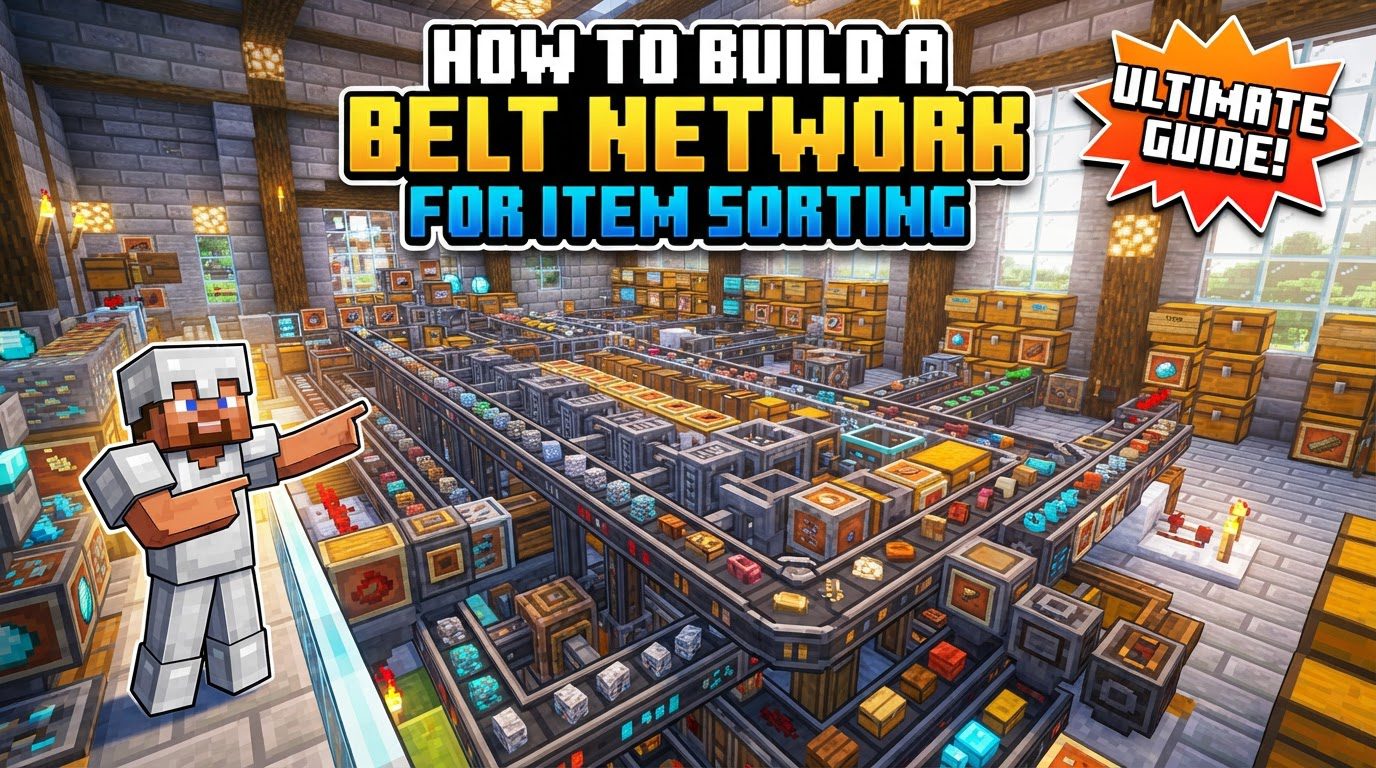
Building an efficient item sorting system in Minecraft is crucial for managing vast quantities of resources. A belt network for item sorting streamlines inventory management, automatically directing items to their designated storage chests. This guide will walk you through the comprehensive process of constructing such a system, leveraging fundamental redstone mechanics and careful planning to ensure your items are always where you need them.
Key Mechanics of Item Sorting
- Hoppers are fundamental for moving items between storage containers. These versatile blocks are the backbone of any item transport and sorting system. They can pull items from containers above them and push them into containers or other hoppers below or to their side. Their ability to move items automatically is what makes automated sorting possible, forming the basis of any belt network.
- Redstone comparators detect the number of items in a hopper, outputting a redstone signal whose strength corresponds to the fill level. This is a critical component for creating item filters. A comparator placed to read from a hopper will emit a redstone signal that gets stronger as the hopper fills with more items. This signal strength is then used to control other redstone components, specifically to trigger the locking and unlocking mechanism of other hoppers.
- Redstone torches, when powered off by a comparator’s signal, “unlock” hoppers, allowing items to pass through. Normally, a redstone signal powering a hopper will lock it, preventing it from pulling or pushing items. In a sorting system, a redstone torch is typically used to power the collection hopper, keeping it locked. When a comparator detects enough items in the filter hopper, it will power the block the torch is on, turning the torch off. This action then “unlocks” the collection hopper, allowing it to pull items from the filter hopper above it.
- Redstone dust and repeaters transmit and strengthen redstone signals within the circuit. Redstone dust is used to connect components and carry signals across distances. Redstone repeaters are essential for extending the range of a redstone signal, preventing it from fading, and also for delaying signals or locking other repeaters. They ensure the redstone logic functions correctly over the necessary distances, maintaining the integrity of the sorting mechanism.
- Item filters are created by partially filling a hopper with the specific item to be sorted, along with “filler” items to prevent other items from entering. This is the core principle of a sorter. By placing a specific quantity of the desired item in the first slot of a filter hopper and then filling the remaining four slots with unique “filler” items, you create a dedicated slot for that item type. When an item of the desired type enters the hopper line, it will be pulled into this filter.
- A hopper filled with items will only pull in items of the types it already contains. This is a crucial behavior of hoppers that makes item filtering effective. If a hopper contains, for example, only cobblestone and filler items, it will only pull in cobblestone from an inventory above it, ignoring other item types. This selective pulling is what enables the precise sorting of different resources.
- Transportation of items to the sorter can be done via chains of hoppers, water streams, or ice paths, with water and ice being faster for longer distances. While hoppers can transport items, they are relatively slow and resource-intensive for long distances due to the number of hoppers required. Water streams provide a faster, more resource-efficient way to move items over larger areas, especially when combined with ice paths, which drastically increase item speed and throughput to the sorting array.
Step-by-Step Guide to Building Your Item Sorter
Follow these instructions to construct a functional item sorting belt network:
- Foundation: Place a row of double chests that will serve as storage for your sorted items. Begin by laying out the base of your sorting system. For each item type you wish to sort, place a double chest side-by-side. These chests will hold your categorized resources once the system is complete. Ensure there’s enough space behind and above them for the redstone circuitry and hoppers.
- Hopper Connection: Attach hoppers pointing into the top of each chest. Above each double chest, place a hopper directly on top, ensuring it points downwards into the chest. These are your “collection” hoppers; they will receive the sorted items from the filter above and deposit them into the storage chests below.
- Redstone Circuitry:
- Behind each of these “collection” hoppers, place a solid block with a redstone torch on its side, facing away from the hopper. This block and torch combination is key to locking and unlocking the collection hopper. The torch should be placed on the side of the block that is directly behind the collection hopper. Initially, this torch will power and lock the collection hopper.
- Above the redstone torch, place another solid block. This block will receive power from the comparator and transfer it to the redstone torch below, turning it off.
- Place a redstone repeater on the block above the torch, pointing towards the block that has the torch. The repeater will receive the signal from the comparator and amplify it, directing it towards the block above the redstone torch. Ensure it’s pointing correctly to power that block, which in turn will de-power the redstone torch.
- Place a redstone comparator coming out of the “collection” hopper (the one directly above the chest) and pointing into the repeater. This comparator is the brain of the filter module. It reads the item count in the collection hopper and outputs a signal. It must be placed so its two “eyes” are facing away from the collection hopper, and its output end is directed towards the repeater.
- Connect the comparator to the repeater with redstone dust to complete the circuit. A single piece of redstone dust is typically needed to bridge the gap between the comparator’s output and the repeater’s input, ensuring the signal is transmitted accurately and the circuit functions as intended.
- Filter Hoppers: Place a row of hoppers above the “collection” hoppers, pointing sideways (e.g., into each other) to form the “belt” where items will flow. These hoppers form the main transport line for unsorted items. They should be one block above the collection hoppers and arranged so they feed items horizontally from one to the next. The items will travel along this line until they reach a filter that accepts them.
- Setting Filters:
- Access the inventory of each filter hopper. Open the inventory of the hopper that is part of the horizontal “belt” directly above each collection hopper. This is the hopper that will hold the filter items.
- In the first slot, place 41 of the item you wish to sort into the chest below. This specific quantity is crucial for the comparator’s detection. When 41 items of a specific type are in the first slot, the comparator reading the collection hopper will be activated to a sufficient strength to lock the collection hopper, preventing items from dropping until more of that item type arrive.
- Fill the remaining four slots with four distinct, non-stackable, and undesirable “dummy” items (often renamed items from an anvil to guarantee they won’t accidentally be sorted). These dummy items are essential to “clog” the other slots. By using non-stackable items, you ensure that only one of each dummy item can occupy a slot, preventing other stackable items from taking up those spaces. Renaming them makes them unique and ensures they won’t be sorted by mistake if you happen to input the same item type into the system.
- Input System: Create a system (e.g., an input chest with hoppers underneath, or a water stream) to feed all unsorted items into the primary filter hopper line. This is where all your collected items will enter the sorting system. A simple setup involves a chest placed above the start of your filter hopper line, with a hopper underneath it feeding items into the first filter hopper. For larger systems, water streams are more efficient for initial item delivery.
- Overflow Protection: At the very end of the filter hopper line, ensure there is an “overflow” chest to catch any items that weren’t sorted or didn’t fit into their designated chests. This is a crucial safety net. Any item that travels the entire length of the filter hopper line without being sorted (either because there’s no filter for it or its designated chest is full) will fall into this overflow chest, preventing item loss and system clogs.
Important Tips for Optimal Performance
- Renamed Filler Items: Use an anvil to rename the “filler” items in your filter hoppers to prevent them from accidentally sorting if the same item naturally enters your system. Renaming items in an anvil makes them unique. If you use, for example, a piece of dirt as a filler item and then dirt enters your sorting system, the system might try to sort the filler dirt. By renaming it (e.g., “Filler Dirt”), it becomes a distinct item that won’t interfere with the sorting of natural dirt.
- Test Modules: Always test each individual filter module to ensure it’s working correctly before integrating it into a larger system. Before connecting multiple sorting modules, test each one by feeding it the specific item it’s designed to sort, as well as a few unsorted items. This helps identify and fix any redstone or filter setup errors early on, saving time and frustration later in the building process.
- Scalability: For large-scale sorting, consider using water streams or ice paths for item transport to reduce lag and increase throughput compared to long hopper chains. While hoppers are reliable, long chains of them can be very resource-intensive and slow. Water streams, especially over ice, move items much faster and with significantly less server load, making them ideal for massive sorting arrays that process many items.
- Overflow Chests: Always include an overflow chest to prevent item loss or system clogs from unsorted or excess items. This redundancy is non-negotiable. Without an overflow, items that aren’t accounted for by a filter or that exceed the capacity of a designated chest will simply despawn after five minutes, representing a significant loss of valuable resources and potentially jamming the entire system.
- Lag Reduction:
- Space out your filters adequately to prevent jams and lag. Crowding redstone components and hoppers too closely can lead to visual and computational lag. Giving components a bit of breathing room can improve performance, especially in densely packed areas.
- Limit constantly running redstone clocks; use comparators and repeaters to pulse signals only when needed. Continuous redstone activity from clocks can be a major source of lag. The comparator-based sorting system is efficient because it only activates its redstone circuit when items are being processed, minimizing constant updates.
- Consider using barrels instead of chests to store items, as barrels are block entities that can be less demanding on performance. While functionally similar to chests for storage, barrels can sometimes offer a slight performance advantage in highly complex or large-scale builds due to how they are handled by the game engine, potentially reducing overall server strain.
- Place constant light sources near redstone dust to reduce lag from frequent light updates. Redstone activity often causes light updates as signals change between powered and unpowered states. By providing constant light (e.g., glowstone, sea lanterns) near redstone, you can mitigate some of the performance impact from these light recalculations.
- Segmentation: Divide your sorter into sections based on item categories (e.g., ores, food, building blocks) for easier maintenance and expansion. Instead of one giant, monolithic sorter, break it down. This makes it easier to troubleshoot issues, add new item types, or even temporarily disable a section without affecting the entire system, improving manageability.
Common Mistakes to Avoid
Be mindful of these common pitfalls when constructing your item sorting network:
- Incorrect Filter Setup: Failing to properly set up the filter hopper with the correct item and “filler” items will lead to items not sorting correctly or getting stuck. This is the most frequent error. If you don’t place 41 of the target item in the first slot and fill the rest with unique dummy items, the filter won’t function as intended, causing items to bypass the filter or clog it entirely.
- Missing Overflow: Without an overflow chest, items that aren’t sorted or that overfill chests will be lost or jam the system. As mentioned, an overflow chest is non-negotiable. Forgetting it means any item that doesn’t have a designated spot, or if a chest fills up, will simply despawn after five minutes, representing a significant loss of resources and potentially stopping the whole sorting process.
- Comparator Timings: Incorrect timing or placement of comparators and repeaters can cause redstone signals to misfire, leading to sorting errors. Ensure comparators are reading from the correct hopper and repeaters are pointing in the right direction and set to the correct delay (default is usually fine, but check). Any misalignment can break the redstone logic and prevent items from dropping correctly into their designated chests.
- Hopper Overload/Leakage: If filter hoppers become too full, they can sometimes “leak” items or unlock adjacent hoppers, causing incorrect sorting. While the 41-item filter setup is designed to prevent this, an overwhelming influx of items or an incorrectly configured filter can lead to items spilling into unintended hoppers or activating nearby circuits, disrupting the precise sorting process.
- Unstackable Items: Standard item sorters are designed for items that stack to 64; unstackable items (like tools, armor, or certain unique items) or those that stack to 16 will not work with these systems. The redstone logic for these sorters relies on the specific stack size of 64 and the comparator’s signal strength. Items that stack differently will not trigger the comparator at the correct threshold, making them incompatible with this specific sorter design.
- Item Sticking in Water Streams: When using water streams for transport, items can get stuck in hoppers. Lining the edges with blocks like chests or honey blocks can prevent this. Items moving in water streams can sometimes get caught on the edges of blocks, including hoppers, especially at corners or where the stream changes direction. Placing smooth, non-colliding blocks (like chests, which items float over, or honey blocks which slow items) can guide them along without getting stuck.
- Fast Water Streams: If items move too quickly in water streams, hoppers might not pick them up reliably. Adjusting dropper speeds can help. While ice paths make water streams very fast, if items pass over collection hoppers too quickly, the hoppers might not have enough “ticks” to pick up every item. You might need to slow down the input rate or ensure items linger slightly over collection points to guarantee pickup.
- Excessive Redstone: Overly complex redstone designs can cause significant lag, especially on multiplayer servers. Always strive for simplicity and efficiency in your redstone circuits. Every repeater, piece of dust, and active component contributes to server load. Minimize unnecessary components and choose simpler designs to maintain good game performance.
Click to rate this post!
[Total: 0 Average: 0]
Tags:
YOU MAY ALSO LIKE...

Setting Up BuildCraft Pipes for Item Transport — A Quick Guide
91
views
BuildCraft pipes offer a robust and versatile system for automating item transport within your Minecraft…

Setting Up Crate Keys As Vote Rewards
45
views
Setting Up Crate Keys as Vote Rewards in Minecraft In the dynamic world of Minecraft…

Setting Up Create’s Sequenced Assembly System, Explained
160
views
Understanding Create's Sequenced Assembly System Create's Sequenced Assembly system is a cornerstone of advanced automation…

How to set up cross-platform play between Java and Bedrock
103
views
Minecraft offers an expansive world of adventure, creativity, and exploration. While two primary editions exist…

Setting Up Custom Join and Leave Messages (Step by Step)
66
views
Setting up custom join and leave messages on your Minecraft server significantly enhances the player…

Setting Up Discord Webhooks for Server Chat
60
views
Integrating your Minecraft server's chat and activities directly into your Discord community can significantly enhance…

Setting Up Dynmap for a Live Server Map, Explained
58
views
Setting up a live, interactive map for your Minecraft server can significantly enhance the player…

Setting Up Ore Processing with Mekanism’s Factory Machines — A Quick Guide
100
views
Mekanism is a powerful technical mod in Minecraft that revolutionizes ore processing, allowing players to…
Setting Up Player-to-player Trading Safely (Step by Step)
66
views
In the vast and dynamic world of Minecraft, player-to-player trading is a fundamental aspect of…