

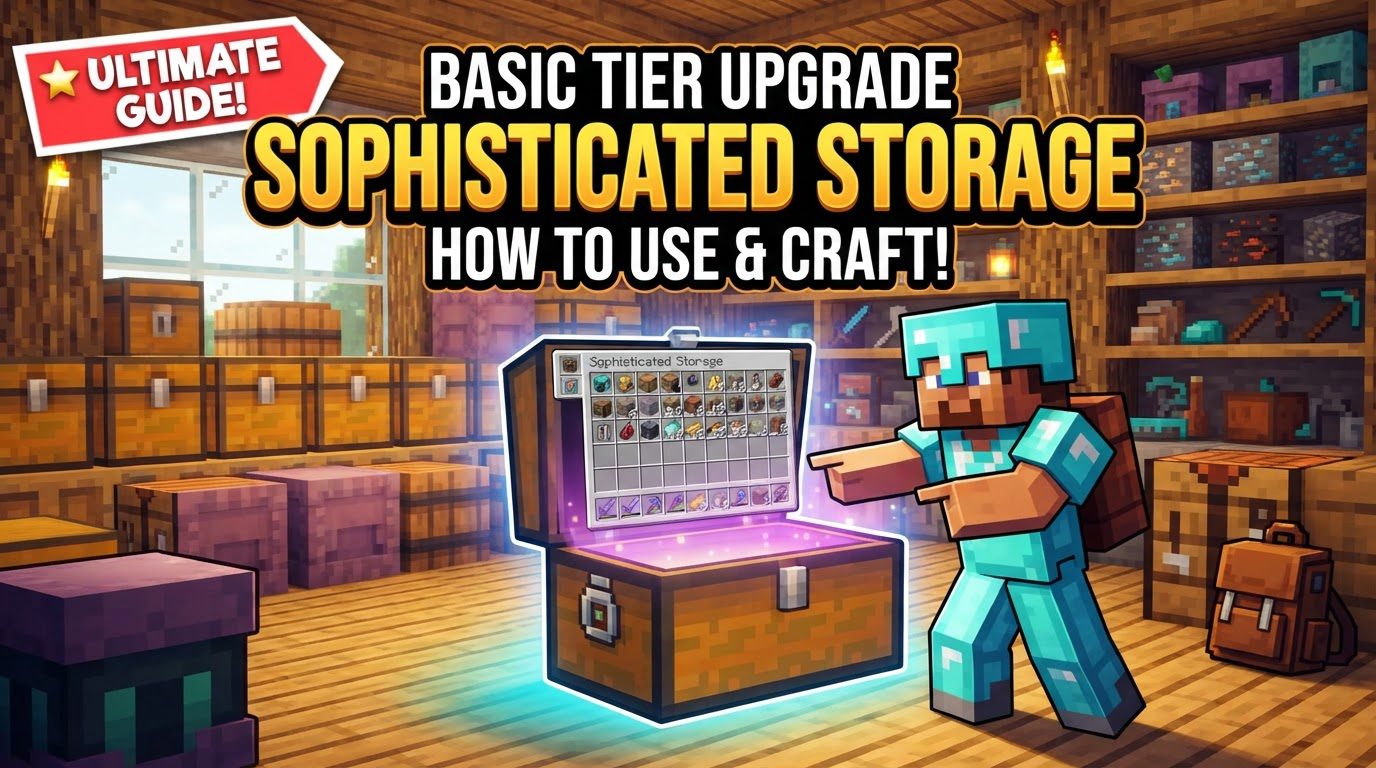
Basic Tier Upgrade Sophisticated Storage How to Use
A single Netherite chest, fully upgraded, can hold millions of items, turning what was once a sprawling warehouse into a compact, automated marvel. This incredible efficiency is largely thanks to the “Basic Tier Upgrade” system within the Sophisticated Storage mod, a fundamental mechanic designed to empower Minecraft players to scale their storage solutions seamlessly and intelligently.
The Core Principles of Tiered Storage
The Basic Tier Upgrade is not merely about increasing storage space; it’s about a fundamental shift in how you approach item management in Minecraft. Sophisticated Storage introduces a comprehensive tiered progression for its blocks – chests, barrels, and shulker boxes – each offering enhanced capabilities.
- Tiered Progression: Your storage journey begins with humble wooden blocks, but quickly ascends through more robust and capacious tiers: copper, iron, gold, diamond, and finally, netherite. Each successive tier represents a significant leap in potential, not just in raw storage slots but also in the block’s inherent durability and aesthetic options. This progression encourages players to continually refine their storage as their resource gathering expands.
- In-Place Upgrades: One of the most revolutionary aspects of this system is its “in-place” nature. When you apply a tier upgrade kit, you are directly enhancing an existing storage block. Critically, this means the block’s entire contents remain untouched, and any other functional upgrades you’ve already installed (such as stack upgrades, filters, or magnet upgrades) persist without issue. This eliminates the dreaded task of emptying and refilling chests, making upgrades a truly seamless process.
- Increased Capacity: The primary benefit of tier upgrades is the dramatic increase in inventory slots. A basic wooden chest might offer 27 slots, mirroring vanilla behavior. However, upgrading to a netherite chest can provide well over a hundred slots as a base, even before considering additional stack upgrades. This exponential growth allows a single storage block to manage vast quantities of different item types, consolidating your storage footprint.
- Upgrade Slot Expansion: Beyond raw item slots, higher tiers also unlock more dedicated slots for functional upgrades. These slots are crucial for customizing your storage block’s behavior, allowing you to integrate features like automatic item collection (magnet upgrade), bulk item compaction (compacting upgrade), unwanted item disposal (void upgrade), advanced item routing (hopper upgrade), or precise item categorization (filter upgrade). More upgrade slots mean greater versatility and automation potential for each individual storage unit.
Executing the Upgrade: A Simple Process
Upgrading your Sophisticated Storage blocks is remarkably straightforward, requiring only the appropriate upgrade kit and a few clicks. The mod is designed for ease of use, ensuring that enhancing your storage is never a chore.
- Craft the Upgrade Kit: The first step is to craft the specific tier upgrade kit you require. For instance, to upgrade a wooden chest to a copper chest, you’ll need a “Wood to Copper Upgrade Kit.” These kits are crafted using materials corresponding to the target tier. Copper ingots for copper upgrades, iron ingots for iron upgrades, and so on. Always consult your recipe book or a mod-provided utility like JEI (Just Enough Items) to confirm the exact crafting recipe for the kit you need.
- Apply to Storage Block: Once you have the upgrade kit in your hand, simply right-click on the placed Sophisticated Storage block in your world. Whether it’s a chest, barrel, or shulker box, the upgrade will be applied instantly. The block’s texture will change to reflect its new tier, and its internal capacity and upgrade slots will expand, all while its contents remain perfectly preserved.
- Alternative Application: For added flexibility, you can also apply an upgrade by placing both the storage block (unplaced, in your inventory) and the corresponding upgrade kit into any crafting grid. This method is particularly useful if you’re preparing multiple blocks for deployment or prefer to handle upgrades before placing them in your build.
Strategic Storage Enhancement: Tips for Mastery
Leveraging Sophisticated Storage to its fullest potential goes beyond basic tier upgrades. By combining features and understanding their synergy, you can create incredibly powerful and efficient storage systems.
- Maximize Storage with Stack Upgrades: The true power of Sophisticated Storage is unleashed when you combine tier upgrades with stack upgrades. While tier upgrades increase the *number* of item slots, stack upgrades multiply the *capacity per slot*. With maximum stack upgrades, a single slot can hold thousands of items, meaning a fully tiered netherite chest can store millions of a single item type. This combination dramatically reduces the physical footprint of your storage.
- Seamless Transitions and Expansion: The in-place upgrade mechanism is a game-changer for base planning. You no longer need to design your storage for its final capacity from day one. Start with wooden chests, and as your needs grow, simply upgrade them. This allows for organic expansion without the need for costly and time-consuming item transfers.
- Aesthetic Integration: Sophisticated Storage blocks are not just functional; they’re also highly customizable aesthetically. Many blocks are paintable, allowing you to dye them to match your build’s color scheme. Furthermore, wooden tiers often come in variants corresponding to different wood types, ensuring your storage blends seamlessly with your architectural style, whether it’s oak, dark oak, spruce, or jungle.
- Sophisticated Shulker Box Utility: The shulker-style boxes from this mod are exceptionally useful. Like their vanilla counterparts, they retain their contents when broken, but with the added benefit of retaining all their tier and functional upgrades. This makes them unparalleled portable storage solutions for mining expeditions, resource gathering, or moving an entire base with ease.
- Network Integration for Centralized Systems: For advanced base designs, upgraded storage blocks can be integrated into a larger storage network using a Storage Controller and Storage Link blocks. This allows for centralized item access and deposit from anywhere within the network, creating a unified inventory system that can manage thousands of items across hundreds of blocks, all accessible from a single point.
Navigating Potential Challenges: Common Mistakes to Avoid
While Sophisticated Storage is user-friendly, a few common pitfalls can lead to frustration if not understood. Being aware of these can save you significant headaches.
- Inconsistent Capacity Scaling Awareness: Be mindful that the actual storage capacities might not always increase in a perfectly linear or consistently logical fashion between certain tiers. In some instances, a barrel of a particular tier might offer slightly more slots than a chest of the same tier, or the jump between two specific tiers might be less dramatic than expected. It’s always a good practice to check the exact capacities in-game or via external resources if precise planning is critical.
- Upgrading with Network Issues: One of the most critical mistakes to avoid involves upgrading a storage block that is currently part of a Storage Controller network. If you upgrade a networked block without first removing the Storage Link block that connects it to the network (or temporarily disconnecting the Storage Controller itself), it can lead to severe issues. The combined storage might malfunction, and there’s a risk of items appearing to disappear or becoming inaccessible. The reliable fix for this is to remove the affected Storage Link block, perform the upgrade, and then replace the Storage Link block to reconnect it to your network.
- Misunderstanding Upgrade Functionality: Functional upgrades are powerful but require correct configuration.
- Void Upgrades: These upgrades are designed to automatically destroy unwanted items. However, they are not active by default. A Void Upgrade requires you to explicitly add items to its internal filter to specify *what* should be voided. If no items are filtered, the upgrade will appear to do nothing, as it has no instructions on which items to discard.
- Hopper Upgrades: Hopper upgrades facilitate item transfer into or out of the storage block. Their effectiveness depends heavily on correct placement and configuration. Ensure that the block you want to interact with (e.g., a chest above or a machine below) is correctly positioned relative to the Sophisticated Storage block. Additionally, Hopper Upgrades typically have push/pull modes that need to be configured correctly to ensure items are moving in the desired direction (into the block, out of the block, or both).
Mastering the Basic Tier Upgrade in Sophisticated Storage transforms your Minecraft experience, turning storage from a logistical challenge into a powerful, scalable, and automated system. By understanding its core mechanics, following the simple upgrade process, and heeding these strategic tips and warnings, you’ll build an inventory management system that truly grows with your world.
Tags:
YOU MAY ALSO LIKE...


