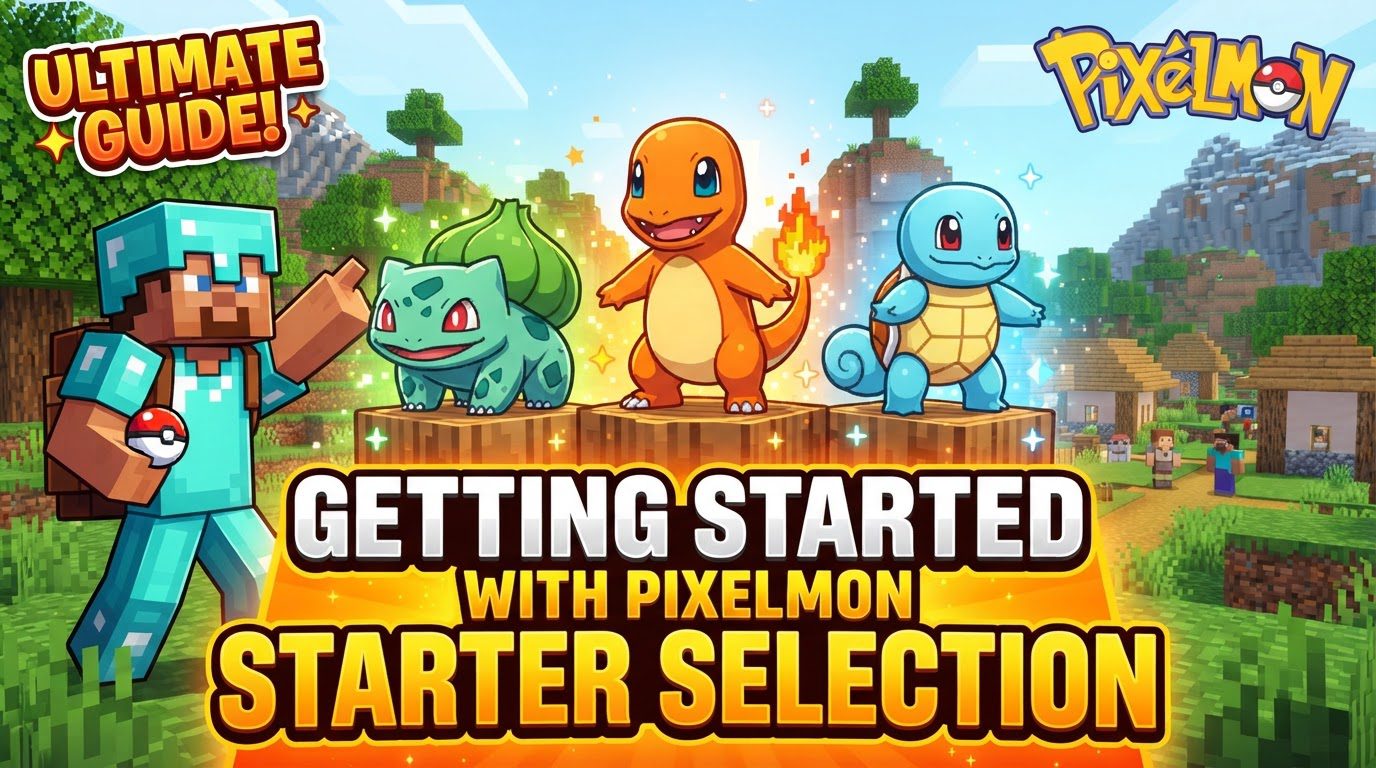
Getting Started With Pixelmon Starter Selection
The sight of black question marks where your starter Pokémon should be is a surprisingly common, and frustrating, initial experience for many aspiring trainers diving into the world of Pixelmon. This glitch, often signaling deeper mod issues, is just one of the unique challenges and departures from the main series Pokémon games you’ll encounter right from your very first choice: your starter.
Your First Companion: Understanding Pixelmon Starter Selection
Unlike the traditional Pokémon games where a friendly professor guides you through your first monumental decision, Pixelmon streamlines the process significantly. Upon loading a new Minecraft world with the Pixelmon mod successfully installed, a dedicated dialog box will automatically appear on your screen. This dialog presents you with a selection of Pokémon from various regions, prompting you to choose your very first partner.
Once you’ve made your momentous decision, your chosen Pokémon isn’t just a static image; it immediately becomes an active member of your party. You’ll see its sprite visible on the left side of your screen – a quick press of the ‘O’ key (by default) allows you to adjust the detail size of this display, letting you get a better look at your new friend. To truly interact with your starter, you simply point in a direction and press ‘R’ (the default key), and your Pokémon will spring out, ready to explore, battle, or simply stand by your side. It’s important to note that while this selection process is generally standard, server administrators or modpack creators can customize it. Through data packs, they can restrict available choices, introduce entirely new sets of Pokémon, or even add unique customization options, making each Pixelmon journey potentially distinct from the very outset.
Embarking on Your Journey: The Selection Process Step-by-Step
The path to acquiring your first Pokémon in Pixelmon is straightforward, designed to get you into the action as quickly as possible. Here’s a simple breakdown of how it unfolds:
- Launch Minecraft with Pixelmon: Ensure that the Pixelmon mod is correctly installed and enabled within your Minecraft launcher.
- Create or Load a New World: The starter selection only triggers when you enter a new world for the first time or load a world where a starter hasn’t been chosen yet.
- Starter Selection Dialog Appears: Almost immediately after the world loads, a dedicated user interface will pop up, showcasing your available starter Pokémon.
- Make Your Choice: Browse the options and click on the Pokémon you wish to accompany you. This is your chance to pick your initial companion based on aesthetics, type, or potential.
- Pokémon Added to Party: With your selection confirmed, your chosen Pokémon will instantly be added to the first slot of your party, ready for deployment and adventure.
This seamless integration means you’re not left wandering aimlessly before finding your first companion; your journey truly begins the moment you load into the world.
Strategic Foundations: Early Game Tips for Your Starter
Your starter choice, while personal, can significantly impact your early game experience. Consider Pokémon that offer good utility right from the start. This might mean selecting a type that is strong against common early-game wild Pokémon you’re likely to encounter, giving you an immediate advantage in battles and making leveling easier. Pokémon with useful abilities that aid in exploration or resource gathering can also be invaluable. For instance, some players specifically prioritize Litten as a starter, particularly on servers that feature Blissey XP grinding. Litten’s evolution line gains a fighting-type, which is super effective against Blissey, making it an excellent choice for rapid experience gain in specific scenarios.
Beyond your initial choice, immediate strategic actions are crucial. As soon as your starter is in your party, your next priority should be to find a village. Villages serve as essential early-game hubs because healers, vital for restoring your Pokémon’s health, are not craftable in the very early stages of the game. Establishing a temporary base within or near a village provides access to these crucial healing stations, allowing you to recover from battles and continue training without interruption. While in a village, take the opportunity to loot chests and structures. Many of the items you find might seem trivial, but selling unnecessary goods to villagers or at a market (if available) can provide you with much-needed funds to stock up on Poké Balls, which are indispensable for expanding your team.
Expanding Your Roster: Building a Diverse Team
While your starter is your faithful companion, relying solely on it can make the early game unnecessarily challenging. One of your top priorities after securing a base should be to expand your team. A diverse team provides type coverage, allowing you to handle a wider variety of opponents. Aim to catch a flying-type Pokémon relatively early, such as Hoothoot or Spearow. These Pokémon evolve into flying mounts at a relatively low level (typically level 20), offering significantly faster travel across the vast Minecraft landscape. Zubat is another viable flying-type option; its evolution into Crobat can even make it a surprisingly effective early-game boss killer due to its speed and good offensive typing.
Furthermore, consider dedicating a slot to a “catcher” Pokémon. This is a Pokémon that can reliably inflict status conditions like paralysis or sleep, which dramatically improve your chances of catching wild Pokémon, especially rarer ones. Keeping a PC (Pokémon Center) and a heal station accessible, either in your village base or a portable setup once you can craft them, is paramount for efficient training and exploration. For trainers looking ahead to breeding, keep an eye out for specific wild Pokémon. Geodudes have a 5% chance to hold Everstones when caught, which are crucial for passing down natures during breeding. Similarly, Purugly drops Destiny Knots, an item essential for passing down IVs (Individual Values) to offspring. Finally, encountering and catching a female starter Pokémon in the wild is a rare but highly rewarding find, as they are notoriously difficult to obtain outside of the initial selection.
Navigating Challenges: Common Mistakes & Troubleshooting
As with any modded experience, Pixelmon can present its own unique quirks. The most prominent early-game issue many players face is the “unselectable black question marks” in the starter selection screen. This frustrating visual bug means you cannot choose a Pokémon, effectively halting your progress. This problem almost always points to corrupted files or a broader mod issue. The most common and effective solution is to reinstall the Pixelmon mod and, if applicable, Forge (the mod loader). Ensure you’re using compatible versions for both Minecraft and Pixelmon. On some multiplayer servers, if the initial dialog box fails, an NPC might be available in the spawn area to offer starter selection as an alternative.
Beyond technical glitches, new players often make common strategic mistakes. Not immediately expanding your team beyond your starter is a significant hurdle. A single Pokémon, no matter how strong, will struggle against diverse opponents and can quickly become overwhelmed, making battles and catching much more challenging. Similarly, failing to set up a temporary base in a village early on can leave you in a precarious position. Without access to a healer, your Pokémon will be constantly at low health, forcing frequent, slow trips back to a safe zone or risking faints, which impedes progress. Prioritizing these foundational steps will set you up for a much smoother and more enjoyable Pixelmon adventure.
Tags:
YOU MAY ALSO LIKE...