

Handcrafted Mod 1.21.11
Over 250 unique furniture blocks and decorative items stand ready to transform your Minecraft builds from functional structures into personalized masterpieces. The Handcrafted Mod for Minecraft 1.21.11 revolutionizes interior and exterior design, offering an unparalleled collection of aesthetic and functional elements that cater to every builder’s vision.
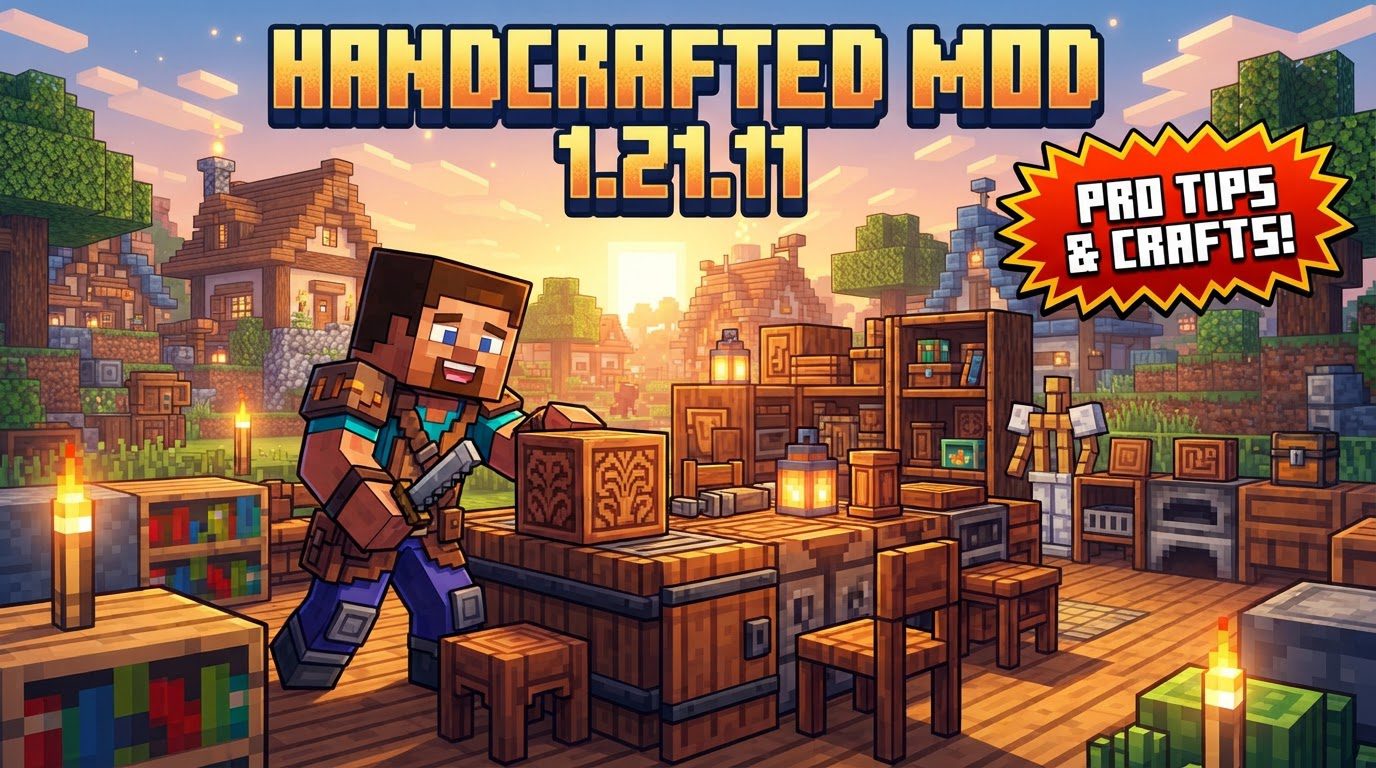
Unleash Your Inner Interior Designer: What Handcrafted Brings
The Handcrafted Mod is a game-changer for anyone looking to elevate their Minecraft building experience. It introduces an extensive collection of over 250 new blocks and items, drastically expanding your creative palette. Whether you’re furnishing a cozy cottage or detailing a grand castle, this mod provides the tools to bring your architectural dreams to life.
Variety is at the heart of Handcrafted. The furniture and decorations span a diverse range of styles, ensuring there’s something for every aesthetic. You’ll find pieces inspired by classic fantasy themes, rustic medieval designs, intricate steampunk mechanics, and even enhanced vanilla-inspired items that seamlessly blend with the base game. This stylistic diversity allows for incredible flexibility, empowering players to craft unique environments that truly stand out.
Beyond mere aesthetics, many of Handcrafted’s additions boast practical functionality. Imagine custom beds that fit perfectly into your bedroom layout, chests of drawers that offer valuable storage, or elegant desks complete with integrated storage for your in-game essentials. Seating options are plentiful, from simple chairs to elaborate benches, all contributing to a more immersive and livable space within your world.
Customization extends to material choices as well. Many items can be crafted from various wood types, allowing you to match furniture to your existing build palettes. Furthermore, decorative elements like cushions and sheets aren’t just static props; they can be dyed in a multitude of colors. This feature enables you to personalize beds, couches, and benches, adding vibrant splashes of color or subtle thematic accents to your designs.
The Artisan’s Tool: Mastering the Handcrafted Hammer
Central to the Handcrafted Mod’s customization capabilities is the unique Handcrafted Hammer. This isn’t a tool for mining, attacking, or repairing; its sole, powerful function is to allow players to dynamically alter the appearance of compatible furniture blocks. With a simple right-click, the hammer cycles through different trim styles on items like tables, chairs, and shelves.
This innovative tool eliminates the need for constant re-crafting when you want to experiment with different aesthetics. Did you place a table and decide the medieval trim doesn’t quite fit your steampunk-themed room? A quick tap with the Handcrafted Hammer can instantly switch it to a steampunk trim, or perhaps a more subtle vanilla style. This on-the-fly customization is invaluable for iterative design and ensures your builds remain flexible and adaptable throughout the creative process.
Understanding the Handcrafted Hammer is crucial for fully leveraging the mod’s potential. It transforms the act of decorating from a rigid placement of fixed blocks into an fluid, interactive experience, allowing you to fine-tune every detail of your interior and exterior spaces.
Setting Up Your Workshop: Installing the Handcrafted Mod
To embark on your journey of enhanced Minecraft design, you’ll first need to properly install the Handcrafted Mod. Follow these steps carefully to ensure a smooth setup for Minecraft 1.21.11:
- Install a Compatible Mod Loader: The Handcrafted Mod requires a mod loader to function. Download and install either Fabric, Forge, or NeoForge for Minecraft 1.21.11. Note that the mod supports versions 1.21.1 and earlier, extending compatibility back to 1.19.3. Ensure your chosen loader version matches your Minecraft client.
- Download Resourceful Lib: Handcrafted is not a standalone mod; it relies on a library mod called Resourceful Lib. You must download the correct version of Resourceful Lib that matches both your chosen mod loader (e.g., Fabric or NeoForge for 1.21.11) and your Minecraft version. This is a crucial dependency for the mod to load correctly.
- Obtain the Handcrafted Mod File: Navigate to reputable mod distribution platforms like CurseForge or Modrinth. Search for the “Handcrafted Mod” and download the file specifically designed for Minecraft 1.21.11 and your chosen mod loader (Fabric, Forge, or NeoForge).
- Transfer Files to Your Mods Folder: Once you have both the Handcrafted mod file and the Resourceful Lib file, locate your Minecraft installation directory. Inside, you’ll find a folder named “mods.” Copy and paste both downloaded .jar files into this “mods” folder. A common path is
C:\Users\YourUsername\AppData\Roaming\.minecraft\mods. - Launch Minecraft: Open your Minecraft launcher. Before clicking ‘Play’, ensure you select the correct profile that corresponds to your installed mod loader (e.g., “Fabric 1.21.11” or “NeoForge 1.21.11”). Launch the game, and Handcrafted should now be active, ready to enrich your building experience.
Crafting Masterpieces: Essential Tips for Builders
With Handcrafted installed, here are some tips to maximize your creative potential:
- Utilize Just Enough Items (JEI): The Handcrafted Mod introduces an extensive array of new blocks and items, each with its own crafting recipe. To avoid endless trial and error, it is highly recommended to install the Just Enough Items (JEI) mod. JEI provides an in-game interface to easily view all crafting recipes, ensuring you can efficiently craft any item from the mod’s vast collection.
- Embrace Diverse Styles: Don’t feel limited to a single aesthetic. The beauty of Handcrafted lies in its versatility. Experiment with the different trim styles-fantasy, medieval, steampunk, and vanilla-and learn to mix and match them. You might find that a steampunk-inspired clock perfectly complements a medieval-themed study, creating unique and compelling visual narratives within your builds.
- Personalize with Dyes: Take full advantage of the dyeable cushions and sheets. These small details can have a significant impact on the overall feel of a room. Use them to introduce accent colors, match a specific theme, or simply add a personalized touch that reflects your unique style. A splash of color on a bed or couch can truly bring a space to life.
Troubleshooting Your Creations: Common Issues and Solutions
While the Handcrafted Mod generally offers a smooth experience, users can occasionally encounter issues. Being aware of these common problems and their potential solutions can save you time and frustration:
- Crashing During Setup/Startup: If your game crashes during the initial setup or startup phase, it’s often a sign of compatibility issues. This could be due to conflicts with other installed mods, an incorrect installation of Handcrafted or its dependencies, or an incompatible version of your mod loader. Always double-check mod versions and ensure they align with your Minecraft client.
- Inability to Craft Items: Some players report seeing Handcrafted items in-game but being unable to craft them, particularly in multiplayer or realm environments. This can sometimes stem from server-side configurations, mod synchronization issues, or permissions. Ensure the mod is correctly installed on both client and server (if applicable).
- Ambient Occlusion Bugs: Graphical glitches, such as strange shadows appearing on items when placed against blocks, can occur. This is often related to the mod’s models exceeding standard block sizes, interacting oddly with Minecraft’s lighting engine. While not ideal, sometimes turning off smooth lighting in your video settings can mitigate these visual anomalies, though it will affect the overall aesthetic of your game.
- Missing Library Mod: A very common oversight is forgetting to install Resourceful Lib. As a required dependency, Handcrafted will not function correctly without it. Always ensure Resourceful Lib is present in your “mods” folder and matches your Minecraft and mod loader versions.
- Mod Loader Mismatch: Using the wrong mod loader (e.g., trying to run a Fabric version of Handcrafted with Forge, or vice-versa) or an incompatible version of your chosen loader will inevitably lead to the mod failing to load. Verify that the Handcrafted file, Resourceful Lib, and your mod loader are all designed for the same loader type and Minecraft version.
- Specific Item Bugs: Isolated issues with particular items have been reported. For instance, the oven has sometimes caused game crashes upon placement. Other known quirks include villagers having pathfinding difficulties with pillar trims, containers not interacting correctly with comparators, and incorrect textures displaying on bamboo shelves. If you encounter such a bug, checking the mod’s official page for updates or known issues is a good first step, as developers often release fixes.
The Handcrafted Mod is an indispensable addition for any Minecraft builder seeking to add depth, detail, and unparalleled customization to their creations. With its vast array of furniture, flexible styling options, and the innovative Handcrafted Hammer, your building potential is truly limitless.
Tags:
YOU MAY ALSO LIKE...


