Gravestone Herotime
The heart-sinking moment when you die in Minecraft, only to watch all your hard-earned items scatter across the ground, or worse, despawn into the void, is a common and frustrating experience for even the most seasoned adventurers. For many, this brutal consequence of an untimely demise has led to countless hours of re-gathering resources or even abandoning a world in despair. Fortunately, a powerful category of modifications exists to mitigate this very problem: Gravestone mods. While you might encounter the term “Gravestone Herotime,” it’s generally a reference to these essential quality-of-life additions that transform death from a catastrophic setback into a manageable inconvenience.
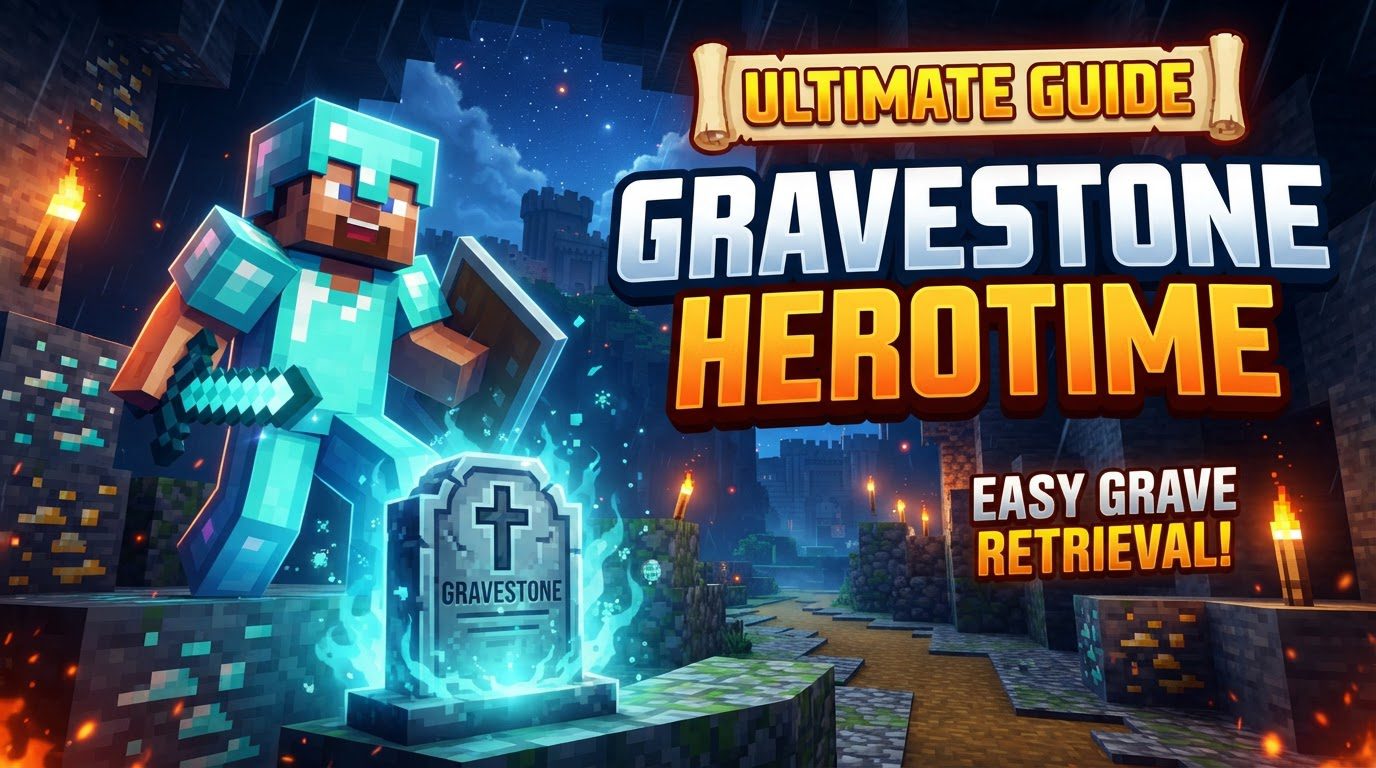
The Dreaded Loss: What Gravestone Mods Solve
At its core, a Gravestone mod is designed to act as your ultimate insurance policy against item loss upon death. In vanilla Minecraft, when a player dies, their inventory drops as individual items at their death location. These items are then subject to despawn timers (typically 5 minutes of loaded chunks), physics (spreading, falling into lava), and potential theft from other players or mobs. A Gravestone mod bypasses all these risks by neatly packaging your entire inventory into a single, indestructible (until retrieved) block.
The concept is elegantly simple yet profoundly impactful. Instead of a chaotic scatter of items, a distinct grave marker appears, securing everything you carried. This not only saves precious time but also reduces the immense frustration associated with losing valuable gear, rare drops, or carefully crafted tools. For anyone who has ever plunged into a lava lake with a full inventory of Netherite, or been ambushed by a creeper in a deep cave, the value of a gravestone becomes immediately apparent.
Core Functionality: How Gravestones Protect Your Loot
Gravestone mods operate on a consistent set of principles, ensuring your inventory is safe and retrievable. Understanding these mechanics is key to effectively utilizing them:
- Automatic Placement: Upon a player’s death, a gravestone block is automatically generated. This block typically appears directly at the player’s death location, or in the nearest accessible space if the death point is obstructed (e.g., inside a wall, block, or liquid).
- Secure Item Storage: The gravestone acts as a secure container, storing the player’s entire inventory at the moment of death. This prevents items from scattering, despawning, or being picked up by other entities or players (unless explicitly configured otherwise in some mods).
- Informative Display: Many gravestone mods enhance the block with useful information. This often includes the player’s name, a death message (sometimes humorous or descriptive), and occasionally even the player’s skin rendered on the gravestone itself, personalizing the marker.
- Death Coordinates: A crucial feature of nearly all gravestone mods is the provision of death coordinates. Upon respawning, players are usually given a chat message detailing the X, Y, and Z coordinates of their gravestone. This is vital for navigation back to the recovery site.
- Effortless Retrieval: To reclaim your items, you simply need to mine the gravestone block. Once broken, all stored items are instantly returned to their original slots in your inventory, making the recovery process seamless.
- Decorative Potential with Silk Touch: An often-overlooked feature is the interaction with the Silk Touch enchantment. If a gravestone is mined using a tool enchanted with Silk Touch, the gravestone block itself will drop as an item. This allows players to retrieve and use the gravestone as a unique decorative block, perhaps as a memorial in a personal base.
Retrieving Your Treasures: A Step-by-Step Guide
The process of recovering your lost items is straightforward thanks to gravestone mechanics. Follow these steps to ensure a smooth retrieval:
- Acknowledge Your Demise: Upon dying in-game, you will typically receive a message in chat confirming the placement of your gravestone and, most importantly, providing the exact X, Y, and Z coordinates of its location.
- Note the Coordinates: This step is absolutely critical. Immediately write down the provided coordinates. If you’re on a multiplayer server, you might even screenshot the chat. Without these coordinates, finding your gravestone in a vast Minecraft world can be a monumental task.
- Return to the World: Respawn at your designated spawn point (bed, respawn anchor, or world spawn).
- Navigate Back: Using the noted coordinates, travel back to your death location. Utilize your F3 debug screen to monitor your current coordinates and direction. Depending on the distance, this might involve a long walk, a ride, or even building a temporary pathway.
- Locate the Gravestone: Once you reach the approximate coordinates, look for the gravestone block. Remember, if you died in a confined space, inside a block, or in liquid, the gravestone might have spawned in the nearest available air block, potentially slightly above or adjacent to the exact death point. Scan the immediate area carefully.
- Break the Gravestone: Once found, simply break the gravestone block. Your entire inventory, exactly as it was at the moment of your death, will be instantly returned to your inventory. No scattered items, no despawning worries.
Mastering Gravestone Mechanics: Expert Tips
While the core functionality is simple, a few expert tips can enhance your experience and prevent common frustrations:
- Coordinate Vigilance: Always prioritize noting your death coordinates. This cannot be stressed enough. It is the single most important piece of information for successful item retrieval. Consider using a mod like a minimap that can automatically log death points, but always double-check with the gravestone mod’s provided coordinates.
- Environmental Awareness: If your gravestone isn’t exactly at the reported coordinates, remember to check surrounding blocks. Gravestones will attempt to spawn in the clearest, most accessible space. This means looking slightly up, down, or to adjacent clear blocks, especially if you died in a tight tunnel, inside a block, or within flowing water/lava.
- The Silk Touch Advantage: Keep a Silk Touch pickaxe handy if you enjoy collecting unique blocks. Mining a gravestone with Silk Touch allows you to take the gravestone block itself, complete with its inscription and player skin, for decorative purposes. It’s a neat way to commemorate past adventures or unfortunate incidents.
- Multiplayer & Modpack Compatibility: If you’re playing on a server or with a custom modpack, ensure that the Gravestone mod is installed on both the client (your game) and the server, and that both are running compatible versions. Mismatched versions or client-only installations can lead to gravestones not appearing or items not being stored correctly.
- Minimap Misdirection: Be aware that some minimap mods might automatically place a “death beacon” or waypoint at your death location. While helpful, this beacon is distinct from the gravestone mod’s functionality. Always rely on the coordinates provided by the gravestone mod itself for the most accurate location of your items.
Avoiding the Grave Misstep: Common Issues and Solutions
Even with gravestone mods, certain situations can lead to unexpected behavior. Being aware of these common pitfalls can save you from further frustration:
- Gravestones Not Appearing or Items Missing: This is the most alarming issue. It can occur if the gravestone fails to spawn in an accessible location (e.g., inside bedrock, outside world borders, or in extremely confined, unplaceable spaces). Sometimes, rare interactions with other mods or specific death scenarios (like dying to void damage in certain dimensions) can prevent proper gravestone generation. In such cases, checking server logs (if you have access) might reveal errors.
- Forgetting Death Coordinates: As mentioned, this is a major problem. Without coordinates, locating a gravestone in a large, unexplored world can be nearly impossible, especially if you died far from your base or in a complex cave system. Always make note of them!
- Multiple Deaths in the Same Spot: Some gravestone mod configurations may only preserve items from the *first* death if you die multiple times in the exact same block space before retrieving the initial gravestone. This can lead to the loss of items from subsequent deaths. It’s always best to retrieve your gravestone before risking another death in the same vicinity.
- Changing Game Difficulty: While less common, changing game difficulty (e.g., switching to peaceful mode) after dying near a gravestone has, in some rare instances, been reported to interfere with the gravestone’s persistence or accessibility. It’s generally best to recover your items before altering game settings.
- Configuration Issues: Incorrect or conflicting configuration between the client and server versions of the mod can lead to gravestones not spawning, items not being stored, or other unpredictable behavior. Always ensure consistency in your mod setup.
Beyond Item Preservation: The Value of Gravestone Mods
The true value of a gravestone mod extends beyond simply preventing item loss. It significantly reduces the penalty for exploration, encourages risk-taking, and ultimately makes the Minecraft experience more enjoyable and less punishing. Knowing that your hard-earned gear is safe allows you to delve deeper into dangerous caves, explore treacherous dimensions, and experiment with new strategies without the constant fear of losing everything. It transforms death from a game-ending event into a mere setback, allowing you to focus on adventure and creativity rather than grinding to replace lost items. For many, a Gravestone mod is not just an optional extra; it’s an indispensable part of their Minecraft journey.
So, the next time you hear “Gravestone Herotime,” understand it as a nod to the unsung hero of Minecraft modifications – the Gravestone mod – which stands as a silent sentinel, ever ready to protect your precious inventory from the inevitable clutches of death.
Tags:
YOU MAY ALSO LIKE...