Choicetheorem’s Overhauled Villages
Expecting new villages to appear in your old, explored world is the most common pitfall for new users of Choicetheorem’s Overhauled Villages (CTOV). This popular Minecraft mod, originally a datapack, fundamentally transforms the vanilla game’s generated structures, offering a breathtaking array of diverse settlements and formidable outposts. But to truly experience its magic, understanding how it integrates into your game is key.
Introducing Choicetheorem’s Overhauled Villages (CTOV)
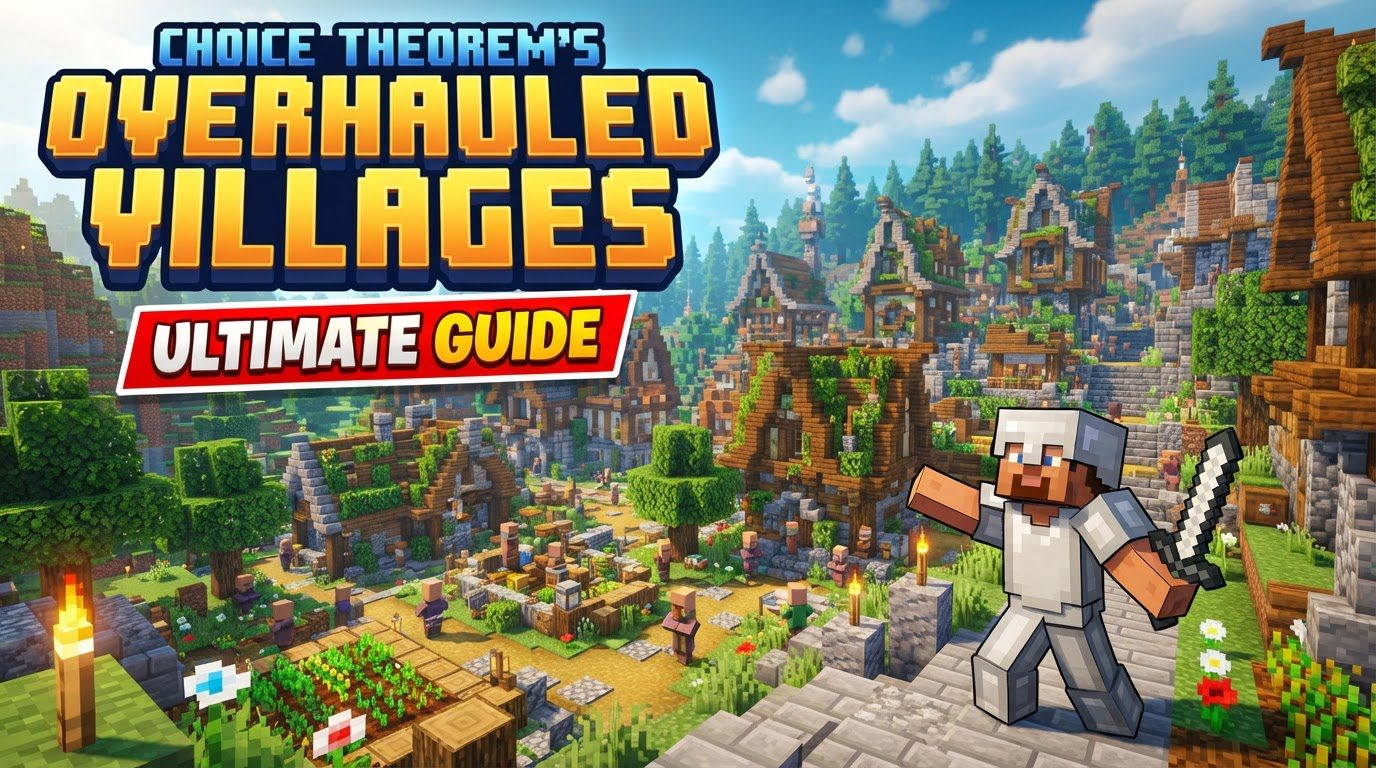
Choicetheorem’s Overhauled Villages (CTOV) is a highly acclaimed Minecraft modification designed to inject unparalleled variety and depth into the game’s procedural generation of villages and pillager outposts. Tired of repetitive vanilla layouts? CTOV revolutionizes this experience, replacing standard structures with an impressive collection of unique designs. Now available as a mod for both Forge and Fabric, CTOV ensures every new discovery feels fresh, seamlessly blending its creations into your Minecraft world.
A World Reimagined: Diverse Structures and Strategic Encounters
The core appeal of CTOV lies in its dramatic expansion of the game’s generated content. Players will discover a staggering 23 distinct village styles and 14 unique pillager outpost variants. Each structure is thoughtfully designed to integrate perfectly with its surrounding biome, making them feel like organic parts of the world. This attention to detail makes the world feel more alive and coherent. In newer Minecraft versions, CTOV generates its own unique structures entirely separate from vanilla generation, ensuring a truly fresh experience.
Exploration becomes significantly more rewarding. While many structures utilize vanilla loot tables for compatibility, the mod also introduces custom loot tables. This means you’ll find exciting new items like food, armor, and minerals, making every chest a potential treasure trove and incentivizing further exploration.
- Jungle Villages: Multi-leveled settlements high in the canopy, connected by bridges. These elevated havens are safe with reduced mob spawning, ideal for early-game bases.
- Mushroom Villages: Extremely rare, fantasy-like towns with unique architecture, farming areas, and mushroom cows.
- Desert Villages: Can appear as enormous cities offering abundant farms, water, and loot.
- Mesa Villages: Evoke an Old West feel with organized buildings and decorative lanterns.
- Underground Villages: An ultra-rare possibility, promising an unparalleled discovery.
Pillager outposts also receive a substantial overhaul. CTOV’s outposts are significantly more fortified and strategically placed, transforming them into challenging strongholds that demand thoughtful approaches and offer engaging sieges, enhancing both visual appeal and strategic depth.
Setting Up Your Overhauled World: A Step-by-Step Installation Guide
To embark on your journey through Choicetheorem’s Overhauled Villages, proper installation is key. Follow these steps carefully:
Client-Side Installation (Single Player)
- Download the Mod: Obtain the CTOV `.jar` file from CurseForge. Crucially, ensure it matches your Minecraft version and mod loader (Forge or Fabric).
- Verify Loader: Confirm Forge or Fabric is installed for your Minecraft version.
- Access Mod Folder: Open your Minecraft launcher, go to “Installations,” and click the folder icon next to your modded profile.
- Locate/Create ‘mods’ Folder: Find or create a folder named `mods` in this directory.
- Place the Mod: Drag and drop the downloaded CTOV `.jar` file into the `mods` folder.
- Launch Minecraft: Select your modded profile in the launcher and click “Play.”
Server-Side Installation (Multiplayer)
- Ensure Loader Active: Confirm Forge or Fabric is running on your server.
- Access Server Files: Use your server’s file manager (e.g., FTP) to access its directory.
- Navigate to ‘mods’ Directory: Locate the `mods` folder.
- Upload the Mod: Upload the CTOV `.jar` file into this `mods` folder.
- Generate a New World: For overhauled structures to appear, you must generate a new world. Existing worlds will only show CTOV structures in previously unexplored chunks.
- Restart Server: Restart your Minecraft server.
Exploring Your New Horizons: Essential Tips for CTOV Adventures
Once CTOV is installed, here are some pointers to maximize your experience:
- New World, New Wonders: CTOV structures only generate in newly created worlds or previously ungenerated chunks.
- Locating Structures: Use
/locate ctov:[structure_name](Minecraft 1.18.2) or/locate structure ctov:[structure_name](Minecraft 1.19 and newer). - Jungle Village Advantage: Seek out jungle villages for safe, resource-rich early-game bases due to their design and reduced mob spawns.
- Outpost Rewards: Always investigate pillager outposts; rare variants can contain valuable loot, including emerald blocks.
- Mod Compatibility: CTOV is highly compatible with other world-generation (e.g., Terralith, Oh The Biomes You’ll Go) and structure mods (e.g., Towns and Towers) due to its use of vanilla biome tags.
Troubleshooting Common CTOV Issues
Even with careful installation, you might encounter issues. Here are the most frequent problems and their solutions:
- Incorrect Version: The most common issue is a CTOV `.jar` file not matching your Minecraft version or mod loader. Always double-check.
- Missing Mod Loader: CTOV requires Forge or Fabric. The mod won’t load without the correct loader set up.
- Old World/Chunks: New structures only appear in newly generated or unexplored chunks.
- Superflat World Spawning: In some superflat worlds, CTOV villages might spawn less frequently, or only vanilla villages may appear.
- Backporting Limitations: The CTOV mod is not backported beyond Minecraft 1.18.2. For older versions, the datapack (1.17) might be available, but the mod requires newer game versions.
Conclusion: A New Era of Minecraft Exploration
Choicetheorem’s Overhauled Villages transforms the familiar Minecraft landscape into a world brimming with discovery and challenge. By replacing repetitive vanilla structures with a rich tapestry of unique villages and formidable outposts, CTOV ensures every journey feels like a genuine adventure. From towering jungle treehouses to rare underground towns, and strategic pillager strongholds, this mod breathes new life into exploration. Install it, generate a new world, and prepare to be amazed by the depth and creativity it adds to your Minecraft experience.
Tags:
YOU MAY ALSO LIKE...