Everything About Armor Stand Rotation Precision Limits
The precision limits for armor stand rotation in Minecraft are astonishingly granular, allowing for sub-degree adjustments down to several decimal places, thanks to the game’s use of float values in its command system. This level of control opens up a universe of possibilities for creators, from subtle character poses to intricate mechanical contraptions requiring exact angular alignment.
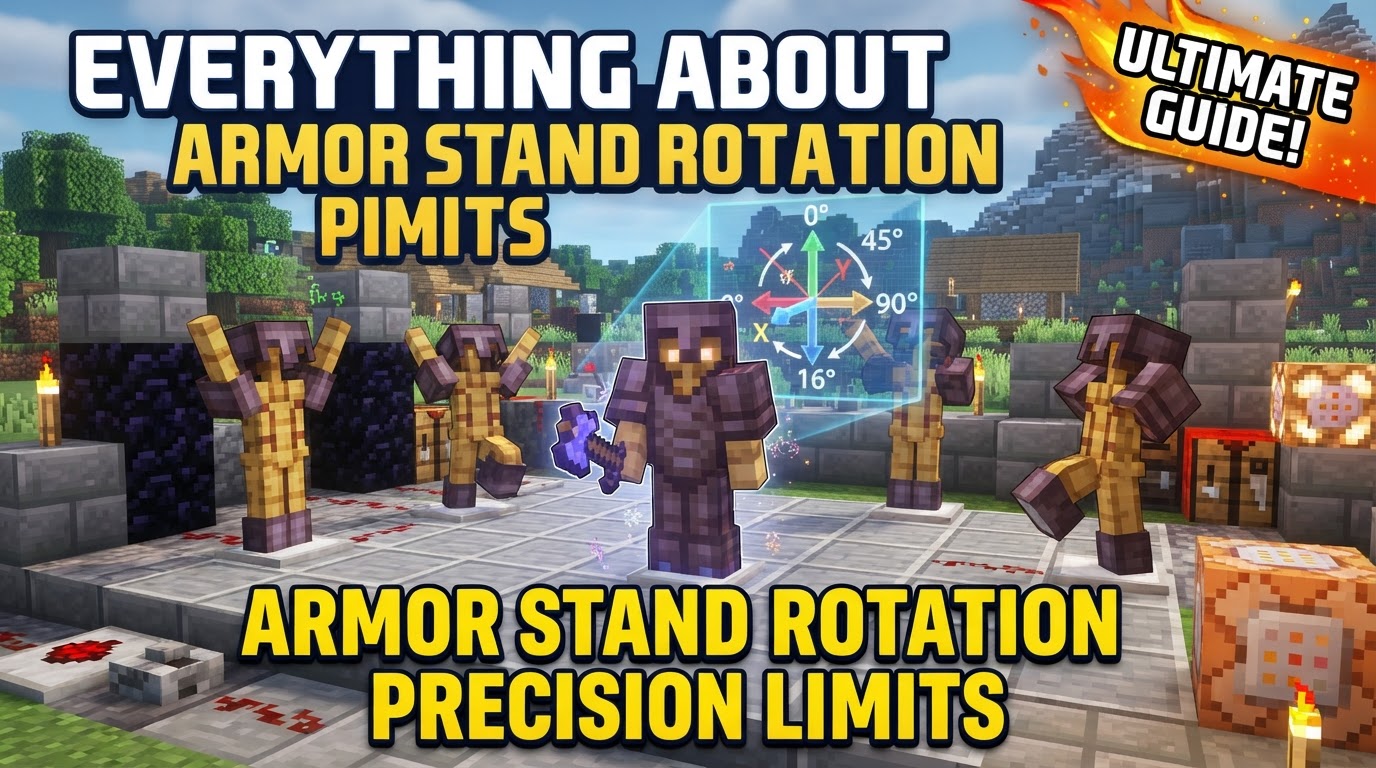
The Foundation of Armor Stand Rotation
At the heart of manipulating armor stand orientation lies a combination of NBT (Named Binary Tag) data and in-game commands. Understanding these core mechanics is crucial for achieving any degree of precision.
- NBT Data for Initial Orientation (Java Edition): When an armor stand is first summoned, its initial horizontal rotation, or yaw, can be set using the
RotationNBT tag. This tag takes a single float value, representing degrees. For instance,/summon armor_stand ~ ~ ~ {Rotation:[90.0f]}will summon the armor stand facing precisely east. While powerful for initial placement, players often find that subsequent adjustments are needed, or that the initialRotationtag doesn’t always behave consistently in all summoning contexts, sometimes defaulting to facing south regardless of the specified value. - Pose Data for Individual Part Rotation (Java Edition): Beyond the armor stand’s overall body, its individual components-Head, Body, LeftArm, RightArm, LeftLeg, and RightLeg-can be independently rotated. This is achieved using the
PoseNBT tag. Each body part within thePosetag requires three float values, corresponding to X, Y, and Z axis rotations. These values typically range from -180 to 180 degrees. An example like/entitydata @e[type=minecraft:ArmorStand]{Pose:{Head:[20f,0f,0f]}}would tilt the armor stand’s head forward by exactly 20 degrees on the X-axis. This allows for incredibly detailed posing, mimicking dynamic actions or expressions. - The Teleport Command for Dynamic Rotation: For continuous rotation or precise adjustments after summoning, the
/tp(teleport) command is indispensable. While primarily used for positional changes, its full syntax includes parameters for yaw (horizontal rotation) and pitch (vertical tilt). The format/tp @s ~ ~ ~ ~YAW ~PITCHis key. By specifying a yaw value (or a relative yaw using~), players can dictate the armor stand’s horizontal orientation, making it turn to face any direction or spin continuously. - Float Values: The Key to Sub-Degree Precision: The underlying mechanism enabling such fine control is the use of float values for all rotation parameters. Unlike integers, floats can represent fractional numbers (e.g.,
0.5,0.125,0.001). This means that instead of being limited to whole degrees, you can specify rotations like0.5ffor half a degree, or even smaller fractions, providing a virtually limitless spectrum of angles. - Degrees Per Tick: Quantifying Rotation Speed: When applying continuous rotation, particularly through repeating command blocks, the concept of “degrees per game tick” becomes paramount. Minecraft runs at 20 game ticks per second. If you apply a rotation value of
0.5in a repeating/tpcommand, the armor stand will rotate by 0.5 degrees every single tick. This translates to 10 degrees per second (0.5 degrees/tick * 20 ticks/second). This direct correlation allows for incredibly precise control over rotation speed, making it possible to achieve anything from a glacial turn to a rapid spin.
Implementing Continuous and Precise Rotation
To put these mechanics into practice, especially for continuous rotation, the command block system is your primary tool.
- Position Your Armor Stand: Begin by placing an armor stand at the desired location in your world.
- Name for Easy Targeting (Recommended): For reliable command execution, it’s highly advisable to give your armor stand a unique name using a name tag on an anvil. For example, naming it “spinner” simplifies targeting.
- Place a Command Block: Place a command block adjacent to or near your armor stand.
- Configure the Command Block:
- Set the command block type to “Repeat” and its condition to “Always Active.” If you prefer to toggle the rotation, set it to “Needs Redstone” and provide a redstone signal when desired.
- Input the following command structure:
/execute as @e[type=armor_stand,name="spinner"] at @s run tp @s ~ ~ ~ ~0.5 ~. - The critical part here is
~0.5. This value dictates the rotation speed. A value of0.5will cause the armor stand to rotate by 0.5 degrees per game tick. Adjust this float value to achieve your desired speed and precision. For slower, smoother rotations, use smaller values like~0.1or even~0.01.
Mastering Precision and Advanced Control
Beyond the basic setup, several techniques allow for even greater mastery over armor stand rotation.
- Targeting Specific Entities: Always use precise selectors in your commands. Whether it’s
name="YourArmorStandName"or a custom tag (e.g.,tag=my_spinner), ensuring your commands only affect the intended armor stand(s) prevents unintended rotations or conflicts. - Fine-Tuning Rotation Speed: The float value in the
/tpcommand directly controls speed. Smaller values, such as~0.1or~0.05, will result in a slower, more deliberate, and visually smoother rotation. Conversely, larger values will increase the rotation speed. Experimentation is key to finding the perfect aesthetic for your build. - Relative vs. Absolute Rotation: When using the
/tpcommand, preceding a rotation value with a tilde (~) makes it relative to the armor stand’s current orientation. For instance,~5adds 5 degrees to its current yaw. Omitting the tilde sets an absolute rotation, meaning the armor stand will immediately snap to that specific angle (e.g.,90will make it face east, regardless of its previous direction). Relative rotation is fundamental for continuous spinning. - Combining Movements: Armor stands aren’t limited to just spinning in place. You can combine rotational commands with positional adjustments. By using local coordinates (
^ ^ ^), you can make an armor stand move forward or sideways relative to its current facing while simultaneously rotating, creating complex animations like orbiting or spiraling movements. - Scoreboards for Dynamic Control: For highly dynamic, conditional, or user-controlled rotations, scoreboards offer an advanced solution. You can store rotation values in scoreboard objectives, and then use these values within your command block setup. This allows for intricate logic, such as changing rotation speed based on player interaction, time of day, or other game states.
Navigating Common Pitfalls
Even with a clear understanding, certain issues can arise during the implementation of armor stand rotations.
/summonRotation Inconsistency: Be aware that theRotationNBT tag in the/summoncommand, particularly in certain game versions or contexts, may not always reliably set the initial yaw as expected. It can sometimes default to facing south. If this occurs, a subsequent/tpcommand targeting the newly summoned armor stand can easily correct its orientation.- Syntax Errors: Command syntax is strict. Missing brackets, incorrect capitalization, or forgetting the float suffix (
f) on NBT values can cause commands to fail silently or produce unexpected results. Always double-check your command structure, especially when dealing with complex NBT data likePosetags. - Excessive Speed and Lag: While the precision allows for very fast rotations, using extremely high values (e.g.,
40or100degrees per tick) can put a significant strain on the game engine. This is particularly true if you have multiple rapidly rotating entities or if the armor stand is interacting with other game mechanics (like particle effects). This can lead to noticeable server lag or client-side stuttering. Moderation is key for optimal performance. - Misunderstanding Axes: It’s crucial to distinguish between the overall armor stand’s yaw (horizontal rotation, typically the first value in
Rotation) and the individual body part rotations within thePosetag. ForPose, the three float values correspond to X (pitch, tilting up/down), Y (yaw, turning left/right), and Z (roll, tilting side-to-side) for that specific part. Mixing these up is a common source of frustration.
By understanding these mechanics, leveraging float values, and carefully constructing your commands, you can unlock an unprecedented level of control over armor stand animations, transforming static displays into dynamic, interactive elements within your Minecraft creations.
Tags:
YOU MAY ALSO LIKE...