Finding the Best Building Seeds for Flat Terrain, Explained
Understanding the Importance of Flat Terrain Seeds in Minecraft
Minecraft’s boundless worlds are generated using unique alphanumeric strings known as seeds. These seeds are the DNA of your world, dictating everything from the layout of biomes to the placement of structures and the undulations of the terrain. For ambitious builders and meticulous planners, finding the perfect seed is paramount, especially when the goal is to construct expansive projects that demand vast, unobstructed spaces.
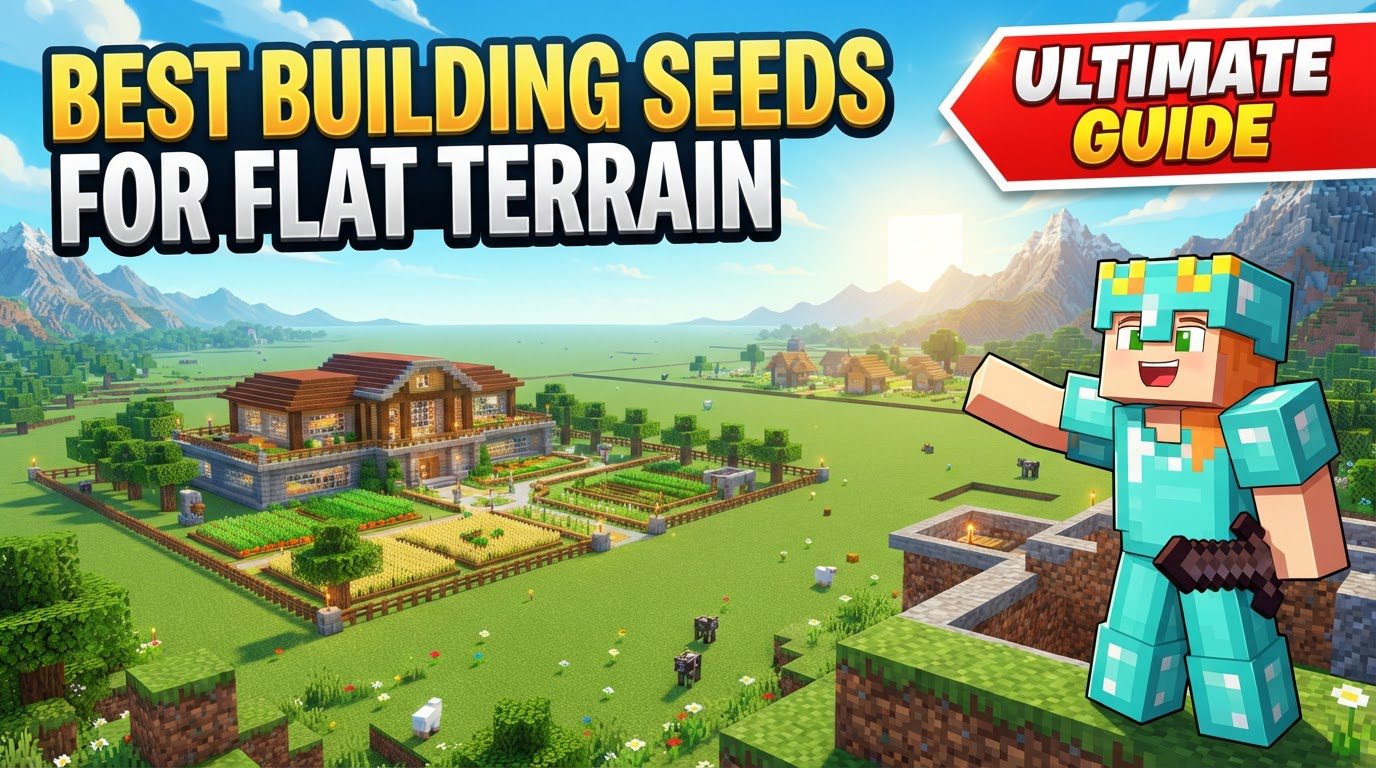
Flat terrain seeds are a builder’s dream. They significantly reduce, or even eliminate, the tedious and time-consuming process of terraforming – the act of manually leveling land. Imagine planning a colossal mega-build, an intricate Redstone contraption, a sprawling farm, or an organized, symmetrical settlement. Each of these endeavors benefits immensely from a naturally flat foundation. Without it, hours would be spent digging, filling, and smoothing, often diverting precious resources and time from the actual construction.
Certain biomes are naturally more conducive to flatness than others. When searching for an ideal building seed, you’ll want to prioritize those that feature large expanses of Plains, flat Deserts, sprawling Savannas, and extensive Snowy Plains. These biomes are renowned for their relatively level ground, offering a canvas ready for creation. Understanding these biome types is the first step in narrowing down your search.
It’s crucial to note a fundamental difference in Minecraft’s world generation: the game has two primary editions, Java Edition and Bedrock Edition. A seed entered into one edition will almost certainly produce a completely different world in the other. This means a fantastic flat seed found for Java will not necessarily yield the same results on Bedrock, and vice-versa. Always confirm the intended edition of any seed you find.
Your Step-by-Step Guide to Discovering Flat Building Seeds
Finding the perfect flat seed is a methodical process that combines understanding game mechanics with leveraging community resources and in-game verification. Follow these steps to streamline your search:
- Identify Suitable Biomes: Your initial focus should be on seeds that prominently feature the biomes known for their flatness. As mentioned, Plains offer lush green spaces, ideal for farming and pastoral builds. Flat Deserts provide a stark, sand-based canvas, perfect for unique architectural styles. Savannas often present large, open areas with scattered acacia trees, while vast Snowy Plains offer a pristine, white landscape for winter-themed constructions. Prioritize seeds that boast extensive stretches of these biomes, as they minimize the need for manual terraforming.
- Utilize Online Resources: The Minecraft community is a treasure trove of information. Many dedicated websites and YouTube channels specialize in compiling lists of “flat” or “building” seeds. These resources often come with detailed descriptions, compelling screenshots, and the all-important seed numbers. When browsing, look for information regarding the size of the flat areas, nearby resources, and any interesting features. These curated lists save you the effort of blindly generating worlds and can often highlight areas of particular interest or utility.
- Use Seed Map Viewers: To avoid the time-consuming process of generating and loading worlds in-game, employ online tools such as MCSeedMap. These invaluable utilities allow you to preview the terrain, biome distribution, and even the locations of structures for a given seed before you even open Minecraft. By entering a seed into a map viewer, you can get a comprehensive bird’s-eye view of the world, identifying large flat areas, checking for resource proximity, and scouting out potential building locations from a global perspective. This step is critical for efficient seed selection.
- Create a New World in Minecraft: Once you’ve identified a promising seed, it’s time to bring it into your game. Launch Minecraft, select “Singleplayer,” then click “Create New World.” On the “Create New World” screen, locate the designated “Seed” text box. Carefully paste or type your chosen seed into this field. Ensure accuracy, as a single incorrect character will generate an entirely different world. Proceed to create the world, making sure to select the correct game mode (e.g., Survival or Creative) and difficulty settings for your project.
- Verify In-Game: The final and most crucial step is to load the newly generated world and perform an in-game verification. While seed map viewers provide excellent previews, there’s no substitute for experiencing the terrain firsthand. Explore the spawn area and its surroundings. Confirm that the flatness and surrounding features, such as resource availability or nearby structures, genuinely meet your specific building requirements. Sometimes, what looks flat on a map might have subtle undulations or inconvenient features that are only apparent when you’re walking on it.
Important Tips for an Optimal Building Experience
Even with a perfectly flat seed, a few considerations can elevate your building experience from good to exceptional:
- Look for Diverse Resources: While flat terrain is your primary goal, a truly great building seed offers more than just open space. Having nearby forests for a readily available supply of wood is incredibly beneficial for early-game tools, shelter, and large-scale construction. Proximity to villages can provide immediate access to initial resources, trading opportunities, and often, a convenient source of food and shelter. Furthermore, nearby water sources are vital not just for farming and aesthetics, but also for specific Redstone contraptions and convenient water transportation systems.
- Consider Slight Elevation for Aesthetics: Not every build needs to be on a perfectly uniform plane. Sometimes, seeds that offer relatively flat terrain but include minor elevation changes or gentle, rolling hills can be a blessing. These subtle variations can add significant visual interest and depth to your builds without requiring extensive, laborious terraforming. A slight rise can provide a natural vantage point for a castle, or a gentle slope can define different sections of a sprawling city. Embrace these natural contours to enhance your architectural designs.
- Check for Useful Structures: The presence of certain generated structures near your flat building area can provide immediate advantages or unique building opportunities. Seeds that spawn you near villages offer initial resources, trading options, and sometimes even pre-built structures you can repurpose. Ruined portals can provide early access to Nether materials and a quick gateway to the Nether. The newer trial chambers, if found, offer combat challenges and unique loot that can be beneficial for specific builds or resource gathering. Integrating these structures into your plans can add both functionality and narrative to your world.
Common Mistakes to Avoid When Choosing Flat Seeds
To ensure a smooth and frustration-free experience, be mindful of these common pitfalls when selecting and using flat terrain seeds:
- Ignoring Version Compatibility: This is arguably the most critical mistake. Always, without exception, confirm whether a seed is intended for Minecraft Java Edition or Minecraft Bedrock Edition. A seed number is not universal across editions, and using a Java seed on Bedrock (or vice versa) will result in a completely different, and likely unsuitable, world generation. Double-check the source of the seed for this vital information.
- Incorrectly Entering the Seed: It’s a common oversight, especially for new players. When creating a new world, ensure that you paste or type the seed number into the designated “Seed” field. Accidentally placing it in the “World Name” field will simply generate a randomly seeded world with the name you intended, leading to confusion and disappointment. Always verify the input location before world generation.
- Selecting a “Superflat” World with Only Water in Survival Mode: Minecraft offers a “Superflat” world type, which creates an extremely flat world. However, some presets for Superflat worlds can be problematic, particularly those composed entirely of water blocks. If you select such a preset in Survival Mode, you will spawn in a world without any land, leading to immediate drowning or starvation. This world type is specifically better suited for creative mode, where resources and survival mechanics are not a concern. For survival, stick to naturally generated flat biomes or Superflat presets with solid ground.
- Expecting Perfectly Flat Terrain Everywhere: While the goal of finding flat seeds is to minimize terraforming, it’s essential to set realistic expectations. Even the flattest biomes in Minecraft may have minor undulations, small hills, or occasional trees and rocks that require removal. Some degree of clearing or leveling might still be necessary to achieve a truly pristine, perfectly level building area, especially for very large, geometrically precise constructions. The aim is to reduce the effort significantly, not necessarily eliminate it entirely.
Tags:
YOU MAY ALSO LIKE...