The Complete Physics of Piston Extension Block Pushing
A single Minecraft piston, despite its unassuming appearance, can exert force on precisely 12 blocks simultaneously. Exceed this limit, and the piston will refuse to budge, highlighting a core principle of its intricate physics. Understanding these precise mechanics is paramount for any aspiring Redstone engineer looking to build efficient and reliable contraptions.
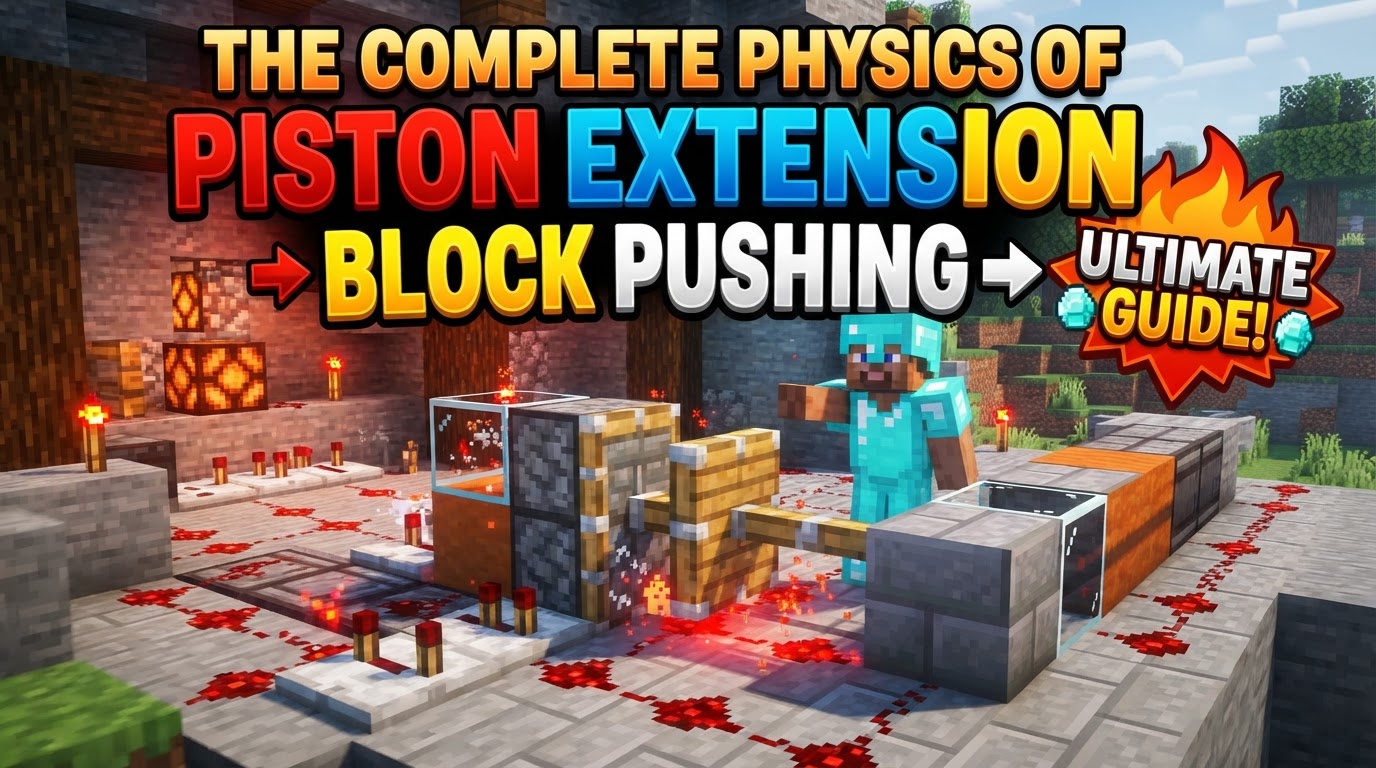
Minecraft’s pistons are fundamental Redstone components designed for manipulating blocks within the game world. Their utility ranges from simple door mechanisms to complex flying machines, all governed by a specific set of physical rules. Mastering these rules is the key to unlocking their full potential and building truly innovative designs.
The Two Faces of Force: Normal vs. Sticky Pistons
At the heart of piston mechanics are two distinct types, each with its own crucial function:
- Normal Pistons: These pistons push blocks one space forward when powered. Upon retraction, they simply return to their original position, leaving the pushed block in its new location. They are ideal for pushing blocks into place where they need to remain.
- Sticky Pistons: These are more versatile. Like normal pistons, they push blocks one space forward. However, when a sticky piston retracts, it pulls the block directly in front of it back to its original position. This “push and pull” capability makes them indispensable for mechanisms requiring blocks to be moved and then returned, such as retractable bridges or hidden entrances.
The choice between a normal and a sticky piston significantly impacts the functionality of any Redstone build, making it one of the first considerations in design.
The Unyielding Force: Powering Your Pistons
Pistons are inert until they receive a Redstone signal, which acts as their activation trigger. Several methods can be used to power them, each offering different advantages for circuit design:
- Direct Redstone Wire: A Redstone wire placed directly adjacent to a piston will power it. This is the most straightforward method for activation.
- Powered Block: A block that is powered by Redstone (e.g., a block with Redstone dust on top, a Redstone torch attached, or powered by a repeater) will power any piston directly adjacent to it.
- Redstone Torch: A Redstone torch placed directly adjacent to a piston will provide a constant power source, extending the piston until the torch is removed or powered off.
- Quasi-Connectivity (Java Edition Only): This advanced mechanic allows pistons in Java Edition to be powered indirectly. A piston can be activated if a block one space diagonally or directly above it (if the piston is facing upwards) receives a Redstone signal. This is a subtle but powerful feature that allows for more compact designs and the creation of Block Update Detector (BUD) switches, which react to changes in adjacent blocks rather than direct Redstone signals. Understanding quasi-connectivity is vital for advanced Java Edition Redstone engineers.
It’s important to note that pistons cannot be activated by powering them directly from the front. The Redstone signal must be applied to one of the other five faces.
What Gives? Block Push and Pull Dynamics
Not all blocks are created equal when it comes to piston interaction. Minecraft’s physics dictates which blocks can be manipulated and under what conditions:
- The Push Limit: A single piston can push a maximum of 12 blocks simultaneously. This is a hard limit. If a piston attempts to push 13 or more blocks, it will simply fail to extend, regardless of the Redstone power applied. This limit applies to both normal and sticky pistons.
- Unpushable Blocks: Certain blocks are immune to piston manipulation. These include:
- Obsidian
- Bedrock
- Crying Obsidian
- Blocks that hold block entities (e.g., furnaces, chests, dispensers, command blocks, enchanting tables, spawners, etc.) in Java Edition. In Bedrock Edition, some block entities like chests can be moved.
Attempting to push or pull these blocks will also result in the piston failing to extend or retract with the block.
- Pushable Blocks: Most other blocks in the game can be pushed. This includes common building blocks, Redstone components (though some may lose their state), and even falling blocks.
- Falling Blocks: Sand, gravel, and concrete powder can be pushed, but if they are left unsupported after being moved, they will immediately fall due to gravity.
- Rails: Rails can be pushed by pistons. When moved, they will re-orient themselves to connect with adjacent rail segments, which can be useful for complex track switching systems.
Understanding these distinctions is crucial for designing piston mechanisms that function reliably and don’t encounter unexpected block immobility.
The Piston’s Dance: A Step-by-Step Cycle
The operation of a piston isn’t instantaneous; it follows a precise sequence of events with inherent delays:
- Placement: The piston is placed in the world, with its “head” or pushing face oriented in the desired direction of movement.
- Power Application: A Redstone signal is applied to the piston using one of the methods described above.
- Extension Delay: After receiving power, there is a brief, but critical, one game tick delay (0.05 seconds in real-world time) before the piston arm extends. This delay is consistent across all pistons.
- Block Pushing: The piston arm extends one block forward, pushing any pushable blocks in its path, up to the 12-block limit.
- Power Removal: The Redstone signal powering the piston is removed.
- Retraction Delay: Another one game tick delay occurs before the piston arm begins to retract.
- Block Retrieval (Sticky Piston Only): If it’s a sticky piston, it will pull the block directly in front of its retracted arm back to its original position. A normal piston will simply retract, leaving the pushed block in its new spot.
These one-game-tick delays are fundamental to Redstone timing and must be accounted for in any complex circuit involving multiple pistons or synchronized actions.
Mastering the Mechanics: Advanced Tips for Builders
Beyond the basic operations, several techniques and considerations can elevate your piston contraptions:
- Precise Control with Sticky Pistons: For contraptions where blocks need to be moved out of the way and then returned, such as hidden doors, compact storage systems, or complex Redstone logic gates, sticky pistons are indispensable. Their ability to both push and pull provides a level of control that normal pistons cannot achieve.
- Timing is Everything: The one-game-tick delay for both extension and retraction might seem minor, but it can cause significant issues in intricate Redstone circuits. When designing systems with multiple pistons or sequential actions, always factor in these delays. Use repeaters to introduce additional delays if needed, or understand how simultaneous power changes will affect piston synchronization.
- Leveraging Quasi-Connectivity (Java Edition): In Java Edition, quasi-connectivity is a powerful feature for creating compact and efficient designs. It can be used to activate pistons with Redstone signals that are not directly adjacent, allowing for more creative wiring solutions. It’s also the basis for Block Update Detector (BUD) switches, which are crucial for detecting changes in the game world, such as a block being placed or broken next to the piston.
- Slime Blocks: The Game Changer: When combined with slime blocks, pistons become incredibly powerful. Slime blocks have the unique property of adhering to other blocks. When a piston pushes or pulls a slime block, any blocks attached to that slime block (up to the piston’s 12-block limit) will also be moved. This mechanic is the foundation for many advanced contraptions, including flying machines, elaborate door mechanisms, and automated farms, allowing pistons to move entire sections of a build with a single action.
Avoiding Pitfalls: Common Piston Blunders
Even experienced builders can fall prey to common mistakes when working with pistons. Being aware of these can save valuable time and resources:
- Exceeding the Push Limit: This is perhaps the most frequent mistake. Attempting to push more than 12 blocks will result in the piston failing to extend entirely, giving no indication of an error beyond its inaction. Always count the blocks in your piston trains.
- Encountering Unmovable Blocks: Trying to push or pull blocks like obsidian, bedrock, or block entities (especially in Java Edition) will also cause the piston to fail. Ensure your piston paths are clear of these immovable objects.
- Incorrect Powering: A piston will not activate if you attempt to power it from its front face. Redstone signals must be applied to one of its sides, top, or bottom. Double-check your Redstone wiring to ensure proper contact.
- Ignoring Tick Delay: Failing to account for the one-game-tick delay in both extension and retraction can lead to timing issues, desynchronized components, or even permanent block displacement in complex Redstone circuits. Always consider these delays when designing precise automation.
Understanding the complete physics of piston extension and block pushing in Minecraft is more than just knowing how to make a block move. It’s about grasping the intricate rules governing power, timing, block properties, and interaction. By mastering these principles, builders can transcend simple mechanisms and construct truly complex, efficient, and awe-inspiring Redstone contraptions, transforming the very landscape of their worlds.
Tags:
YOU MAY ALSO LIKE...