

Advanced Hopper Upgrade Sophisticated Storage
One of the most frequent frustrations for players building automated systems in Minecraft often stems from the limitations of vanilla hoppers – their slow transfer rates, limited filtering, and rigid directional flow. However, with the Sophisticated Storage mod, a powerful solution emerges: the Advanced Hopper Upgrade. This sophisticated enhancement transforms any compatible storage container into an incredibly versatile and high-performance item transfer hub, far surpassing the capabilities of its basic counterparts.
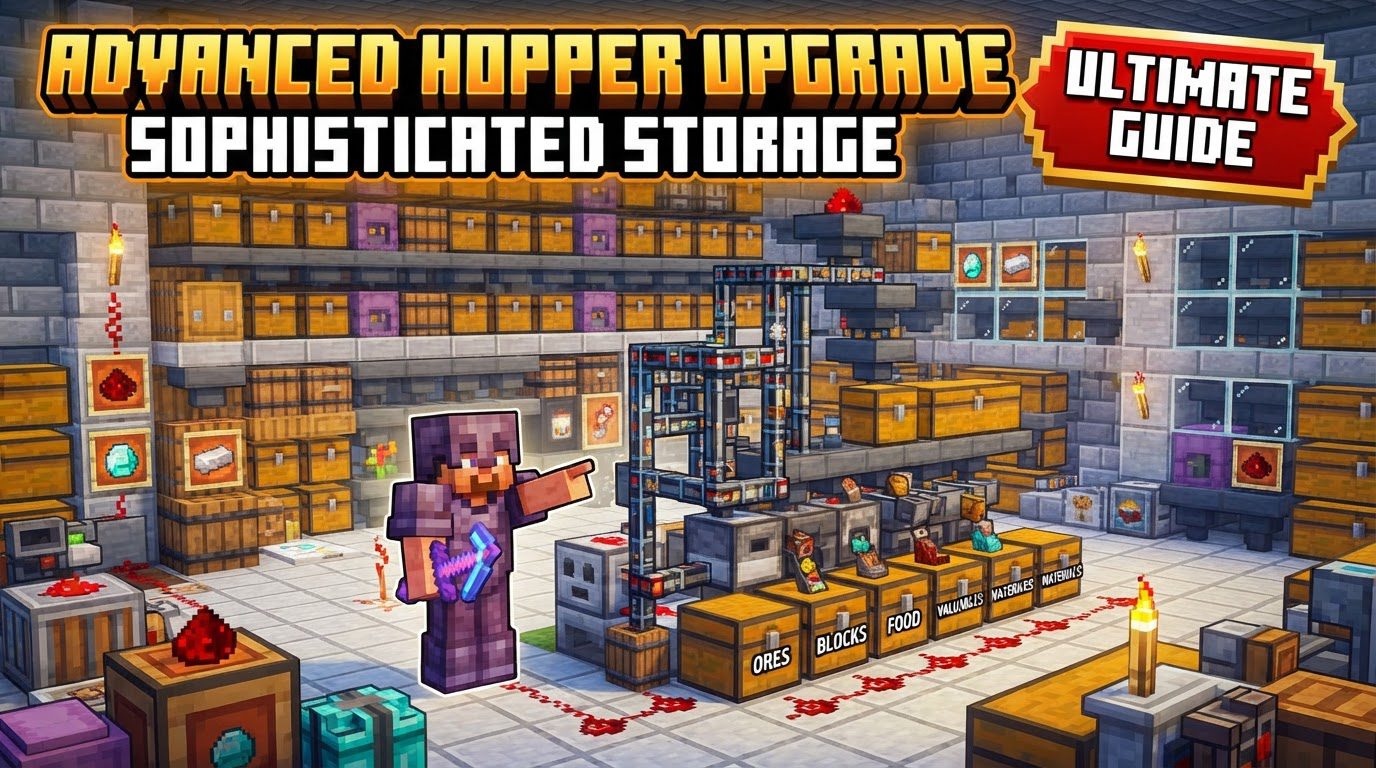
Unlocking Superior Item Flow
The Advanced Hopper Upgrade is a game-changer for anyone seeking to optimize their item logistics in Minecraft. At its core, this upgrade imbues a Sophisticated Storage container – be it a Chest, Barrel, or Shulker Box – with the functionality of a Hopper. But it’s not just a simple replication; it’s an extreme upgrade. Unlike the standard Hopper Upgrade, which offers a more rudimentary item movement, the Advanced version boasts significantly faster item movement and larger batch transfers, making it ideal for high-throughput systems.
The true power of this upgrade lies in its unparalleled configurability. Where a vanilla hopper rigidly pulls from above and pushes to one side, or a basic Hopper Upgrade might have fixed pull/push directions, the Advanced Hopper Upgrade allows for independent configuration of each of the container’s six sides. This means you can specify whether the top, bottom, or any of the four horizontal sides should pull items in, push items out, or remain inactive entirely. This granular control is fundamental to designing highly efficient and compact sorting and distribution networks.
Crafting and Initial Integration
The journey to advanced item automation begins with acquiring the upgrade itself. While the exact crafting recipe is determined by the mod pack or Sophisticated Storage version, the process generally involves crafting the Advanced Hopper Upgrade item. Once obtained, integrating it into your storage system is straightforward:
- Acquire the Upgrade: Craft or obtain the Advanced Hopper Upgrade.
- Insert into Storage: Open the GUI of any Sophisticated Storage container – a Sophisticated Chest, Barrel, or Shulker Box. You’ll find dedicated upgrade slots. Simply place the Advanced Hopper Upgrade into one of these available slots.
Once inserted, the container immediately gains its enhanced capabilities, though it won’t do much until you configure it.
Mastering Side Configuration
This is where the Advanced Hopper Upgrade truly differentiates itself. Accessing the container’s GUI after inserting the upgrade will reveal a new interface section dedicated to its settings. Here, you’ll find representations of all six sides of the container:
- Top: The surface directly above the container.
- Bottom: The surface directly below the container.
- Sides (North, South, East, West): The four horizontal faces.
For each of these sides, you can individually toggle its behavior:
- Pull Items In: The container will attempt to extract items from any inventory directly adjacent to this configured side.
- Push Items Out: The container will attempt to insert items into any inventory directly adjacent to this configured side.
- Inactive: The side will not perform any item transfer operations.
This independent control is critical. For instance, you could configure a chest to pull items from a machine above it, push specific items into a sorting line to its left, and push other items into a processing unit to its right, all simultaneously and without the need for multiple vanilla hoppers or complex redstone.
Precision Filtering: The Heart of Advanced Sorting
Beyond its flexible side configuration, the Advanced Hopper Upgrade excels with its sophisticated filtering capabilities. While basic hopper upgrades might offer a few filter slots, the Advanced version provides a generous 16 filter slots. This allows for incredibly fine-tuned control over which items are moved and where they go. The filtering options are extensive:
- Match by Item: The most common filter, allowing you to specify exact items (e.g., “Oak Planks”).
- Match by Mod: Filter all items originating from a specific Minecraft mod (e.g., all items from “Create”).
- Match by Tags: Utilize item tags (e.g.,
forge:ores/iron) to filter entire categories of items, even if they come from different mods. - Match by NBT Data: This is a powerful advanced option. It allows filtering based on specific data stored within an item, such as enchanted books with specific enchantments, potions with particular effects, or tools with certain durability.
- Match by Damage: Useful for filtering tools or armor based on their durability state.
To use filters, drag the desired item into one of the 16 filter slots within the upgrade’s GUI. Then, select the specific matching criteria (item, mod, tag, NBT, damage). This combination of independent side configuration and advanced filtering allows for the creation of truly intelligent storage and routing systems, ensuring every item ends up precisely where it needs to be.
Strategic Implementation and Synergies
Integrating the Advanced Hopper Upgrade effectively can streamline vast stretches of your base. Consider these tips for optimal usage:
- Complex Routing Simplified: Use the independent side configuration to build intricate item routing systems that would otherwise require dozens of vanilla hoppers, saving space and reducing lag. A single advanced hopper chest can act as a central distribution hub.
- Dedicated Processing: Establish highly specific sorting solutions. For example, direct all raw ores to a dedicated smelting array, all farm produce to a cooking station, and all building blocks to a construction supply chest, all managed by one or two upgraded containers.
- Storage Controller Integration: When working with the Sophisticated Storage Controller, an upgraded chest can serve as an efficient intake point. Place a chest with an Advanced Hopper Upgrade next to a Storage Input block, configure the chest to push items into the input block, and items will funnel into your broader storage network, potentially sorted into filtered storage containers already linked to the controller.
- Complementary Upgrades: Pair the Advanced Hopper Upgrade with other Sophisticated Storage upgrades for enhanced automation. A Magnet Upgrade can automatically pull nearby dropped items into the container, while a Pickup Upgrade can collect items from machines or entities. Combining these with a pushing Advanced Hopper Upgrade creates a fully automated collection and distribution loop.
Avoiding Common Automation Headaches
While powerful, the Advanced Hopper Upgrade isn’t without its potential pitfalls. Being aware of these common issues can save you hours of troubleshooting:
- Incorrect Side Configuration: This is the most frequent mistake. Double-check that each side is correctly set to ‘Pull Items In’, ‘Push Items Out’, or ‘Inactive’. If items aren’t moving, the first thing to verify is the push/pull directions.
- Filter Mismanagement: Items can get stuck or go to the wrong destination if filters aren’t precisely set. Remember that NBT data is crucial for items like enchanted books or specific potions. If a filter is too broad or too narrow, adjust it accordingly.
- No Valid Destination: An upgraded container configured to push items will not move them if there is no valid inventory to receive them on the designated side. Ensure there’s a chest, machine, or other inventory block directly adjacent to the ‘push’ side.
- Potential for Lag: In extremely large setups with many complex filters and high item throughput, any hopper-based system, including these upgrades, can contribute to server or client lag. Optimize by consolidating filters where possible and ensuring efficient item flow to prevent backlogs.
- Unexpected Storage Controller Behavior: Sometimes, items dropped into an Advanced Hopper-upgraded container that is connected to a Storage Controller may not always behave as expected. They might get stuck or bypass intended filtered locations. If you encounter this, try placing a regular Sophisticated Chest next to the Storage Input block for direct input, and use the Advanced Hopper Upgrade for more localized sorting and distribution elsewhere in your base.
By understanding and correctly utilizing the Advanced Hopper Upgrade, you can transform your Minecraft base from a messy collection of chests into a seamlessly organized, highly efficient, and fully automated logistical masterpiece.
Tags:
YOU MAY ALSO LIKE...


