How Item Frame Rotation Persistence Works in Multiplayer
Accidentally nudging an item in an item frame while trying to open a chest or interact with an adjacent block is a frustration many Minecraft players have experienced. Yet, that seemingly minor rotational change is immediately saved, synchronized, and remains precisely as you left it, even after you log off and return days later. This persistence isn’t magic; it’s a fundamental aspect of how Minecraft’s server architecture handles entities, ensuring the intricate details of your builds are preserved across all multiplayer sessions.
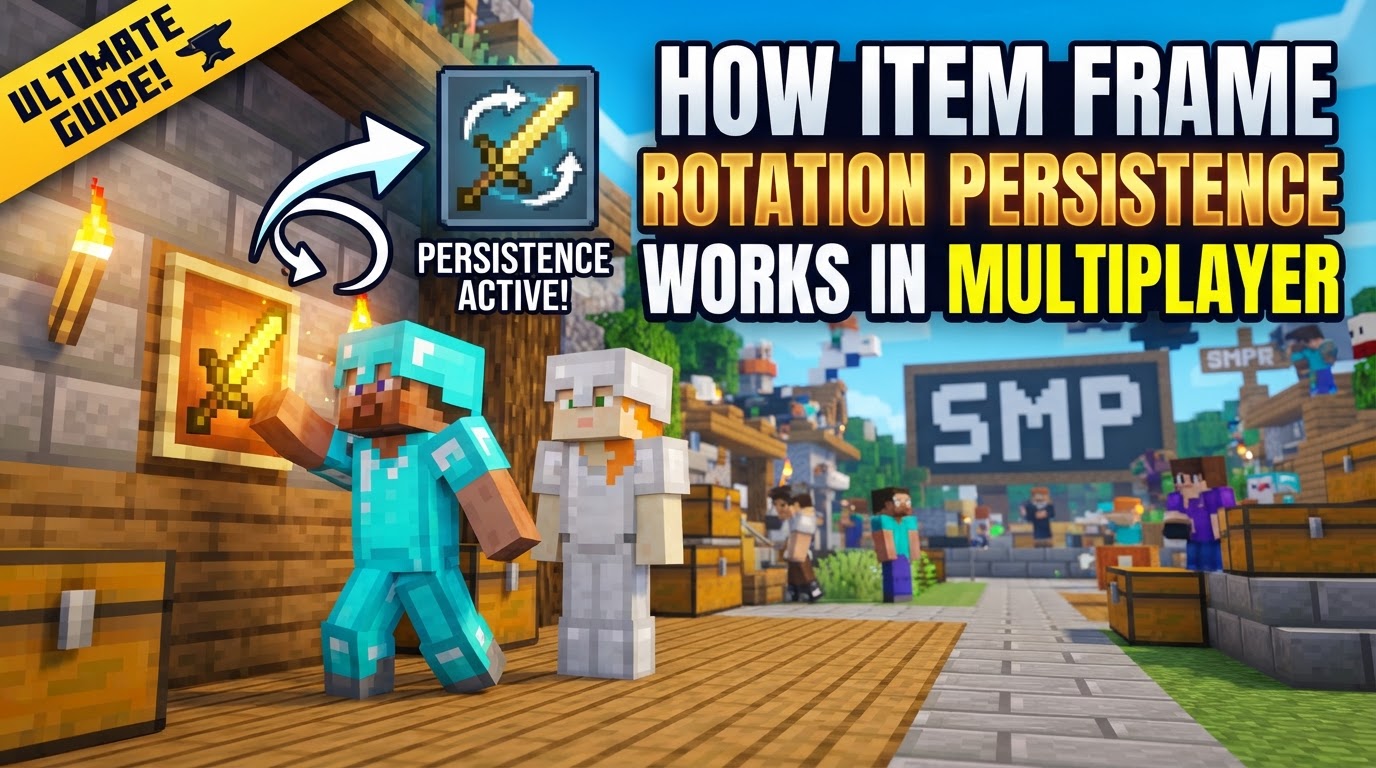
In the dynamic world of Minecraft multiplayer, every block placed, every mob spawned, and indeed, every item rotated within an item frame, is meticulously managed by the server. This server-centric approach is crucial for maintaining a consistent and synchronized game state for all connected players. When it comes to item frames, their rotational state is not merely a client-side visual effect; it’s a deeply embedded piece of data, stored and broadcast to ensure everyone sees the same meticulously arranged display.
The Server’s Central Role: Item Frames as Entities
At its core, understanding item frame rotation in multiplayer begins with recognizing what an item frame is in the game’s code: an entity. Unlike static blocks, entities are dynamic objects that can move, interact, and possess unique data attributes. This classification is vital because, in a multiplayer environment, the server is the ultimate authority for all entity data. It dictates their position, their health (if applicable), and in the case of item frames, the orientation of the item they hold.
When a player interacts with an item frame, the action isn’t just processed on their local machine; it’s sent to the server. The server then updates the item frame entity’s specific data, saves it, and broadcasts this change to every other player connected to the world. This continuous synchronization is what ensures that if one player rotates an item, all other players instantly see that change, maintaining a unified game experience.
NBT Data: The ‘ItemRotation’ Tag
The secret to an item’s persistent orientation within an item frame lies within its NBT (Named Binary Tag) data. NBT is Minecraft’s primary format for saving complex, structured data, such as player inventories, block entity states, and, critically, entity properties. For item frames, the specific piece of NBT data responsible for rotation is aptly named ItemRotation.
This ItemRotation tag is an integer value, ranging from 0 to 7. Each increment represents a 45-degree clockwise rotation from the item’s default, unrotated position. Therefore, there are 8 distinct rotational states an item can have within an item frame. When you right-click an item frame, you’re essentially cycling through these 8 integer values. The server captures this new integer, updates the item frame’s NBT data, and stores it persistently. This means that whether the server restarts or players log in and out, the item frame will always display its item in the exact orientation corresponding to its saved ItemRotation value.
Player Interaction and the Cycle of Persistence
The journey of an item’s rotation, from player input to persistent server data, follows a clear sequence:
- Placement: A player first places an item frame onto a suitable block. At this point, the item frame entity is created on the server with default properties.
- Item Insertion: The player then right-clicks the empty item frame while holding an item. This action places the item inside, setting its initial
ItemRotationto 0 (its default orientation). - Rotation: Subsequent right-clicks on the item frame (without holding another item) trigger the rotation mechanism. Each right-click increments the internal
ItemRotationvalue by one, cycling through 0 to 7. Once it reaches 7, the next click resets it to 0. - Persistence: Crucially, after each rotation, the server immediately updates the item frame entity’s NBT data with the new
ItemRotationvalue. This updated data is then saved as part of the world file. This commitment to saving ensures that the chosen orientation is persistent across player logins, server restarts, and visible to all players, maintaining the integrity of the world’s aesthetic and functional designs.
Advanced Applications: Redstone and Commands
The consistent and predictable nature of item frame rotation opens doors for more advanced applications, particularly in the realm of Redstone contraptions and server administration.
Redstone Integration
Item frames are not just decorative; they can also be functional Redstone components. An item frame can emit a Redstone signal, and the strength of this signal is directly tied to the ItemRotation value. As the item rotates, the Redstone signal strength changes, allowing for ingenious mechanisms that react to specific item orientations. For example, a Redstone comparator placed next to an item frame can detect the rotation and activate different circuits based on the item’s state. This allows for complex puzzles, combination locks, or automated displays that respond to player interaction with an item frame.
Command Line Control
For map creators, server administrators, or those looking for ultimate precision, direct manipulation of the ItemRotation NBT tag is possible through commands. The /data merge entity command provides a powerful way to set an item frame’s rotation without manual clicking. For instance, the command /data merge entity @e[type=item_frame,sort=nearest,limit=1] {ItemRotation:X} can be used to set the nearest item frame’s rotation to a specific value (where X is an integer from 0 to 7). This allows for automated setup, precise adjustments in adventure maps, or even dynamically changing rotations via command blocks, offering a level of control impossible through standard gameplay.
Addressing Common Multiplayer Challenges
Despite the robust persistence mechanics, item frames present a few common challenges in multiplayer environments:
- Accidental Rotation: One of the most frequent frustrations is inadvertently rotating an item in an item frame. Because a simple right-click triggers rotation, interacting with adjacent blocks (like opening a chest, interacting with a furnace, or even placing a block) can often lead to unintended changes, disrupting carefully arranged displays or Redstone mechanisms.
- Lack of Native Rotation Lock: Vanilla Minecraft, by design, does not include a built-in method to “lock” an item frame’s rotation. This absence is a significant hurdle for adventure map creators who want to prevent players from tampering with crucial rotational states, or for public servers where griefing could involve simply misaligning items.
- Mod and Plugin Solutions: To combat the issue of accidental rotation and the lack of a native lock, many multiplayer servers rely on community-developed plugins or data packs. These solutions often introduce features like requiring a sneak-click to rotate an item, or providing commands for server staff to explicitly lock an item frame’s rotation, thereby protecting intricate designs and Redstone contraptions from unintended alterations.
While very early versions of Minecraft (around 1.4.2) did experience some minor bugs related to item frame placement and synchronization in multiplayer, these issues have long since been resolved. The modern implementation ensures a highly stable and reliable system for item frame persistence.
Understanding how item frame rotation persistence works in Minecraft multiplayer is essential for anyone looking to build complex Redstone contraptions, design immersive adventure maps, or simply maintain the aesthetic integrity of their shared builds. The server’s role as the central authority, coupled with the precise NBT data storage, ensures that every meticulously chosen orientation remains a permanent fixture of your blocky world.
Tags:
YOU MAY ALSO LIKE...