

Why Certain Structures Never Generate in Flat Worlds
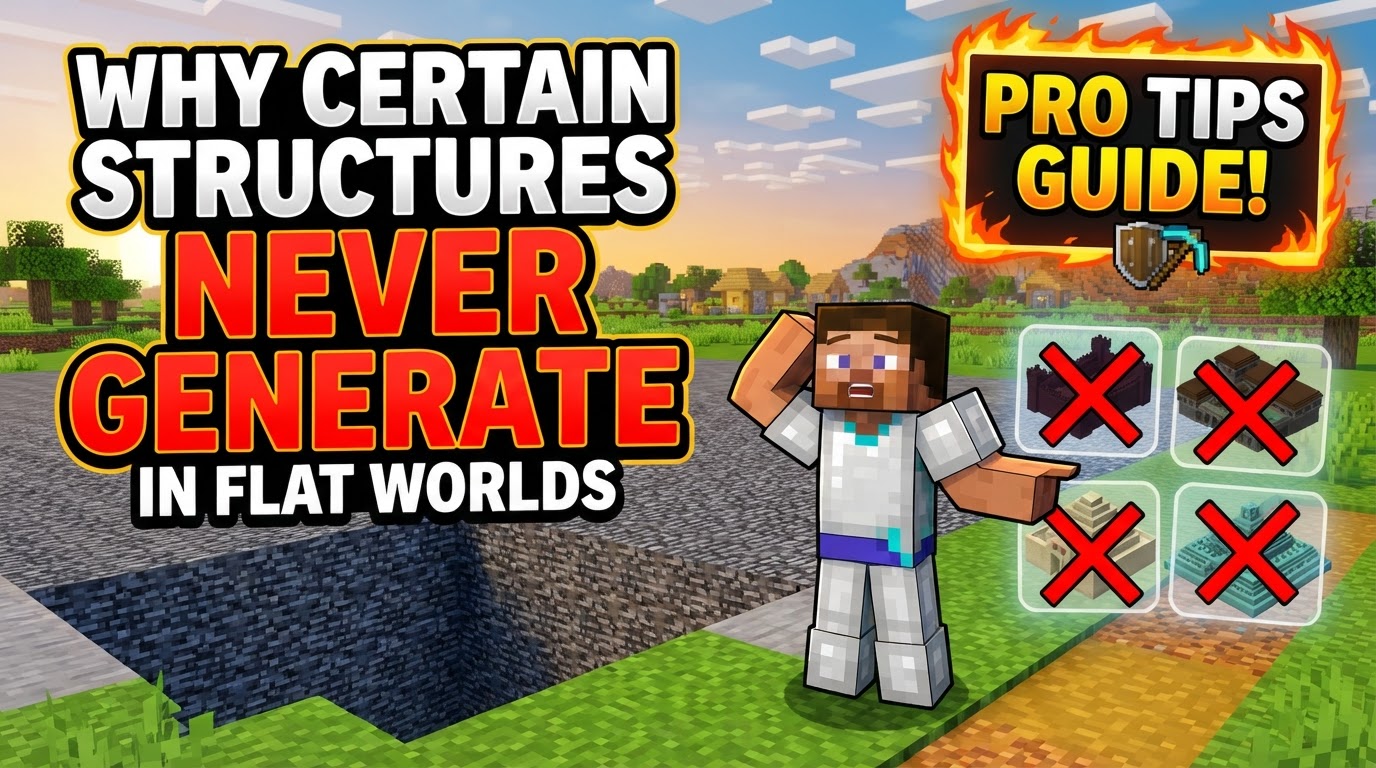
Many Minecraft players, when venturing into the seemingly simple world of a ‘Flat’ or ‘Superflat’ world, often encounter a puzzling absence: structures. Despite the expectation that enabling general “Structures” during world creation should populate the landscape, iconic locations like villages, strongholds, or even the more common mineshafts frequently fail to appear. This isn’t a bug, but rather a direct consequence of how flat worlds are designed and how Minecraft’s intricate structure generation rules interact with these unique environments.
The Unique Nature of Flat Worlds
Flat worlds, also officially known as superflat worlds, diverge significantly from the standard Minecraft overworld. Their defining characteristics are a customizable stack of block layers and the implementation of a single, user-defined biome across the entire generated landscape. Unlike a default world where biomes naturally transition and terrain varies wildly, a flat world presents a uniform canvas. This fundamental difference is the primary reason why structure generation behaves so distinctly.
In a regular world, the game’s engine scans for suitable locations based on biome type, terrain height, and surrounding block conditions. A village, for instance, requires a flat area within a plains, desert, or savanna biome. An Ocean Monument demands deep ocean water. Strongholds generate underground, typically intersecting with existing terrain at specific Y-levels. Flat worlds, by their very nature, disrupt many of these default generation parameters, making the automatic appearance of structures far less likely without explicit configuration.
The Core Conflict: Flat World Design vs. Structure Requirements
The core of the issue lies in the specific generation requirements each structure type possesses. These are not merely suggestions but hard-coded rules that must be met for a structure to even attempt to spawn. When you create a flat world, you are essentially overriding the natural world generation algorithms that would typically ensure these conditions are met.
- Biome Dependency: Many structures are biome-locked. Villages require Plains, Desert, or Savanna. Jungle Temples need Jungles. Ocean Monuments need Deep Ocean. If your superflat world is set to a single ‘Forest’ biome, villages will not generate, regardless of other settings.
- Height and Terrain Requirements: Structures like Woodland Mansions and End Cities typically require a minimum Y-level of around 60 or higher, often generating on or above the surface. Strongholds, on the other hand, are subterranean and generate within specific depth ranges. A flat world, especially one with very few layers (e.g., just dirt and grass), might not provide the necessary vertical space or ground level for these structures to manifest.
- Surrounding Conditions: Beyond just biome and height, some structures have additional requirements. Ocean Monuments need a large body of deep water. Desert Temples need open, flat desert terrain. The uniform, often shallow block layers of a flat world rarely satisfy these complex criteria by default.
Furthermore, structure generation in flat worlds is not automatic. It is an opt-in feature, controlled by specific settings accessible during world creation or through custom presets. Overlooking these explicit toggles is a common reason for barren flat worlds.
Edition-Specific Nuances: Java vs. Bedrock
While the underlying principles are similar, the execution and available customization options for flat worlds and their structure generation differ notably between Minecraft Java Edition and Bedrock Edition.
Java Edition: Unlocking Customization
Java Edition offers a robust and highly customizable experience for flat worlds, giving players significant control over structure generation:
- World Creation Process: When creating a new world, players select “World Type” as “Superflat” and then click “Customize”. This opens a detailed interface.
- Layer Configuration: Here, players can adjust the block layers, adding or removing materials to build their custom terrain stack.
- Biome Selection: Crucially, players can choose a specific biome for their entire flat world. This is where careful selection is vital to support desired structures (e.g., choosing ‘Plains’ for villages).
- “Features” and “Structures” Toggles: Within the customization menu, there are distinct toggles for “Features” and “Structures”. The “Structures” toggle must be enabled for any structures to even attempt to generate. This setting governs the generation of common structures like villages, mineshafts, temples, and strongholds.
- Advanced Presets (JSON): For the most fine-tuned control, Java Edition allows advanced users to import or export JSON presets. These text-based configurations offer granular control over layers, biomes, and specific structure sets, enabling highly specific flat world designs that can include a variety of structures.
- Server Settings: On multiplayer servers, structure generation in flat worlds can be controlled by modifying the
generate-structuressetting totrueand defininggenerator-settingswithin theserver.propertiesfile.
It’s worth noting that Java Edition’s “Classic Flat” preset, a default option, includes villages by default, showcasing that structure generation is indeed possible when properly configured.
Bedrock Edition: A More Restrictive Landscape
Bedrock Edition’s approach to flat worlds, while simpler, has historically offered fewer direct customization options for structures, and has recently become even more restrictive:
- Basic Flat World: When creating a new world, players navigate to “World Type” and select “Flat”. Historically, customization options for layers and biomes were more limited compared to Java.
- Default Absence: The default flat world in Bedrock Edition typically generates with no structures whatsoever. Players often mistakenly expect structures to appear simply by selecting the flat world type.
- Recent Limitations (1.26+): A significant change in recent Bedrock Edition versions (1.26 and newer) has further impacted structure generation in flat worlds. Certain key structures, including Ancient Cities, Strongholds, and Trial Chambers, may now no longer generate in flat worlds, even if players attempt to force them using behavior packs or other custom addons. This represents a more fundamental block on their generation in this world type, overriding user attempts to include them. This specific change means that even if all other conditions are met, these particular structures are simply disabled for flat worlds in newer Bedrock versions.
Common Pitfalls and Misconceptions
Understanding why structures are absent often comes down to dispelling common misunderstandings:
- “Enabling ‘Structures’ Generates All Structures”: This is a prevalent misconception. Enabling the general “Structures” toggle only permits structures to *attempt* to generate. They still must satisfy their individual biome, height, and environmental requirements.
- Overlooking the Customization Menu: Many players jump into a flat world without diving into the “Customize” options (Java) or understanding the default limitations (Bedrock), leading to barren landscapes.
- Default Bedrock Expectation: Expecting the default flat world in Bedrock Edition to include structures is a common mistake, as it typically does not.
- Unawareness of Recent Bedrock Changes: Not being aware of the specific changes in Bedrock Edition (1.26+) that prevent Ancient Cities, Strongholds, and Trial Chambers from generating in flat worlds can lead to frustration when these structures are specifically sought.
- Incorrect Biome/Y-Level: Attempting to generate structures like Woodland Mansions or Ocean Monuments in inappropriate biomes or at insufficient Y-levels will always result in failure, regardless of other settings.
Mastering Structure Generation in Flat Worlds
For players determined to populate their flat worlds with structures, a strategic approach is necessary:
- Strategic Biome Selection: For Java Edition, always select a biome that naturally supports the structures you desire. For villages, choose Plains, Desert, or Savanna. For specific aquatic structures, consider biomes that support water generation.
- Utilize Presets and External Tools (Java): Leverage the power of JSON presets or external flat world generators. These tools allow for precise control over block layers, biome selection, and the specific toggling of structure sets, eliminating much of the in-game trial and error.
- Consider Survival Implications: If playing in survival mode, remember that a lack of structures can severely impact gameplay. Essential resources like lava (crucial for Nether portals) or specific items found only in chests can become impossible to obtain without creative mode or trading, if structures like strongholds or temples are absent.
- Legacy World Updates (Java): For Java Edition players, a clever trick involves starting a flat world in an older version of the game (e.g., pre-1.18) and then updating it. This can sometimes allow a wider variety of structures, such as strongholds, pillager outposts, and ruined portals, to generate, as the generation rules for those structures might have been less restrictive in older versions.
Conclusion: Adapt and Overcome
The absence of structures in Minecraft’s flat worlds is not an oversight but a direct consequence of their highly customizable nature and the specific generation rules of structures. Whether you’re playing Java or Bedrock Edition, understanding the distinction between general structure toggles and individual structure requirements is key. By carefully configuring your flat world’s layers, selecting appropriate biomes, and being aware of edition-specific limitations-especially the recent changes in Bedrock-you can transform a barren landscape into a structured, albeit flat, adventure. It’s about adapting your expectations and leveraging the tools the game provides to tailor your blocky canvas.
Tags:
YOU MAY ALSO LIKE...


