

The Real Reason Your Nether Portal Coordinates Drift
Your Nether portal isn’t broken; it’s just following the rules you haven’t fully understood yet. The phenomenon often described as “coordinate drift” or portals “linking incorrectly” is not a random bug or an act of mischievous game spirits. Instead, it’s a perfectly logical outcome of Minecraft’s portal linking mechanics, specifically the interplay between coordinate conversion and its portal search algorithms. Once these underlying principles are clear, you’ll be able to build robust and reliable portal networks, banishing unexpected arrivals to the past.
The Fundamental Pillars of Portal Travel
To truly grasp why portals sometimes misbehave, we must first dissect the core mechanics governing their operation. These aren’t hidden secrets but the very logic embedded in the game’s code.
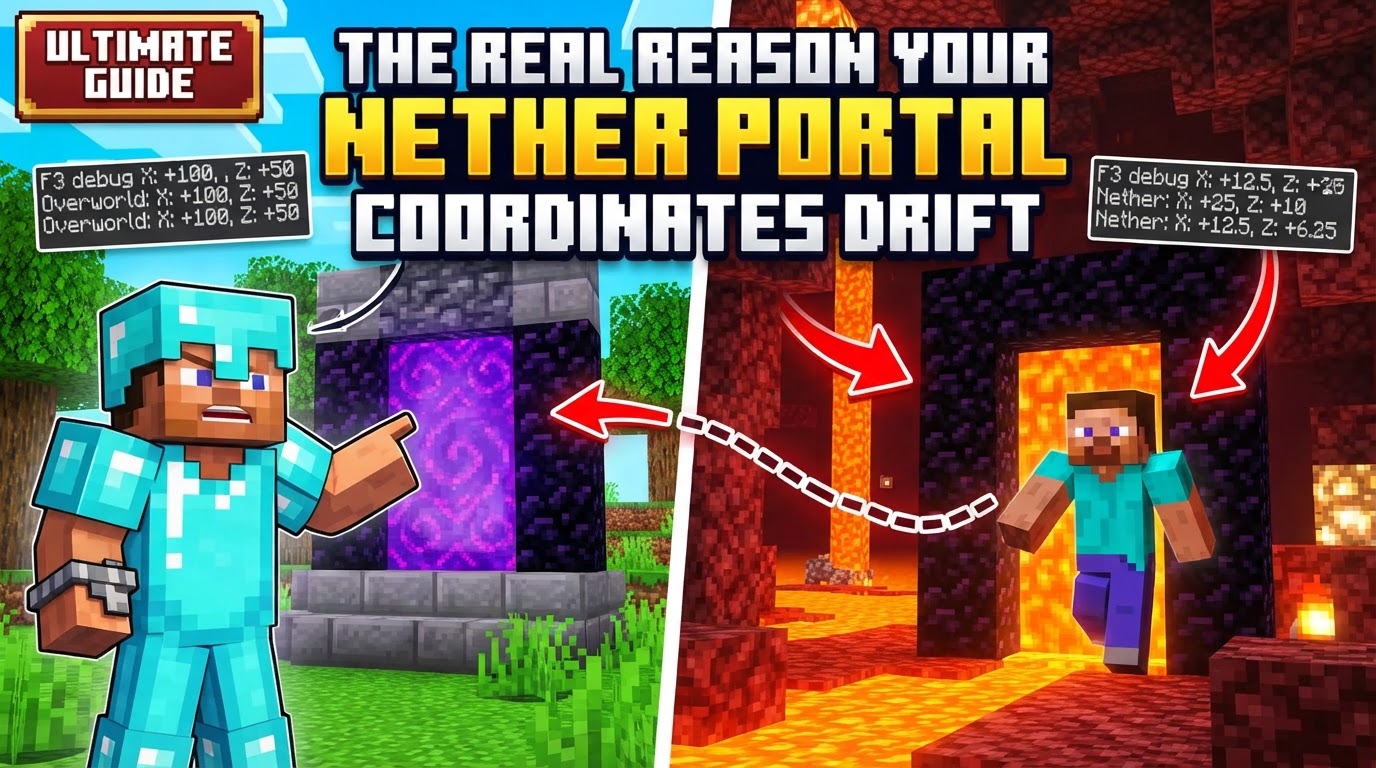
- The Immutable 8:1 Coordinate Ratio: This is the bedrock of interdimensional travel. For every one block you travel in the Nether, you’ve effectively traversed eight blocks in the Overworld, but only for the X and Z coordinates. The Y-coordinate (height) remains a 1:1 ratio. This means if your Overworld base is at X=800, Z=400, its theoretical counterpart in the Nether is X=100, Z=50. When going from Overworld to Nether, X and Z are divided by 8. When returning from Nether to Overworld, X and Z are multiplied by 8. This ratio is non-negotiable and forms the basis of all portal calculations.
- The “Ideal” Destination Calculation: When a player steps into a portal, the game immediately calculates an “ideal” target coordinate in the other dimension. This calculation strictly adheres to the 8:1 ratio for X and Z, using the portal’s entry point as the reference. The Y-coordinate is carried over directly, as it doesn’t scale. This ideal point is where the game *wants* to send you.
- The Portal Search Algorithm and Its Radii: After determining the ideal destination, the game doesn’t just teleport you there instantly. Instead, it initiates a search for an *existing* portal within a specific radius around that ideal point. This search radius is critically different depending on which dimension you are arriving in:
- Overworld to Nether Travel: Upon arriving in the Nether, the game searches a relatively small area: a 3×3 chunk grid (the chunk containing the ideal coordinates and its 8 surrounding chunks). This translates to approximately 48×48 blocks in the Nether.
- Nether to Overworld Travel: When returning to the Overworld, the search radius is significantly larger. It covers a 17×17 chunk area (up to 8 chunks away from the original point), which can be up to 272×272 blocks in the Overworld. This discrepancy in search radii is a major contributor to perceived “drift.”
- The “Closest Portal Rule”: If multiple valid portals are found within the search radius, Minecraft will always choose the one geographically closest to the calculated ideal destination. This proximity is measured in Euclidean distance. If no suitable portal is found within the designated radius, the game will then generate a brand-new portal at the closest available safe location to the ideal coordinates.
- No Memory or Ownership: Minecraft’s portal system is purely coordinate-based. It does not remember which player built a portal, nor does it have an inherent “memory” of a portal’s past links. Each time you step through, the calculation and search process starts anew.
The Real Reasons for “Drift”: Common Missteps Explained
Understanding the mechanics above makes it clear that portal drift isn’t random; it’s a predictable outcome when these rules aren’t accounted for. Here are the primary culprits:
- Incorrect Coordinate Placement: This is by far the leading cause of drift. If you build a portal in the Nether without precisely calculating its X and Z coordinates (Overworld X/8, Z/8), it will not align perfectly with your Overworld portal’s ideal destination. Even small rounding errors or miscalculations can lead to the game either generating a new portal or linking to an unintended existing one.
- Existing Nearby Portal Override: Imagine you build a new Overworld portal, intending it to link to a specific spot in the Nether. However, within the Nether’s 3×3 chunk search radius around your ideal destination, there’s an older, perhaps forgotten, portal. The “closest portal rule” dictates that the game will link you to that older portal, overriding your new portal’s intended connection. This can be incredibly confusing if you’re not aware of other portals in the area.
- Portals Too Close Together: If you have two Overworld portals that are too close – specifically, less than 128 blocks apart (which translates to 16 blocks in the Nether) – their respective ideal Nether coordinates might fall within the same 3×3 chunk search radius. This can cause both Overworld portals to link to the *same* Nether portal, leading to one-way loops or unexpected destinations. You might go through one Overworld portal, arrive at a Nether portal, and then going back through that Nether portal sends you to the *other* Overworld portal.
- Auto-Generated Portals in Unsuitable Locations: When the game can’t find an existing portal and needs to generate a new one, it will try to place it as close as possible to the ideal coordinates. However, if the ideal spot is obstructed (e.g., by solid blocks, lava, or a sheer drop into a void), the game will search for the nearest safe and suitable location. This can place the newly generated portal significantly off the ideal target. The problem then compounds: when you use this off-target auto-generated Nether portal to return to the Overworld, its new, actual coordinates become the reference point. Because the Nether-to-Overworld search radius is so large (17×17 chunks), this slightly misplaced Nether portal can now easily find an *entirely different* Overworld portal, or generate a new one far from your original, leading to severe drift.
- Player Misunderstanding of Mechanics: Ultimately, much of the frustration stems from a lack of awareness of these underlying rules. Without knowing about the 8:1 ratio, the different search radii, and the “closest portal rule,” unexpected portal behavior can feel like a random bug, rather than a predictable consequence of the game’s design.
Building a Reliable Network: Your Step-by-Step Solution
Armed with this knowledge, achieving flawless portal links is straightforward. The key is to take control, rather than relying on the game’s auto-generation.
- Construct Your Overworld Portal: Place your first portal in the Overworld at your desired location. Make a note of its precise X, Y, and Z coordinates. The Y-coordinate is important for distinguishing between portals at similar X,Z locations.
- Calculate Ideal Nether Coordinates: Divide your Overworld portal’s X and Z coordinates by 8. Keep the Y-coordinate as is. These are your target coordinates for the Nether.
- Example: Overworld X=1280, Y=64, Z=256 becomes Nether X=160, Y=64, Z=32.
- Initial Trip to the Nether: Go through your newly built Overworld portal. If no perfectly matched Nether portal exists, the game will generate one. This auto-generated portal is often not at your calculated ideal spot due to obstructions or the search algorithm.
- Destroy the Auto-Generated Nether Portal (if necessary): If the portal you arrived at is not at or very near your calculated Nether coordinates, destroy it completely. This is crucial to prevent it from interfering with future links.
- Manually Build the Nether Portal: Travel to your calculated Nether coordinates (X/8, Y, Z/8). You might need to bridge over lava or dig through solid rock. Once there, construct a new portal. Aim to build it as close as possible to the exact calculated X and Z, and at a Y-level that makes sense for your intended use (e.g., matching the Overworld Y-level if possible).
- Verify the Two-Way Link: Step through your manually built Nether portal. You should now arrive back at your original Overworld portal, confirming a successful and reliable two-way connection. If you don’t, double-check your coordinates and ensure no other portals are interfering.
Ensuring Flawless Links: Advanced Tips for Network Mastery
Beyond the basic steps, these tips will help you manage complex portal networks with confidence:
- Always Build Manually for Precision: Never rely on auto-generated portals for critical links. Always calculate and manually construct your Nether portals. This ensures the 8:1 ratio is perfectly honored from both ends.
- Maintain Ample Distance Between Portal Pairs: To prevent unintended cross-linking, ensure that any two distinct Overworld portals are separated by at least 128 blocks (which, due to the 8:1 ratio, means their corresponding Nether portals would be 16 blocks apart). This guarantees that their ideal destination points in the Nether will not fall within each other’s 3×3 chunk search radius.
- Destroy Incorrect Portals Systematically: If a portal links to the wrong place, identify the incorrect portal in the *destination* dimension (the one you arrived at unexpectedly). Destroy it. Then, rebuild a new portal at the *correct* calculated coordinates in that dimension. This “clears the slate” for future linking attempts.
- Leverage Online Calculators: Don’t trust your mental math or a basic calculator for coordinate conversion, especially with negative numbers or decimals. Many excellent online Nether portal calculators exist that will give you precise target coordinates, minimizing human error.
- The Y-Coordinate Matters for Selection: While not scaled, the Y-coordinate still plays a role. If there are multiple portals at similar X and Z coordinates within the search radius, the game will prioritize linking to the one closest on the Y-axis to your entry portal’s Y-level. Keep this in mind when building portals at different elevations.
By internalizing these mechanics and diligently applying the correct building techniques, you transform portal travel from a source of frustration into a powerful tool for rapid traversal across your Minecraft world. The “drift” vanishes, replaced by a perfectly engineered network, precisely because you understand the real reasons behind its behavior.
Tags:
YOU MAY ALSO LIKE...


