Solving Problems With Custom Dimension Portaling
One of the most frustrating moments for a Minecraft builder venturing into custom dimensions is the silent, unyielding portal frame that refuses to ignite. This common scenario highlights the intricate, often challenging, nature of custom dimension portaling – a powerful feature that allows players to expand the game beyond the familiar Overworld, Nether, and End.
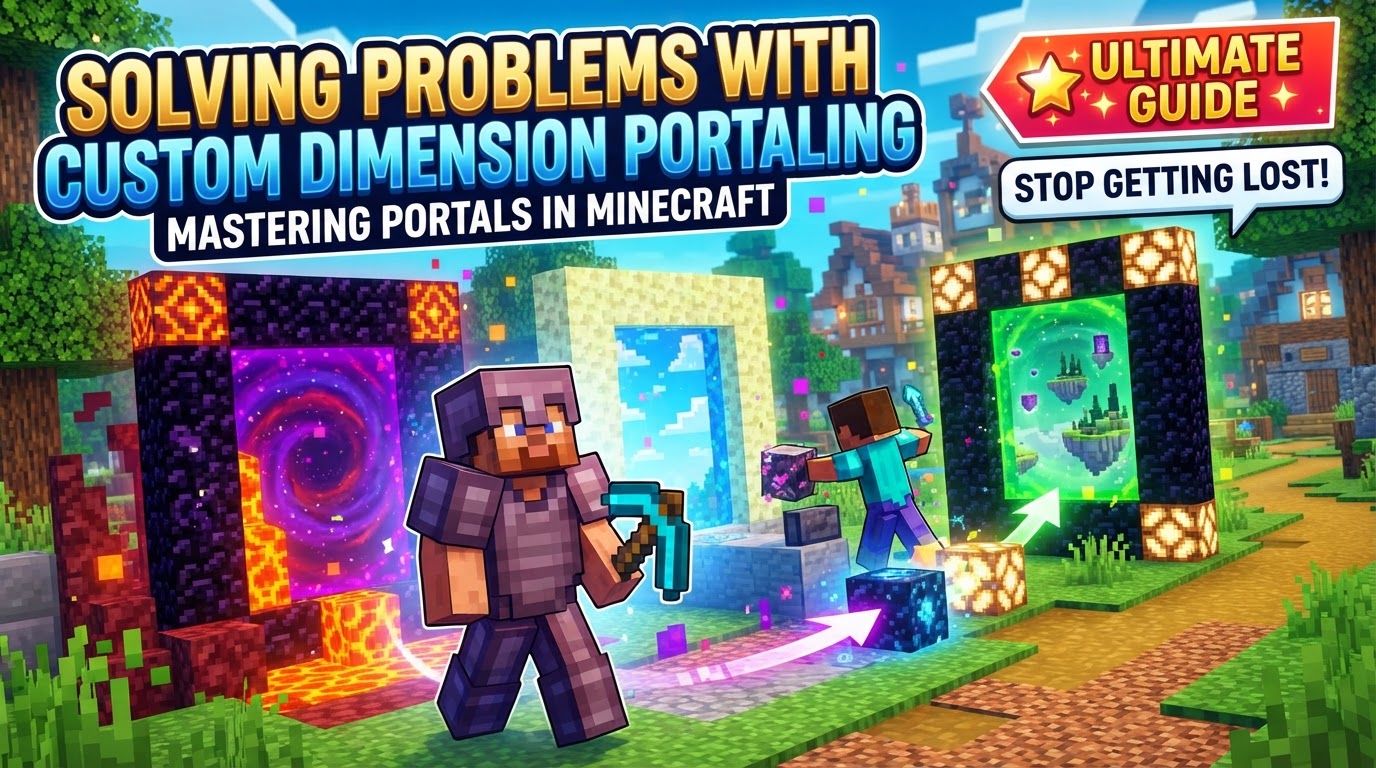
Creating and linking custom dimensions requires a deep dive into Minecraft’s underlying mechanics, primarily through data packs in Java Edition or behavior packs and scripting in Bedrock Edition. Whether you’re aiming for a tranquil sky island realm or a chaotic, alien landscape, understanding the principles of portal definition, dimension configuration, and teleportation logic is paramount to avoiding common pitfalls.
The Core Mechanics of Custom Dimensions and Portals
At its heart, custom dimension portaling is about defining new worlds and creating interactive gateways to access them. The approach differs between Minecraft editions, but the foundational concepts remain consistent.
- Data Packs (Java Edition): The primary method for implementing custom dimensions in Java Edition. Data packs contain JSON files that define everything from a dimension’s properties to its unique world generation and biome configurations.
- Dimension and Dimension Type JSONs: These are the twin pillars of dimension definition. A `dimension_type` JSON sets global rules for a dimension, such as ambient light levels, the presence of skylight, and the overall generator. A `dimension` JSON then defines a specific instance of your custom world, referencing its `dimension_type` and specifying detailed world generation settings like noise parameters and biome sources.
- Portal Definition: Custom portals often emulate the behavior of Nether portals. This typically involves defining a specific frame block pattern and an “activator” item (like flint and steel). These definitions are embedded within data pack files, dictating what constitutes a valid portal structure.
- Teleportation Logic: The moment a player steps into an activated custom portal, a procedure is triggered. This procedure, frequently command-based within the data pack, teleports the player to the intended custom dimension. A common command used for this is
/execute in <dimension_id> run tp @s ~ ~ ~, which executes the teleport command within the specified dimension. - Bi-directional Linking: For a seamless experience, portals can be configured to be bi-directional. This means that entering a portal in one dimension will generate a corresponding return portal in the destination dimension, often attempting to match the Y-level of the entry portal for consistency.
- Advanced Portal Solutions: For more sophisticated portal behaviors, especially in modded environments, APIs like CustomPortalApi (for Fabric/Forge) or mods such as Immersive Portals offer expanded features. These can include custom frame blocks, unique ignition sources, and intricate visual effects.
- Bedrock Edition API: Minecraft Bedrock Edition has evolved to officially support Custom Dimensions through its Custom Dimension API. This enables creators to build new dimensions using behavior packs and scripting, bringing similar capabilities to the console and mobile versions of the game.
Crafting Your Gateway: A Java Data Pack Walkthrough
For Java Edition players, the journey into custom dimensions typically begins with a data pack. Here’s a general step-by-step process:
- Set Up Your Data Pack Structure: Begin by creating a data pack folder. Inside, you’ll need a
pack.mcmetafile (which describes your data pack) and adatafolder. Within thedatafolder, you’ll create subfolders for your namespace (e.g.,mycustomdim) and then further subfolders for dimension types, dimensions, and other logic. - Define Your Dimension Type: Create a JSON file (e.g.,
data/<namespace>/dimension_type/<your_dimension_type>.json). This file will set the foundational rules for your dimension, such as whether it has ambient light, if it has a sky (has_skylight), and the general type of world generator it uses. - Define Your Dimension: Next, create a `dimension` JSON file (e.g.,
data/<namespace>/dimension/<your_dimension>.json). This file references the `dimension_type` you just created and then specifies the unique world generation settings for your specific world instance, including noise settings and the biome source (how biomes are distributed). - Create Your Portal Logic: This is where the magic happens, involving several sub-steps:
- Frame Detection: Implement a system, often using predicates and functions within your data pack, to detect when a specific block pattern (your custom portal frame) has been built by the player.
- Activation: Define an activator, such as right-clicking a specific item on the frame. When used correctly, this action will “light” the portal.
- Teleportation: Upon successful activation, a command (like the
/execute inmentioned earlier) is typically executed. This command not only teleports the player but also often replaces the interior of the portal frame with a portal block, creating the visual gateway. - Return Portal Generation: Design logic to ensure that when a player arrives in your custom dimension, a return portal is either created for them (if one doesn’t exist) or linked to an existing one, facilitating bi-directional travel.
- Test Thoroughly: Once your data pack is complete, load it into your world. Rigorously test the portal creation process and teleportation in both directions to ensure everything functions as intended.
Navigating Obstacles: Common Custom Dimension Portal Problems
Even with careful planning, custom dimension portaling can present unique challenges. Here are some common issues and how to approach them:
- Missing Dimension Definitions: A frequent cause of portal failure is when the game cannot find or properly register a dimension. This can manifest as errors like “destination is null” if
level.datfiles are corrupted or lack the necessary tags for a dimension. Solution: Double-check all `dimension` and `dimension_type` JSONs for syntax errors and ensure they are correctly placed within your data pack structure. A server restart might be necessary for new dimensions to register. - Incorrect Biome Flagging: Custom dimensions may fail to load or generate correctly if their associated biomes are improperly flagged. For instance, attempting to generate Overworld-specific biomes in a custom dimension without the correct configuration can lead to issues. Solution: Ensure your biome source settings within your `dimension` JSON are appropriate for the dimension type and that any custom biomes are correctly defined and referenced.
- Teleportation Loops or Freezing: Bugs in custom code, particularly within data pack functions or server-side plugins, can cause the game to freeze or enter an infinite teleportation loop when a player enters a portal. An `onEntityCollision` method running repeatedly without proper checks is a common culprit. Solution: Meticulously review any custom functions or scripts involved in the teleportation process, looking for infinite loops or conditions that don’t properly resolve. Add debug messages to pinpoint where the loop occurs.
- Portal Activation Failures: If your portal isn’t lighting up, several factors could be at play. The frame might be incomplete, the interior blocks might not be clear, or you might be using the wrong activator item. Solution: Verify that the portal frame matches your data pack’s definition exactly. Ensure the space within the frame is completely empty before activation. Confirm you are using the correct item to activate the portal, as defined in your data pack.
- No Cross-Dimension Portal Creation (Data Packs): Some data pack implementations might be designed to only allow portal construction in the Overworld. This means you might not be able to build a portal to another custom dimension while already inside a different custom dimension. Solution: Be aware of this potential limitation. If you encounter it, plan to build your portals from the Overworld or create specific logic to allow cross-dimension portal creation if your data pack supports it.
- Bedrock Dimension Registration Issues: In Bedrock Edition, custom dimensions must be explicitly registered during the startup phase of a behavior pack. Failure to do so will prevent them from being recognized by the game. Solution: Ensure your behavior pack’s scripting correctly registers all custom dimensions as part of its initialization routine.
Expert Advice for Seamless Portaling
Beyond troubleshooting, these tips can help streamline your custom dimension development:
- Utilize Online Generators: Tools like Misode’s data pack generator can significantly simplify the creation of complex JSON structures for dimensions, world generation, and predicates, reducing the chance of syntax errors.
- Link Portals by Y-level: For a consistent and intuitive experience, design your portal linking logic to connect corresponding Y-levels in both dimensions, mirroring the functionality of Nether portals. This helps players predict where they will emerge.
- Back Up Your World Relentlessly: Always, without exception, back up your Minecraft world before implementing significant changes with data packs or mods. This safeguards your progress against unforeseen errors or corruptions.
- Clear the Portal Interior: Before attempting to activate a portal, ensure the area inside the frame is completely empty. Any blocks within the frame can prevent successful activation.
- Perform Server Restarts: After creating new dimensions or making substantial changes to existing ones, a full server restart (not just a reload) may be required for Minecraft to properly load and register them into the world registry.
Mastering custom dimension portaling in Minecraft is a journey of precision and persistence. By understanding the underlying mechanics, following a structured creation process, and being prepared to troubleshoot common issues, you can unlock an entirely new realm of possibilities for your Minecraft worlds.
Tags:
YOU MAY ALSO LIKE...