

Understanding Villager Trade Lock Prevention Methods
One of the most frustrating experiences for a Minecraft player relying on villagers for resources is discovering their valuable trades have stopped restocking. This common pitfall often stems from a misunderstanding of how villagers interact with their environment and their job site blocks. Mastering the mechanics of villager trade locking and restocking is paramount for anyone building an efficient and reliable trading system in their world.
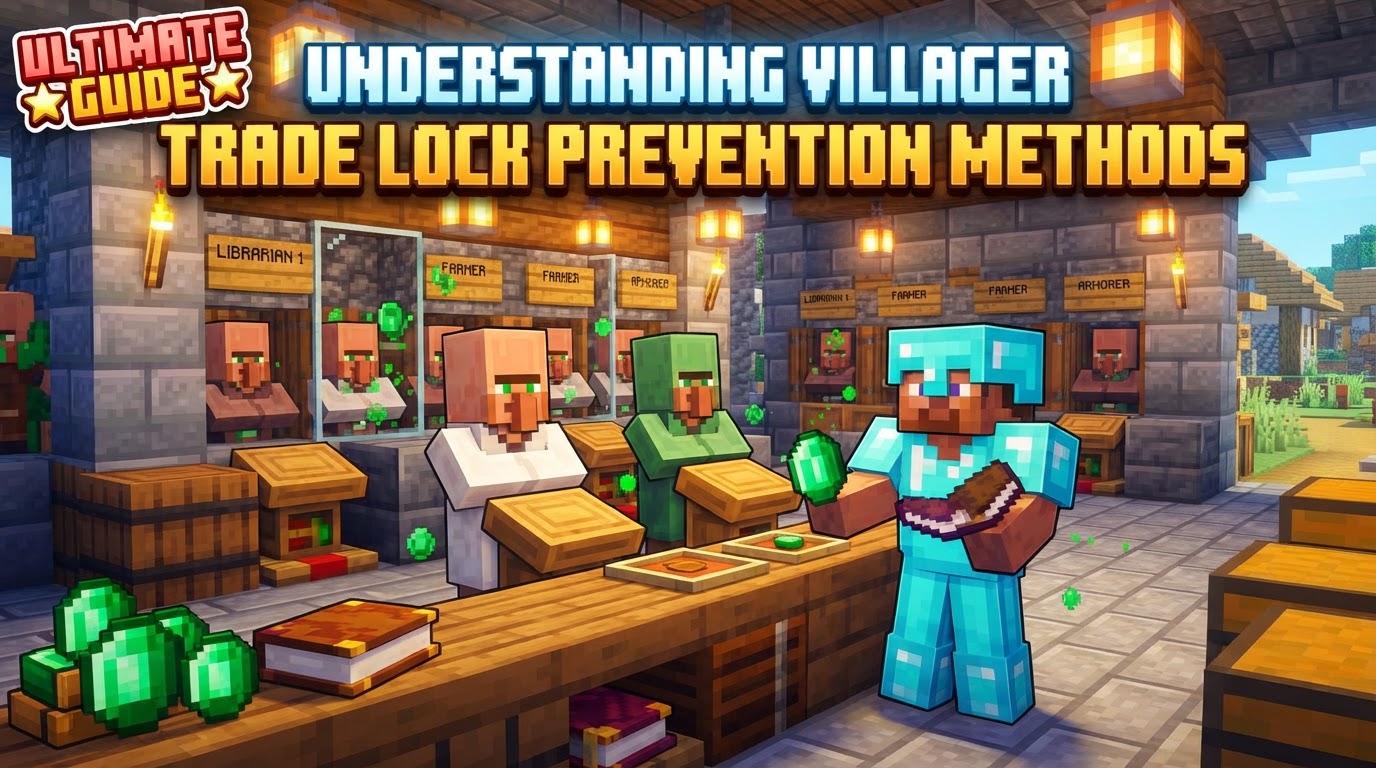
Core Villager Trading Mechanics
To effectively manage your villager trades, it’s crucial to first grasp the underlying mechanics that govern their behavior. These principles dictate how trades are offered, maintained, and refreshed.
-
Trade Locking: This is a fundamental concept for efficient villager trading. The moment you complete a trade with a villager for a specific item, that particular offer becomes “locked.” This means the villager will permanently retain that trade, regardless of whether their job site block is later broken and replaced, or if they advance to a higher trade level. This mechanic is absolutely essential for preserving valuable and rare trades, ensuring they remain available for future use.
-
Restocking: Villagers have a finite number of times they can offer a specific trade before it becomes temporarily disabled. To replenish these exhausted offers, villagers must successfully “work” at their corresponding job site block, also known as a workstation. This process requires uninterrupted access to the block.
-
Work Cycle: Villagers automatically restock their trades by interacting with their workstation. This typically occurs up to twice per in-game day, specifically during their designated “working hours.” During these periods, they will approach their workstation and perform a brief animation, indicating a successful work cycle and restocking of trades.
-
Bedrock Edition Specifics: Players on Minecraft Bedrock Edition have an additional requirement for villager restocking. Beyond merely having access to their workstation, villagers in Bedrock also need a linked bed nearby. While they do not need to sleep in this bed, its presence and their ability to pathfind to it are necessary for them to restock their trades. Without a linked bed, restocking will not occur.
-
Price Fluctuation: It’s important to note that trade prices are not static. They can increase or decrease based on the principles of supply and demand. Frequently trading a specific item can cause its price to rise, while not trading it for a while, or trading with other villagers, can cause it to fall. Additionally, the overall popularity and economic health within a village can influence prices.
A Practical Guide to Managing Villager Trades
Ensuring your villagers consistently restock their trades and that you can lock in desirable offers requires a systematic approach. Follow these steps to set up and maintain a reliable trading system.
-
Assign a Profession: Begin by placing a job site block (e.g., a lectern for a librarian, a composter for a farmer, a blast furnace for an armorer) near an unemployed villager. Observe for green particles emanating from the villager; this indicates they have successfully claimed the block and adopted the associated profession.
-
Reroll Trades (if needed): Before you make any trades with a newly professionalized villager, you have the opportunity to “reroll” their initial offers. If the trades presented are not to your liking, simply break their job site block and then replace it. The villager will typically generate a new set of trades upon reclaiming the block. This process can be repeated as many times as necessary, but remember, it only works until you complete your very first trade with that villager.
-
Lock Desired Trades: Once a villager displays a trade you wish to keep permanently – perhaps an enchanted book or a valuable resource – perform that trade at least once. This single transaction is the key to “locking” that specific offer, ensuring it will never change even if the villager’s job block is removed or they level up.
-
Provide Workstation Access: This is arguably the most critical step for consistent restocking. Ensure the villager has direct, unobstructed access to the front face of their job site block. Any block, no matter how small (such as a trapdoor or a carpet), positioned between the villager and the interaction point of their workstation can prevent them from working and, consequently, from restocking their trades. Think of it as needing a clear path to their desk.
-
Provide Bed Access (Bedrock Only): For players on Bedrock Edition, an additional requirement exists. Place a bed within linking range of the villager. While the villager does not need to sleep in this bed, they must be able to pathfind to it and establish a link for their trades to restock. Without a linked bed, even with workstation access, restocking will fail.
Optimizing Your Trading Experience
Beyond the fundamental mechanics, several strategies can further enhance your villager trading operations, making them more efficient and less prone to issues.
-
Dedicated Trading Halls: Construct enclosed, individual cells or booths for each villager. This prevents them from linking to job site blocks intended for other villagers and ensures each villager has clear, dedicated access to their own workstation and, if on Bedrock, their own bed. This isolation minimizes potential conflicts and confusion.
-
Clear Access: Reiterate the importance of clear access. Double-check that no blocks, temporary or permanent, obstruct the villager’s path or interaction point with their workstation. This often means leaving a one-block space directly in front of the job block.
-
Daylight Cycle: Villagers primarily restock during specific “working hours” of the in-game day. While you don’t need to babysit them, understanding this means that if you need frequent restocks, it’s best to conduct your trading during these active periods. Trades will not restock during the night.
-
Leveling Up: To unlock more advanced and potentially better trades, consistently trade with your villagers to level them up. Utilize cheap and renewable items for initial trades to quickly progress them through their levels. Each level unlocks new trade slots.
-
Identify Links: If you’re unsure which workstation a villager is linked to, a simple diagnostic method exists. Break the suspected workstation. If the villager emits green particles when you replace it, you’ve identified their linked block. This is especially useful in crowded setups.
Common Pitfalls to Avoid
Even with a solid understanding, certain mistakes can frequently derail your villager trading efforts. Being aware of these common errors can save you significant time and frustration.
-
Blocked Workstations: This is, by far, the most prevalent reason for trades not restocking. Any obstruction, from a decorative item to a misplaced block, that prevents the villager from physically interacting with the front of their job site block will halt the restocking process. Always ensure a clear, one-block space.
-
Missing Bed (Bedrock): On Bedrock Edition, forgetting to place a bed within linking range of a villager, or placing one that is inaccessible, will prevent them from restocking. Even if they have perfect workstation access, the absence of a linked bed will render them unable to replenish their offers.
-
Not Locking Trades: A common oversight is finding a desirable trade but failing to complete it at least once. If you don’t perform that initial trade, the offer remains unlocked. Should the villager’s job site block be broken and replaced for any reason, that valuable trade can be lost as the villager might generate entirely new offers.
-
Unintended Workstation Linking: In densely populated villager areas, it’s easy for a villager to accidentally link to a workstation meant for another. This can lead to one villager having no workstation and another claiming two, causing confusion and preventing proper trade management. Always isolate villagers when assigning job blocks to ensure correct linking.
-
Overcomplicating Setups: While ingenious designs are part of Minecraft’s appeal, excessively complex redstone contraptions or transport systems for villagers can sometimes introduce unforeseen bugs or pathfinding issues. Simpler, more direct setups often prove more reliable for basic trading operations.
By understanding these core mechanics, meticulously following best practices, and actively avoiding common mistakes, you can build and maintain a highly effective villager trading system in Minecraft, ensuring a steady supply of resources and valuable enchantments.
Tags:
YOU MAY ALSO LIKE...


