

Why Does a Donkey Not Accept a Chest Inventory
One of the most common oversights for new and even seasoned Minecraft players attempting to utilize animal transport is the belief that any pack animal can carry items. The truth is, if your donkey isn’t accepting a chest, you’re likely encountering one of a handful of specific game mechanics or simply making a common user error. Donkeys are invaluable mobile storage units, but equipping them requires understanding their unique behaviors and limitations.
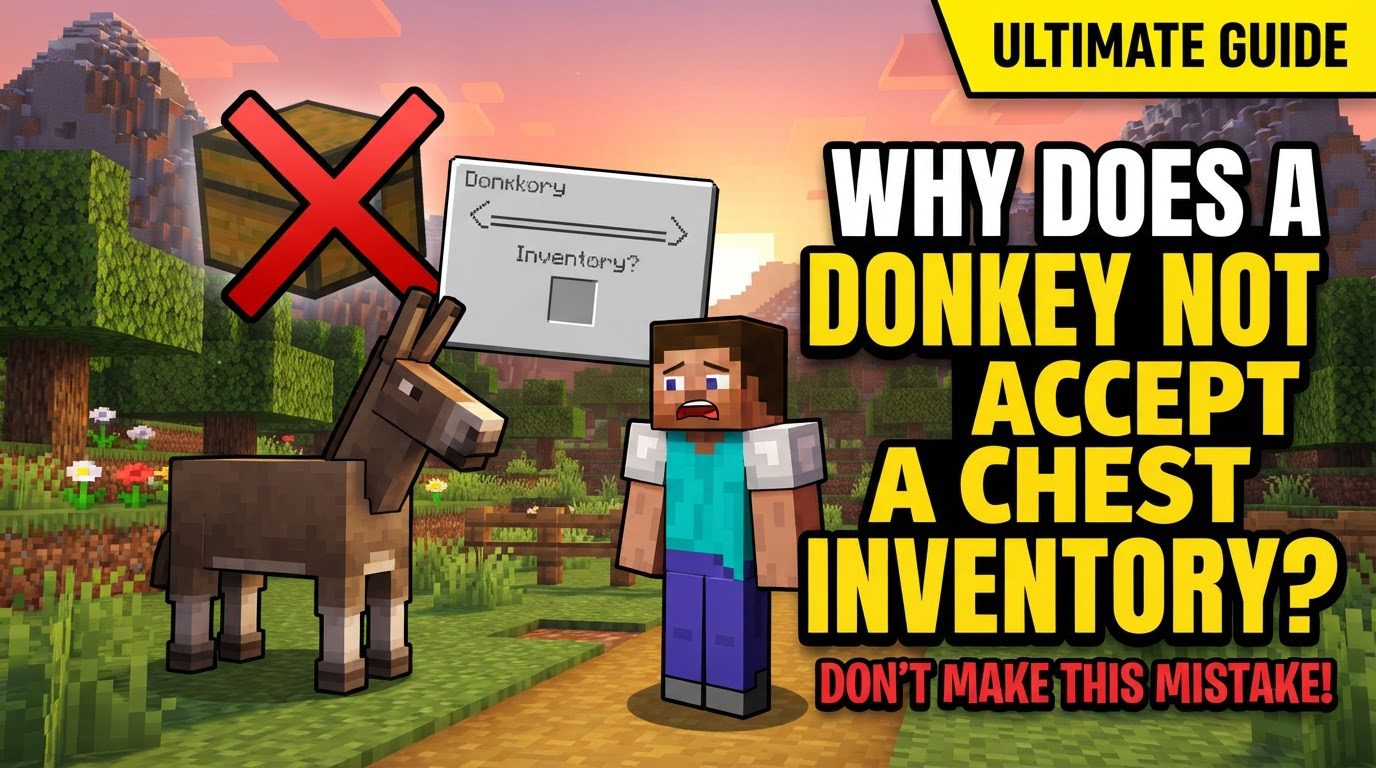
Donkeys, along with their hybrid cousins mules and the surprisingly resilient llamas, stand out in the animal kingdom of Minecraft for their distinctive ability to carry additional inventory. Unlike the swift horse, which is purely for riding, these beasts of burden offer a crucial advantage: an extra 15 slots of storage space. This capacity can transform resource gathering, long expeditions, or base organization, making them an essential companion. However, the path to unlocking this utility isn’t always straightforward.
The Fundamental Rule: Taming is Paramount
The primary reason a donkey will refuse a chest is almost always tied to its taming status. A wild, untamed donkey is just an animal; it won’t allow you to equip it with anything, much less entrust it with your precious items. Taming is the first, non-negotiable step in preparing any donkey for service.
How to Tame Your Donkey
- Repeated Interaction: The process is simple but requires patience. Approach the wild donkey and repeatedly right-click (or use the equivalent “mount” action on your platform) to attempt to ride it.
- Bucking Off: Initially, the donkey will likely buck you off. Don’t be discouraged; this is normal. Just get back on.
- Hearts Appear: Continue mounting until hearts appear around the donkey. This visual cue signifies that the donkey is now tamed and considers you its owner. You do not need to feed the donkey to tame it; persistent mounting is sufficient.
Once tamed, you can then equip it with a saddle for riding, and critically, a chest for inventory expansion.
Beyond Taming: Specific Mechanics for Chests
Even with a tamed donkey, certain conditions and specific game rules must be met for the chest to attach correctly. Understanding these nuances will prevent frustration.
The Right Animal for the Job
It’s a frequent misconception that all equines can carry items. This is incorrect. Only tamed donkeys, mules, and llamas can be equipped with chests. Regular horses, despite their speed and grace, lack this storage capability. Attempting to place a chest on a horse will yield no results.
Baby Donkeys Are Not Ready
Just like human toddlers, baby donkeys (foals) are not ready for adult responsibilities. They cannot be equipped with anything, including chests or saddles. You’ll need to wait for them to grow into adults before they can become your trusty pack animal.
The Chest Itself
A standard chest, crafted from eight wooden planks, is what you need. Once equipped, it provides an additional 15 inventory slots. It’s important to note a critical mechanic: once a chest is placed on a donkey, it cannot be removed. The only way to get the chest off is if the donkey dies, at which point the chest and its contents will drop as individual items.
The Step-by-Step Process to Attach a Chest
Assuming your donkey is tamed and adult, here’s the precise method to equip it with a chest:
- Obtain a Chest: Ensure you have a standard wooden chest in your inventory. You’ll need to craft one if you don’t have one readily available.
- Approach the Tamed Donkey: Stand next to your tamed adult donkey. You do not need to be riding it.
- Equip the Chest: While holding the chest in your hand (it should be the active item in your hotbar), right-click on the tamed donkey. On some platforms, particularly Minecraft Bedrock Edition, you might need to crouch (sneak) while right-clicking to successfully attach the chest.
Upon successful attachment, the chest will visually appear on the donkey’s back, a clear indication that it’s ready for storage duties.
Accessing Your Donkey’s Inventory
Once the chest is on, accessing its contents is straightforward:
- While Riding: Mount the donkey and then open your own inventory (typically by pressing ‘E’ on PC). The donkey’s inventory, including the chest slots, will appear alongside yours.
- From the Ground (Bedrock Edition): In Bedrock Edition, you can often sneak (crouch) and then use the “open inventory” button while looking at the donkey to access its storage without mounting it.
Common Mistakes and Troubleshooting Why a Chest Won’t Attach
If you’ve followed the steps and your donkey still isn’t accepting a chest, review these common pitfalls:
Untamed Donkey
This is by far the most frequent issue. Double-check that your donkey has indeed been tamed. If you can’t equip a saddle either, it’s definitely untamed. Go back to the repeated mounting process until hearts appear.
Using a “Used” Chest
While less common now, some players report issues when trying to place a chest that has previously been placed down in the world (e.g., as a storage block). It’s always best practice to use a newly crafted chest directly from your inventory. If you’re having trouble, try crafting a fresh chest and attempting to equip that one.
Attempting to Equip While Riding
You cannot attach a chest to a donkey while you are currently mounted on its back. You must dismount first, then stand beside the donkey, hold the chest, and right-click.
Attempting on a Horse
As mentioned, horses cannot carry chests. Ensure you are attempting to equip a chest on a donkey, mule, or llama, not a horse. Visually, donkeys are smaller and have longer ears than horses.
Lost Items (Historical Bug)
For those playing older versions or recalling past issues, it’s worth noting that a bug existed in older versions of Minecraft Bedrock Edition where quickly moving items into a full donkey chest could cause items to disappear. This specific issue has since been resolved, so it’s unlikely to be the cause of your current chest attachment problems unless you are playing a very outdated version of the game.
The Value of a Chest-Equipped Donkey
Once you successfully equip your donkey with a chest, you unlock a significant boost to your carrying capacity. This makes mining trips more efficient, allows for longer exploration without needing to return to base, and simplifies moving entire outposts. A donkey with a chest transforms from a simple mob into an indispensable logistical partner, truly enhancing your Minecraft experience.
By understanding the necessity of taming, the specific animal limitations, and the correct procedure, you can easily overcome the initial hurdles and harness the full potential of your trusty donkey companion.
Tags:
YOU MAY ALSO LIKE...


