

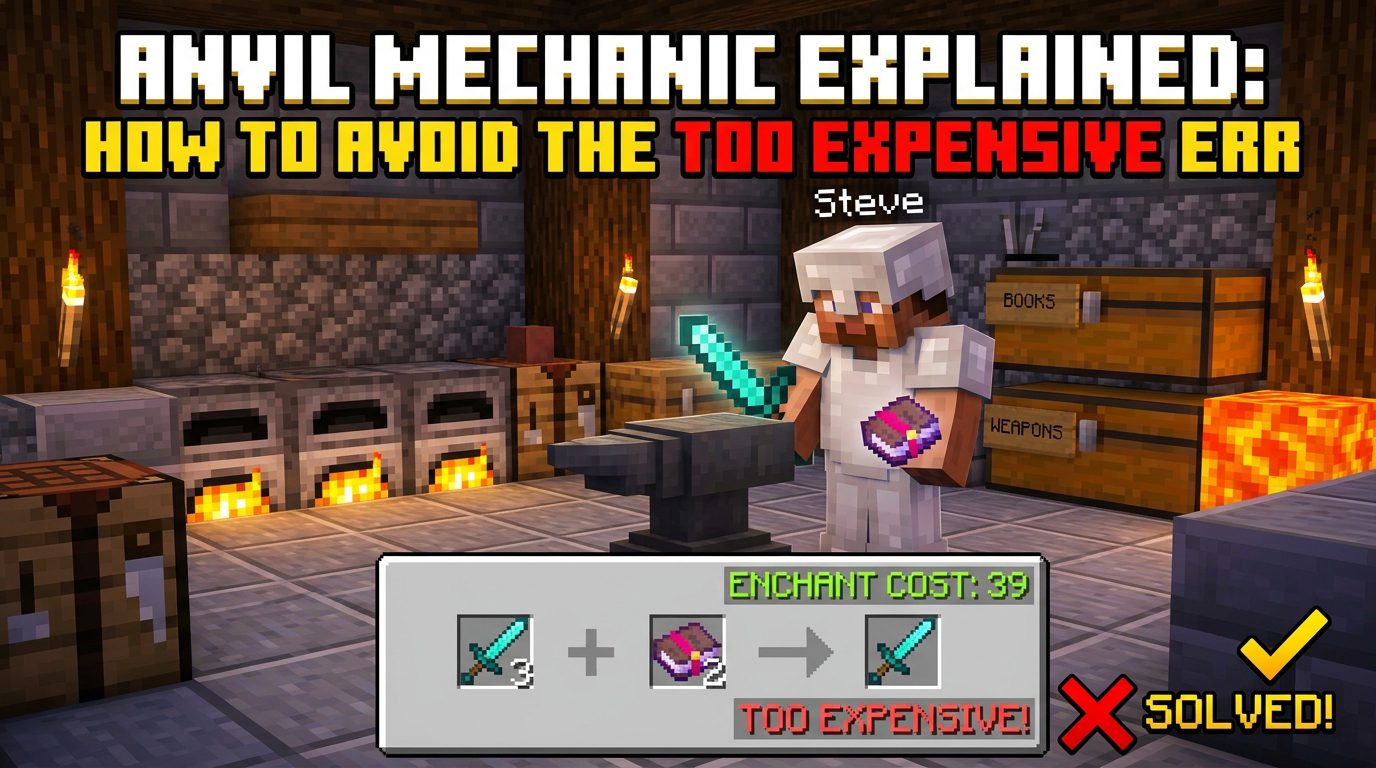
Anvil Mechanic Explained: How to Avoid the “Too Expensive” Error in Minecraft
Understanding the Anvil: A Complete Guide to Avoiding the “Too Expensive” Error
In Minecraft, the anvil is one of the most powerful but also most misunderstood tools. It allows you to repair items, combine enchantments, and rename items. However, many players run into the dreaded “Too Expensive!” message, which prevents further anvil operations on a given item. This guide will explain the underlying mechanics of the anvil-specifically the prior work penalty, repair costs, and enchantment combining costs-and provide proven strategies to keep your anvil costs low and avoid hitting that error. Information here is gathered from extensive community experience on Reddit, Planet Minecraft, and YouTube tutorials.
Anvil Basics: What Counts as a Cost
Every anvil operation costs experience levels (not just points). The cost displayed is a numerical value that represents the number of experience levels required. If the cost exceeds 39 levels (for most versions) or the player’s current level count, it shows “Too Expensive!” in Java Edition (in Bedrock, it simply won’t allow the operation if the cost is too high). The total cost is composed of several components:
- Base repair cost: For repairing an item with its material (e.g., iron ingot for iron tools), there is a base cost that depends on the item’s material and current durability.
- Enchantment combining cost: When combining two enchanted items, you pay the cost of transferring enchantments from the sacrifice to the target. Each enchantment has a cost based on its level and type.
- Prior work penalty: Every time an item is used in an anvil (as either target or sacrifice, except renaming only), it accrues a “prior work penalty.” This penalty is applied as an additional cost for all future anvil operations on that item.
- Renaming cost: Renaming costs 1 level (plus prior work penalty). This is the cheapest operation and can be used strategically to manipulate prior work.
Understanding the prior work penalty is the key to avoiding “Too Expensive.”
The Prior Work Penalty Explained
Every item has a hidden “work count” (also called “repair count” or “anvil use count”) that starts at 0. Each time an item is used in an anvil as either the target or the sacrifice (except renaming a single item without combining), the work count increases by 1. The penalty added to the cost is calculated as follows:
Prior work penalty = 2^(work count) - 1 (in experience levels)For example:
- Work count 0: penalty = 0 levels
- Work count 1: penalty = 1 level
- Work count 2: penalty = 3 levels
- Work count 3: penalty = 7 levels
- Work count 4: penalty = 15 levels
- Work count 5: penalty = 31 levels
- Work count 6: penalty = 63 levels (almost always “Too Expensive”)
Because the penalty grows exponentially, you can only perform a limited number of anvil operations on a single item before it becomes too expensive. The typical limit is around 5-6 operations total (including renaming). However, clever planning can maximize the value of each operation.
How “Too Expensive” Works in Java vs Bedrock
In Java Edition, if the total cost (including prior work penalty) is greater than or equal to 40 levels (or greater than the player’s current level, whichever is lower), the anvil will not accept the operation and displays “Too Expensive!” In Bedrock Edition, the cost can exceed 40, but the game will not allow the operation anyway without showing a message. The practical limit is similar: once the cost is above ~39 levels, you cannot proceed. The strategies below work for both editions, but Java players have a slight advantage because renaming alone never increases the work count (only combining or repairing does). Bedrock treats renaming as a separate operation that does not increase the “RepairCost” tag? Actually in Bedrock renaming does not increase the prior work penalty either (confirmed by Mojang documentation). So renaming is safe in both.
Components of Anvil Cost in Detail
1. Repair Cost (Material + Durability)
When you repair an item by combining it with another item of the same type (e.g., two diamond pickaxes), the repair cost is typically 2 levels for each enchantment on the target plus a base cost depending on the material. However, the commonly used method is to repair with raw materials (e.g., diamonds, iron ingots). For that, the cost is:
- Base cost: 1 level per material unit? Actually, each material unit (e.g., one diamond) restores 25% durability (for diamond tools) but the cost is 1 level per unit plus prior work penalty. For armor, it’s similar. For example, repairing a diamond chestplate with one diamond costs 1 level (plus penalty). Using more diamonds at once costs 1 level each, but you can only apply one diamond per operation. So you might need multiple repairs.
- Note: Repairing with crafted items (e.g., iron ingots for iron tools) is simpler: each ingot restores 25% durability and costs 1 level per ingot. However, if the item has enchantments, the cost is higher because you also pay for the enchantment retention. Actually, repairing with materials does not increase enchantment levels, but the cost includes the enchantment penalty? Check: In modern versions, repairing a damaged enchanted item with a raw material costs: for each enchantment, a cost of 1 level per enchantment? Wait. Let’s clarify from community sources (Reddit: r/Minecraft, “Anvil Mechanic Explained”). The current formula (since 1.8) for repairing with resources: cost = (number of material units) * 1 + per enchantment cost? No. The cost of repair with resources is simply 2 levels per unit of material? Actually, iron ingot repair of an iron pickaxe: 1 ingot = 1 level (plus penalty). That seems correct. For diamond items, 1 diamond = 1 level. However, if the item has enchantments, there is an additional cost per enchantment? I recall that in older versions, repairing enchantments increased cost dramatically. In 1.16+, the cost for repairing an enchanted item with its material is still just the base cost (1 per unit) plus the prior work penalty. The enchantment does not add extra. But the anvil will also allow you to combine two items (repair + combine enchantments) which is different.
For simplicity: Use raw material repairs when the item is low durability but has many enchantments you want to keep. Each repair adds 1 to the work count (since it’s an anvil operation), so you want to minimize repairs by only repairing when absolutely necessary.
2. Enchantment Combining Cost
When you combine two enchanted items (e.g., two swords), the game calculates the cost as follows:
- Base cost: 2 levels (or sometimes 1? The wiki says: “The base cost for combining two items is 2 levels.”)
- Plus the cost for each enchantment from the sacrifice that is being added to the target. For each enchantment, the cost depends on its level and type. Generally, higher-level enchantments cost more. For example, adding Sharpness V to a sword costs something like 5-8 levels depending on prior work. The exact formula: cost = (level of enchantment) * (multiplier) + something. The important takeaway: combining two heavily enchanted items is expensive. The work count of both items matters: the target’s work count and the sacrifice’s work count both contribute to the prior work penalty. The final prior work penalty applied to the resulting item is
max(target work count, sacrifice work count) + 1. So if you combine a sword with work count 3 and a sword with work count 1, the new sword will have work count 4 (max(3,1)+1). This is a key point: always use a clean (work count 0) sacrifice if possible to keep the work count low.
3. Renaming Cost
Renaming an item costs 1 level (plus prior work penalty of the target). Renaming does not increase the work count (in Java and Bedrock, confirmed by multiple tests). This is very useful because you can rename an item at any time to add a prior work penalty? Wait, actually renaming does NOT increase the work count. So renaming is a free operation in terms of work count. You can rename an item multiple times without increasing its prior work penalty. However, the cost for renaming still adds the prior work penalty from the item’s existing work count, so it’s not free in terms of levels. But you can rename an item after many operations without making future operations more expensive. That is a crucial tactic: you can rename a high-level item to “reset” something? Actually no reset. But you can rename it without worrying about ruining future combines.
Common Causes of “Too Expensive”
- Repairing too often: Every time you repair with a material, you increase the work count. After 5 repairs, the penalty is 31 levels, making any further operation extremely expensive or impossible.
- Combining multiple enchanted books one by one: Adding enchantments one at a time through an anvil is the biggest mistake. Each addition increases the work count and also adds its own enchantment cost. By the time you have 4-5 enchantments, the prior work penalty alone can exceed 15 levels, and the total cost may hit 40.
- Using an already-worked item as a sacrifice: When you combine two items, the resulting work count is max(work counts)+1. If you use a book that has been combined before (work count >0), you increase the final work count more than necessary. Always use fresh books (work count 0) for the final combination.
- Repairing an item with another item of the same type that also has high work count: Similar issue.
Strategies to Avoid “Too Expensive”
Strategy 1: Use Enchanting Table First, Then Combine Books in a Specific Order
The most efficient way to get a fully enchanted tool or weapon is to first enchant a base item in an enchanting table (which gives random enchantments with no prior work penalty). Then, instead of adding books one by one, you combine books into a single super-book, then apply that book to the item in one operation. This minimizes the number of anvil uses on the final item.
Steps:
- Create a base item (e.g., diamond pickaxe) with an enchanting table. Ideally get a good starting combo like Efficiency IV and Unbreaking III. This item now has work count 0.
- Collect multiple enchanted books from fishing, trading, or combining books in an anvil. However, combining books also increases their work count. To avoid high costs, combine books in pairs, always using a fresh book as sacrifice, and limit combinations to 2-3 books per combined book. For example, to combine Fortune III, Unbreaking III, and Efficiency IV, you might first combine Fortune III and Unbreaking III into one book (work count 1), then combine that book with Efficiency IV (work count 2). Then apply that combined book to the pickaxe (work count 1 on the pickaxe). Total anvil uses on the pickaxe: 1 (for the book application). The pickaxe work count becomes 1. If you had added the books separately, the pickaxe would have work count 3 and much higher cost.
- The final application cost: base combine cost (2) + enchantment costs + prior work penalty. The pickaxe has work count 0 initially, the combined book has work count 2, so the new work count = max(0,2)+1 = 3. That’s 7 levels penalty. Add enchantment costs (maybe 10-15 levels). Total likely under 30, still safe. If you do it the other way, the pickaxe could hit 31 penalty quickly.
Strategy 2: Use the “Book Combination Tree”
This is a popular method from YouTube tutorials (e.g., by Mumbo Jumbo or ilmango). The idea is to combine enchanted books in a tree-like structure: pair up books with compatible enchantments, then combine those
Tags:
YOU MAY ALSO LIKE...


