Basic to Iron Tier Upgrade Sophisticated Storage
Attempting to apply Sophisticated Storage upgrades to chests from other popular mods, such as “Iron Chests,” is a common pitfall that many Minecraft players encounter. This often leads to frustration when the expected capacity boost doesn’t materialize. The truth is, Sophisticated Storage operates within its own ecosystem, requiring its specific block types for any upgrades to function. Understanding this foundational principle is the first step towards mastering one of Minecraft’s most versatile storage solutions.
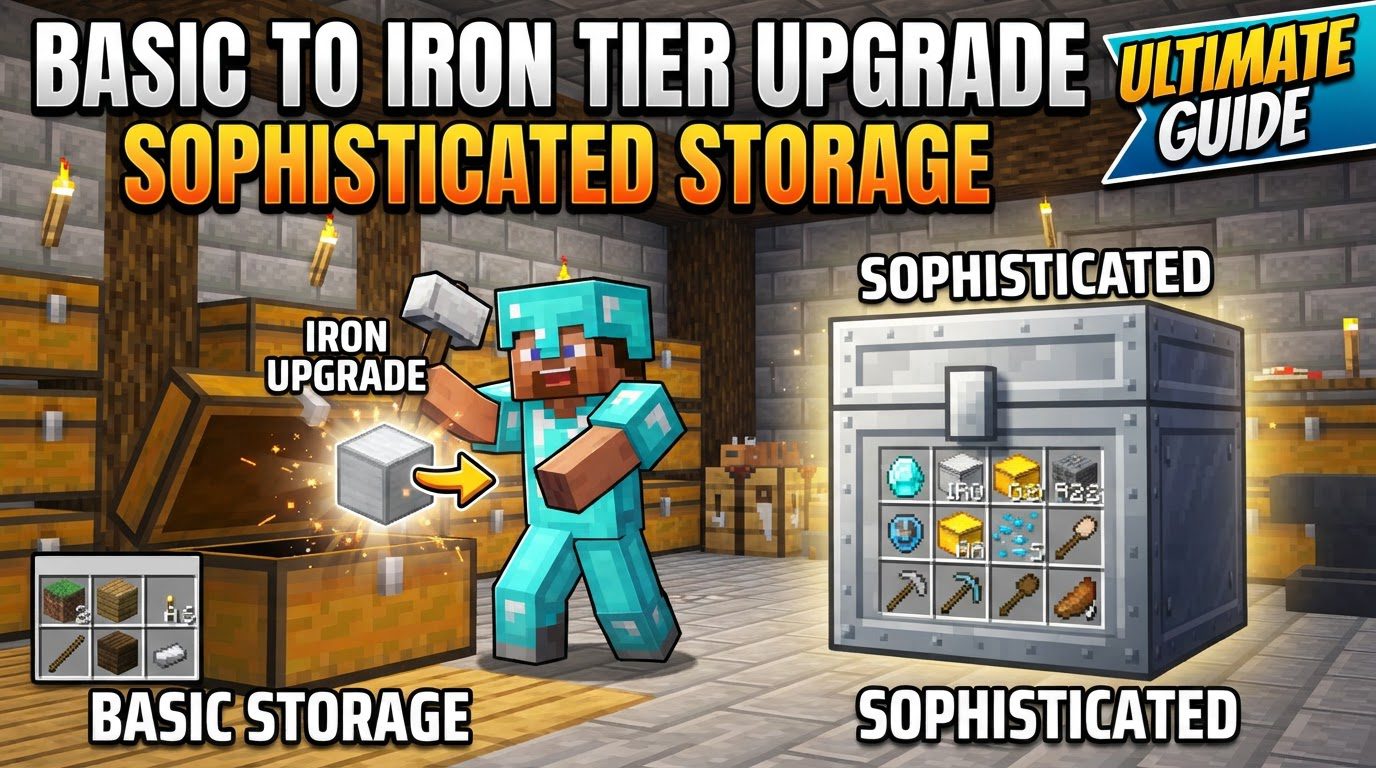
The “Sophisticated Storage” mod revolutionizes inventory management in Minecraft, moving beyond the limitations of vanilla chests with a robust, tiered upgrade system. This guide will illuminate the path from a basic storage setup to the significantly enhanced Iron tier, detailing the mechanics, step-by-step processes, and crucial tips to ensure a seamless upgrade experience. By embracing Sophisticated Storage, players gain not only increased capacity but also a foundation for extensive customization, making item organization a much more efficient and enjoyable aspect of their gameplay.
Understanding Sophisticated Storage Mechanics
At its core, Sophisticated Storage introduces a new paradigm for item organization through its unique Barrels, Chests, and Shulker Boxes. Unlike their vanilla counterparts, these blocks are designed from the ground up for extensive customization and progressive enhancement. The mod employs a tiered system, allowing players to incrementally improve their storage blocks through various material stages: copper, iron, gold, diamond, and ultimately, netherite. Each progression typically brings a substantial increase in inventory capacity, allowing for the storage of more distinct item stacks. Furthermore, higher tiers often unlock additional ‘upgrade slots,’ which are crucial for integrating functional enhancements like filtering, auto-sorting, or even advanced voiding capabilities. This modular approach empowers players to tailor their storage solutions precisely to their needs, evolving from simple item hoards to sophisticated logistical hubs.
One of the mod’s particularly clever features is its ability to integrate with existing vanilla infrastructure. A standard Minecraft chest, often the first storage solution a player crafts, isn’t left behind. Instead, it can be seamlessly converted into a Sophisticated Storage chest through the application of a Basic Tier Upgrade. This ensures that players don’t need to rebuild their entire storage system from scratch, providing a smooth transition into the mod’s advanced capabilities and making it accessible even in established worlds.
The Path to Iron: A Step-by-Step Upgrade Guide
Upgrading your storage from a humble Basic tier to the robust Iron tier is a straightforward process once you understand the necessary components and actions. This journey involves establishing a Sophisticated Storage foundation, acquiring the specific upgrade item, and then applying it correctly.
Establishing Your Basic Storage Foundation
Before you can ascend to the Iron tier, your storage block must first be recognized by the Sophisticated Storage mod. There are two primary ways to achieve this:
- Converting a Vanilla Chest: If you’re starting with a regular Minecraft chest, you’ll need a Basic Tier Upgrade. This item is crafted by arranging four Sticks around a Lever in a crafting grid. Once crafted, simply right-click this Basic Tier Upgrade onto your vanilla Chest. This action instantly transforms it into a Sophisticated Storage chest, complete with its own upgrade slot and access to a settings menu. This method is excellent for integrating existing storage into the mod’s ecosystem.
- Crafting a Sophisticated Storage Barrel Directly: Alternatively, you can bypass the vanilla chest conversion entirely by crafting a Sophisticated Storage Barrel directly. These barrels are inherently part of the mod’s system and start at the Basic tier, ready for subsequent upgrades. While the specific crafting recipe for a Basic Barrel isn’t detailed here, it’s generally a resource-efficient way to get started if you’re building new storage.
Crucially, regardless of your starting method, the storage block (be it a chest or a barrel) must already be at least a “Basic” tier Sophisticated Storage item to accept any further tier upgrades. You cannot jump directly from a vanilla chest to an Iron chest without first applying the Basic upgrade or crafting a Basic Sophisticated Storage block.
Acquiring the Iron Tier Upgrade
With your Basic Sophisticated Storage block in place, the next step is to obtain the Iron Tier Upgrade item itself. While the precise crafting recipe for the Iron Tier Upgrade isn’t provided in the current documentation, its existence is confirmed as the necessary component for this specific upgrade. Typically, these tier upgrades involve the raw material (in this case, iron ingots) combined with a previous tier upgrade or a specific Sophisticated Storage component in a crafting grid. Players should consult their in-game recipe book (like JEI or REI) for the exact crafting pattern in their specific modpack version.
Seamless Integration: Applying the Upgrade
Once you have both your Basic tier Sophisticated Storage block and the Iron Tier Upgrade item in hand, the final step is remarkably simple. Hold the Iron Tier Upgrade item in your hand and right-click directly onto your Basic tier Sophisticated Storage chest or barrel. The mod will automatically process the upgrade, transforming your storage block into its Iron tier equivalent. You’ll immediately notice the enhanced storage capacity and potentially a greater number of available upgrade slots, signaling a successful transition.
Navigating the Upgrade Path: Essential Tips for Success
To ensure a smooth experience with Sophisticated Storage, keep these critical tips in mind:
- Tiered Progression is Key: Sophisticated Storage upgrades are designed for sequential application. This means you generally cannot skip tiers. For instance, to reach Iron, you might first need to go from Basic to Copper (if a Copper tier exists in your modpack’s progression before Iron), and then from Copper to Iron. Always follow the established tier hierarchy.
- Compatibility Checks: Always verify that the storage container you intend to upgrade is indeed a Sophisticated Storage block. As mentioned, the mod’s upgrades are exclusive to its own blocks. If there’s any doubt, the safest bet is to first apply a Basic Tier Upgrade to a vanilla chest, converting it into a compatible Sophisticated Storage item.
- Identify Correct Upgrades: The Sophisticated Storage ecosystem includes various types of upgrades. Be mindful that there are specific upgrades for Sophisticated Backpacks and distinct ones for Sophisticated Storage blocks (chests, barrels, shulker boxes). Double-check that you are using the correct “Tier Upgrade” for your storage container, not a backpack upgrade or a functional upgrade.
Avoiding Pitfalls: Common Mistakes to Sidestep
Even with a clear process, certain errors can hinder your progress. Being aware of these common mistakes can save you time and resources:
- Using Incorrect Storage Blocks: This is perhaps the most frequent error. Sophisticated Storage upgrades are exclusively compatible with Sophisticated Storage’s own blocks. Attempting to apply these upgrades to chests from other mods (e.g., “Iron Chests” mod, “Storage Drawers”) will not yield any results and will consume your upgrade item without effect. Always ensure your target block is a Sophisticated Storage chest, barrel, or shulker box.
- Mixing Upgrade Types: Resist the urge to combine Sophisticated Storage Upgrades with upgrade items from other modification packs. Mod compatibility in Minecraft is complex, and cross-mod upgrade functionality is rarely present unless explicitly stated. Stick to the Sophisticated Storage items for Sophisticated Storage blocks.
- Inconsistent Capacity Expectations: While tier upgrades generally increase capacity, be aware that in some versions or configurations, there might be slight inconsistencies. Occasionally, a higher-tier block might have a similar capacity to a lower one, or barrels might outperform chests of the same tier. This has been noted as a potential bug in certain versions. Always verify the capacity increase after upgrading to manage your expectations.
- Pre-existing Items and Functional Upgrades: While not directly related to tier upgrades, it’s worth noting a common issue with other functional upgrades, such as “Stack Size Upgrades.” If you plan to apply such an upgrade, you might need to empty any item stacks that exceed the vanilla stack limit (e.g., stacks over 64 items) from the inventory before applying the upgrade. This ensures the upgrade can properly re-evaluate and apply its effects without conflicting with oversized stacks.
By diligently following these guidelines and understanding the nuances of the Sophisticated Storage mod, you can efficiently upgrade your storage solutions from a basic setup to the robust Iron tier and beyond. This foundational knowledge empowers you to build highly organized and scalable storage systems, transforming your Minecraft experience into one of greater order and efficiency.
Tags:
YOU MAY ALSO LIKE...