Betterend 1.20.1
A common pitfall for Minecraft adventurers eager to explore a revitalized End dimension is attempting to run BetterEnd, a Fabric-exclusive modification, directly on a Forge installation. This seemingly minor oversight can lead to frustrating crashes, unexpected errors, or even bizarre, broken world generation, underscoring the importance of understanding its core requirements. For players seeking to transform the barren expanse of Minecraft’s final frontier into a vibrant, diverse landscape, BetterEnd 1.20.1 offers an unparalleled overhaul. This comprehensive guide will equip you with everything you need to successfully integrate and explore this expansive mod.
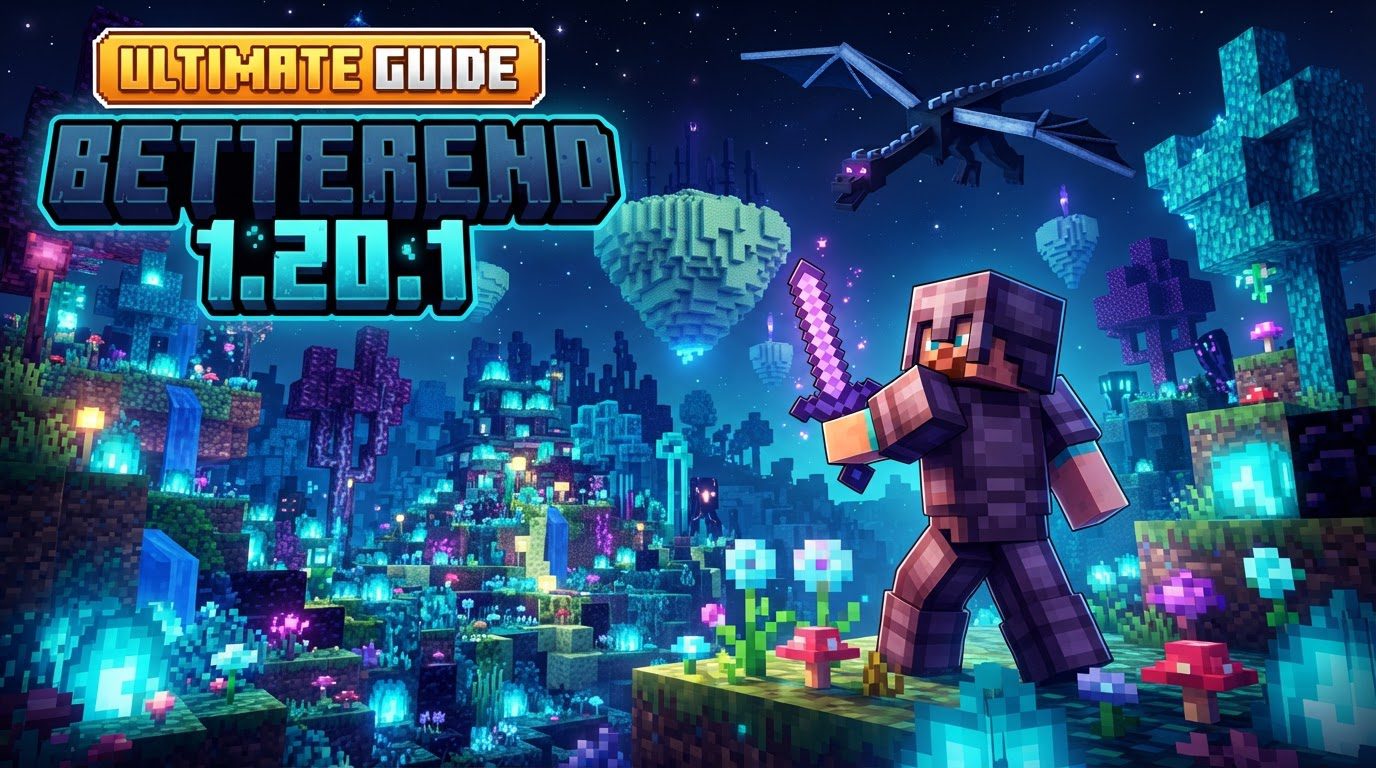
Transforming the Void: What is BetterEnd 1.20.1?
BetterEnd 1.20.1 is a monumental mod designed to completely reimagine the End dimension. Gone are the days of a monotonous, purple wasteland; BetterEnd transforms it into a dynamic realm teeming with life, unique ecosystems, and countless new discoveries, offering an entirely new exploration experience.
Exploring the Expanded End: Core Features and Mechanics
The true brilliance of BetterEnd lies in its extensive array of new content, meticulously crafted to enhance every aspect of End exploration. From novel biomes to intricate crafting systems, the mod ensures every journey into this dimension is filled with surprises.
- Diverse Biomes and Ecosystems: BetterEnd introduces a plethora of new biomes, each with distinct atmosphere, flora, and fauna. Traverse vibrant Crystal Mountains, eerie Foggy Mushroomland, or ancient Amber Land. Each biome is visually unique, featuring custom soundscapes, immersive music, and special environmental effects for a truly sensory experience.
- New Mobs and Wildlife: Several new, often biome-specific, creatures populate these diverse biomes, contributing to their character and offering new challenges and resources.
- An Abundance of New Blocks and Items: Discover an astonishing variety of new blocks for building, including numerous wood and stone types. Beyond building, the mod introduces new food sources, unique tools, powerful armor sets, specialized weapons, and previously unseen ores, all integral to End progression.
- Advanced Crafting Mechanics: BetterEnd deepens crafting with innovative systems. Infusion Rituals provide magical, multi-block crafting for powerful items, often requiring specific conditions. New Anvil Recipes expand the anvil’s utility for unique item modifications.
- Enhanced End Tool Progression: An expanded progression path specifically for tools and equipment found and crafted within the End encourages players to delve deeper for increasingly potent gear.
- Custom World Generation: BetterEnd features a highly customizable and robust End world generator, offering more varied island formations than vanilla. Crucially, it adds intricate caves to End islands, transforming them into multi-layered exploration zones. Generation settings are highly configurable.
Seamless Integration: Installing BetterEnd 1.20.1
Getting BetterEnd up and running is a straightforward process, primarily designed for the Fabric mod loader. Following these steps will ensure a smooth installation on your client:
- Install Fabric Mod Loader: Before anything else, ensure you have the Fabric mod loader installed for Minecraft 1.20.1. This is the foundational requirement for BetterEnd.
- Download Essential Dependencies: BetterEnd relies on two crucial dependencies: Fabric API and BCLib. It is imperative to download the versions that precisely match your Minecraft 1.20.1 installation. You can find these on their respective CurseForge or Modrinth pages.
- Obtain BetterEnd Itself: Navigate to the official CurseForge or Modrinth page for BetterEnd and download the .jar file specifically for Minecraft 1.20.1.
- Locate Your Mods Folder: Open your Minecraft launcher. Go to the “Installations” tab. Hover over your Fabric profile (e.g., “fabric-loader-1.20.1”) and click the “Open Folder” icon that appears.
- Place Mod Files: In the newly opened window, you will either find an existing “mods” folder, or you may need to create one if it doesn’t exist. Drag and drop all three downloaded .jar files (BetterEnd, Fabric API, and BCLib) into this “mods” folder.
- Launch Your Game: Close the folder, return to the Minecraft Launcher, and press “Play” on your Fabric profile. Minecraft will now load with BetterEnd successfully integrated.
For server administrators, the process is largely similar: stop your server, access your server’s files (often via FTP), locate or create the ‘mods’ folder, upload the BetterEnd, Fabric API, and BCLib .jar files, and then restart your server.
Maximizing Your Experience: Tips and Compatibility Notes
To ensure the best possible experience with BetterEnd, keep these important considerations in mind:
- Fabric is Key: BetterEnd is intrinsically built for the Fabric mod loader. While attempts to run it on Forge exist, it’s not the intended or officially supported path.
- Always Install BCLib: BCLib is a non-negotiable dependency. Without it, BetterEnd will not function, likely causing game crashes. Ensure the correct version is installed.
- Forge Compatibility Challenges: For Forge users, compatibility layers like Sinytra Connector and Forgified Fabric API are needed. However, expect potential crashes, errors, or visual glitches like biomes in unnatural stripes. For BetterEnd, a Fabric modpack is often best.
- Mod Integrations: BetterEnd integrates well with others. Use Just Enough Items (JEI) for new crafting recipes, and look for Patchouli integrations for in-game guidebooks.
Addressing Common Issues: Troubleshooting BetterEnd
Even with careful installation, issues can arise. Here are the most common problems and their solutions:
- Forge Compatibility Crashes: As highlighted, trying to run BetterEnd on Forge 1.20.1, even with compatibility layers, is a frequent source of problems. If you see crashes, errors, or broken End generation, the most reliable solution is to switch to a Fabric-based modpack.
- Missing Dependencies: Game crashes or mod loading failures often point to missing Fabric API or BCLib, or incorrect versions. Double-check all three .jar files are in your mods folder and versions match 1.20.1 precisely.
- Outdated Mod Versions: Using outdated BetterEnd or dependency versions can lead to runtime exceptions and crashes. Always download the latest stable versions for Minecraft 1.20.1.
- Mod Conflicts: With many mods, conflicts can occur. If BetterEnd causes issues, try temporarily removing other mods to isolate the problem. Check console logs for specific error messages.
Embark on Your End Adventure
BetterEnd 1.20.1 transforms the End dimension from a place of finality into a realm of endless discovery. With its diverse biomes, intriguing creatures, expanded crafting systems, and robust world generation, it offers an entirely new chapter in your Minecraft journey. By following this guide, understanding its Fabric-centric nature, and being mindful of dependencies, you’re well-equipped to dive into this breathtaking overhaul and uncover the many secrets the revitalized End holds. Prepare to be amazed by the vibrancy and depth that awaits beyond the portal.
Tags:
YOU MAY ALSO LIKE...