

Betterend 1.21.1 Neoforge
A common mistake often made by players diving into modded Minecraft is underestimating the transformative power a single mod can have on an entire dimension. While the End in vanilla Minecraft is often seen as a desolate, featureless void after the Ender Dragon fight, the “BetterEnd: New Dawn” mod for Minecraft 1.21.1 on NeoForge completely redefines this experience. Far from being a mere aesthetic overhaul, BetterEnd turns the End into a vibrant, immersive, and expansive realm brimming with unique challenges, resources, and breathtaking vistas.
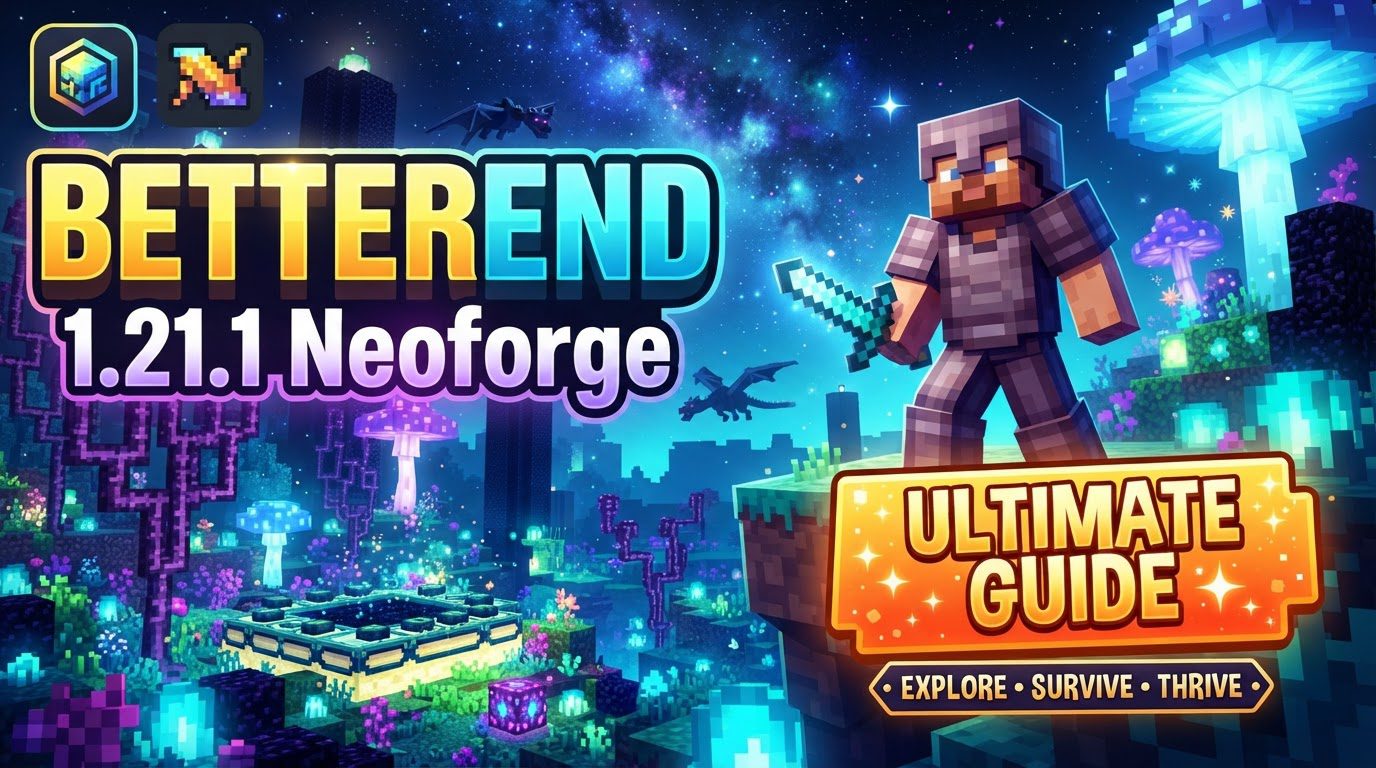
Reimagining the End Dimension
BetterEnd’s core mission is to transform the End from an empty, somewhat monotonous space into a dynamic and captivating world worthy of extensive exploration. It achieves this by introducing an astonishing array of new content and mechanics, fundamentally altering how players interact with this late-game dimension.
- Vast Biome Diversity: The mod boasts over 24 distinct biomes, each meticulously crafted to offer a unique atmosphere and gameplay experience. Imagine traversing landscapes adorned with purple nebulas and shimmering stars, each biome featuring its own custom music, environmental sounds, and visual effects that immerse you deeply into its character. From sprawling crystal forests to eerie, glow-in-the-dark caverns, every corner of the End becomes an adventure.
- New Inhabitants: To populate these new environments, BetterEnd introduces 6 novel mob types. These creatures aren’t just generic additions; some exhibit biome-specific variations, adding another layer of depth and challenge to your explorations. Encountering them will require new strategies and understanding of their behaviors within their native habitats.
- Expanded Material Palette: The mod dramatically expands the building and crafting possibilities within the End. Players will discover numerous new blocks, including an impressive collection of 9 distinct wood types and 7 unique stone types. These materials not only offer fresh aesthetic options for construction but also serve as foundations for new tools and items.
- Enhanced Progression and Crafting: Beyond blocks, BetterEnd introduces new food sources, alongside a comprehensive suite of new tools, armor, and weapons tailored for the End’s unique challenges. Crucially, it integrates new gameplay mechanics such as Infusion Rituals, which likely involve complex crafting processes to imbue items with special properties, and specialized Anvil Recipes that expand the utility of the traditional anvil. A unique End tool progression system ensures that players have compelling reasons to delve deeper into the dimension and master its resources.
- Custom World Generation: At the heart of BetterEnd’s transformation is its custom End world generator. This sophisticated system creates diverse island shapes, varied terrain, and significantly alters the height variations of the End islands. Furthermore, it introduces deep caves filled with unique resources, encouraging vertical exploration and offering new subterranean biomes distinct from the surface.
Why NeoForge for 1.21.1?
For players venturing into modded Minecraft 1.21.1, NeoForge has become a primary choice for many developers. While other mod loaders exist, a significant trend for Minecraft versions 1.20.2 and newer shows many mod creators are primarily targeting NeoForge. This makes NeoForge the ideal and often necessary platform to experience mods like “BetterEnd: New Dawn” with the latest game updates, ensuring compatibility and access to the newest features and bug fixes.
Seamless Installation Process
Getting “BetterEnd: New Dawn” up and running on your Minecraft 1.21.1 NeoForge instance is a straightforward process, but it requires careful attention to detail, especially regarding dependencies. Follow these steps to ensure a smooth setup:
- Install NeoForge: First and foremost, ensure you have NeoForge specifically installed for Minecraft 1.21.1. This is the foundational requirement for running any NeoForge-based mods.
- Download “BetterEnd: New Dawn”: Navigate to reputable mod distribution platforms such as CurseForge or Modrinth. Search for “BetterEnd: New Dawn” and download the specific mod file compatible with Minecraft 1.21.1 and NeoForge. Always double-check the version numbers.
- Acquire Essential Dependencies: “BetterEnd: New Dawn” does not operate in isolation. It relies on several core libraries to function correctly. You will need to download these required dependency mods, which typically include BCLib, WunderLib, and WorldWeaver. Like BetterEnd itself, ensure you download the versions compatible with Minecraft 1.21.1 and NeoForge from the same reputable sources.
- Place Mods in the `mods` Folder: Once you have downloaded the “BetterEnd: New Dawn” `.jar` file and all its dependency `.jar` files, locate your NeoForge game instance directory. Inside this directory, you will find a folder named `mods`. Drag and drop all the downloaded `.jar` files directly into this `mods` folder.
- Launch Minecraft: Start your Minecraft launcher and select your NeoForge 1.21.1 profile. Launch the game. If all files are correctly placed and compatible, “BetterEnd: New Dawn” should now be active, ready for you to generate a new world and explore the transformed End.
Expert Tips for a Stable Modded Experience
To maximize your enjoyment and minimize potential headaches when running “BetterEnd: New Dawn” and other mods, consider these best practices:
- Dedicated Game Directories: It is highly recommended to create a separate game directory for your modded Minecraft instances. This practice isolates your modded setups from your vanilla game, preventing file conflicts and making troubleshooting much simpler. Most modern launchers, like the official Minecraft launcher or third-party alternatives, offer options to create distinct game profiles with their own directories.
- Regular World Backups: Before updating NeoForge, “BetterEnd: New Dawn,” or any other installed mods, make it a habit to back up your Minecraft worlds. Mod updates, while usually beneficial, can sometimes introduce unforeseen incompatibilities or bugs that may corrupt world data. A recent backup can be a lifesaver, preventing the loss of hours of progress.
- Source Mod Files Wisely: Always obtain your mod files exclusively from reputable and well-known sources such as CurseForge or Modrinth. These platforms vet mod submissions, significantly reducing the risk of downloading malicious software or incompatible files. Avoid obscure or unofficial download sites, which often host outdated, broken, or dangerous versions of mods.
Navigating Common Issues and Troubleshooting
While “BetterEnd: New Dawn” is a well-crafted mod, integrating it into a complex modded environment, especially with tools like Sinytra Connector, can sometimes lead to specific challenges. Understanding these common issues and how to report them effectively is crucial.
- Sinytra Connector Compatibility Challenges: If you are utilizing Sinytra Connector, a utility that allows Fabric mods to run on NeoForge, you might encounter an issue where BetterEnd’s surface terrain generation is broken. This often manifests as foliage and trees failing to spawn correctly within its biomes. Fortunately, a specific datapack fix is available to resolve this particular problem. Players using Sinytra Connector should actively seek out and apply this fix if they observe these visual anomalies.
- Crashes with Connector Beta 11: A known critical issue exists when combining “BetterEnd” and “BetterNether” with Sinytra Connector Beta 11 on NeoForge 1.21.1. This specific combination can lead to client crashes. The research suggests this might be related to underlying issues with dependencies like WorldWeaver or WunderLib in this particular setup. If you experience crashes with this exact configuration, consider checking for newer versions of Sinytra Connector, its dependencies, or BetterEnd that might resolve the conflict, or temporarily avoid this combination if possible.
- Effective Issue Reporting: Should you encounter any problems with “BetterEnd: New Dawn,” it’s vital to report them correctly to facilitate a solution.
- Report to the Right Place: Always report issues directly to the New Dawn issue tracker. Do NOT report them to the original BetterEnd repository, as “BetterEnd: New Dawn” is a distinct continuation or fork.
- Provide Comprehensive Details: When submitting an issue, include as much relevant information as possible. This typically includes:
- Your specific Minecraft version (e.g., 1.21.1).
- The mod loader you are using (NeoForge) and its exact version.
- The precise version of “BetterEnd: New Dawn” you have installed.
- The versions of all critical dependency mods, including BCLib, WunderLib, and WorldWeaver.
- A complete list of all other mods you have installed.
- The latest log file or, if applicable, the complete crash report.
- Clear, step-by-step instructions on how to reproduce the issue. This is invaluable for developers to diagnose and fix the problem.
By following this comprehensive guide, you are well-equipped to install, enjoy, and troubleshoot “BetterEnd: New Dawn” on your Minecraft 1.21.1 NeoForge instance. Prepare to rediscover the End, transformed from a barren wasteland into a truly epic and unforgettable dimension.
Tags:
YOU MAY ALSO LIKE...


