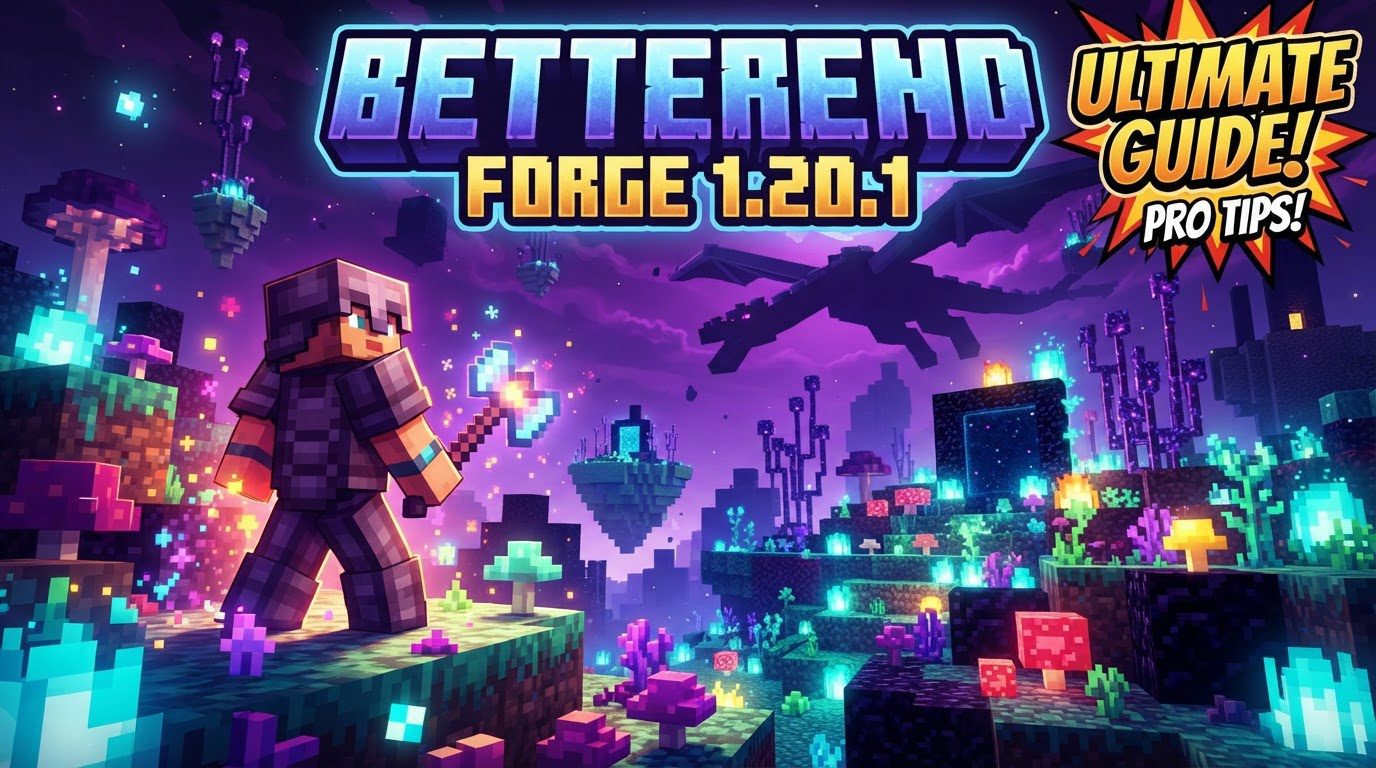
Betterend Forge 1.20.1
The End dimension, often viewed as a desolate wasteland only worth visiting for the final boss and chorus fruit, holds far more potential than its vanilla appearance suggests. With “BetterEnd Forge 1.20.1,” this stark realm undergoes a radical transformation, evolving into a diverse, breathtaking, and resource-rich alien world waiting to be explored. This unofficial port of the popular Fabric mod, BetterEnd, brings its expansive content and atmospheric enhancements to Forge users on Minecraft version 1.20.1, breathing new life into the game’s ultimate frontier.
Unveiling BetterEnd’s Core Enhancements
At its heart, BetterEnd Forge 1.20.1 is about expanding and enriching the End experience. It’s not just a visual overhaul; it fundamentally changes how you interact with and perceive this endgame dimension.
A Reimagined World Generation
The most striking change is the mod’s custom End world generator. Gone are the endless, monotonous void and scattered islands. BetterEnd introduces over 24 new biomes, each meticulously crafted with unique atmospheres, resources, and ecological niches. Players will discover diverse island shapes and terrain, often featuring intricate cave systems that house exclusive minerals and flora. This expanded generation encourages extensive exploration, making every journey into the End a discovery of new and wondrous landscapes.
An Abundance of New Content
- Blocks: Prepare to encounter an impressive array of new building materials. The mod adds 9 distinct wood types, offering unprecedented architectural versatility for End-themed builds. Complementing these are 7 unique stone types, providing fresh textures and structural possibilities.
- Items: Beyond building blocks, BetterEnd introduces a wide assortment of new items. This includes novel food sources for sustenance in this alien environment, as well as a comprehensive progression system for tools, armor, and weapons. These new gear sets are essential for thriving in the End’s challenges.
- Structures: While some features like ruined End bridges are temporarily disabled in this specific port, the mod still generates fascinating structures. Players can discover new variations of End cities and encounter colossal, awe-inspiring trees that dominate the horizon, providing both visual landmarks and valuable resources.
New Life in the Void
The End is no longer a lonely place. BetterEnd populates its new biomes with six distinct new mob types, many of which feature biome-specific variations. These creatures add an element of dynamic interaction and challenge, requiring players to adapt their strategies to different environments. From passive fauna to formidable adversaries, these mobs contribute significantly to the living, breathing feel of the transformed dimension.
Advanced Crafting and Progression
Progression in BetterEnd is multifaceted, incorporating unique crafting mechanics that go beyond the standard crafting table. Players will engage in Infusion Rituals, arcane processes that imbue items with new properties, and utilize Anvil Recipes for specialized smithing. The mod also introduces a dedicated End tool progression system, ensuring that players have a clear path to obtaining more powerful gear as they delve deeper into the dimension’s secrets.
Immersive Atmospheric Enhancements
To truly sell the alien world concept, BetterEnd includes comprehensive atmospheric enhancements. Custom music and sounds envelop the player, creating an otherworldly auditory experience. Visually, the skybox is transformed with stunning effects like purple nebulae and shimmering stars, making exploration not just challenging but also visually spectacular.
Tailored Experience Through Configurability
Recognizing that every player has different preferences, BetterEnd Forge 1.20.1 offers extensive configuration options. Players can delve into the mod’s settings to disable specific biomes, structures, or individual features if they conflict with other mods or simply don’t fit their desired gameplay experience. This level of customization ensures the mod can integrate seamlessly into a wide range of modpacks.
Seamless Integration: Installing BetterEnd Forge 1.20.1
Getting BetterEnd up and running is a straightforward process, whether you’re playing solo or hosting a server. Adhering to these steps will ensure a smooth installation.
- Forge and Dependencies: First and foremost, ensure you have Forge 1.20.1 installed. BetterEnd Forge requires specific libraries to function. You will need to download
BCLibandWunderLib. In some advanced scenarios, if you’re attempting to use a Fabric version of BetterEnd indirectly via compatibility layers, you might also needSinytra ConnectorandForgified Fabric API, but for the native Forge port, BCLib and WunderLib are usually sufficient. - Acquire BetterEnd Forge: Download the “BetterEnd Forge 1.20.1”
.jarfile from a reliable source like CurseForge or Modrinth. Always ensure the version specifically states “Forge” and matches your Minecraft version. - Locate Your Mods Folder:
- For Clients: Open your Minecraft launcher, navigate to the “Installations” tab, hover over your Forge 1.20.1 profile, click the folder icon, and then open the
modsfolder. Alternatively, type%appdata%/.minecraftinto your desktop’s search bar, press Enter, and then open the.minecraftfolder. If amodsfolder doesn’t exist, simply create one namedmods(all lowercase). - For Servers: Access your server’s file system, typically through your hosting provider’s control panel or FTP client. Navigate to the root directory of your Minecraft server instance, where you should find a
modsfolder.
- For Clients: Open your Minecraft launcher, navigate to the “Installations” tab, hover over your Forge 1.20.1 profile, click the folder icon, and then open the
- Place Mod Files: Drag and drop the downloaded BetterEnd Forge
.jarfile, along with its required dependency.jarfiles (BCLib, WunderLib), directly into themodsfolder you located in the previous step. - Launch and Explore:
- For Clients: Launch your Minecraft game, making sure to select your Forge 1.20.1 profile from the launcher.
- For Servers: Restart your Minecraft server to load the new mod files.
Tips for an Optimal BetterEnd Journey
To truly make the most of your transformed End dimension, consider these expert recommendations:
- Expand Your World: BetterEnd Forge 1.20.1 is designed with compatibility in mind. It works well alongside other popular world generation mods such as TerraBlender, Luminous Nether, Garden of the Dead, Biomes O’ Plenty, and Oh The Biomes We’ve Gone. This allows for an even richer and more diverse Minecraft experience across all dimensions.
- In-Game Guidance: For a comprehensive understanding of all the new blocks, items, and mechanics BetterEnd introduces, it’s highly recommended to install Patchouli. This mod provides excellent in-game guide books, often including detailed entries for BetterEnd’s features, crafting recipes, and lore.
- Recipe Revelation: With so many new crafting methods like Infusion Rituals and Anvil Smithing, keeping track of recipes can be challenging. Install Just Enough Items (JEI) to easily view all new recipes and understand how to craft BetterEnd’s unique gear and items.
- Customize Your Experience: Don’t hesitate to utilize the mod’s built-in configuration options. If you find certain biomes or features don’t align with your playstyle or cause conflicts, you can disable them to tailor your End adventure.
Navigating Potential Pitfalls: Common Issues and Solutions
While BetterEnd Forge 1.20.1 offers a fantastic experience, users can occasionally encounter issues. Knowing these common problems can help you troubleshoot effectively:
- Incorrect Versioning: A frequent cause of errors or crashes is using an outdated or incorrect version of Forge, BetterEnd, or its dependencies for Minecraft 1.20.1. Always double-check that all components match the exact Minecraft version.
- Missing Dependencies: Forgetting to install crucial dependencies like BCLib or WunderLib will inevitably prevent BetterEnd Forge from loading or functioning correctly. If you’re attempting to use a Fabric version of BetterEnd with Forge via Sinytra Connector, remember that Forgified Fabric API is also a mandatory dependency.
- Crashes and Instability: Users sometimes report crashes, especially when traveling extensively in the End, or issues where new worlds cannot be created. These can often stem from compatibility conflicts with other mods. Notably, Optifine has been reported to cause issues when used alongside Sinytra Connector, leading to instability. Experiment with removing other mods to isolate the culprit.
- Biome Generation Anomalies: Some players have observed “super weird” biome generation, where biomes appear in unnatural patterns like stripes or concentric circles, rather than organic formations. Additionally, textures for certain tree leaves, such as Pythadendron, might generate incorrectly. These visual glitches can sometimes be resolved by adjusting configuration settings or checking for conflicting world generation mods.
- Server-Side Specific Errors: While a mod might work flawlessly in single-player, server environments can introduce unique challenges. If BetterEnd functions client-side but causes errors on a server, investigate server logs for specific error messages and ensure all dependencies are correctly installed on the server.
- Rare End Ship Generation: A common complaint is that End ships generate rarely or, in some cases, not at all. This can often be rectified by editing the mod’s configuration file to increase their generation frequency.
- Tool and Armor Statistic Discrepancies: Issues have been reported concerning the durability or stats of new armor types like Thallasium and Terminite not matching their intended values. Check the mod’s issue tracker or community forums for potential fixes or updates.
BetterEnd Forge 1.20.1 stands as a monumental unofficial port, transforming the End into a dimension worthy of extensive exploration and discovery. By understanding its features, following the installation guide, and being aware of potential issues, players can unlock a truly unique and breathtaking endgame experience in Minecraft.
Tags:
YOU MAY ALSO LIKE...