Betterend Neoforge
One of the most frustrating experiences for any Minecraft modder is launching their game only to be met with a crash or a missing mod, often due to a simple oversight: forgetting a dependency. For those venturing into the vastly expanded End dimension with BetterEnd: New Dawn on NeoForge, this common pitfall is particularly relevant, as this incredible mod relies on several crucial libraries to transform the End into an alien wonderland.
Introducing BetterEnd: New Dawn for NeoForge
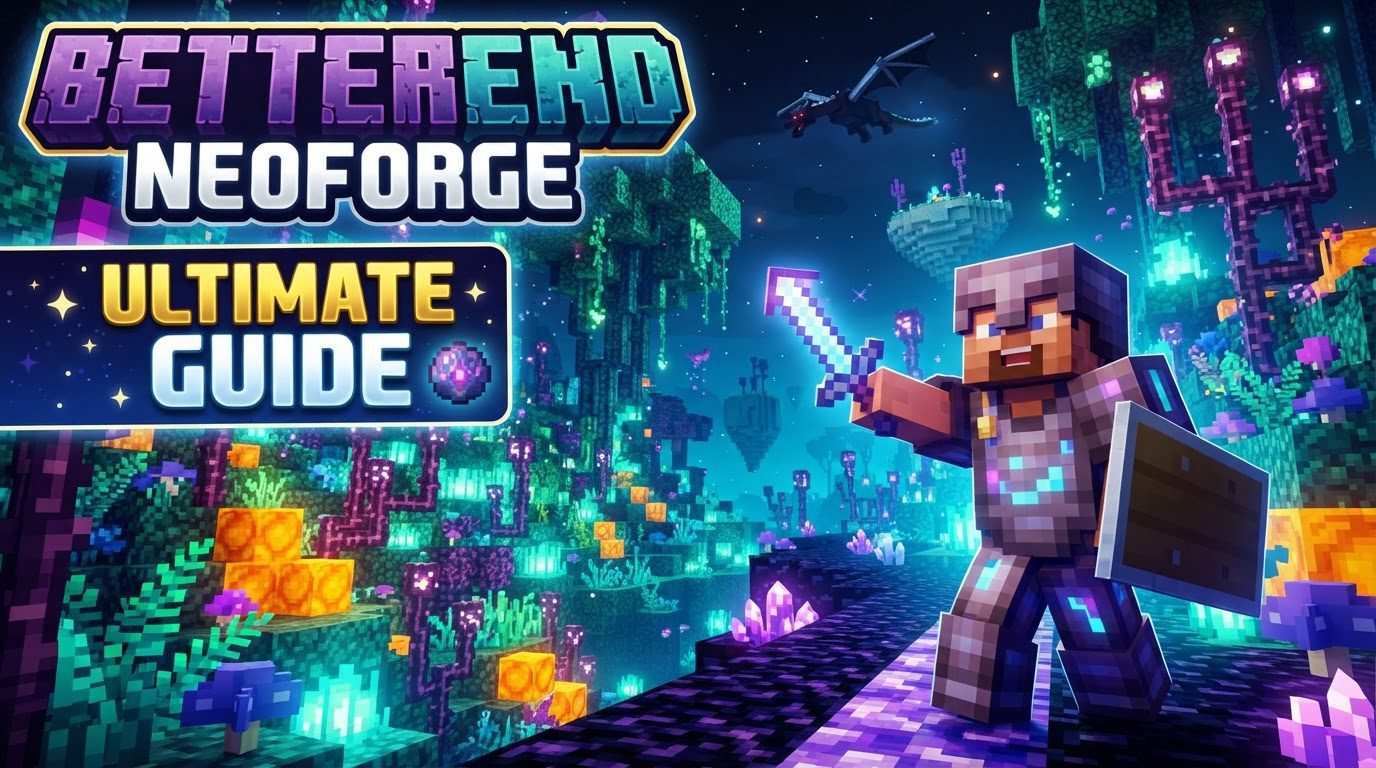
BetterEnd: New Dawn represents an unofficially maintained continuation of the beloved BetterEnd mod, meticulously adapted for both the NeoForge and Fabric mod loaders. This project breathes new life into Minecraft’s End dimension, injecting it with an abundance of fresh content, innovative mechanics, and a complete aesthetic overhaul. It’s not just an update; it’s a reimagining of what the End can be, pushing the boundaries of exploration and progression within the game’s final frontier.
A Transformed Cosmos: Expanded End Generation
At the heart of BetterEnd: New Dawn is its revolutionary approach to world generation within the End. Gone are the days of monotonous, flat islands. This mod introduces a custom world generator that crafts diverse island shapes, varying terrain elevations, and vastly different heights, ensuring that no two journeys through the End feel quite the same. Beyond the surface, players will discover intricate and unique cave systems, teeming with new resources waiting to be unearthed. This expanded generation fundamentally alters the landscape, making exploration a far more engaging and visually stunning experience.
Untamed Vistas: Unveiling New Biomes
Complementing the custom world generation, BetterEnd: New Dawn populates the End with a plethora of new biomes. Each biome is a distinct ecosystem, carefully crafted with its own unique atmosphere, environmental hazards, and valuable resources. From shimmering forests to desolate crystalline wastes, these new biomes offer diverse challenges and rewards. Furthermore, each biome is home to unique mobs, adding layers of danger and discovery to every new area you encounter. The variety ensures that players are constantly discovering new sights and strategies as they delve deeper into the End.
Beyond the Crafting Table: Novel Mechanics and Progression
BetterEnd: New Dawn isn’t just about new scenery; it also introduces compelling new gameplay mechanics that deepen the player’s interaction with the End. Among these are Infusion Rituals, mysterious processes that likely unlock powerful items or enchantments, requiring specific conditions and ingredients. Additionally, the mod integrates specific Anvil Recipes, expanding the utility of the humble anvil for crafting unique End-tier gear. This mod also features a dedicated End Tool Progression system, meaning players will find new materials and crafting paths specifically designed to create tools and armor that are both effective and essential for surviving and thriving in the End’s harsh environments.
Enriching the Experience: Custom Content and Mod Integrations
To fully immerse players in its unique vision of the End, BetterEnd: New Dawn incorporates a rich array of custom content. This includes bespoke music tracks that set the mood for exploration, new sound effects that bring the alien biomes to life, and stunning visual effects that enhance the overall atmosphere. The mod doesn’t exist in a vacuum; it also features thoughtful integrations with other popular Minecraft mods. For instance, it can add new sub-biomes and plants specifically designed to work with mods like “Oh The Biomes You’ll Go” (BYG), creating an even more cohesive and expansive world. This dedication to custom content and interoperability ensures a truly premium modded experience.
Venturing Forth: Installing BetterEnd: New Dawn on NeoForge
Embarking on your enhanced End journey requires a few straightforward steps to ensure everything runs smoothly. Follow this guide carefully:
Step 1: Preparing Your Java Environment
- Before anything else, confirm you have the correct Java version installed for your Minecraft client. For Minecraft versions 1.20.2 through 1.20.4, Java 17 is required. If you’re playing on Minecraft 1.20.5 or a later version, you’ll need Java 21. Without the correct Java version, NeoForge and your mods will not function.
Step 2: Installing NeoForge
- Begin by closing your Minecraft Launcher completely.
- Navigate to the official NeoForged website and download the NeoForge installer, which will be a `.jar` file.
- Run the downloaded installer. In the installer window, ensure that “Install client” is selected. Click “Proceed” to complete the installation.
- Open your Minecraft Launcher. A new run option for NeoForged should now be visible. For better organization and to prevent conflicts with vanilla installations, it is highly recommended to create a custom launch profile. Go to the “Installations” tab, click “New Installation,” give it a descriptive name (e.g., “BetterEnd NeoForge”), select the specific NeoForge version you just installed, and crucially, choose a separate game directory for this modded instance.
Step 3: Acquiring BetterEnd: New Dawn and Its Essential Libraries
- Locate BetterEnd: New Dawn on reputable platforms such as CurseForge or Modrinth.
- Download the version of the mod that is specifically compatible with your Minecraft version and your installed NeoForge version.
- Crucially, BetterEnd: New Dawn is not a standalone mod. It relies on several core libraries to function correctly. Based on common practices for mods within the BetterX family, you will almost certainly need to download compatible versions of:
- BCLib
- WunderLib
- WorldWeaver
Ensure these dependency mods are also downloaded, matching your Minecraft and NeoForge versions.
Step 4: Integrating Mods into Your Game Directory
- After successfully launching Minecraft at least once using your newly created NeoForge custom profile, a `mods` folder will be automatically generated within your specified game directory.
- Place all the downloaded `.jar` files – BetterEnd: New Dawn itself, along with BCLib, WunderLib, and WorldWeaver – directly into this `mods` folder.
Step 5: Launching Your Enhanced End
- Return to your Minecraft Launcher and select your custom NeoForge profile. Start Minecraft. If all steps were followed correctly, BetterEnd: New Dawn should now load, and your End dimension will be gloriously transformed.
Navigating the Void: Essential Tips for a Smooth Experience
- Always Backup Your Worlds: Before updating NeoForge, Minecraft, or any mods, create a backup of your world saves. This simple step can save countless hours of progress if something goes awry.
- Prioritize Trustworthy Sources: Only download mods from established and reputable websites like CurseForge or Modrinth to minimize the risk of malware or outdated files.
- Verify Compatibility: Before downloading any mod, double-check that its version number aligns perfectly with your Minecraft version and your NeoForge loader version. Mismatches are a leading cause of crashes.
- Utilize Dedicated Game Directories: As mentioned in the installation steps, using a separate game directory for modded instances keeps them isolated from your vanilla Minecraft installations, preventing file corruption or conflicts.
- Report Issues Thoughtfully: Should you encounter any bugs or problems with BetterEnd: New Dawn, report them to its specific issue tracker (often found on its Modrinth or GitHub page). Do not report issues to the original BetterEnd developers or the BetterX Team, as they do not maintain this unofficial port. When reporting, include your Minecraft version, mod loader and version, BetterEnd: New Dawn version, all dependency versions (BCLib, WunderLib, WorldWeaver), your complete mod list, and any relevant logs or crash reports.
Common Pitfalls and How to Avoid Them
Even experienced modders can stumble. Here are some frequent issues and how to prevent them:
- Missing Dependencies: This is perhaps the most common error. Forgetting to install essential library mods like BCLib, WunderLib, and WorldWeaver will invariably lead to game crashes or prevent BetterEnd: New Dawn from loading at all. Always read the mod description carefully for required dependencies.
- Incorrect Version Mismatch: Attempting to run a version of BetterEnd: New Dawn or its dependencies that does not match your specific Minecraft or NeoForge version is a guaranteed way to cause your game to crash or the mod to simply fail to appear. Double-check all versions before downloading and installing.
- Biome Generation Issues with Sinytra Connector: If you are using Sinytra Connector (a tool to run Fabric mods on NeoForge), you might encounter broken surface terrain generation within BetterEnd biomes. This can manifest as missing foliage, trees, or other biome-specific features. For specific Minecraft versions, particularly 1.21, there might be a dedicated datapack fix available to address this specific incompatibility.
- Reporting Issues to the Wrong Developers: As highlighted in the tips, directing bug reports for BetterEnd: New Dawn to the original BetterEnd or BetterX developers is incorrect and unhelpful, as they are not responsible for this unofficial port. Always check the mod page for the correct issue tracker.
- Not Having Java Installed: NeoForge requires a specific Java Development Kit (JDK) to be installed on your system to run. If you haven’t installed the correct Java version (e.g., Java 17 for 1.20.4 or Java 21 for 1.20.5+), NeoForge and your mods will fail to launch.
With this guide, you’re well-equipped to transform your End dimension into an unforgettable realm of discovery and challenge, all powered by the robust foundation of NeoForge and the creative vision of BetterEnd: New Dawn.
Tags:
YOU MAY ALSO LIKE...